
Built for How Business Buys.



/11-133-587/1.png)
/11-133-587/1.webp)
View 170 WS ARGB Micro Chassis
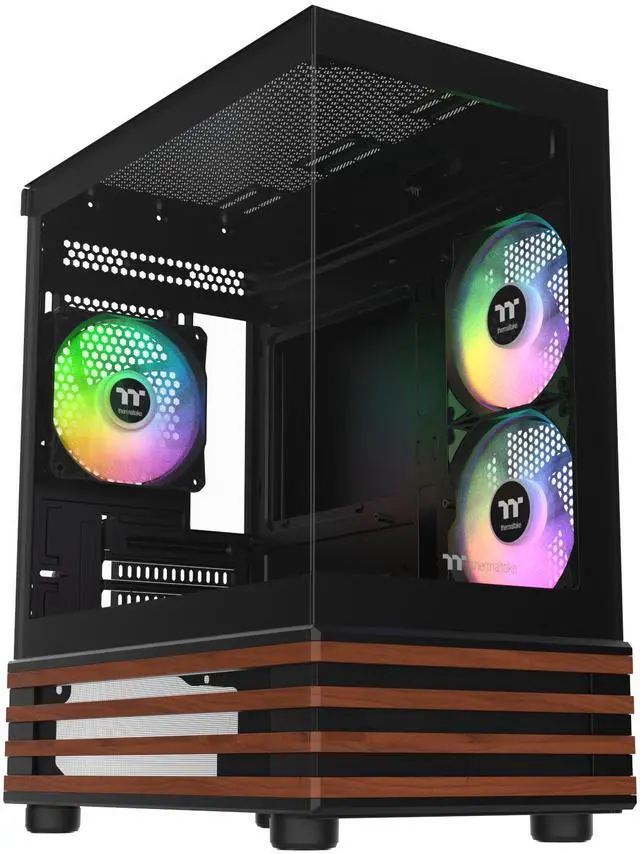
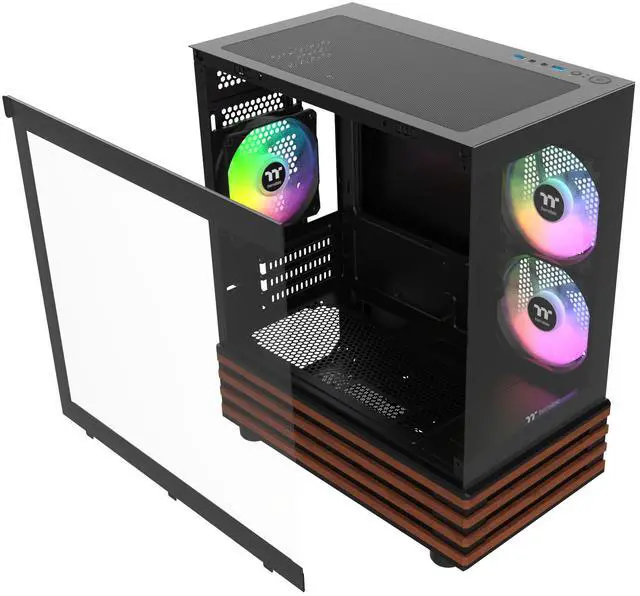
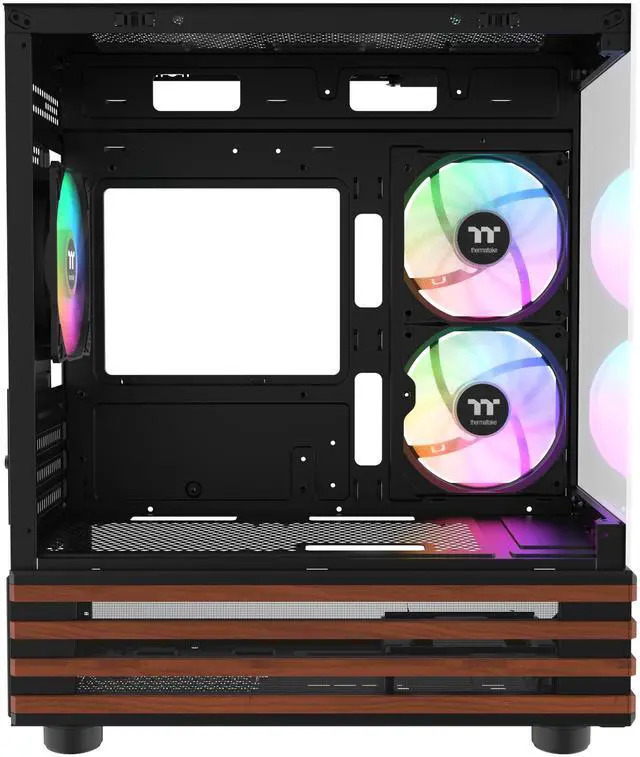
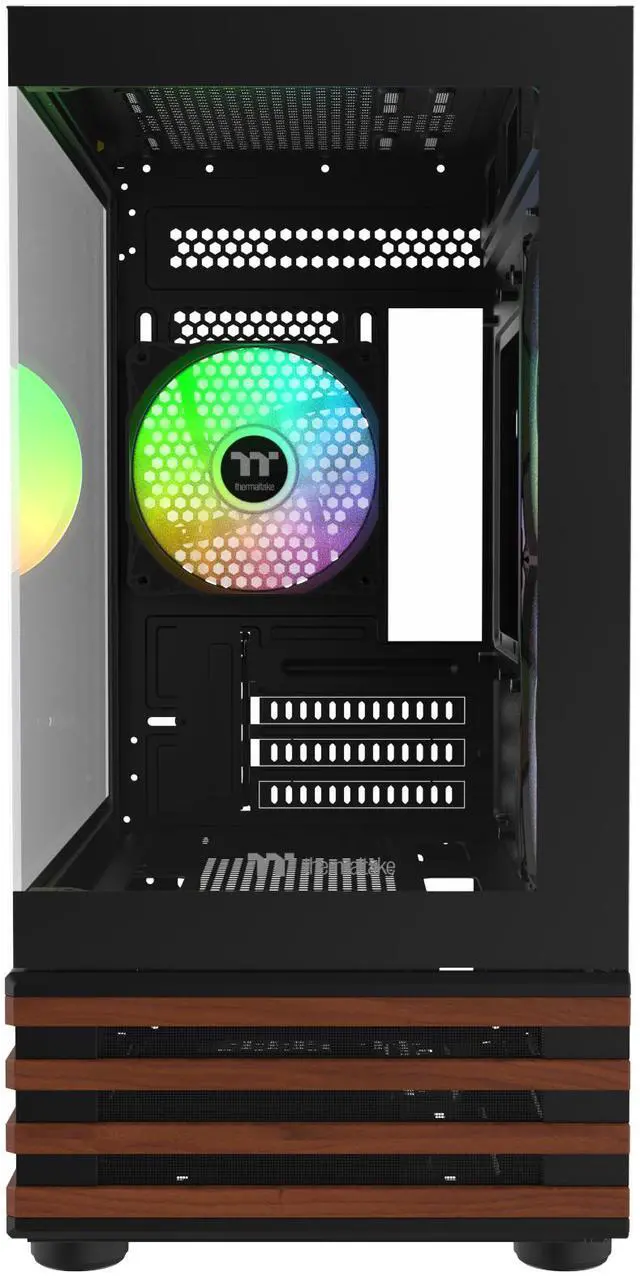
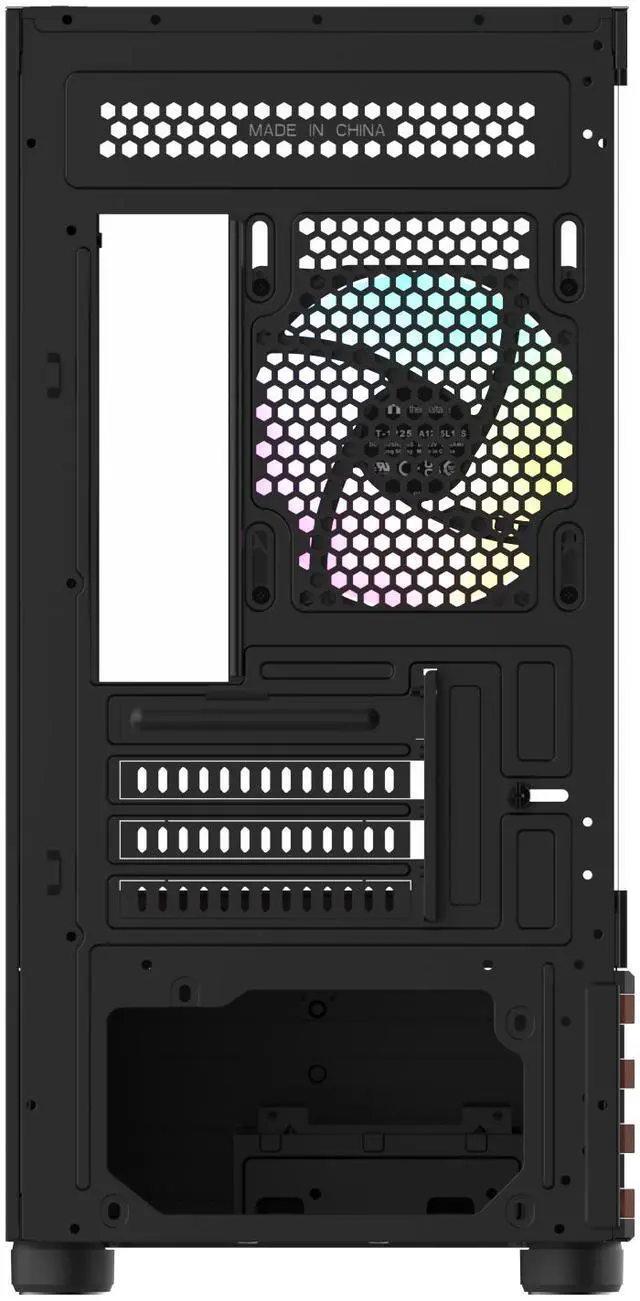
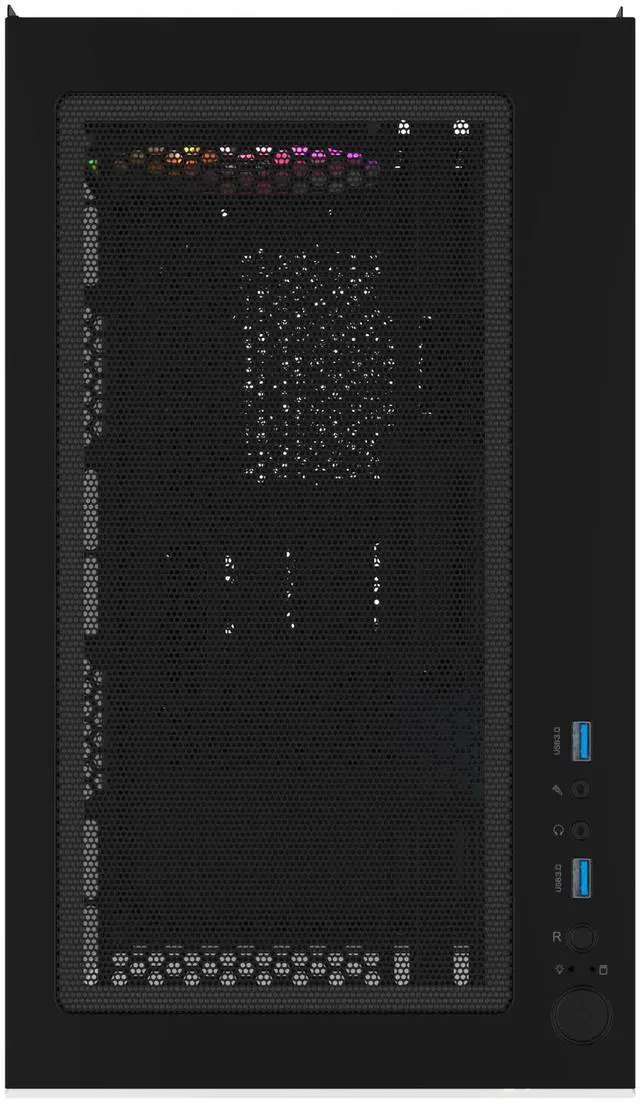
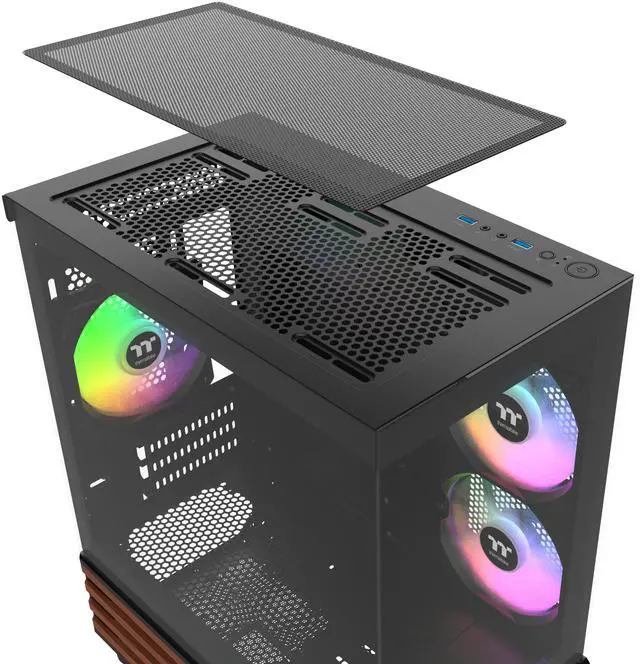
Built for amazing views, the View 170 WS ARGB Micro Chassis is an M-ATX case accented with stylish wood elements, tempered glass front and left panels, and comes with two 120mm ARGB Lite Reverse Fan on motherboard side and one 120mm ARGB Lite Fan at the rear.
/11-133-587/16a2.png)
/11-133-587/16a3.png)
/11-133-587/16a4.png)
/11-133-587/16a5.png)
/11-133-587/16a1.png)
Take in the View
The View 170 WS ARGB Micro Chassis is designed for better visibility, allowing users to enjoy their system through the tempered glass front and left panels.
/11-133-587/3.jpg)
The image is for reference only.
The image is for reference only.
Take in the View
The View 170 WS ARGB Micro Chassis is designed for better visibility, allowing users to enjoy their system through the tempered glass front and left panels.
/11-133-587/4.jpg)
The image is for reference only.
Up to a 280mm/240mm Radiator
Providing good cooling support, users can choose to place a 280mm/240mm radiator on the top of the View 170 WS ARGB Micro Chassis.
Fans to Get You Started
The View 170 WS ARGB Micro Chassis comes with two 120mm ARGB Lite Reverse Fan on the motherboard side and one 120mm ARGB Lite Fan at the rear. It’s fascinating lighting effects can be controlled by motherboard software from ASUS, GIGABYTE, MSI, and ASRock.
/11-133-587/5.jpg)
The image is for reference only.
The image is for reference only.
Fans to Get You Started
The View 170 WS ARGB Micro Chassis comes with two 120mm ARGB Lite Reverse Fan on the motherboard side and one 120mm ARGB Lite Fan at the rear. It’s fascinating lighting effects can be controlled by motherboard software from ASUS, GIGABYTE, MSI, and ASRock.
Flexibility to Build Your Best
Dimensions
/11-133-587/6.jpg)
Fan Capacity
/11-133-587/7.jpg)
/11-133-587/8.jpg)
Radiator Capacity
/11-133-587/9.jpg)
/11-133-587/10.jpg)
/11-133-587/11.jpg)
/11-133-587/12.jpg)
Storage for Your Storage
For storage compatibility, the View 170 WS ARGB Micro Chassis gives maximum support of up to two 2.5‘’ SSDs and one 3.5‘’ HDD in total.
/11-133-587/13.png)
The image is for reference only.
/11-133-587/13.jpg)
The image is for reference only.
Handy I/O Ports
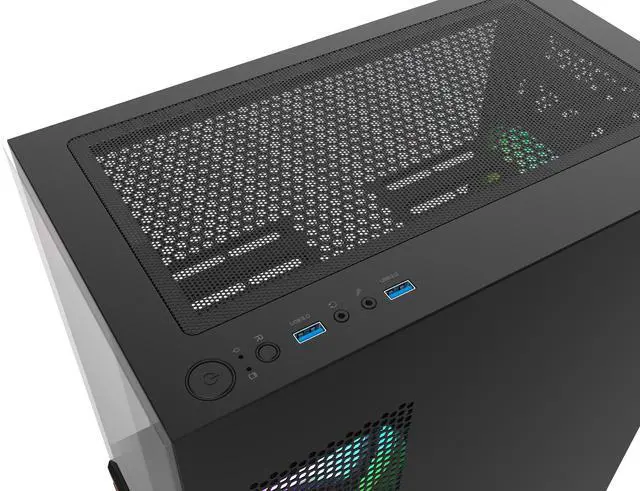
Two USB 3.0 ports and an HD audio port are located on the top panel for instant access when needed.
/11-133-587/14a.jpg)
/11-133-587/14.png)
/11-133-587/15a.jpg)
/11-133-587/15.jpg)
Sync with Motherboard RGB Software
Designed to synchronize with ASUS Aura Sync, GIGABYTE RGB Fusion, MSI Mystic Light Sync, and ASRock Polychrome. It supports motherboards with a 5V addressable RGB header, allowing you to control the lights directly from the software mentioned above without installing any extra lighting software or controllers. For more details, please visit ASUS, GIGABYTE, MSI, and ASRock official websites.
Aura Addressable Header
ASUS
Digital Pin Header
GIGABYTE
JRAINBOW Header
MSI
Addressable RGB LED Header
ASRock
| Category | Caution |
| Chassis, ARGB Fan, ARGB AIO |
|
| RGB Memory, VGA Waterblock, Distro Plate |
|