
Built for How Business Buys.




Monitor
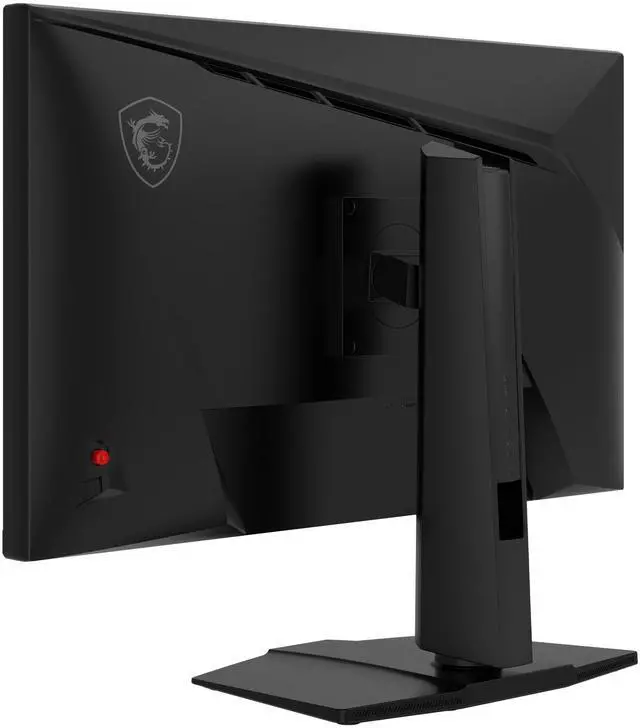
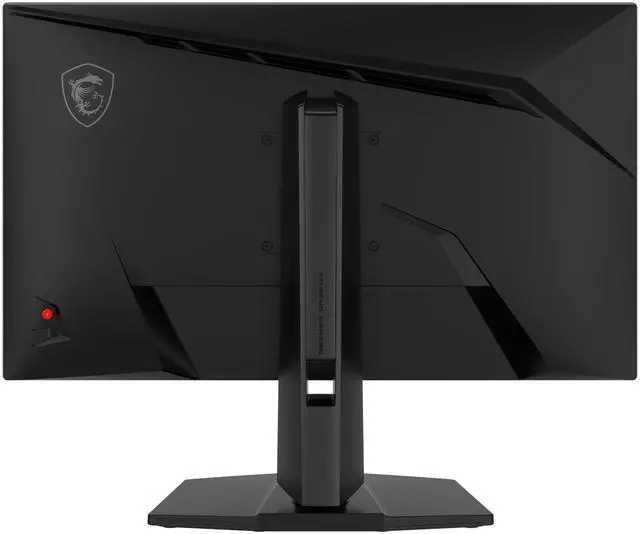
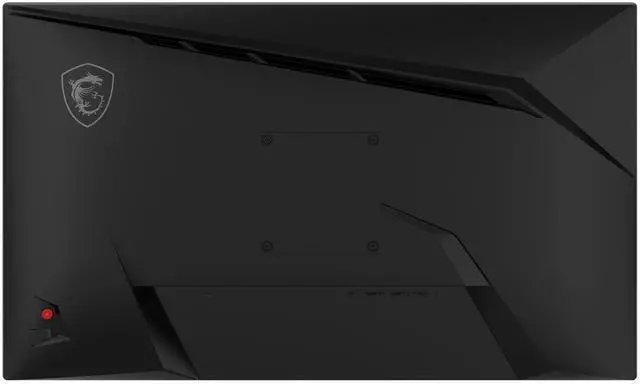
MAG 274QPF E20


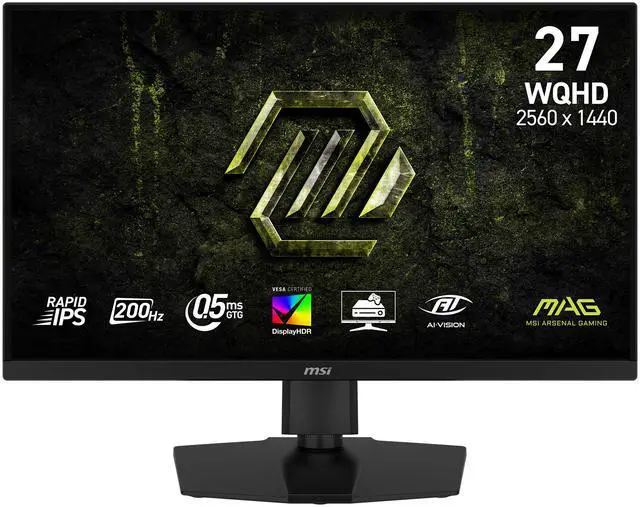
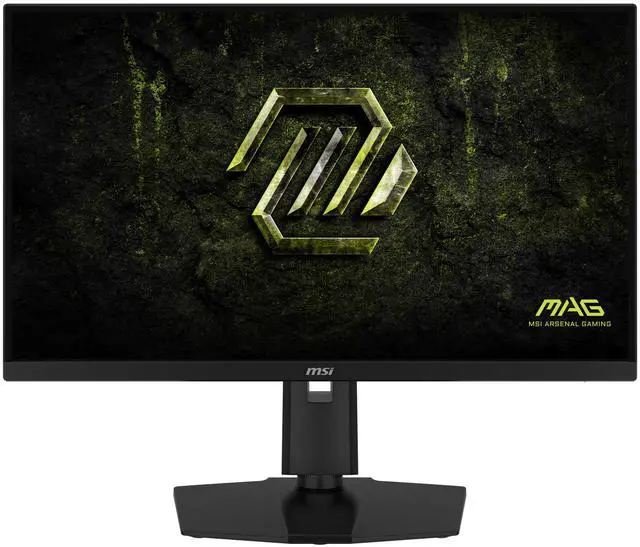
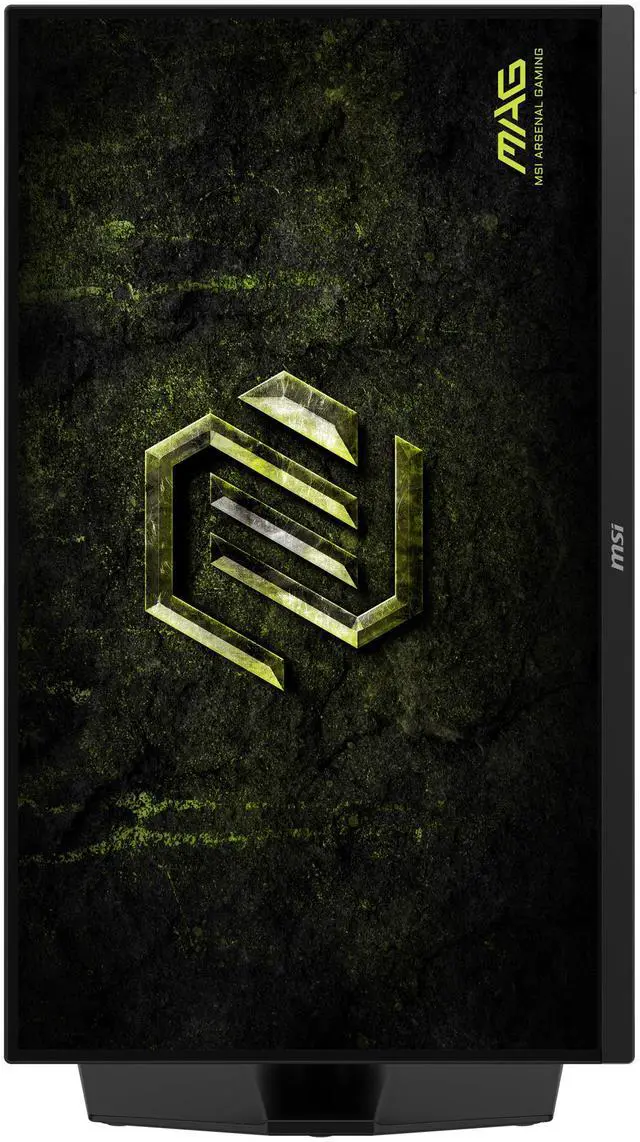
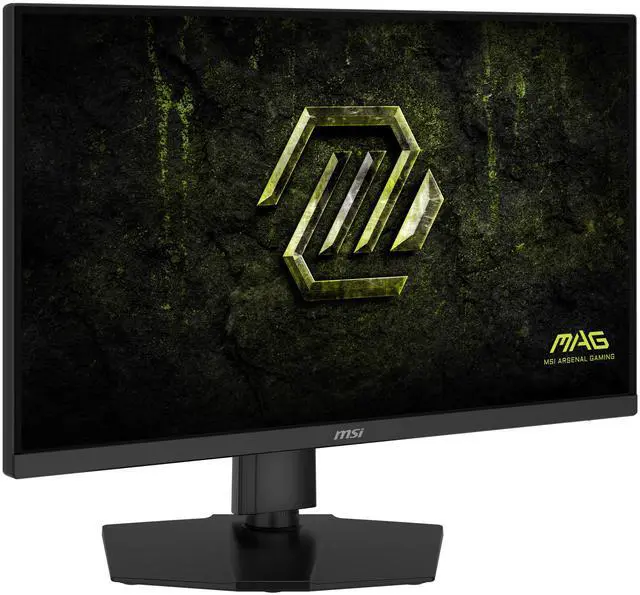
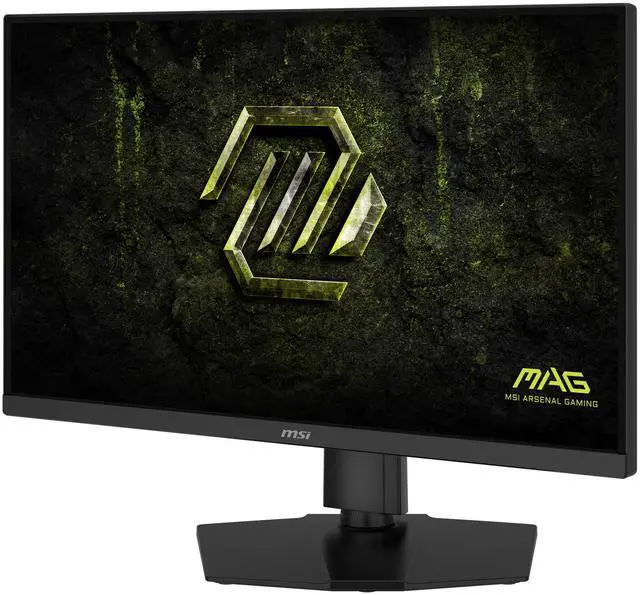
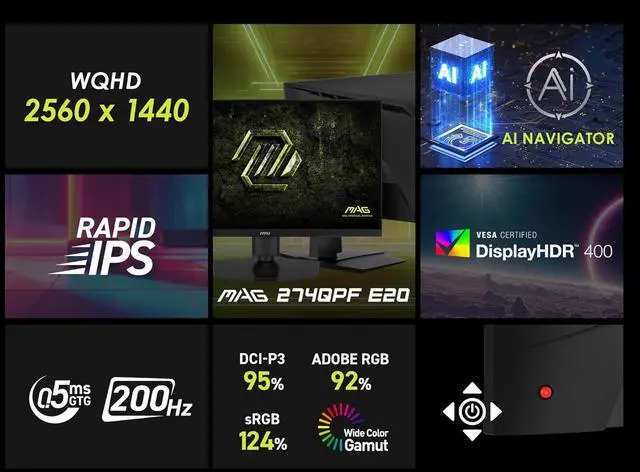
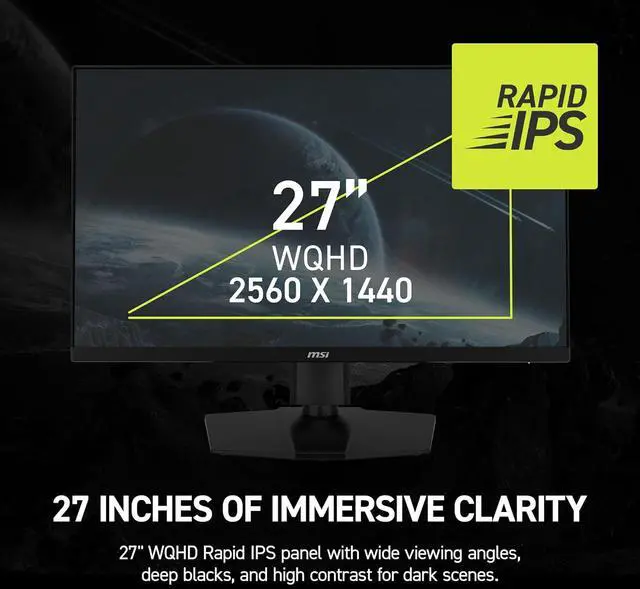
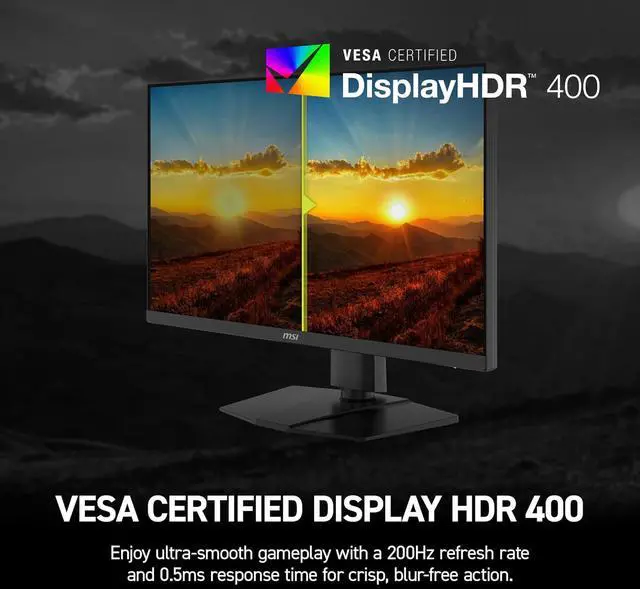
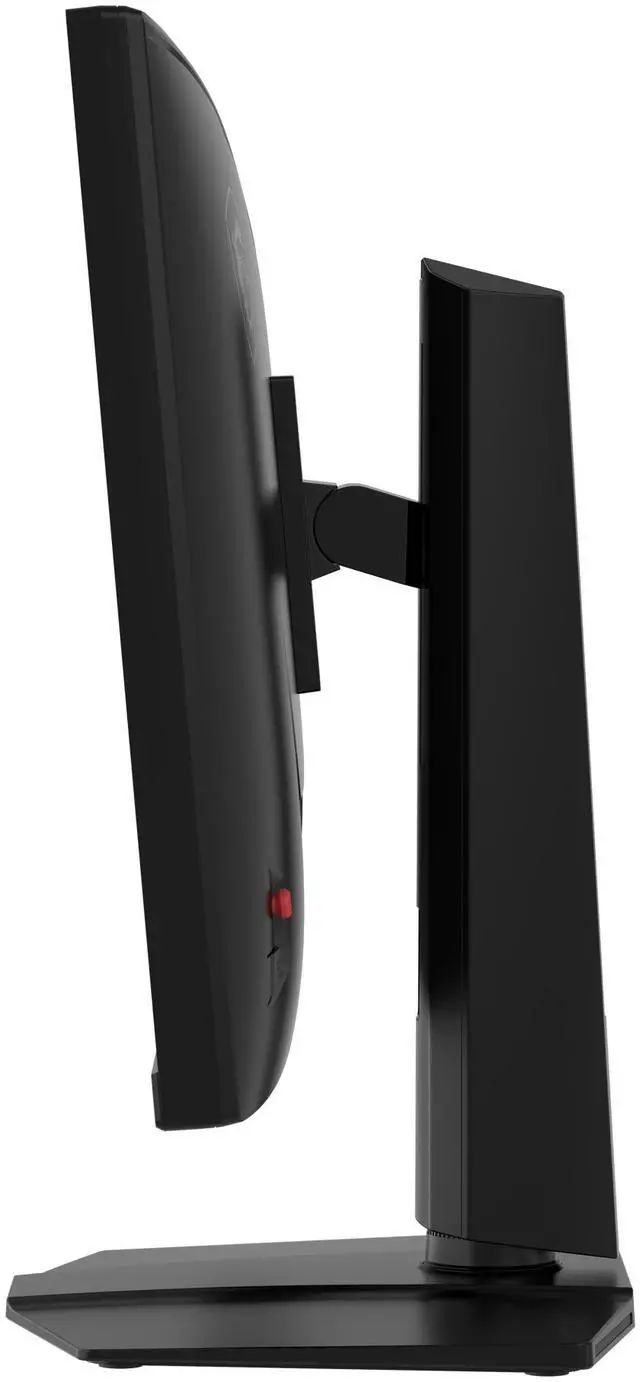
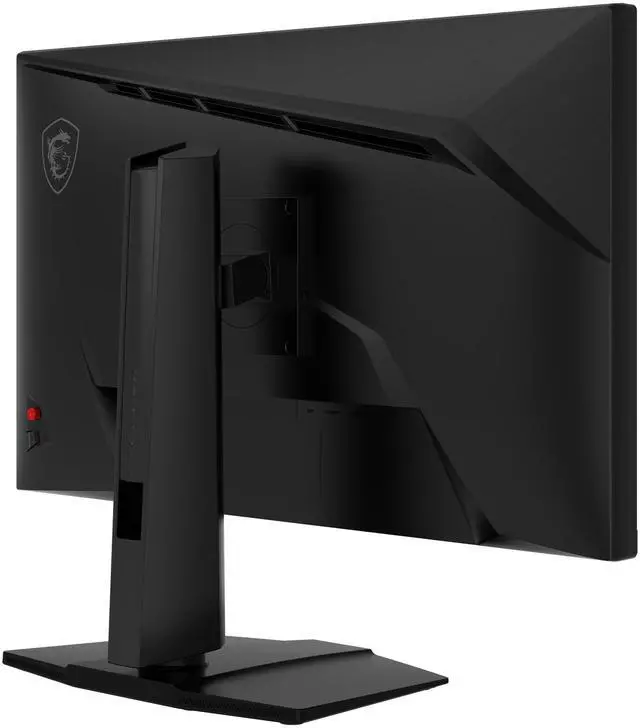
Experience immersive gaming with the MAG 274QPF E20 gaming monitor. It features a 2560 x 1440 (WQHD) panel, a 200Hz refresh rate, and a rapid 0.5ms (GtG, Min) response time. The monitor is VESA DisplayHDR 400, enhancing eye-catching details through adjustments in contrast and shadows. Designed for competitive FPS, first-person RPG/MMORPG, and flight/racing simulator genres, the MSI MAG 274QPF E20 gaming monitor takes casual gaming to a new level, challenging players to see beyond the game.


AI NAVIGATOR

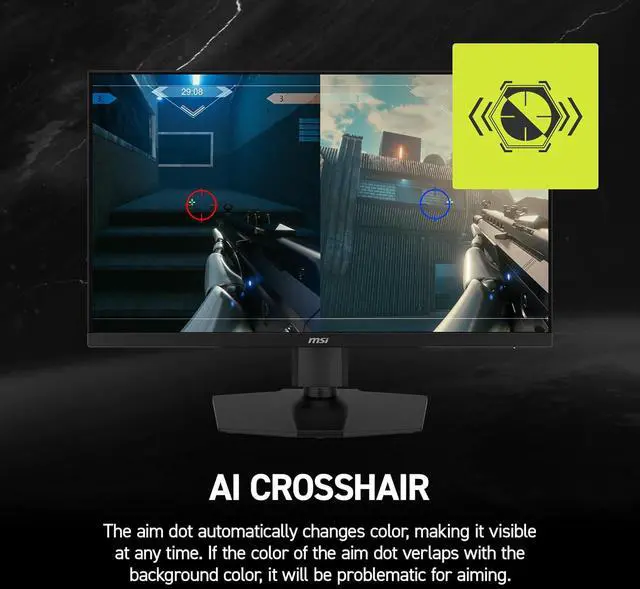
AI CROSSHAIR
The aim dot automatically changes color, making it visible at any time. If the color of the aim dot verlaps with the background color, it will be problematic for aiming.

AI VISION
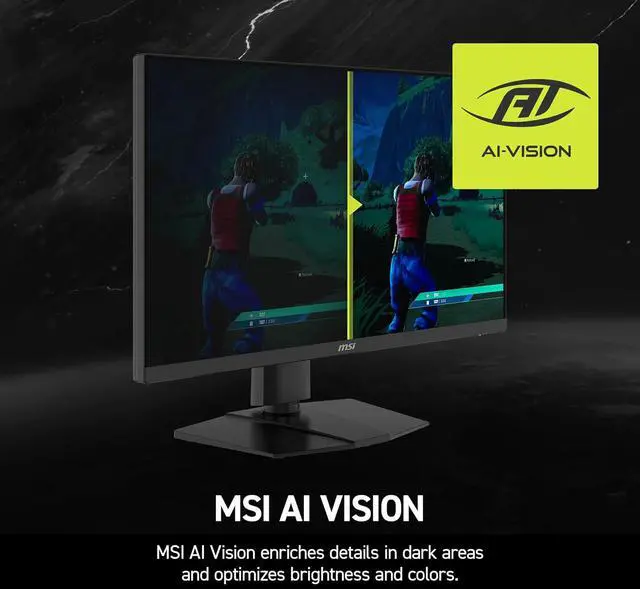
The new AI Vision technology can not only reveal details in dark areas but also enhance overall brightness and saturate colors, bringing brightness to your day.

AI VISION OFF

AI VISION ON

PANEL
Smooth Game Play
Smooth Rapidity and Accuracy
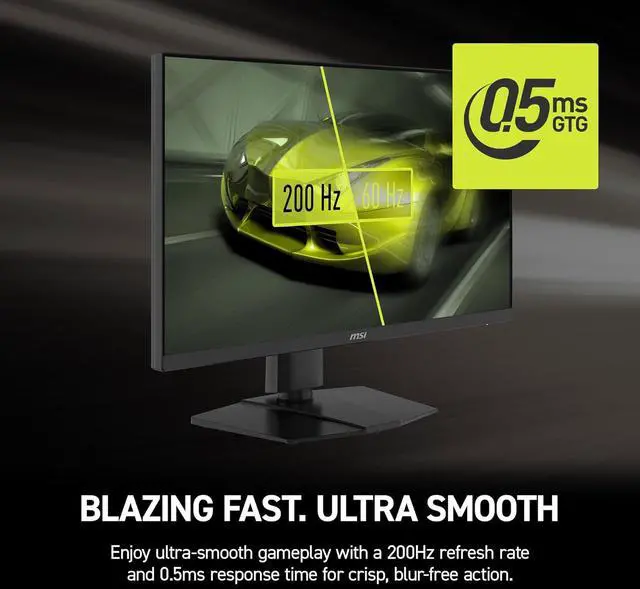
Equipped with a 200Hz refresh rate and 0.5ms (GtG,min) response time which has the benefit in fast moving game genres such as first person shooters, fighters, racing sims, real-time strategy, and sports.

Eye Care
See Clearly, See Comfortably.
Anti-Flicker and Less Blue Light technologies provide a very comfortable viewing experience by reducing the amount of flicker and displaying lower levels of blue light. You can game for longer periods without experiencing eye fatigue.


AMD Freesync Premium
TEAR FREE, STUTTER Free fluid gaming
Gaming shouldn’t be a choice between choppy gameplay and broken frames. With the MSI gaming monitor, you’ll experience fluid, artifact-free performance. Enjoy tear-free and stutter-free gameplay with added support for HDR.
* Note: FreeSync technology requires both a monitor and an AMD Radeon™ graphics card with FreeSync support. Visit https://www.amd.com/freesync for complete details. Confirm compatibility with your system manufacturer before purchase.

GAMING ASSISTANCE
Console Mode
MSI CONSOLE MODE
After the built-in HDMI™ CEC (Consumer Electronics Control) technology is connected to the PlayStation or Switch controllers, the controllers can be used to wake up the screen with different modes that can be adjusted for different devices.
The monitor can also support VRR function through MSI Console mode. Feel free to enjoy the zero-tearing gaming experience without any image depression.


Color Performance
The most Vivid Display
The MSI monitor equipped VESA Certified DisplayHDR 400, produces images with more detail, a wider range of colors, and appearance more similar to what the human eye perceives compared to traditional monitors. It guarantees a superior gaming and multimedia experience by vividly rendering every detail with vibrant colors and exceptional clarity.


Connectivity
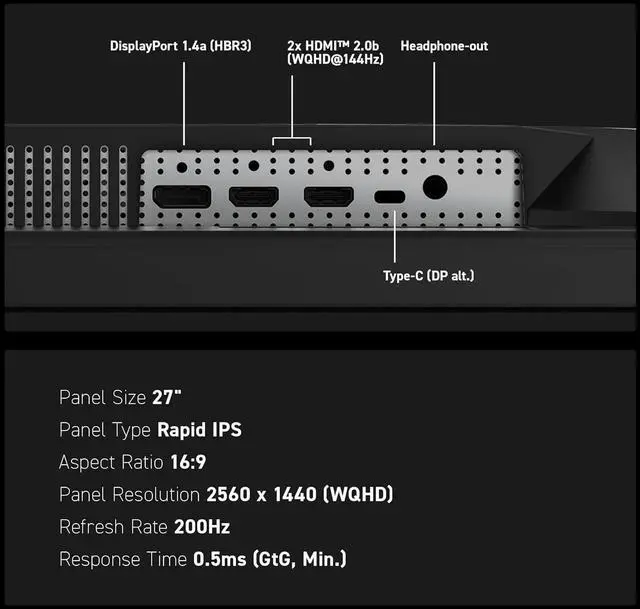
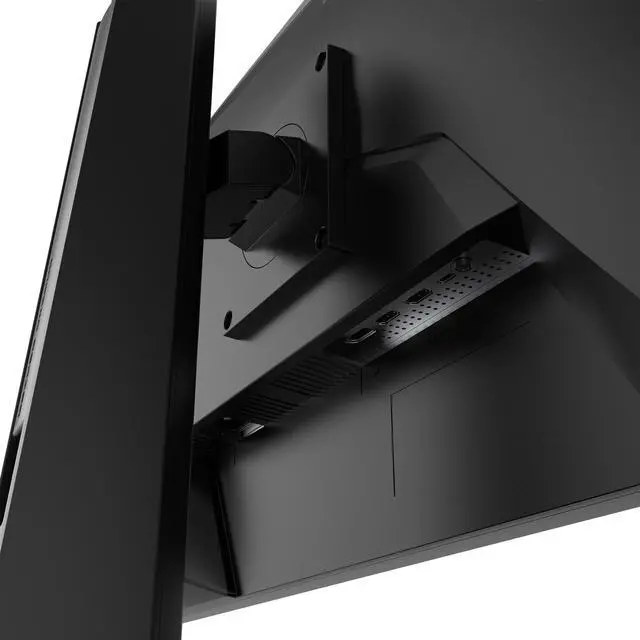
IO
MAG 274QPF E20

Panel Size: 27"
Panel Type: Rapid IPS
Aspect Ratio: 16:9
Panel Resolution: 2560 x 1440 (WQHD)
Refresh Rate: 200Hz
Response Time: 0.5ms (GtG, Min.)

MAG 274QPF E20
- Rapid IPS Panel – Provides 0.5ms (GtG, Min.) response time, optimizes screen colors and brightness.
- 200Hz Refresh Rate – Respond faster with smoother frames.
- 0.5ms (GtG, Min.) Response Time – Eliminate screen tearing and choppy frame rates.
- AI Vision – The new AI Vision technology can not only reveal details in dark areas but also enhance overall brightness and saturate colors.
- Less Blue Light – Use a software solution to reduce the light emission in the blue-violet region of the blue light spectrum.