
Built for How Business Buys.



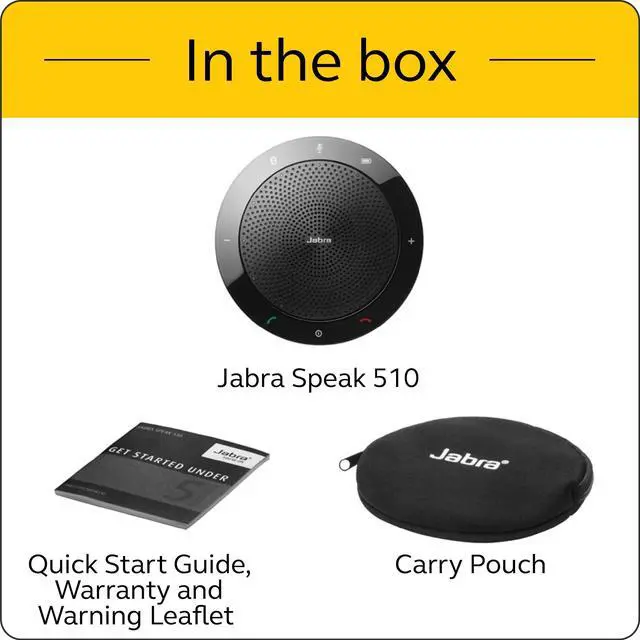


Jabra Speak 510
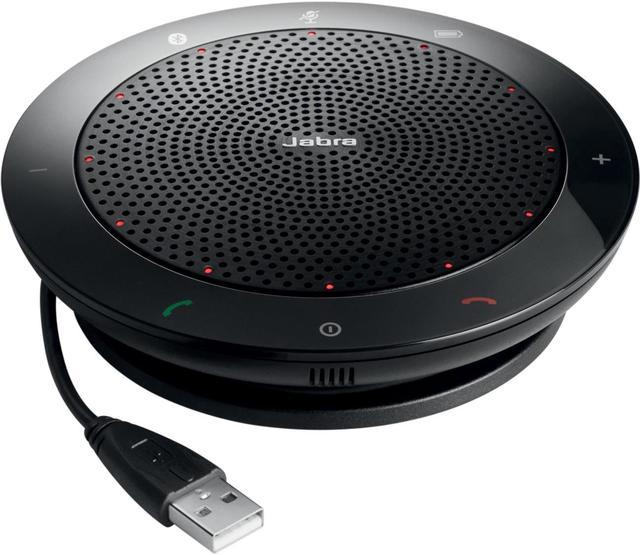
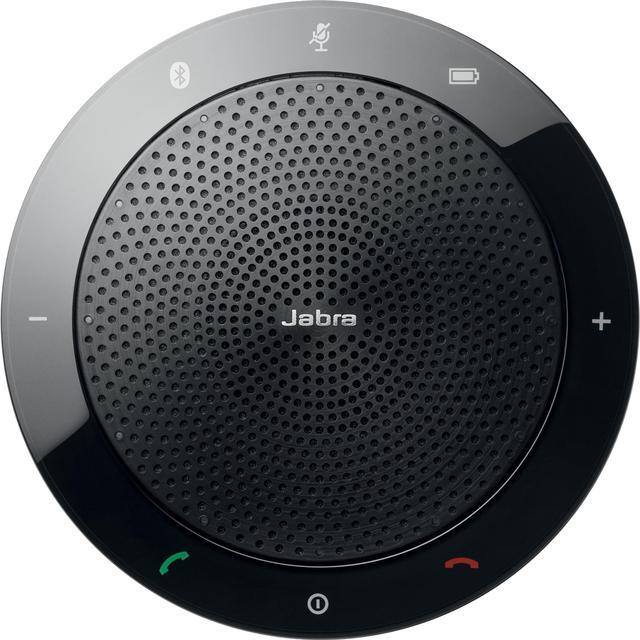
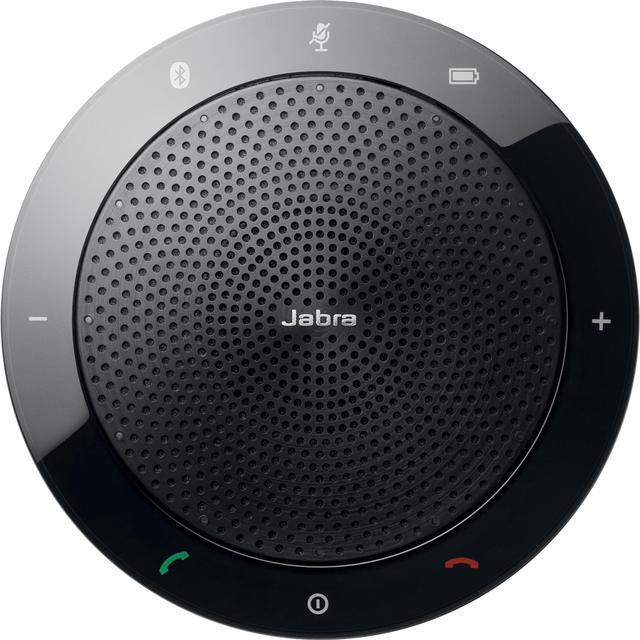
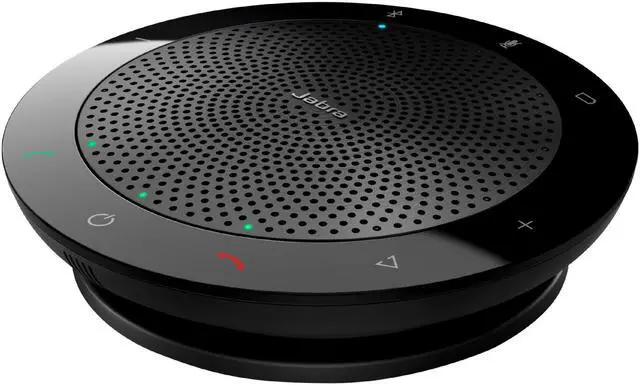
A battery-powered USB & Bluetooth speakerphone that turns any room into a conference room. With omnidirectional microphone, DSP technology and Wideband Audio, everyone in the conference call can hear and be heard clearly. This speakerphone interfaces with your PC via USB, and also connects to your phone or tablet through Bluetooth. It works with all major Unified Communication (UC) platforms. A rechargeable battery offers up to 15-hour talk time. And the compact design with a travel case included means you can bring the Jabra Speak 510 along with you, and join the conversation anytime, anywhere.


Digital Signal Processing technology and Wideband Audio/HD Voice
Crystal clear HD voice experience ensures everyone is heard without echoes and distortion.

Optimized UC experience
Set-up in seconds—compatible with all leading UC platforms.

Plug and play
Connect in seconds to laptop, smartphone and tablet via USB or Bluetooth.

Portable design
A compact portable design lets you hold conference calls anywhere.
Built-in omni-directional microphone
Be heard with a 360-degree microphone that picks up sounds from any angle.
Bluetooth Class 1
Easy Bluetooth connection to tablets and mobile phones. Range of up to 30 meters on Class 1 devices.
Smart button (off by default)
Interact with your voice assistant (smart phone dependent) or make a speed dial with the one-touch Smart button. Must be configured in the PC app Jabra Direct.
Compatible with your Platform
All Jabra headsets and speakerphones work with all the most popular online voice call services. Jabra is certified with all major communication platforms but as a minimum, all Jabra USB devices will work as audio only.


How to connect to PC
Plug the Jabra Speak 510 USB cable into any available USB port on your PC. Select the Jabra Speak 510 as the default audio device in Windows Control Panel sound settings, and in your softphone audio settings.
How to charge
Plug the Jabra Speak 510 USB cable into any available USB port on your PC to charge the battery. The battery light is red when charging, and green for 1 minute when fully charged.