
Built for How Business Buys.


Google Chrome Management Console
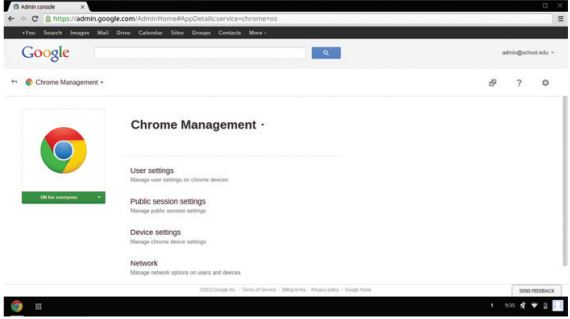
The Google Chrome Management Console is a web-based management console that makes it easy to deploy and centrally manage a fleet of Chrome devices and users from a single place. It is easily accessible as a secure page on the web.
With just a few clicks, the management console allows you to:
Create user groups
Apply policies, apps, and settings to different sets of users.
Pre-install and block apps
Blacklist, whitelist, or pre-install apps, extensions and URLs.
Track assets
Assign devices to users and get configuration and usage reports.
Manage user access
Control who uses your Chromebooks: prevent outside users from logging in, disable Guest Mode, or designate the specific users within your domain that can use a Chromebook.
Control network access
Set network and proxy settings to make it easy for users to get up and running and ensure they're protected by web filters and firewalls.
Customize user features
Modify user settings like bookmark and app sync across computers and brand your devices with custom Chrome themes.