



Toast 19 Titanium
Digital media suite and DVD burner for Mac
- Burn, author, copy, and secure CDs, DVDs, and USBs
- Personalize discs with customizable menus
- Convert media to popular digital formats
- Full digital media suite including screen recording, photo art, audio editing, and more
The preferred CD & DVD burner for Mac
This complete digital media management suite with industry-leading burning tools makes it simple to work with your media.
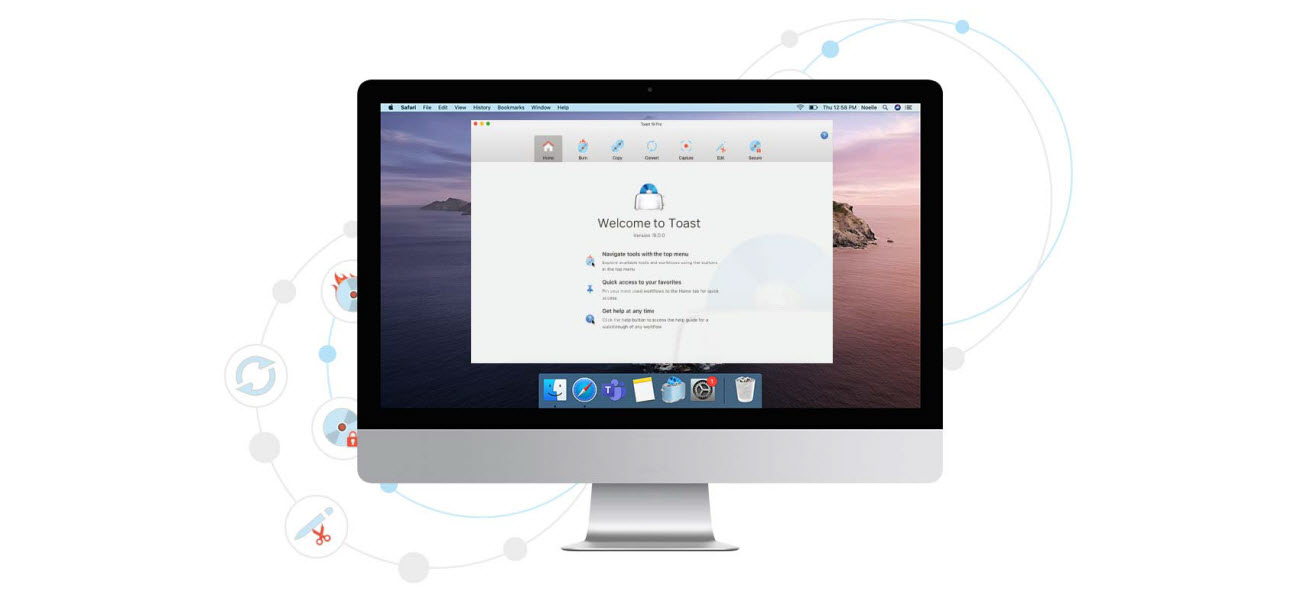

Optimized for the latest macOS
Toast is fully compatible with macOS Catalina. Toast 19 requires macOS 10.14 (64-bit), macOS 10.15, or macOS 11.0.
NEW User Interface
Experience a new interface designed to deliver more intuitive workflow navigation, improved file browsing, and a new customizable quick access panel.
NEW Dark Mode
Work in your preferred aesthetic with Dark Mode support that can automatically detect and match your chosen display preferences.
NEW Audio Editing Tools
Enhance your audio files, reduce distracting background noise, adjust the pitch and duration of clips, and get creative with audio effects.
NEW Workflow Efficiencies
The updated media browser makes it simpler than ever to find, preview, and drag and drop files to your projects.
NEW Searchable Help Guide
The searchable help guide makes learning or understanding any workflow more intuitive and flexible than ever.
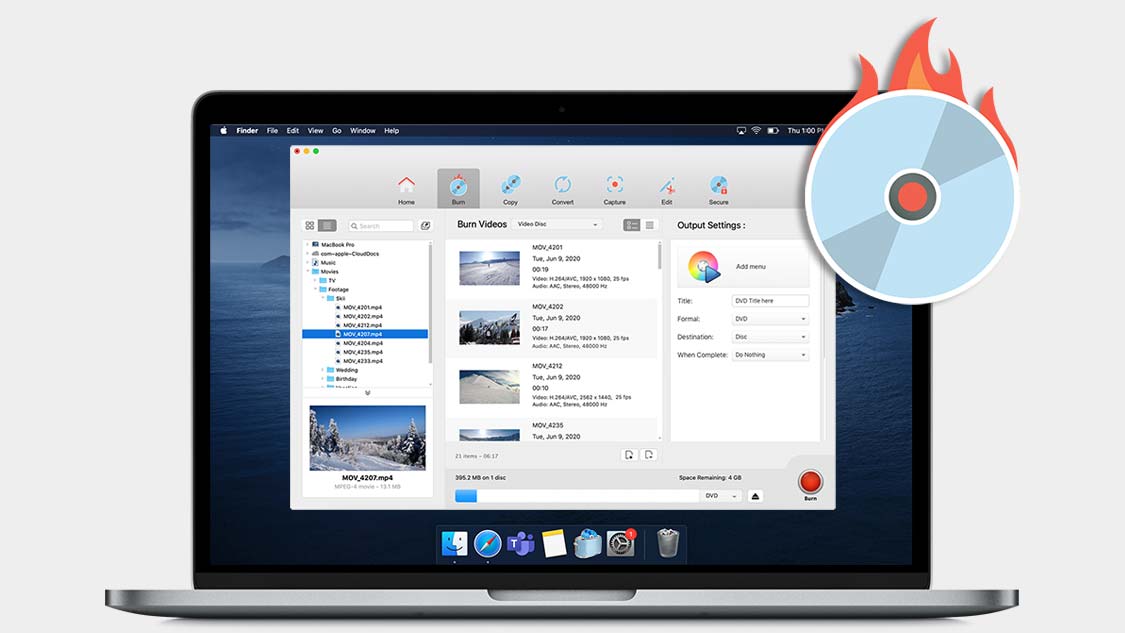
Burn
Burn your photos, videos, audio and data files to CD and DVD with intuitive drag-and-drop controls. Plus, author DVDs with customizable menus, chapters, and music!
* Enjoy additional support for Blu-Ray Disc burning in Toast Pro
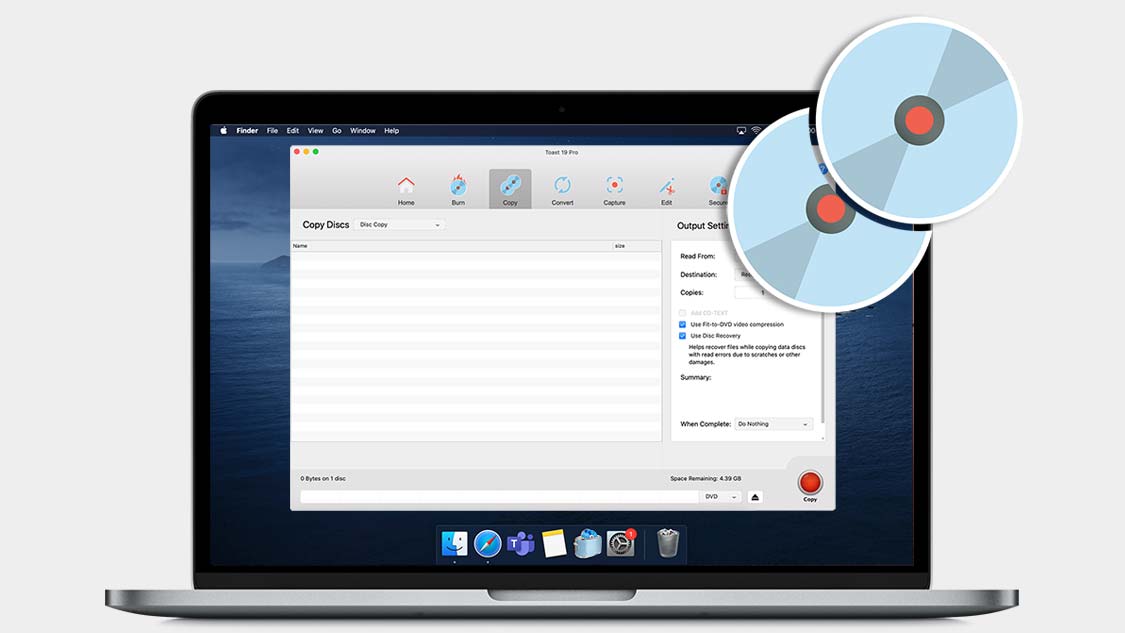
Copy
Copy CDs and DVDs in just a few clicks. Copy discs to distribute your latest audio mix, or create backups of your most important files. Even recover files from damaged discs!
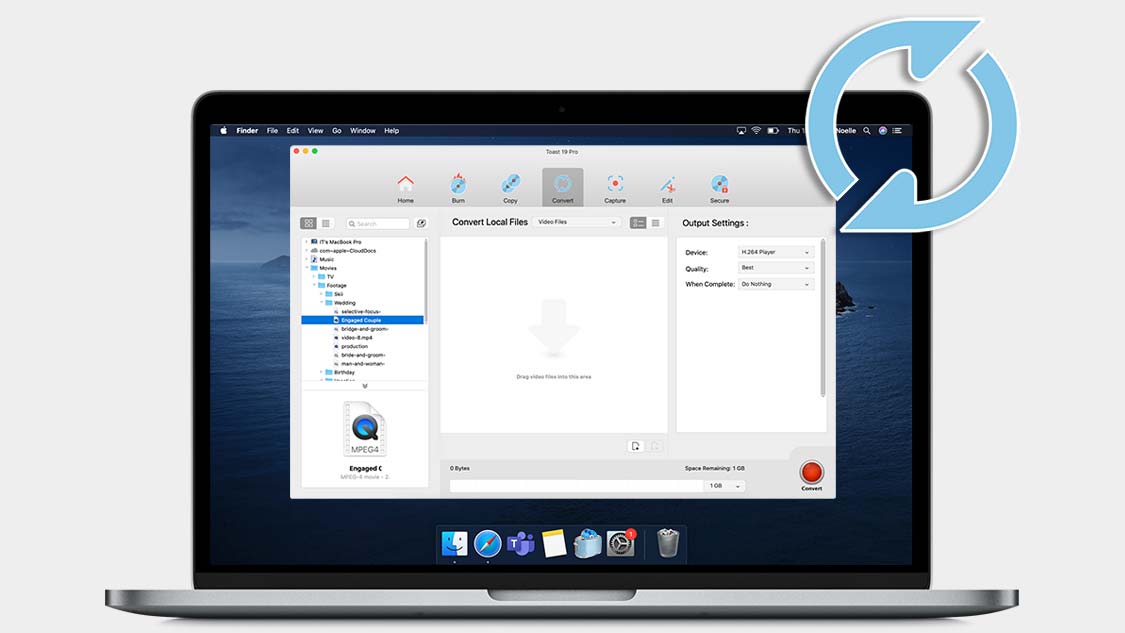
Convert
Convert your media files to popular formats with ease. Convert DVDs to digital, rip audio CDs to digital, even restore and convert audio and video from LPs, tapes, and older devices!
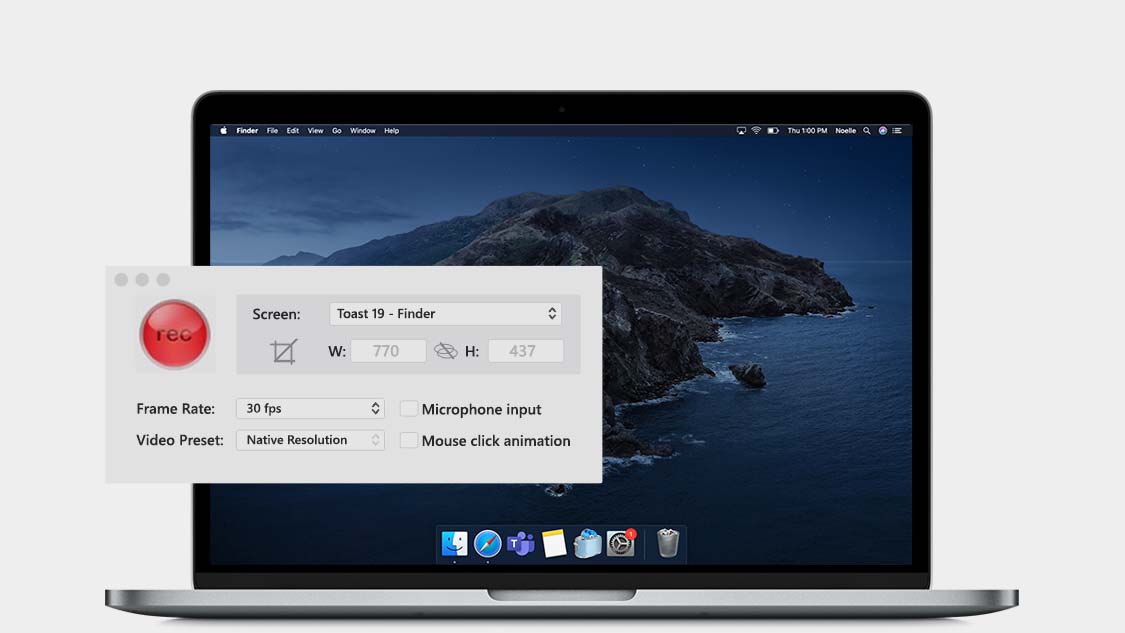
Capture
Capture video and audio from virtually anywhere! Explore tools to record your screen, capture webcam video, and record voiceover simultaneously—perfect for creating tutorial or gaming videos!
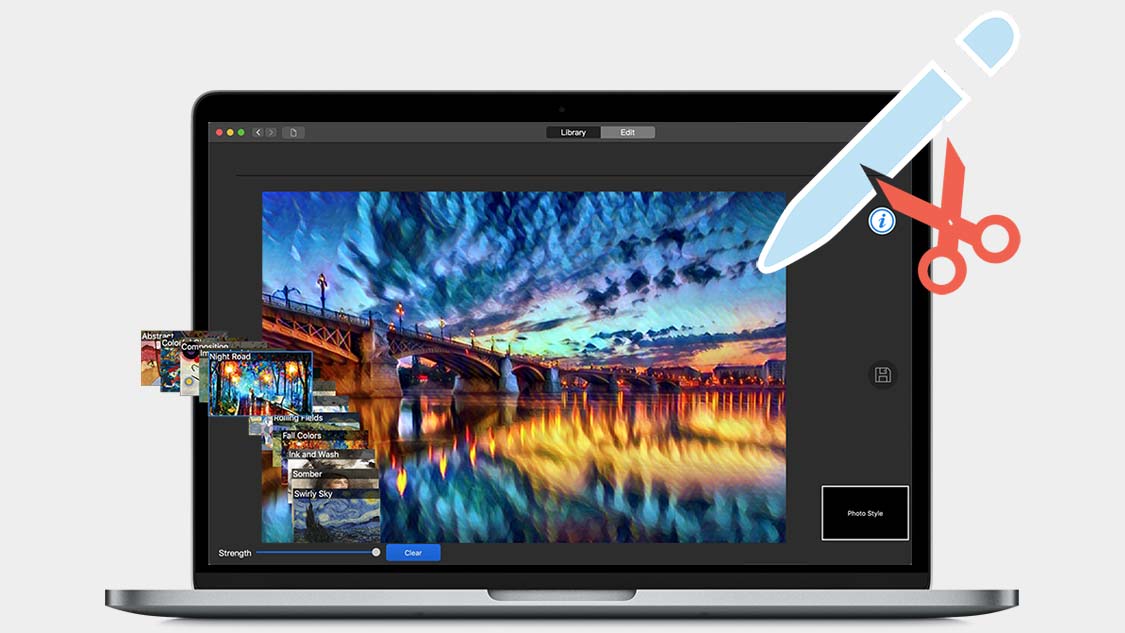
Edit
Edit your photos, videos and audio files before burning to disc or sharing online! Trim video clips, enhance audio recordings, and stylize or transform images* into artwork with AI-powered tools.
* Explore additional photo editing and graphic design tools in Toast Pro
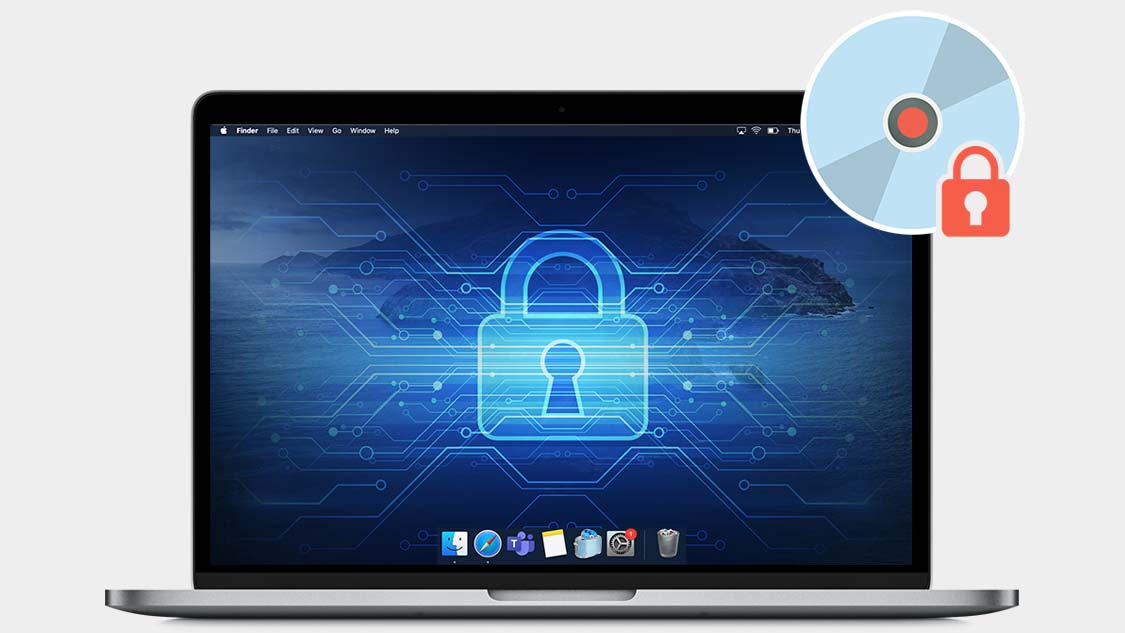
Secure
Secure your information with banking-level encryption that sets the standard for the industry. Password-protect your private data on disc or USB and enjoy complete peace of mind.
* Explore additional tools for these functions in Toast Pro
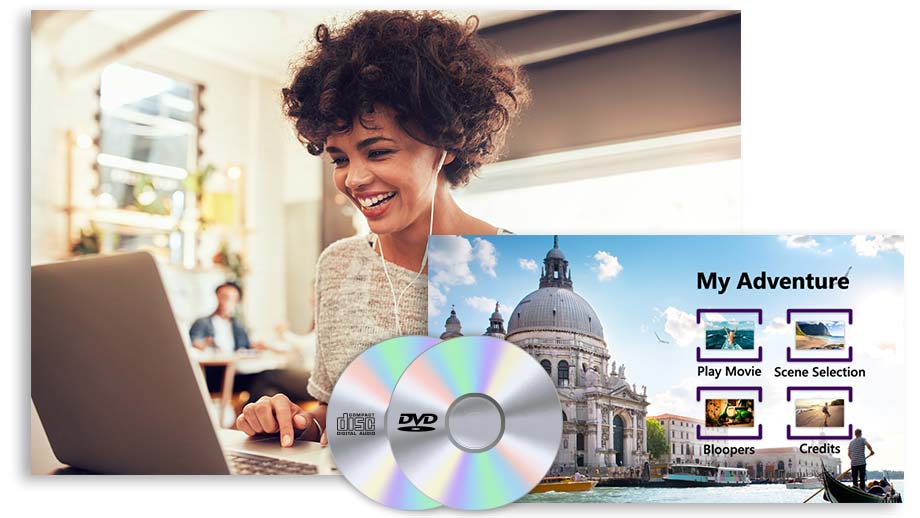
Create personalized discs with custom menus and chapters
Turn the growing collection of videos on your laptop, cell phone, or external hard drive into a full home movie menu production. Select from one of 20+ themed templates, easily drag and drop your footage, then customize with submenus, chapter points, text, and more.
* Access 100+ templates in Toast Pro
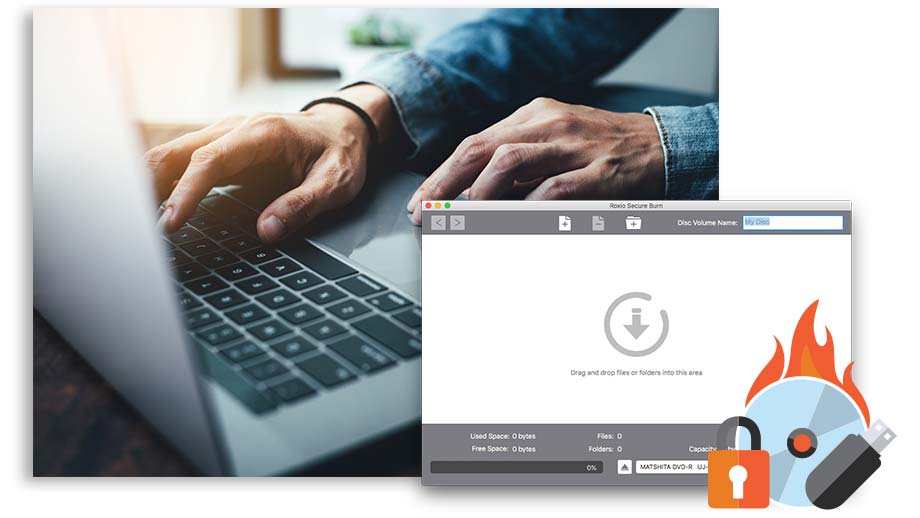
Backup, recover, and secure important information to disc
Toast delivers more than just industry-leading burning tools—it delivers peace of mind. Back up your important information to disc, recover files from damaged discs, and securely password protect information on a disc or USB.
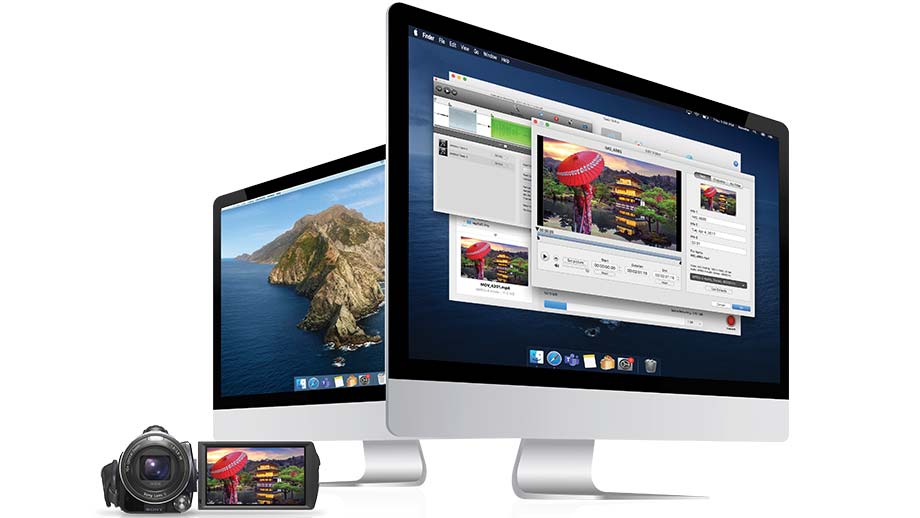
Import and convert media from almost anywhere
Toast gives you the tools to capture footage right from your screen, a portable device, or the web. Plus, download and rip content, extract and edit clips from home DVDs, and even make quick edits and trim video clips.





