
Built for How Business Buys.



CorelDraw Essentials 2021
Bring ideas to life, simply and stylishly
Whether you’re just starting out or you dabble in graphic design, CorelDRAW® Essentials is the toolkit you need to create gorgeous graphics with ease.

Fun, affordable graphic design
Design and lay out your DIY creative projects in a user-friendly environment that doesn’t break the bank.

Add your own unique touch
Turn your passion into eye-catching graphics with more creative control than you’ll get with one-click design applications.

Easy to learn
Grow your confidence as you design with a handy Hints docker that teaches you how to use tools as you select them.
What’s included?
With necessary tools for creating vector and bitmap-based visuals, CorelDRAW Essentials has all your casual graphics needs covered!
CorelDRAW Essentials
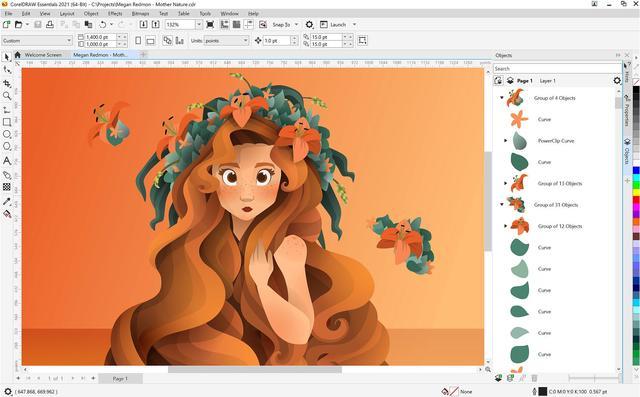
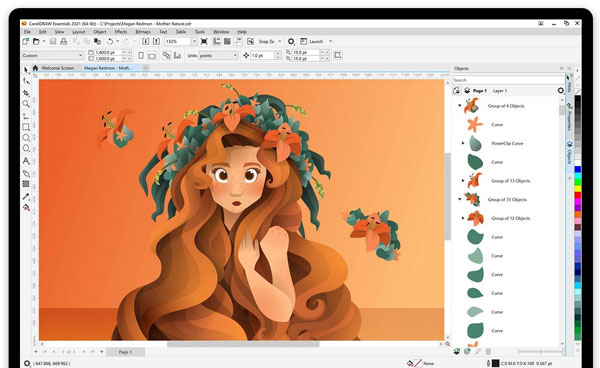
Find the vector illustration and page layout tools you need to get started with graphics and then some.
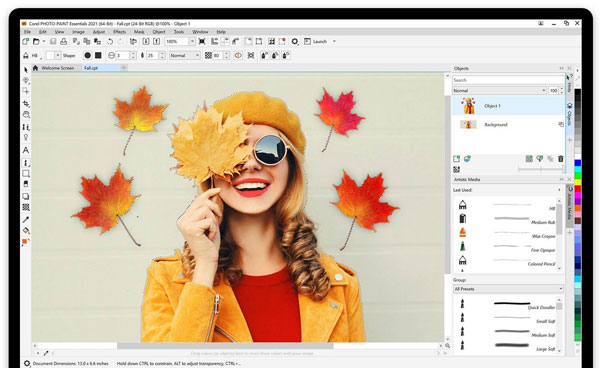
Corel PHOTO-PAINT Essentials
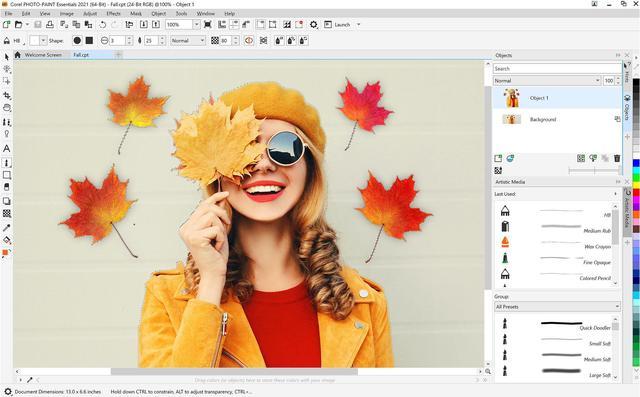
Enhance your favorite images with just the tools you need for editing photos with ease.

Easy to use creative tools
If you’re new to graphic design, this value-rich vector illustration software is your answer to creating posters, greeting cards, cards, calendars, and more, quickly and with total confidence.
Vector illustration
Turn basic lines and shapes into works of art. Create curves with versatile shaping and drawing tools.

Page layout
Create layouts for invites, collages, multi-page designs, and more. Use rulers, grids and guidelines to help you organize objects and place them exactly where you want.

Photo editing
Retouch and enhance your photos with Corel PHOTO-PAINT™ Essentials’ layer-based photo editing tools.

Typography
Add type to any design with easy-to-use text tools. Play with text effects to make your final product pop.
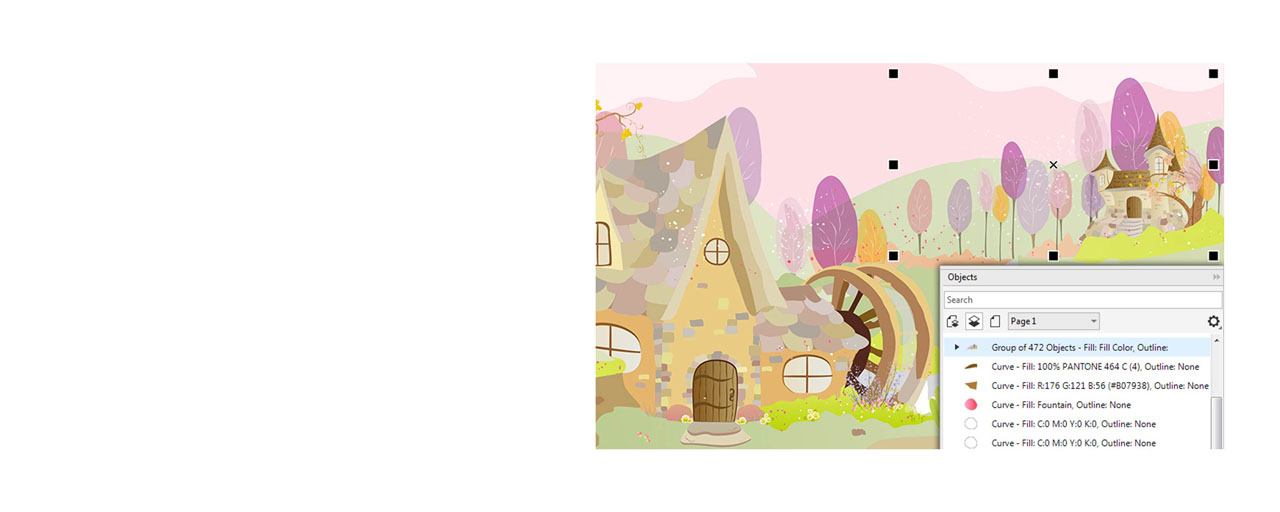
Object management
Control every element in your document with a handy Objects docker, letting you hide, rename, search for objects and change their stacking order. Use the Object Properties docker to manage object formatting, fills, and more.

Color, fills and transparencies
Easily apply color to fills and outlines using color swatches, or generate colors based on color harmonies. Change the transparency of an object and fill objects with patterns, gradients, and more.

Easy bitmap to vector tracing
Enjoy intuitive one-click bitmap to vector tracing with QuickTrace right inside the illustration and layout application.
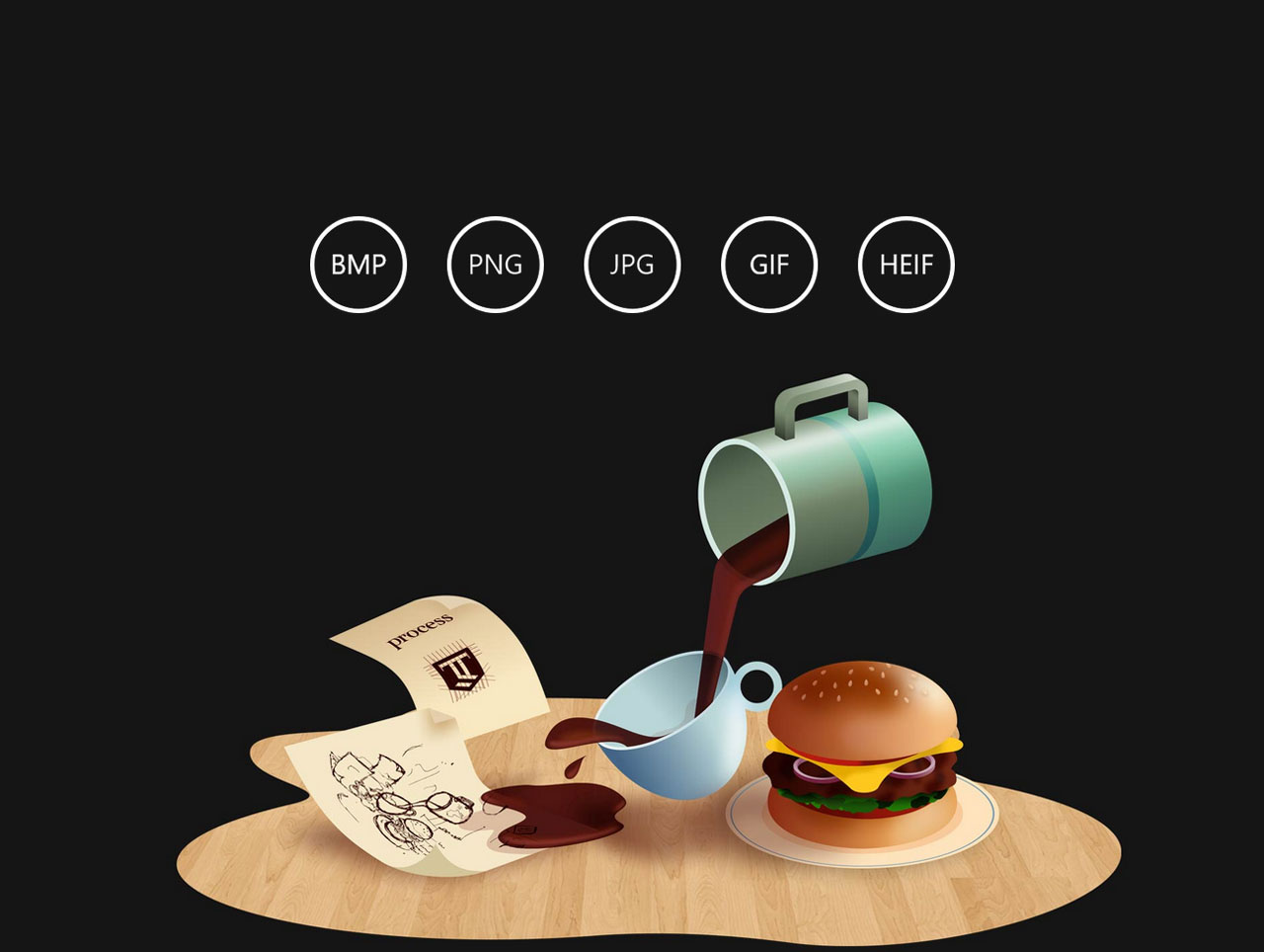
Popular file compatibility
Import, export and share your designs with ease thanks to a variety of compatible file formats.