WAVLINK Wi-Fi 7 BE8800 PCIe Tri-band WiFi Adapter--Innovative Wireless Connectivity!
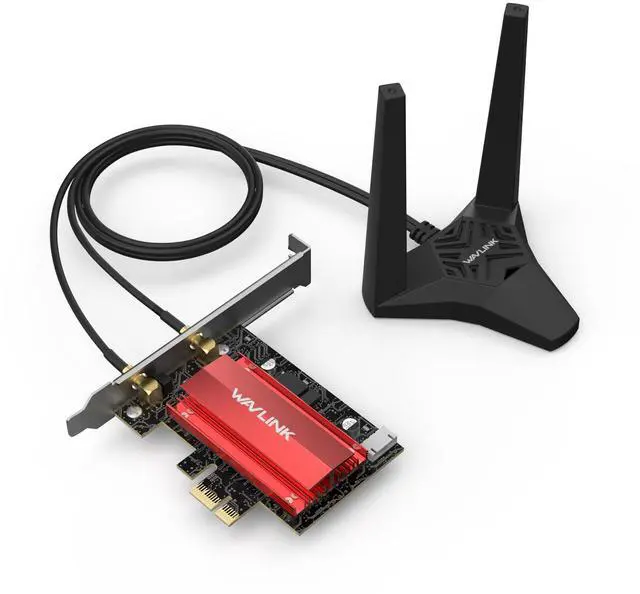
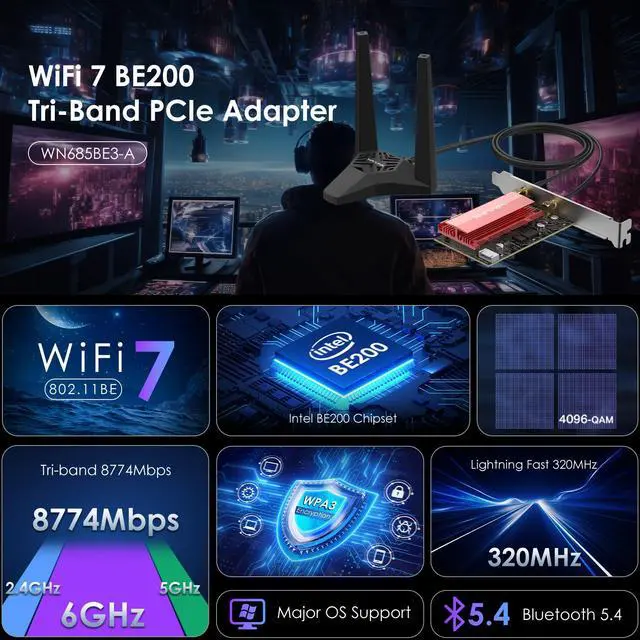
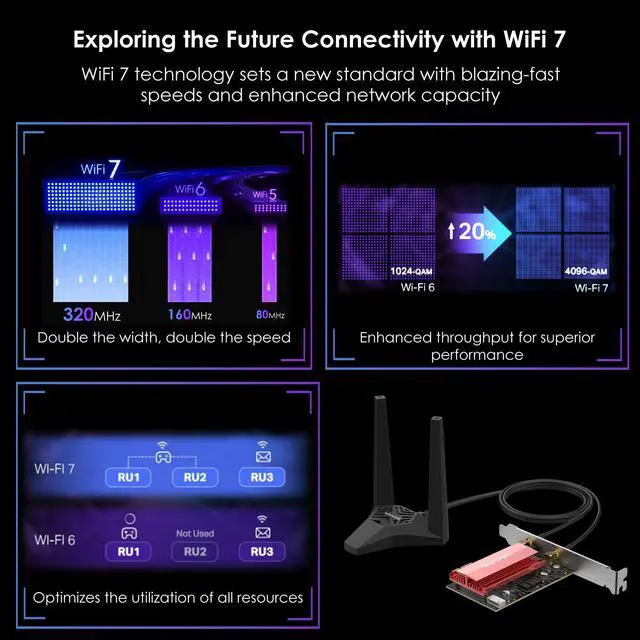
WAVLINK Wi-Fi 7 Tri-Band PCI-E is a BE8800 wireless adapter for desktops that supports the latest Bluetooth 5.4. It has the MLO feature that effectively reduces signal interference and transmission delays, providing a faster and more reliable wireless networking experience. Compliant with 802.11 be specification, the wireless adapter supports 2.4G, 5G and 6G bands. With 4096-QAM and MU-MIMO technology, WN685BE3-A delivers wireless signal faster and more effective by cooperating with an MU-MIMO compatible router.
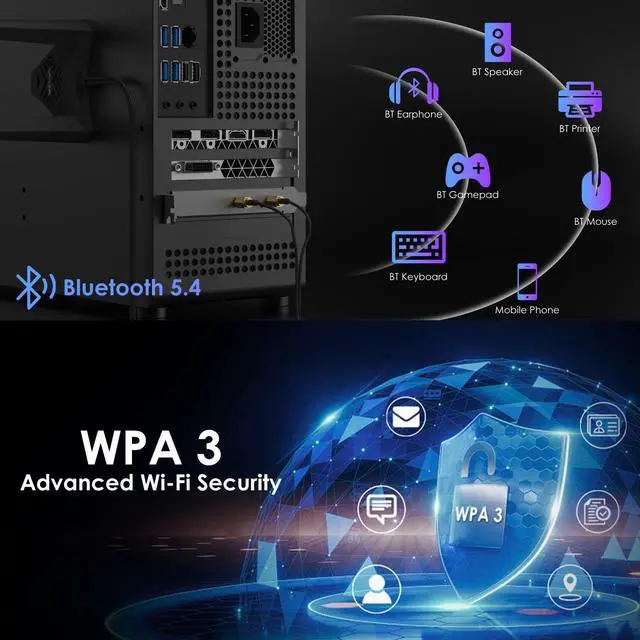
Latest Bluetooth 5.4
Solve the problem of a poor signal by achieving 2x quicker speeds and 4x greater coverage than BT 4.0. Coordinate your game controllers, headphones, and keyboards with the latest Bluetooth standard.
Powerful BE200 Chip
The BE200 incorporates the latest IEEE Wi-Fi specification of 802.11BE, introducing the new band extension for
Wi-Fi: UHB (Ultra High Band).
Compatible OS
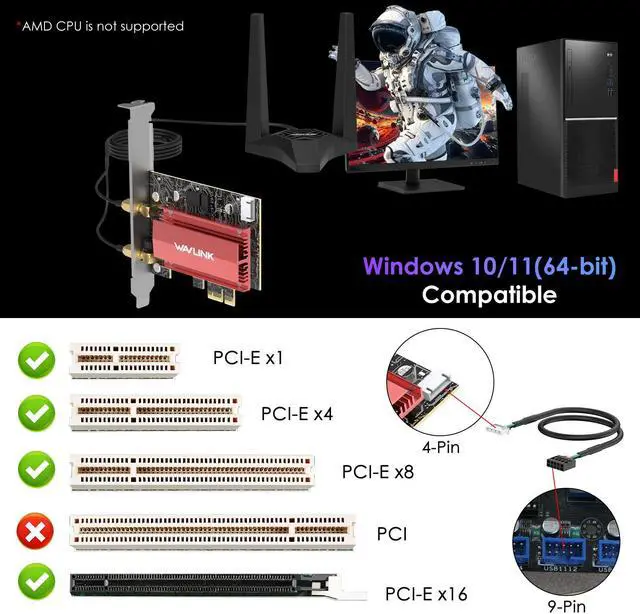
Support Windows 10/11 64-bit
*Please note that to utilize 6GHz band, the user must be on Windows 11 version.
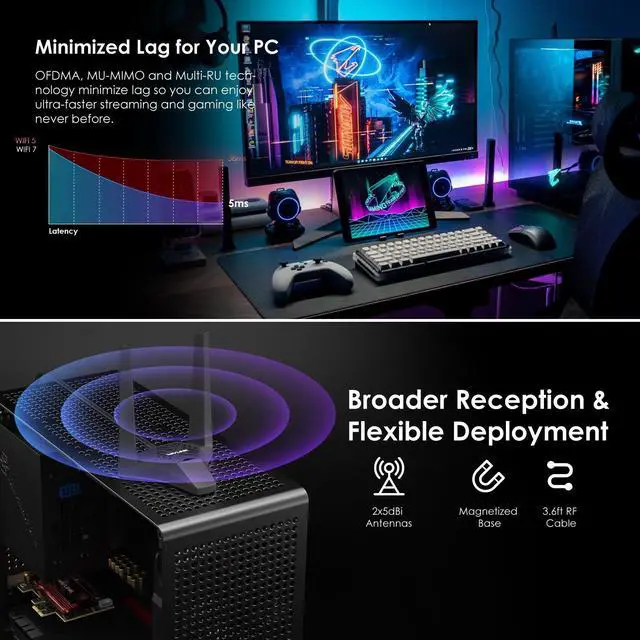
Adjustable Antennas for Peak Performance
Easily find the optimal location for the strongest Wi-Fi signal with adjustable, high-performance antennas with magnetic base.
Dual Brackets
In addition to the standard bracket, a low-profile bracket is also provided for mini tower computer cases.
Important Note
We put plastic film on its PCI-e interface for protection before the product is shipped. Please remove it before connecting to the PC's PCI-e slot.
Steps to Install the Wi-Fi Card
1. Power off the PC, open the case, find one available PCIe slot.
2. Insert the PCIe into the corresponding slot. Works with PCIe x1, x4, x8, x16.
3. Plug the BT cable into the 9-pin USB connector on the motherboard and the 4-pin connector on the card.
4. Install the antennas, adjust the dock accordingly for better signal.
5. Download and install the driver from WAVLINK official website. Then, enjoy!
Specification
Product Model: WN685BE3-A(chipset: Intel BE200)
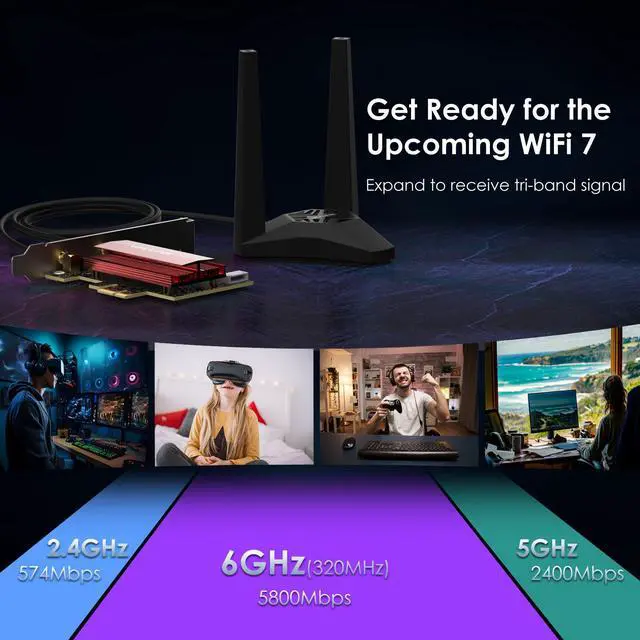
Transmission Rate: 2.4GH
z: 574Mbps, 5GHz: 2400Mbps, 6GHz: 5800Mbps
Protocol Standard: support IEEE 802.11 a/b/g/n/ac/ax/be
Frequency Band: 2.4GH z, 5GHz, 6GHz
Technical Support: MU-MIMO, OFDMA, BSS Coloring, 320MHz, 4096QAM, Target Wake Time (TWT), Multi Link Operation (MLO), Multi-RU, Enhanced Multi-Link Single Radio (eMLSR)
Support System: Win 11/10 (64 bit)
Bluetooth Version: Bluetooth 5.4
Interface: Compatible with PCI-E X1/X4/X8/X16
Wireless Security: WPA3/WPA2 encryption
Package Contents
-1x WiFi 7 BE8800 PCIe Adapter
-1x Bluetooth Cable
-1x External Antenna Dock
-1x Low Profile Bracket
-3x Screws
-1x Drivers Download Card
-1x User Manual
Warm Tips
1. For desktops only. A bluetooth power cable needs to be connected to the motherboard 9-pin interface, or the bluetooth function won't work.
2. This Wi-Fi card will not boost the speed of the original router, which only helps your computer to receive a better signal and speed of the router (Increase the maximum wireless bandwidth limit).
3. It has nothing to do with the quality of this adapter when you can't get the maximum speed. The network environment, router, barriers, laptop and PC 's internal memorythe interference of many factors can affect the speed.
4. Please turn off the built-in Wi-Fi when using on a desktop pc. ( If there is a built-in Wi-Fi function on your desktop pc).
5. Please note that to utilize 6GHz band, the PC must be on Windows 11 version.
6. Please remove the plastic film on gold-plated fingers before connecting to the PC's PCI-e slot.