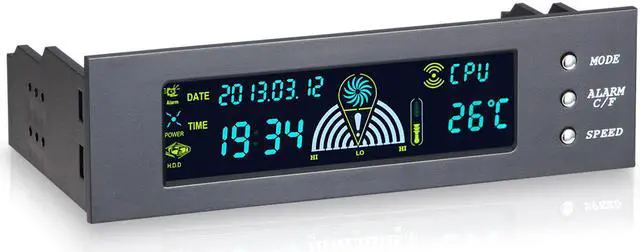
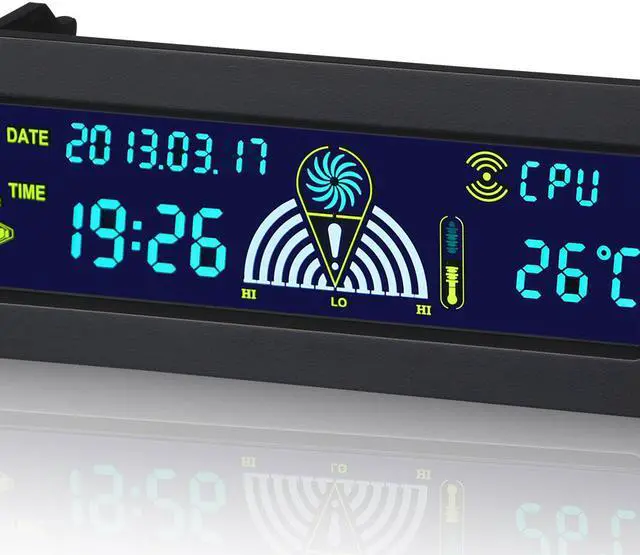
I. Switching Display of Three Groups of Temperature Values In the initial state, the display of three groups of temperature values can be switched according to MODE SW.
The order of switching is: CPU HDD SYS CPU... II. Opening closing of alarm clock function Start at ALARM CF SW in the initial state Turn off alarm clock function. III. Full screen display Display by SPEED SW 3 seconds in initial state All patterns will be displayed. IV. Switching Temperature/Temperature Display Mode In the initial state, the temperature display mode can be switched by pressing ALARM C/F about 3 seconds. IIV. Fan Regulation In the initial state, click SPEED to set the fan's low speed once click SPEED to set the fan's middle speed twice click SPEED to set the fan's high speed three times (outside the CPU fan) VI.
Power status display of chassis: POWER icon shows power supply working in animation after boot-up. VII.
Hard disk working icon: Static display in non-working state dynamic cyclic display in working state. V. Adjustment of Settings 5.25 inch computer case governor desktop temperature controller