802.11AC Dual Band AC600 Wireless USB Adapter
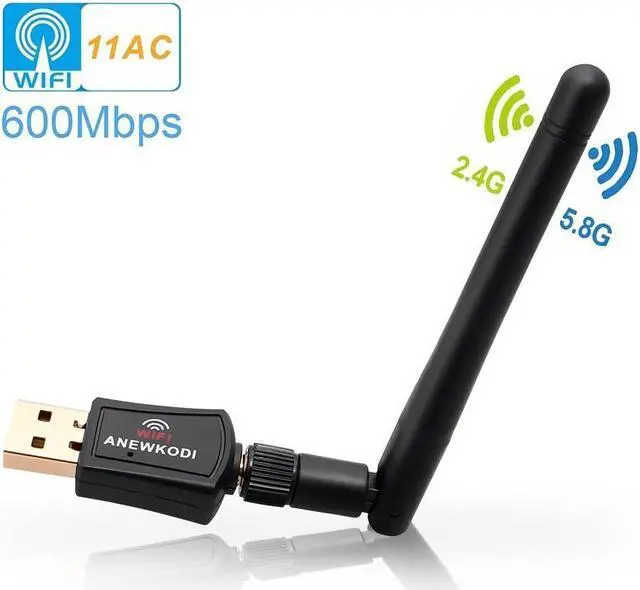
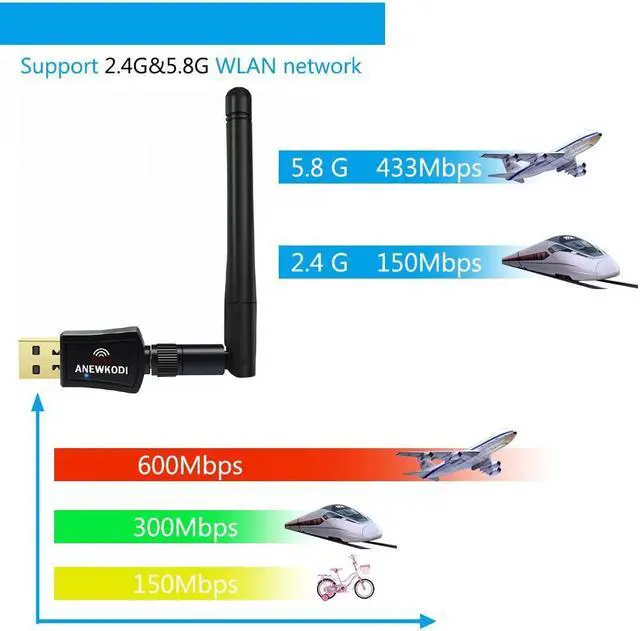
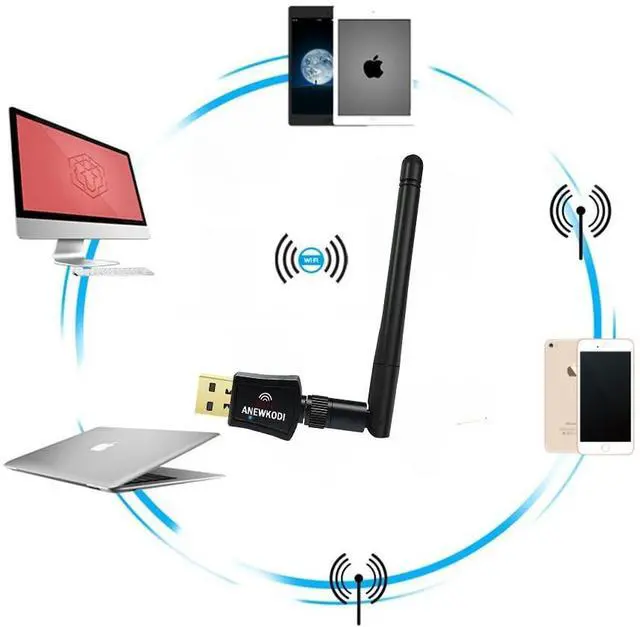
EDUP dual band wireless network adapter with high gain long-range 2dBi antenna brings you a tiny way to get speedy next generation Wi-Fi connections-the latest 802.11ac wifi technology, by connecting it to the USB 2.0 interface of your PC, laptop or Mac, you can establish 433Mbps connection at 5GHz radio or 150Mbps connection at 2.4GHz radio with your WiFi router.
?With its portable-sized design, easy to carry for home using or when in travel.
Insert it to any 2.0 usb port and leave it there, no need to worry about blocking adjacent usb devices.
Specification:
Support System: Windows 10/8.1/7/XP/Vista, Mac OS X 10.7-10.14
Standards: 802.11ac(backward compatible with 802.11a/b/g/n)
Dual Band: 5.8GHz(433Mbps) / 2.4GHz(150Mbps)
Interface Type: USB 2.0
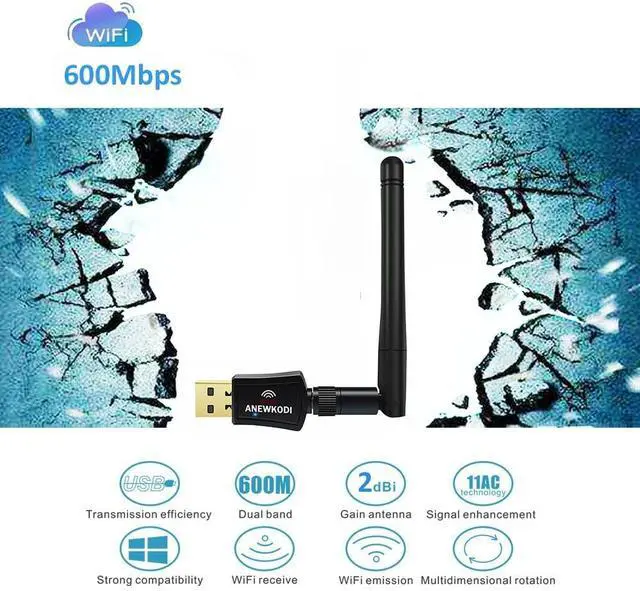
Antenna Gain: 2dBi
Package included:
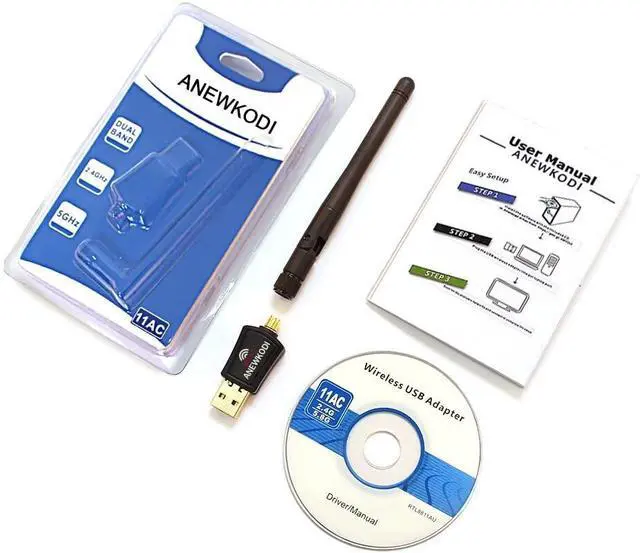
1 X USB wifi adapter
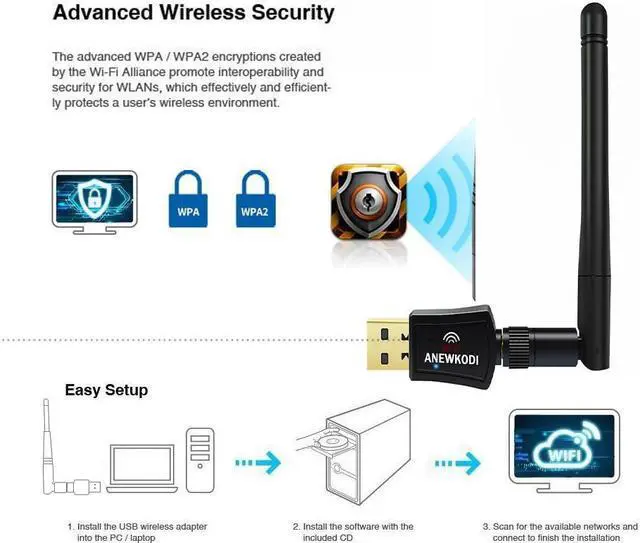
How to install the wifi adapter
1. Insert CD into PC (don't plug the WiFi Card first)
If your computer can not use the CD, please download the driver from EDUP website.
2. Open the "setup.exe" in CD, and install the driver.
3. Insert the wifi adapter
Note:
If you meet a problem about the driver can not be installed on Mac 10.13 or Mac 10.14 system, please follw the suggestion steps to resolve the problem.
1.Find out"system preferences"
2.Click: Security and privacy
3.Then click"allow"
That is all.



 All Categories