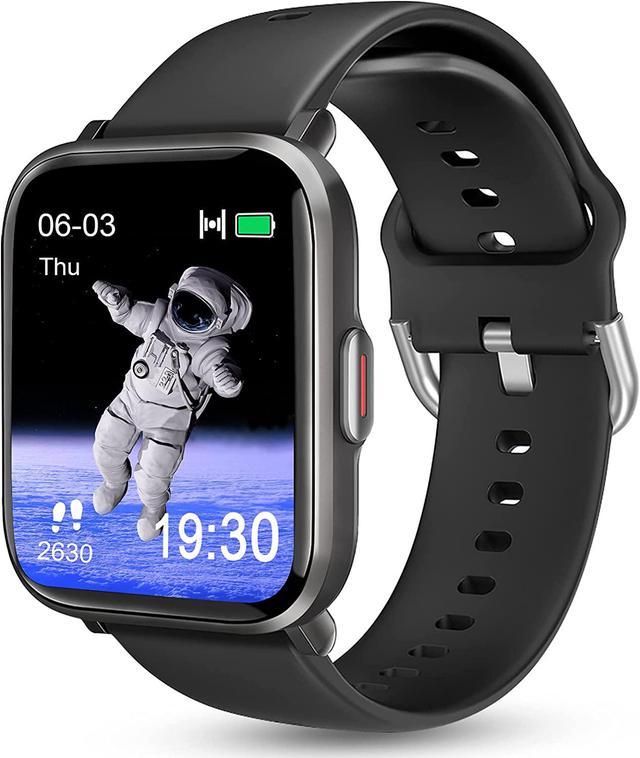
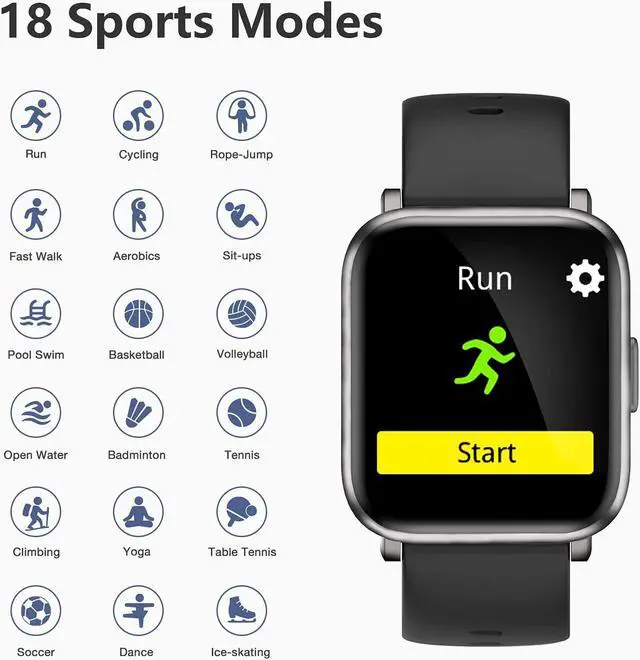
Strap Length: The wrist length is from 5.7 inch ~8.86 inch.
App: Zeroner Health Pro (Scan QR code in the manual or download it from App Store or Google Store)
Enable to sync your data with Apple Health, Google fit and Strava.
Compatibility: It is only compatible with smart phones, which should meet the requirements of android 5.0 and above or iOS 10.0 and above.
Important Notice: It cannot work with tablet and personal computer, etc.
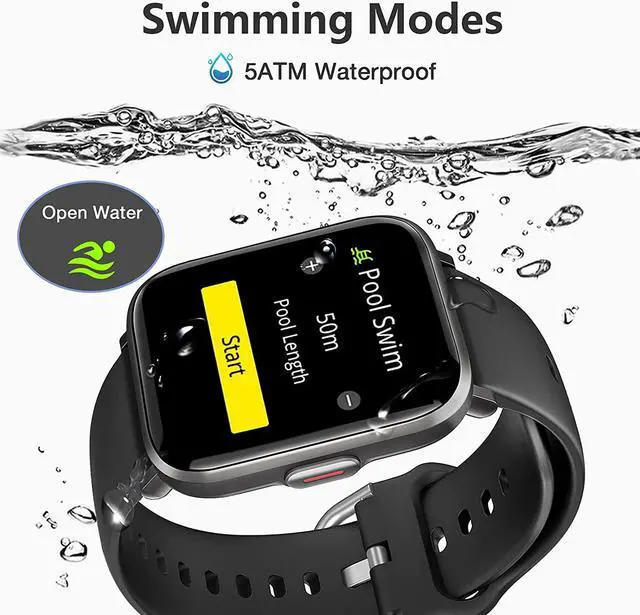
Swimming mode: The watch has 2 swimming modes: free mode(Open Water) and pool mode(Pool Swim). It can track swimming distance, SWOLF, stroke data, average pace and other data. (Note: The watch is for swimming only. Please do not wear the watch for diving)
IP68 Waterproof Resistant: IP68 Waterproof is not totally waterproof for every occasion. It is resistant to submersion up to a maximum depth of 1.5m underwater for up to 30 minutes.
We don't recommend you to wear it for hot shower and diving.
Compass: Shake watch to calibrate, then you can use the compass.
Remote camera: You can remote your phone camera by touching the watch face.
Vibration remind: You can set the vibration mode and cycles times about call, alarm clock, schedule, message notification.
Sedentary reminder: The watch can remind you to stand up after long time sitting. You can set the duration on the watch.
Alam Clock: Use the App Zeroner Health Pro to set a alarm, you can set up to 6 alarms to remind. It will wake you up and start your day.
Music control: Keep watch connected, then you can easily switch songs and adjust volume via the watch, without having to remove your phone from your pocket.
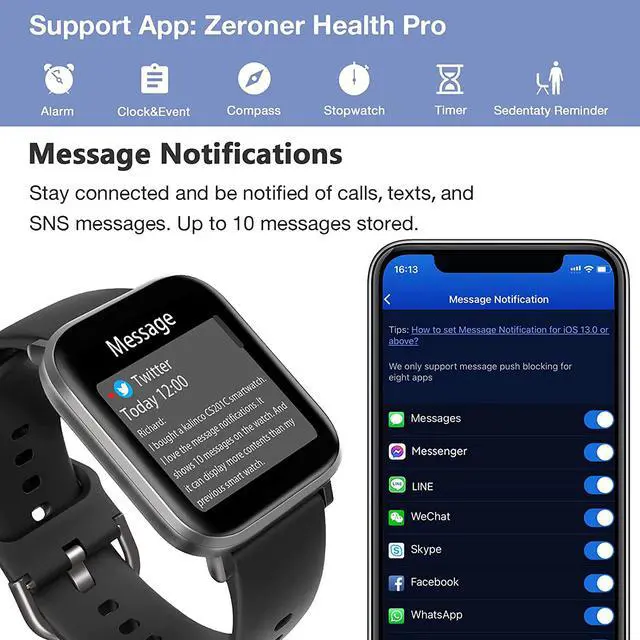
Smart notification: The watch can get alert for phone calls, messages, WhatsApp, Facebook, etc. You can reject calls on the watch.
It does not support answering or dialing.
Activity tracking: The watch can track your all day steps, calories, distance, stand up time.
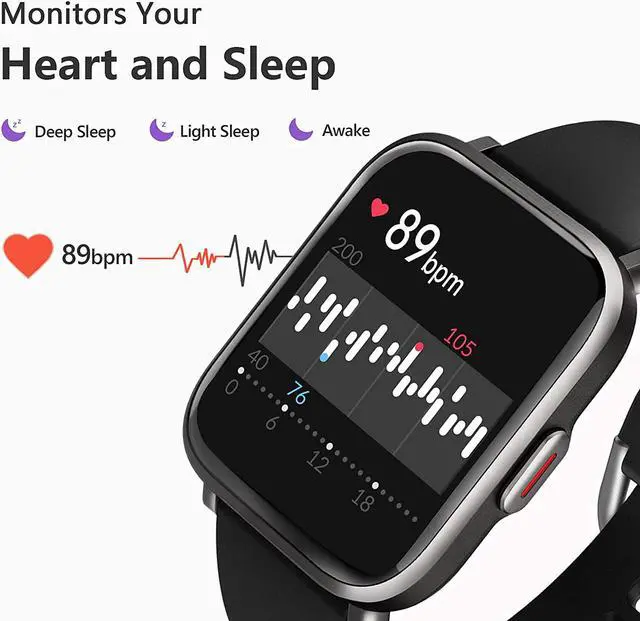
Sleep monitor: The watch doesn’t show sleep monitor icon directly on the screen. It will monitor your sleep quality during 8 P.M to 9 A.M automatically when you wear it on your wrist correctly. For the sleep quality analysis, please check more information in the App. (Note: The watch does not record any daytime sleep data)
Auto heart rate: The watch can track your 24-hour real-time heart rate. You can turn on/off this function according to your needs. You can set upper and lower limit of heart rate in the App. (Note: The data is only for reference, not for medical purposes)
Timer & Stopwatch: Select or custom countdown time to use timer. Use the stopwatch function to time and record laps.
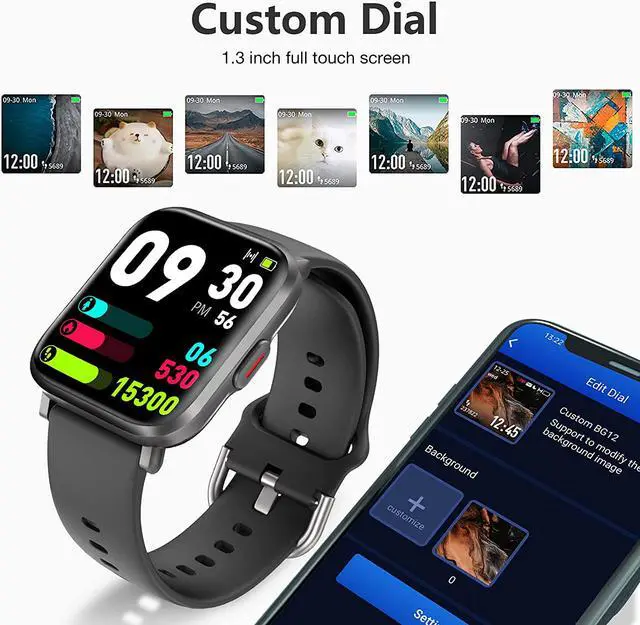
Change dial: You can select the system watch face, or set the photo you like as the watch face on the App. (Watch Face->Custom BG12)
Other settings: You can set these options on the App, including palming gesture, screen off time, screen brightness, no disturbing, pace,etc.
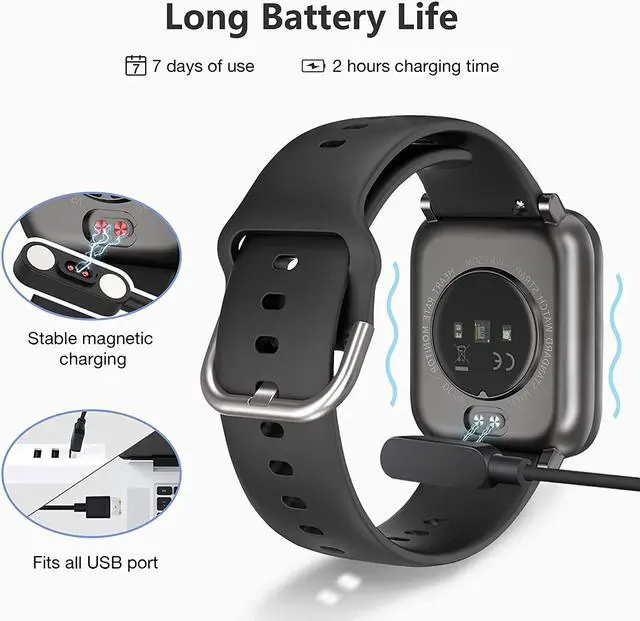
Charging: Attach the magnet and the charging port on the watch, then connect the USB interface to any charging cable. Charging takes 2 hours.
Q1: How to connect the watch with your phone?
1. Download ‘Zeroner Health Pro’ from Google Play or App store.
2. For the first usage, please click ‘OK’ ‘to allow ‘Zeroner” would like to use 8luetooth,
click ‘Allow’ to allow “Zeroner” would like to send your notifications and click ‘OK’ to allow privacy policy.
3. Please click ‘Sign Up’ to register your account for the first usage.
4. Open ‘Zeroner ’, click ‘Device’? ’Watch’ ? ’CS20XC-XXX’
Important Notice: Don’t connect the watch with app in the 8luetooth list directly.
For Android 5.0 or iOS 10.0 and above smartphones only, not for pc or tablet.
Q2: How can I see message notifications on my watch?
For iPhone:
1. Make sure the watch connected with iPhone. (Refer to the connection steps)
2. Open the ‘Zeroner’ ?Device ?Message Notification ?Select the a