How to Connect with Your TV?
1. Optical Mode Setup
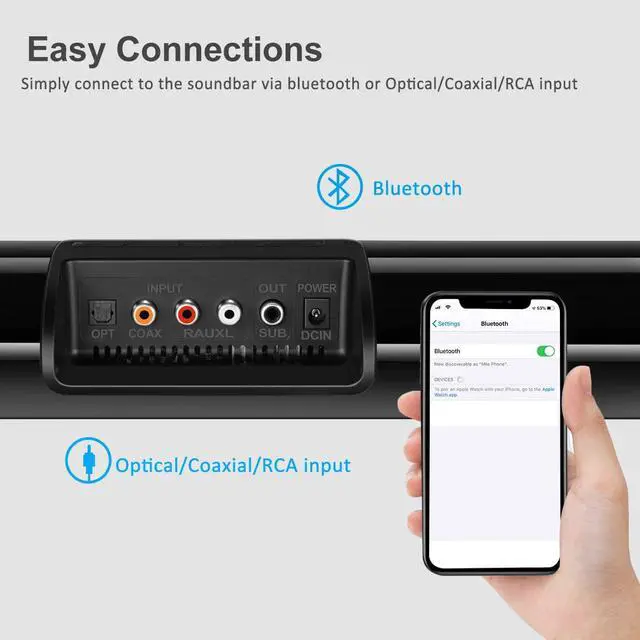
*Connect the soundbar with your TV via optical cable(Please remove the protective caps from the ends of optical cable before inserting).
* Press optical button/mode selection on soundbar to choose optical mode(The first LED lights in blue).
*Turn on the digital output and set your TV output format to PCM.
*Enjoy your soundbar.
2.Audio Mode
*Choose the right audio output on TV
*Press the aux button/mode selection on soundbar to choose the audio mode(the last LED lights in blue)
Note:Connect the audio cable with TV audio outputs and soundbar audio inputs.
Disable the TV speaker for AUX connection.
1. If the soundbar has delayed audio, this can be fixed via the audio settings on your TV.
2.Does not support Dolby and DTS, please kindly disable the Dolby and DTS on your TVs, Netflix, Amazon Prime Video, HBO, Hulu, Youtube, and other streaming video APPs.
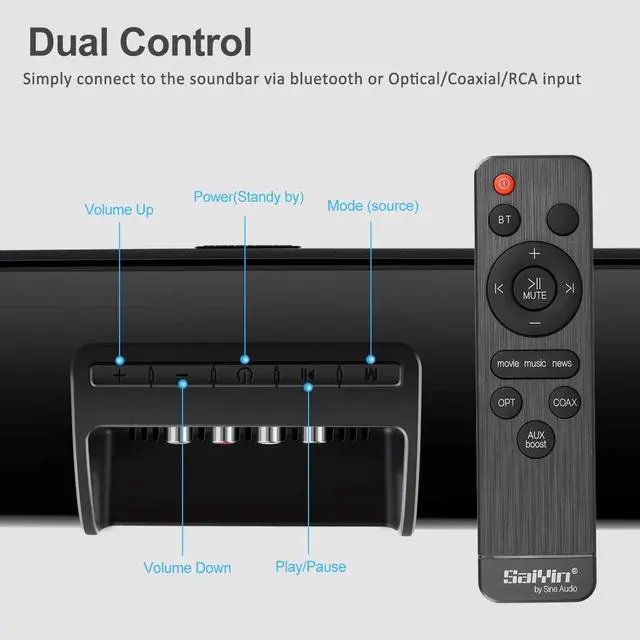
Remote and Button Control
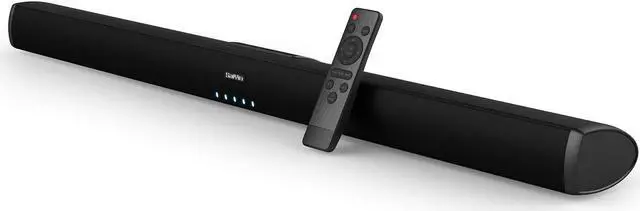
With remote control you can control the sound bar just laying in the couch and customizing the voice levels to reproduce clear, crisp dialogue and never miss a single word of your favorite movie, TV show or sporting event.
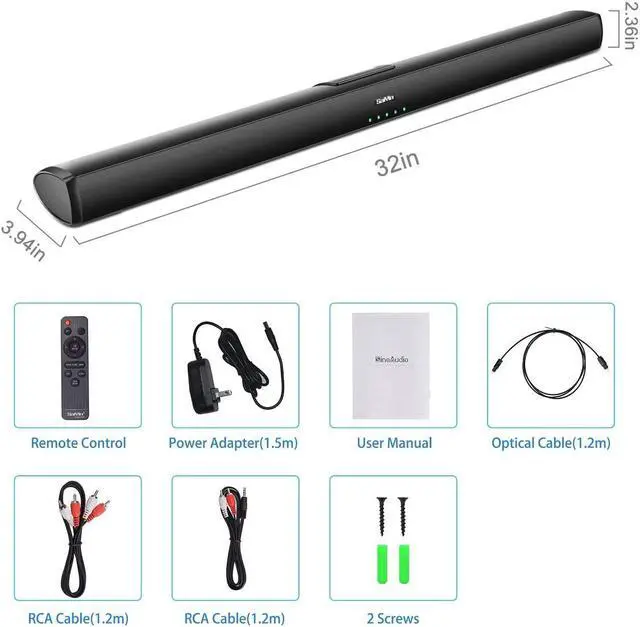
How to set up with audio cable and optical cable?
Universal audio inputs: Working with most brands of TVs . There is also a "SUB OUT" port for connecting with your subwoofer.
Bluetooth Connectivity
Built-in Bluetooth technology lets you stream music directly from your TV, smartphone, tablet or other bluetooth enabled compatible device.