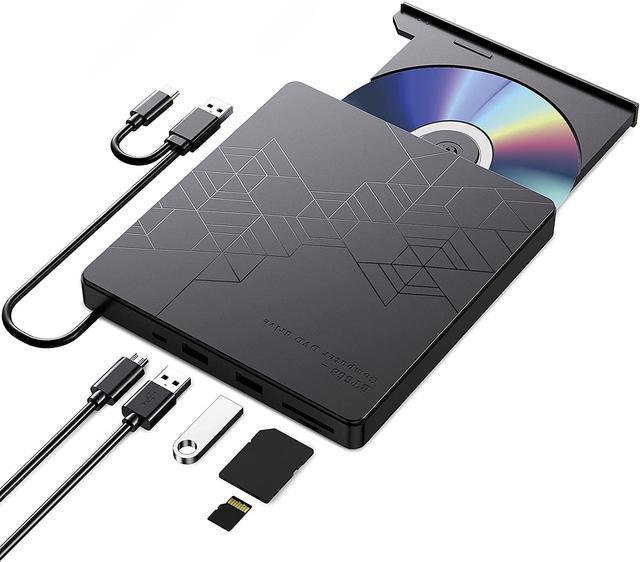
ORIGBELIE External CD/DVD Reader and Burner
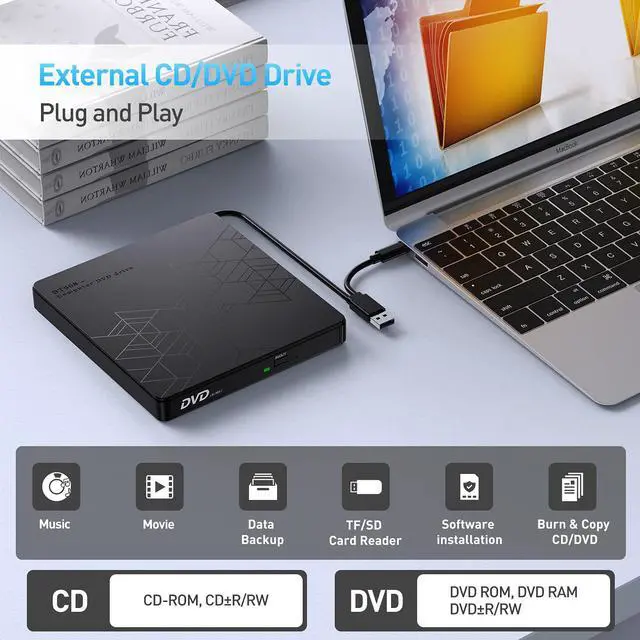
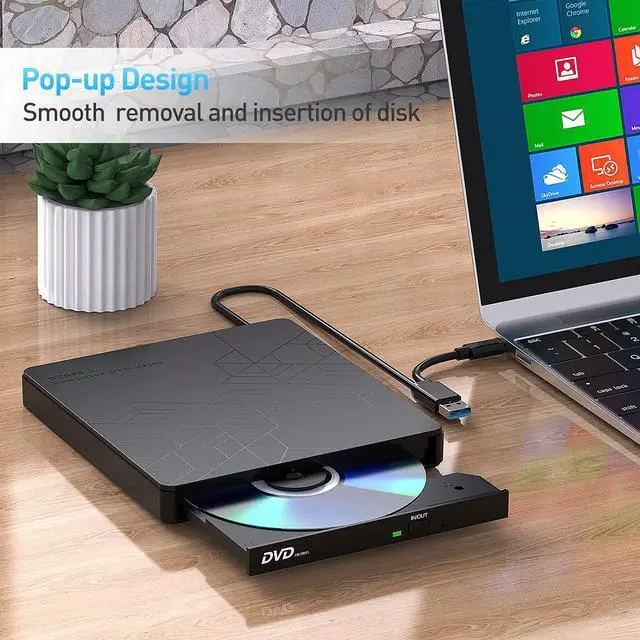
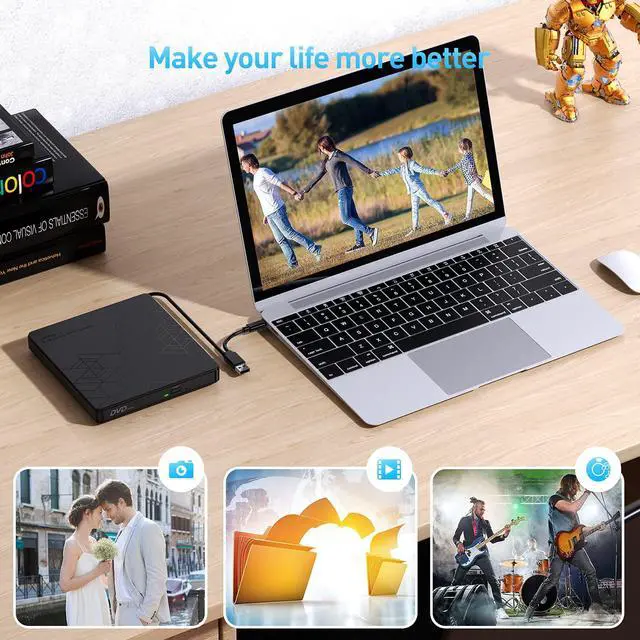
with this external CD/DVD RW Drive, you can read movies DVDs, play music CDs, burn and rip discs, copy photos, install software/games/system, backup data and more. and just slips easily into your travel bag, perfect companion for DVD lovers, using everywhere.
Feature
2-in-1 USB 3.0 Connector
Equipped with USB-C and USB-A connectors make it easier to connect to more laptops and desktop computers, no USB hub/adapter required. The USB 3.0 technology offers a maximum data transfer rate of 5Gbps, 20% faster than USB 2.0 and No lag or distortion. You can transfer movies or files in just seconds
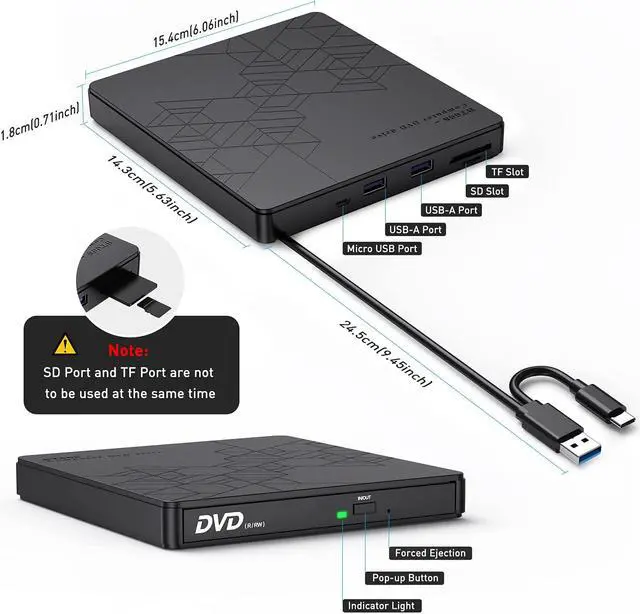
Extra SD/TF Slot
It is not only CD/DVD burner, but also a SD/TF card Reader. Extra built-in SD/TF card slot is perfect for you to transfer photos shooting or videos by your camera from memory cards to your computers(Note: the USB flash drive and SD/TF cards on the picture are not included in the package)
Plug and Play
No extra driver program is required, just plug this CD/DVD drive directly into the USB 3.0, USB 2.0 or USB-C port on your computer, it will automatically install and be recognized by your computer, then you can use it to read or burn your CD or DVD discs through the corresponding software.
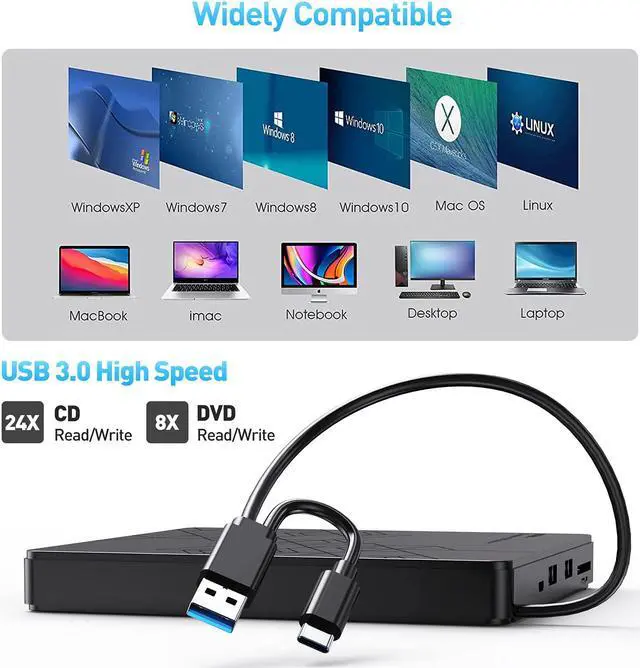
Wide Compatible
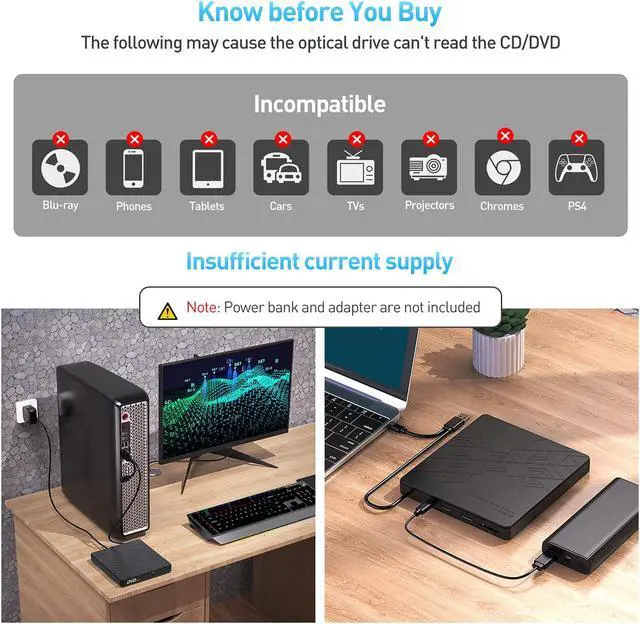
Compatible with Windows 10 / 8 / 7 / Vista / XP, Linux and all versions of Mac OS. Ideal for laptop and desktop PC .(incompatible with Chromebook and Ubuntu system, Car, TV, Truck, Tablet, Smartphone, Projector, Blu-ray disk)
How to Play a DVD Movie on Your Laptop
You need to ensure that there is a program or app on your laptop for playing DVD. Windows 10, unlike some of its predecessors, no longer ships with a built-in DVD player.
Click Start button on the desk of your laptop. Search Windows Media Player to start the program.
Connect an external DVD drive to your laptop via a USB cable and insert the DVD disc to the external DVD drive.
Choose your DVD Disk and click Play button. Then you can watch DVD movie on your laptop.
How to Play a CD on a Desktop Computer
If you havent ripped your music CDs to audio files on your computer yet, its not too late. All it takes is a ORIGBELIE CD drive and a bit of time. When youre done, your physical music collection will become your digital music collection, You can then listen to that music on your computer or copy it over to your smartphone. There are even many services that will let you store that music online and stream it from anywhere!
Connect an external cd drive to your laptop via a USB cable
Press the Eject button on the cd reader.
Place the disc in the tray label-side up, and close the tray by pushing it
Click choose what to do with audio CDs, then Double-click your audio CD in the menu and you'll see all of the tracks appear in the center of the window. If nothing happens when you insert your disc, you can start Windows Media Player yourself.
How to Back Up Computer Files to CD/DVD
Youve put a lot of work into creating your computer files, so youll want to remember to back them up. If you back up your computer files, if your computer is damaged or loses data, youll have a copy safely tucked away.
Place a blank writable CD-R/RW (read/writable) or DVD-R/RW in your CD-RW /DVD-RW drive and then choose Start?Documents.
Select all the files that you want to copy to disc. Right-click the files that you want and then choose Copy To Folder.
In the Copy Items dialog box, click the CD-R/RW or DVD-RW drive and click Copy.
Your files are copied.
How can i install software thats stored on a CD or DVD If my PC lacks an optical drive?
When software comes on a CD or DVD and you want to install it on a laptop, you may cant just pop open the disc drive or slide a disc into a slot, like you would on a computer with an optical drive. Generally speaking, the latest laptops forgoes the optical drive to keep it thin and small.



 All Categories