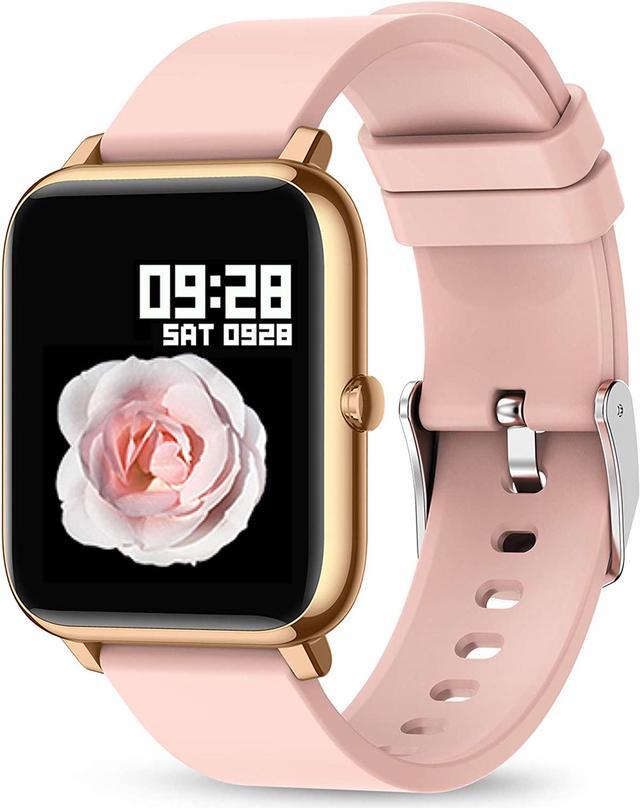
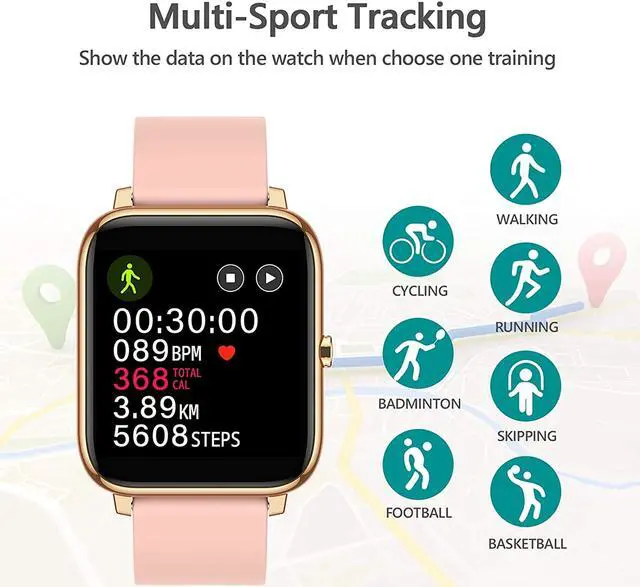
KALINCO Smart Watch
Model Number: P22
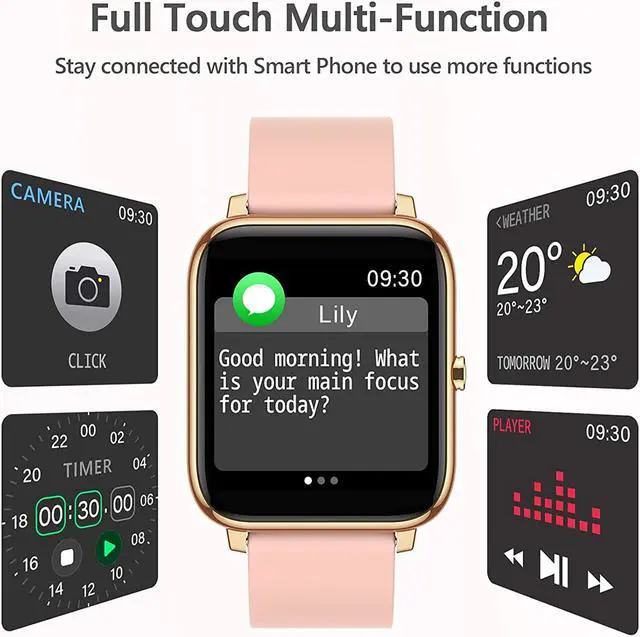
Alarm Alert: Set an alarm to remind you to get up or doing business.
Timer: Life is a race against time, precise control of your time with timer.
Weather Display: Enter your place of residence to see the local weather conditions.
Wake-up Gesture: Raise your wrist and the screen will light up, making things easier.
Sedentary Reminder: Set a time period to remind you to move your body when sitting for a long time.
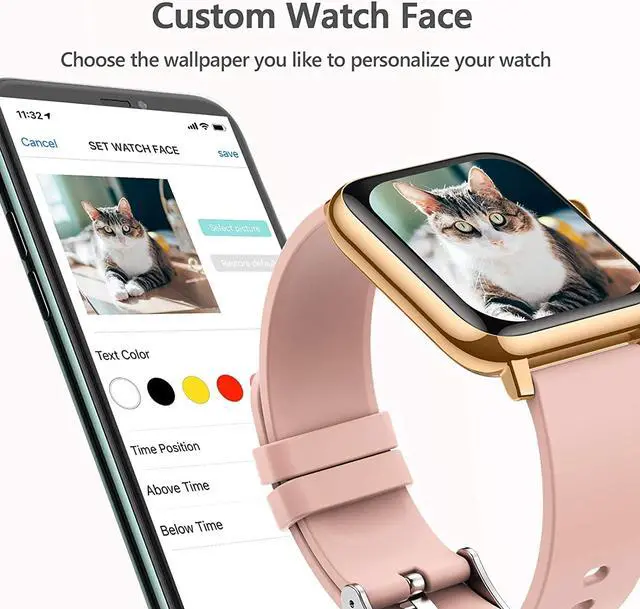
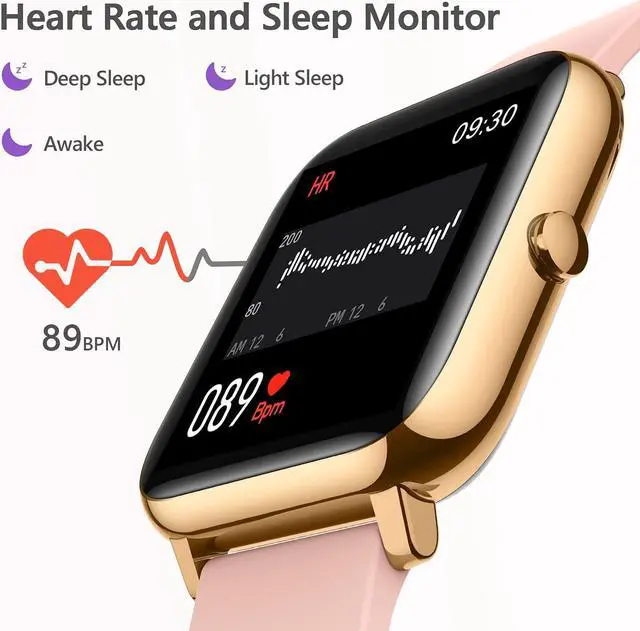
1.4 Inch Full Touch Screen: View your health and exercise data on the 1.4 inch watch screen with a customizable dial.
Music Control: Play and pause music through the watch When exercising, enjoy the passionate collision of sports and music.
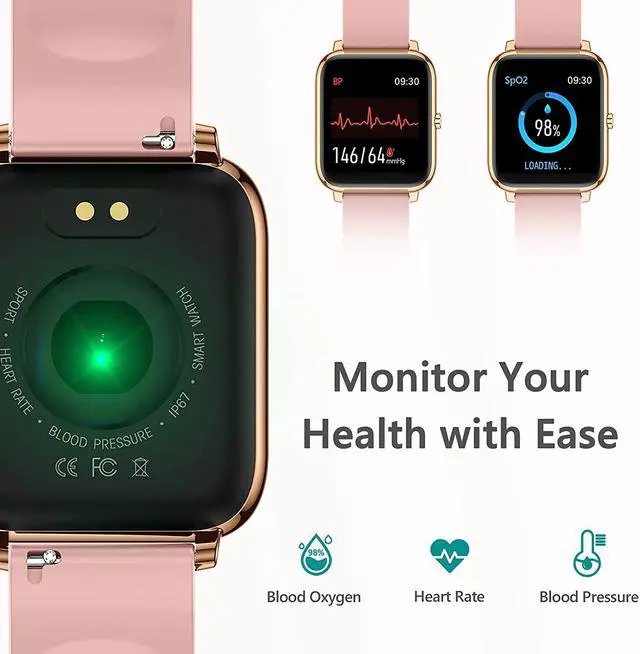
Water Resistant: IP67 water resistant allows you not to worry about the watch being wet while washing your hands or in the rain. Please don't wear it for swimming.
Message Notifications: The watch can display text messages, calls and App notifications such as Facebook, WhatsApp, Twitter, etc. (Note: Cannot answer call or text on watch)
Screen Test: You can long press the watch face, it will show the model serial number and MAC Address. Then long press screen to trigger the screen test. You can tap all the squares on the screen or press the side button to restore.
Tips to get started:
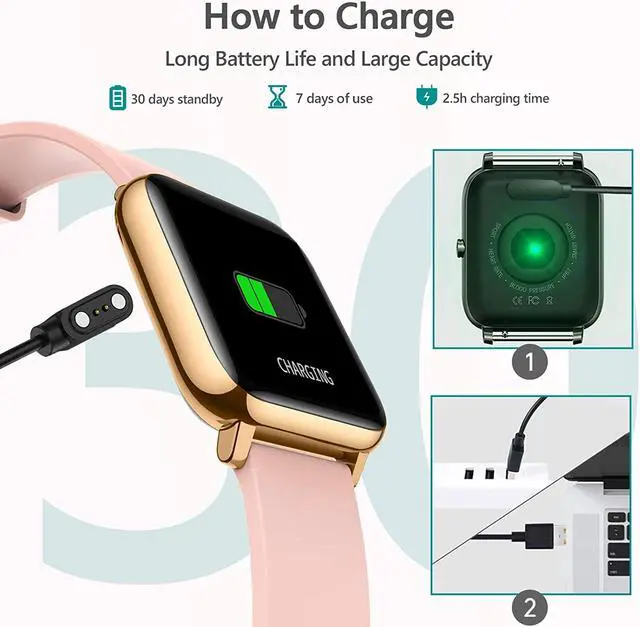
To turn on the watch for the first time, please charge it to activate.
Download App HeroBandIII (Scan the QR code in the manual to download it). Fill in your personal data in App(such as height, weight, age, stride, etc) to get more accurate readings.
Turn on the 8luetooth of your phone. Then click Bind Device in App, select P22 in the list to bind. Do not connect the watch in Settings-8luetooth directly.
Go to "Homepage" and pull down to sync the data. The time and date of watch will stay the same as the phone.
The watch requires iOS 9.0 & android 4.4 or above. For smartphones only, not for PC, laptops or iPads.
How to reconnect the smart watch with smartphones?
For iPhone: Remove Device 'P22' in the HeroBandIII App?Open 'Settings'?Click '8luetooth'?Select 'P22'?Click '(i)' ?Click 'Forget This Device'?Reconnect the smart watch in App
For Android: Remove 'P22' in the HeroBandIII App?Reconnect the smart watch in App
The watch time is synced with the connected smartphone. If the watch time is wrong, please unbind with phone first. Then follow the steps above to reconnect with smartphone to get the correct time.
How to get message notifications on the watch?
Connect the watch with HeroBandIII App and turn to 'Watch'?'Notification'
Choose the App you want to receive messages. For example, if you want to receive Facebook notification, turn on 'Facebook' option and allow notification. Then go to 'Homepage' and pull down screen to sync.
Please confirm whether the message can be displayed in the notification bar of the phone. The watch receives messages by reading the notification bar of the phone. If the message notification on the phone is not working, the watch cannot receive the message.
Note: If you do not allow the App to receive mobile notifications when installing HeroBand?, you can set it in the following ways.
For iPhone: Open 'Phone Settings'?Click '8luetooth'?Select 'P22'?Turn on 'Share Systems Notification'
For Android: Open HeroBandIII App?Click 'Notifications'?Click 'Notification access'?Turn on 'HeroBandIII'
For iPhone & Android: Open 'Phone Settings'?Click 'Notification'?Select 'HeroBand?'?Turn on 'Allow Notification'