Frequently Asked Questions:
How to connect it with my phone?
1.Turn on the bluetooth of you phone and keep the tracker close to your phone.
2.Download Walkfit APP.
3.Allow all notification of the APP to get call & message alert.
How to charge it?
1.Take the straps off the tracker body. (from both sides)
2.Insert the tracker into a usb charger, like your laptop or your phone adapter.
Charging time: 2 hrs
PS: No charging cable included in the package.
Message push supported languages: Russian, German, Italian, Japanese, French, Simplified Chinese, Traditional Chinese, English, Portuguese, Spanish, Greek, Filipino, Finnish, Latin, Irish, Malay, Indonesian, Turkish, Polish, Dutch, Croatian, Vietnamese, Swedish, Norwegian, Danish, Czech, Ukrainian, Bulgarian, Bosnian
App supported languages: Simplified Chinese, Traditional Chinese, English, Russian, German, Italian, Japanese, French, Portuguese, Spanish, Czech, Polish, Turkish, Indonesian, Malay, Dutch, Danish, Ukrainian, Vietnamese, Swedish, Bulgarian, Finnish, Thai
Specifications:
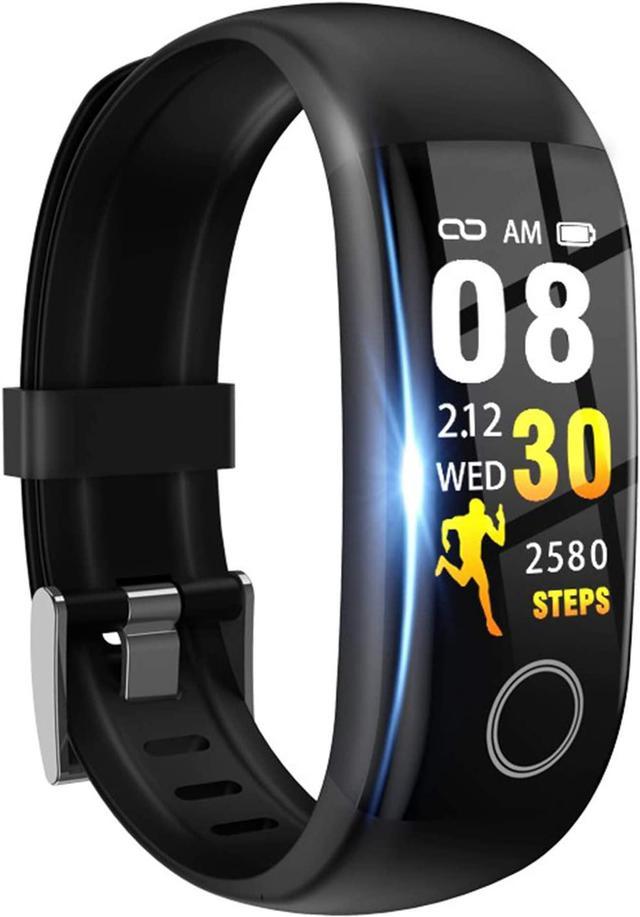
Screen:TFT
Support app: Walkfit
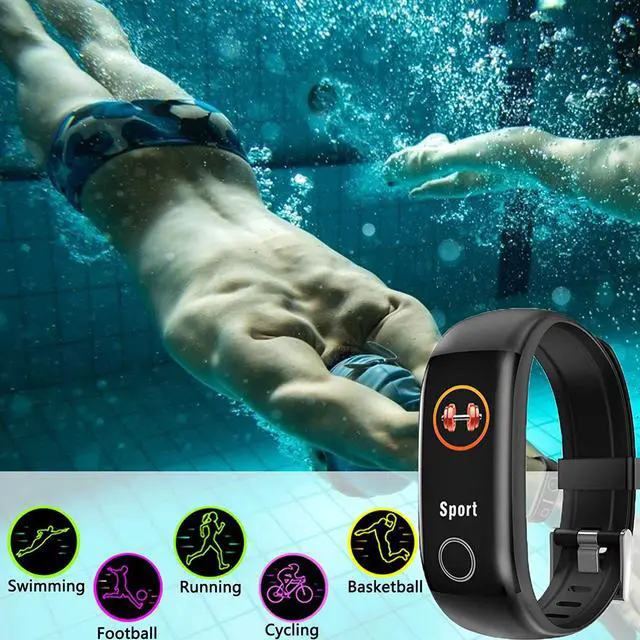
Waterproof level: IP67
Battery capacity: 100mAh
Body size: 13.7*20*230mm
Standby time: 7-12 days long battery life
Battery type: lithium ion polymer battery
Support system: Android4.4 and above,IOS9.0 and above
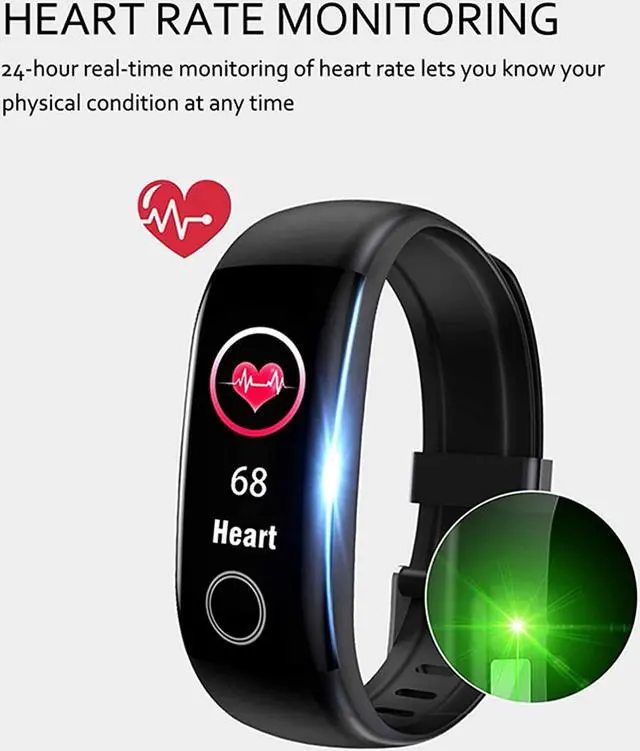
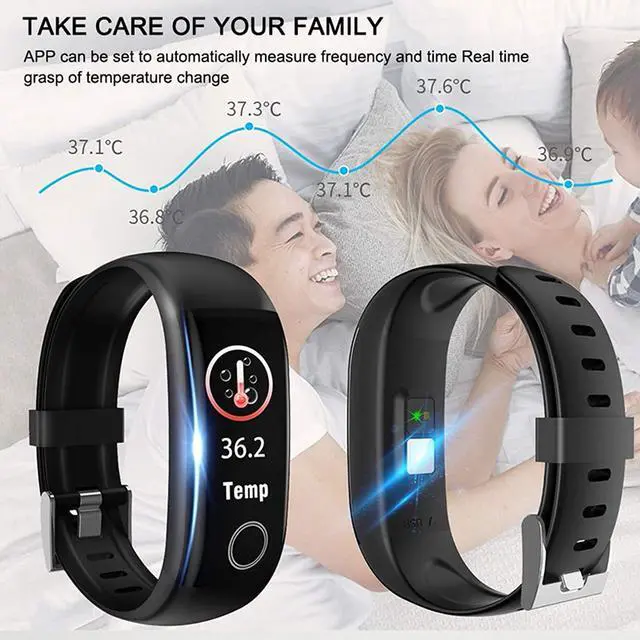
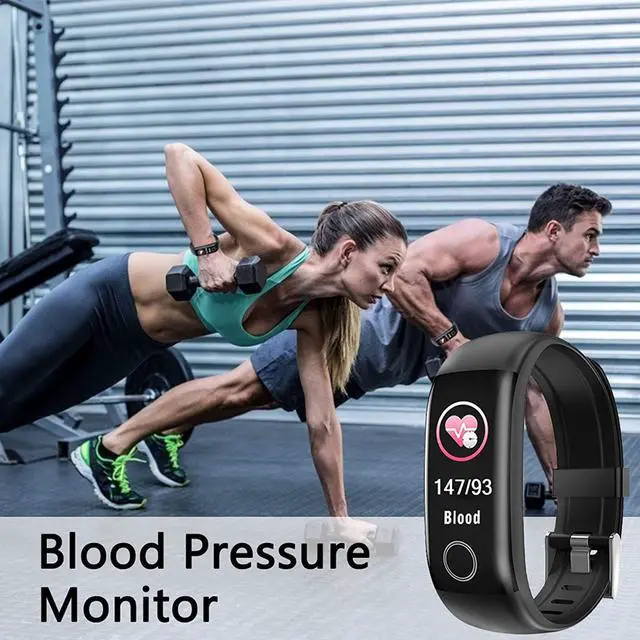
Other functions: Take pictures remotely, play music, find phone, call reminder, do not disturb phone, WeChat reminder, APP message reminder, alarm clock