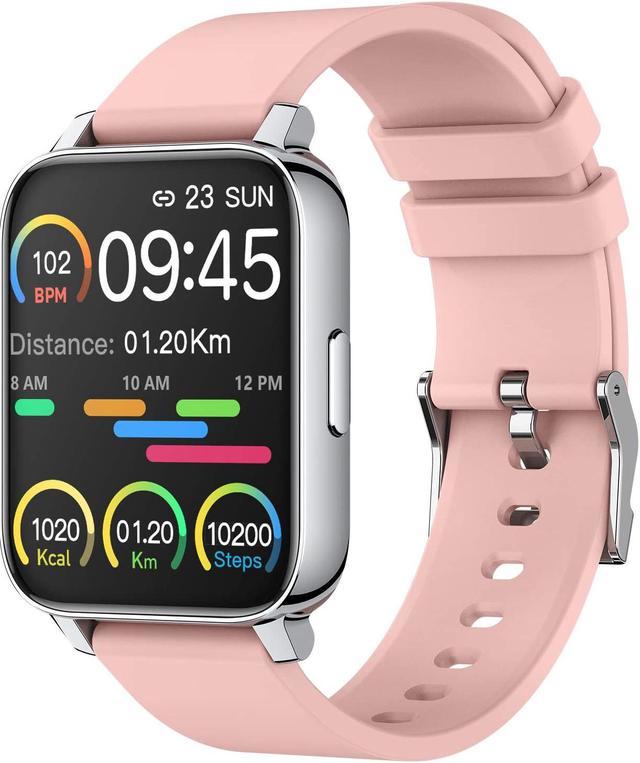
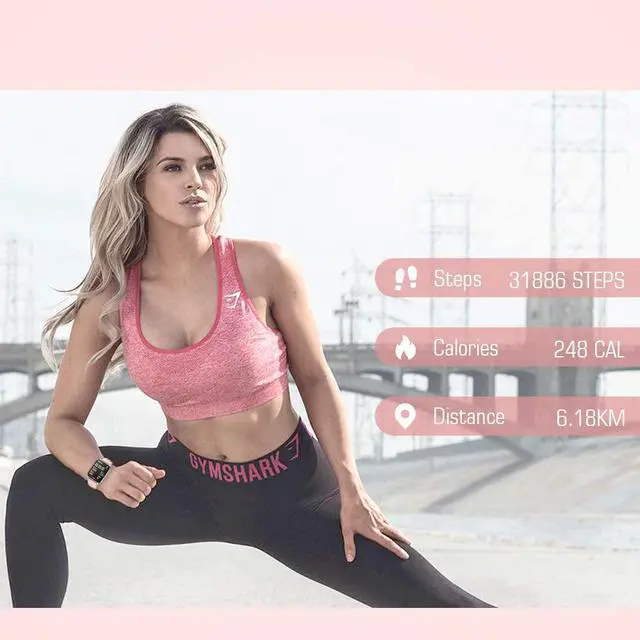
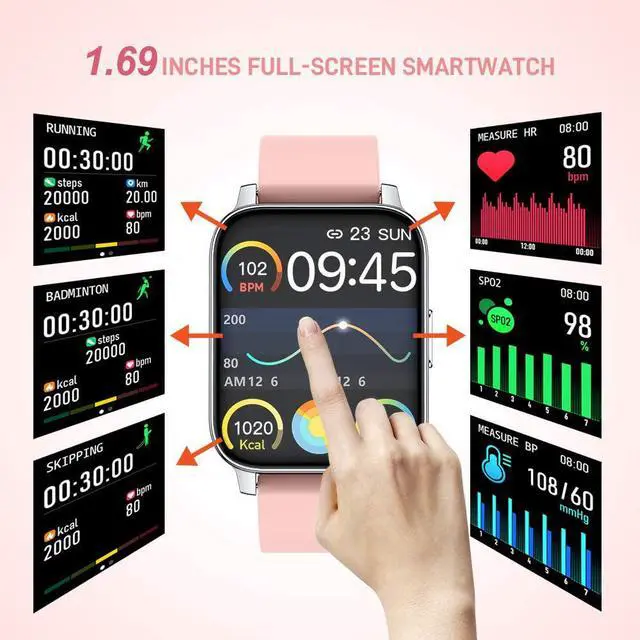
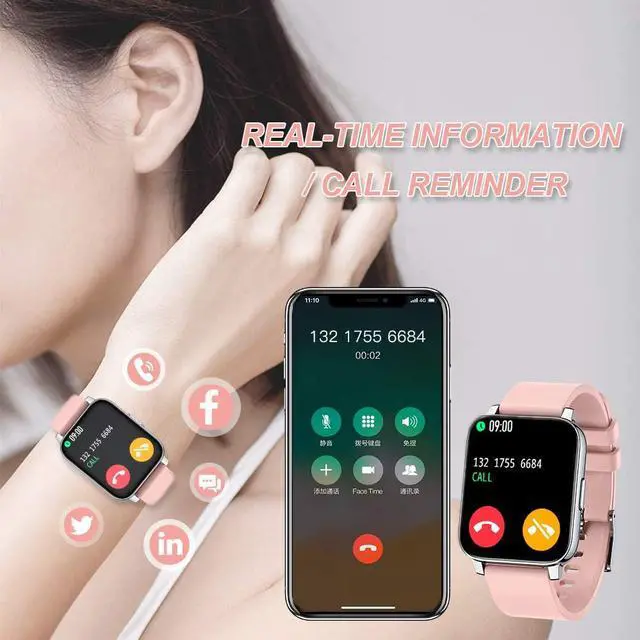
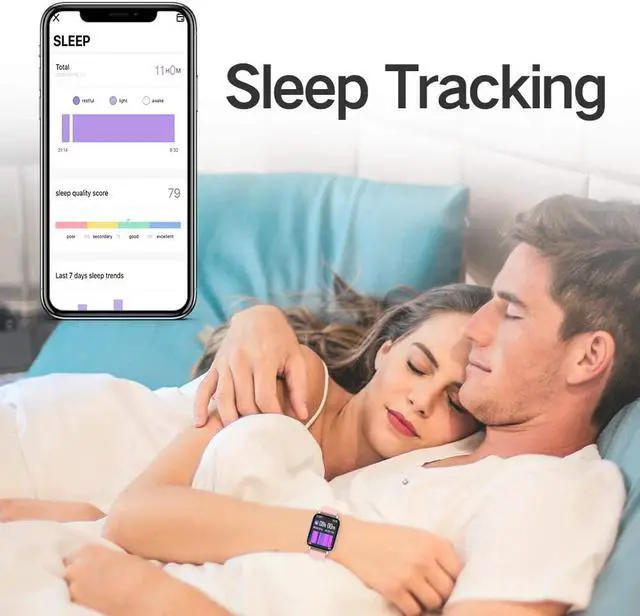
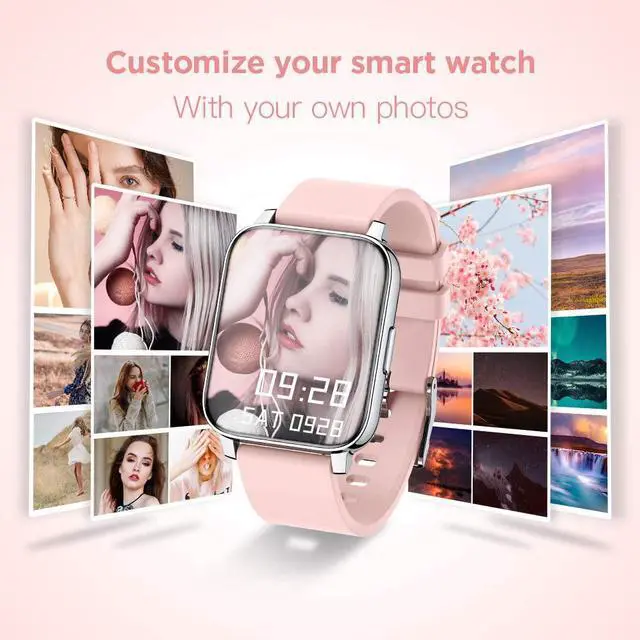
| Features | 1.69 Inch Smart Watch: Smartwatch adopts 1.69 inch 3D curved HD touch screen, metal structure and soft breathable bands, making it very comfortable for wearing and looking stylish both for men and women. Do you want to add your photos or your favorite images to the watch face? Now it is easy to realize on watch. You can choose the existing images or upload images to customize the watch face freely, which can make your watch looks unique. Heart Rate Monitor and Sleep Tracker: This smart watch can automatically monitor your real-time heart rate and track your sleep status all day.You can check the day, week, month data in the app, which can help you better understanding of your health and leading a healthy life-style. More practical tools: vibration alarm clocks, sedentary reminder, music controller, stopwatch, deep breather guide, music controller, adjustable brightness, find phone. Your Close Sports Partner: Our smart watch records your everyday activities in detail, including steps, distance, calories burned, mileage, workout duration, heart rate, sleep, and more. Not only these, it supports multiple sports modes, such as running, walking, cycling, skipping, badminton, basketball and football. Smart Watch for Android Phones iPhone iPad and Tablet: Smart Watch can be wide compatible with iOS 9.0 and above Or Android 5.0 and above devices, including smart phones, iPad and tablet. By connecting the watch with your device via the related app, you can get real-time notifications of your calls, texts, and SNS messages, including Facebook, Twitter, WhatsApp, Linkedin, Messenger, etc. Never miss important messages. Swimming Waterproof and 7 Days Battery Life: Smart watch is rated IP67 waterproof standard.You can wear it when washing hands, running in the rain, or even go to swimming with it. The magnetic charging cable ensures an easy charging method. It only takes 1.5 hours for this watch to be fully charged, and it can go for 7 days working time and 30 days standby time. |
|---|