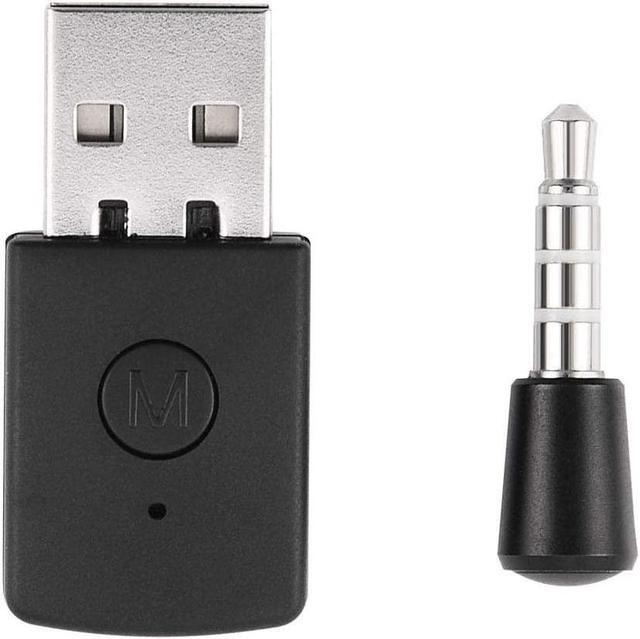
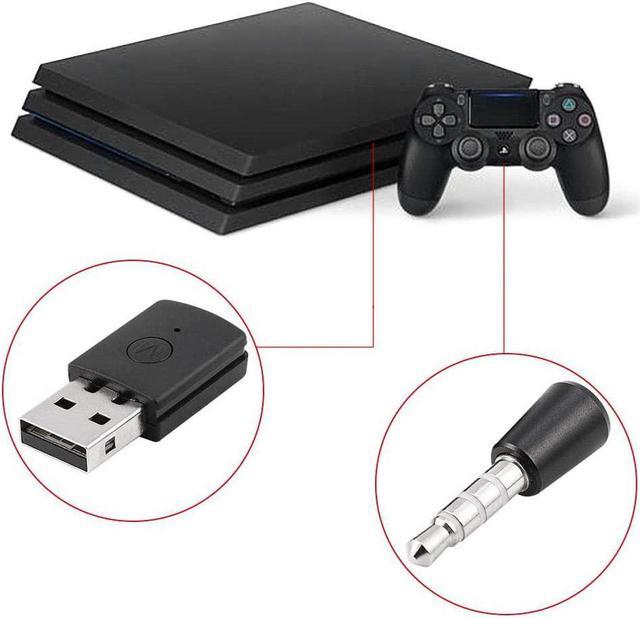
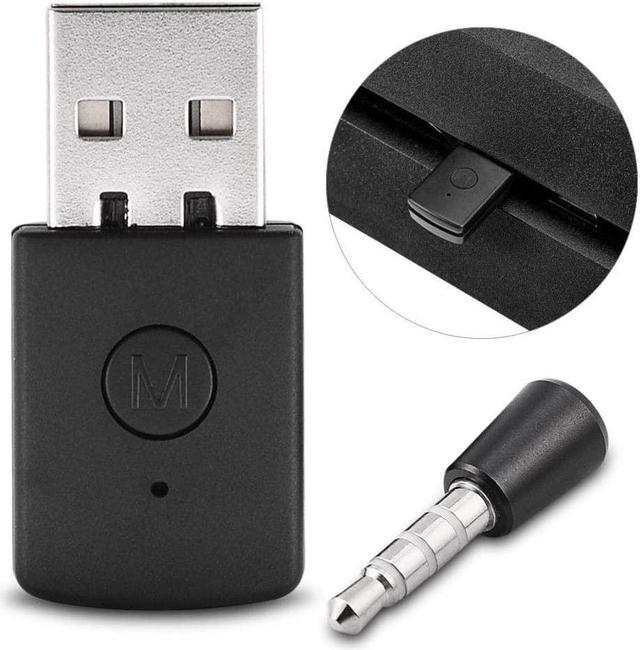
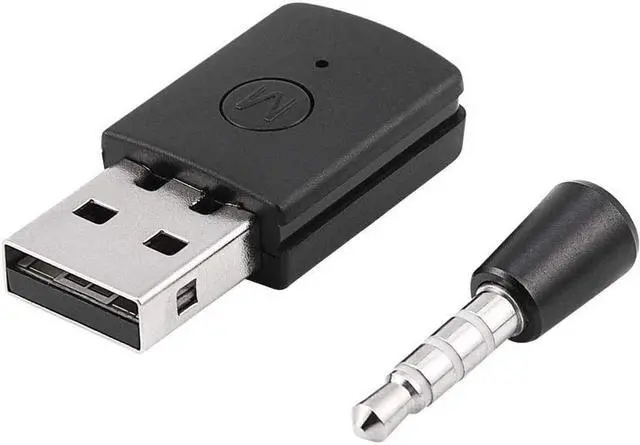
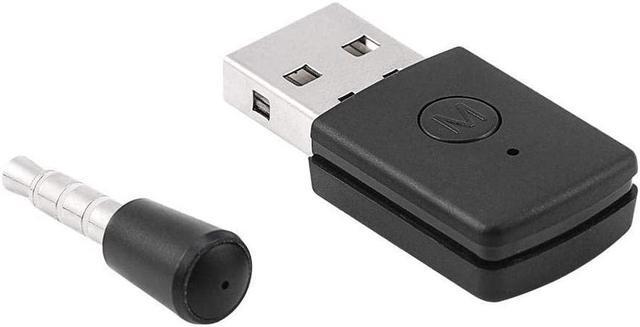
1. This product only needs the host to support USB Auido and plug in the USB Bluetooth adapter to send the host audio signal to the Bluetooth terminal device through the adapter. 2. USB 5V power supply automatically activate Bluetooth when power on. Support A2DP HFP.
(A2DP: Send the music played on the PC to the Bluetooth headset.
Audio format: 44.1K sampling dual channel bit width 16bits.
HFP: Realize Bluetooth headset voice intercom.
Audio format: 8K sampling single channel bit width 16bits). 3. The Bluetooth adapter is a USB adapter when you plug it into the PS4 USB slot it will connect to any Bluetooth audio device. 4. Turn on the PS4 host insert the adapter into the USB port then press the button on the adapter for 2 seconds the LED indicator starts to flash slowly to enter the pairing mode turn on your Bluetooth headset and pair it the LED indicator turns blue to connect Success the Bluetooth headset can be automatically connected to the adapter next time you use it. 5. If you have any questions after purchasing this product you can consult us and we will do our best to answer you.



 All Categories