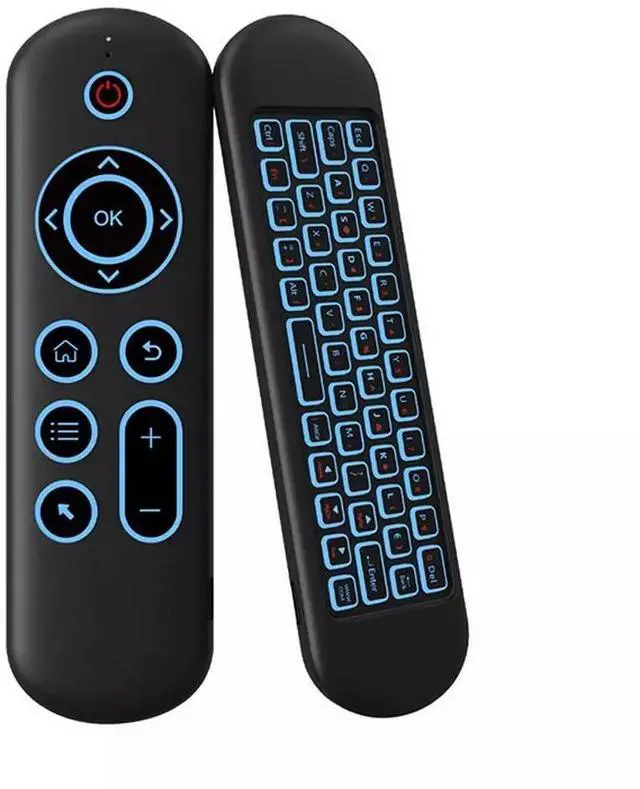
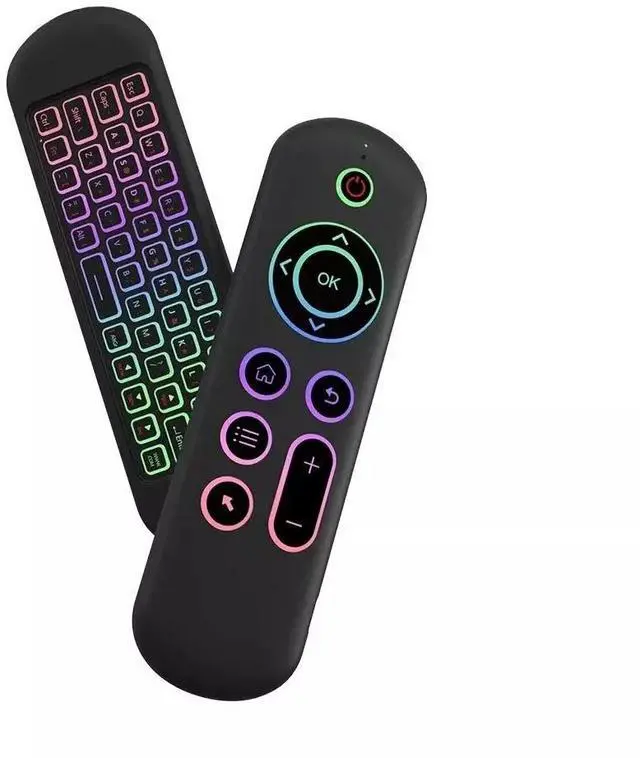
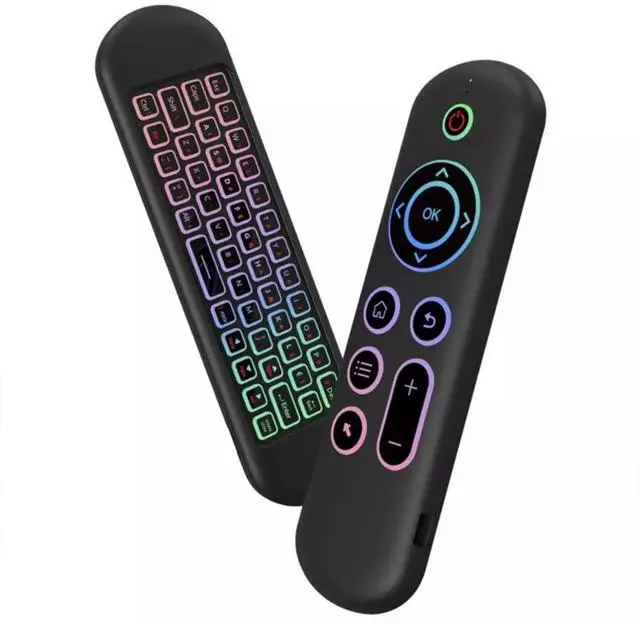
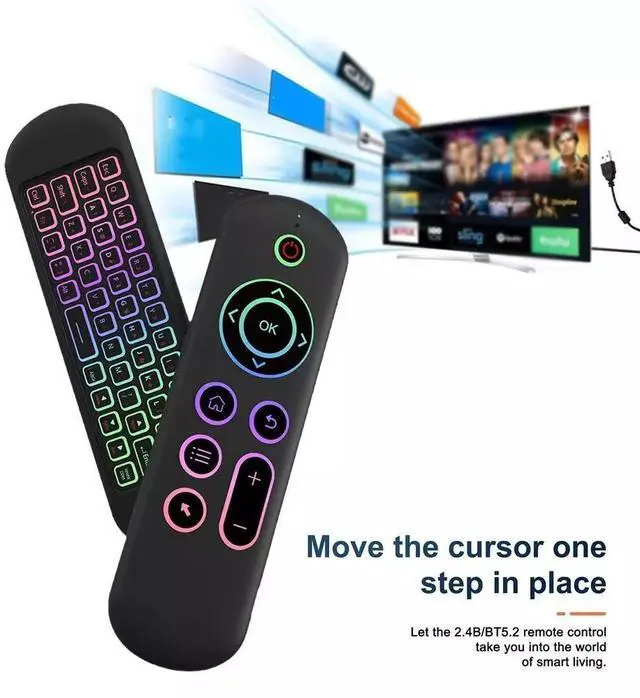
2.4G / Bluetooth Dual Mode Air Mouse Keyboard
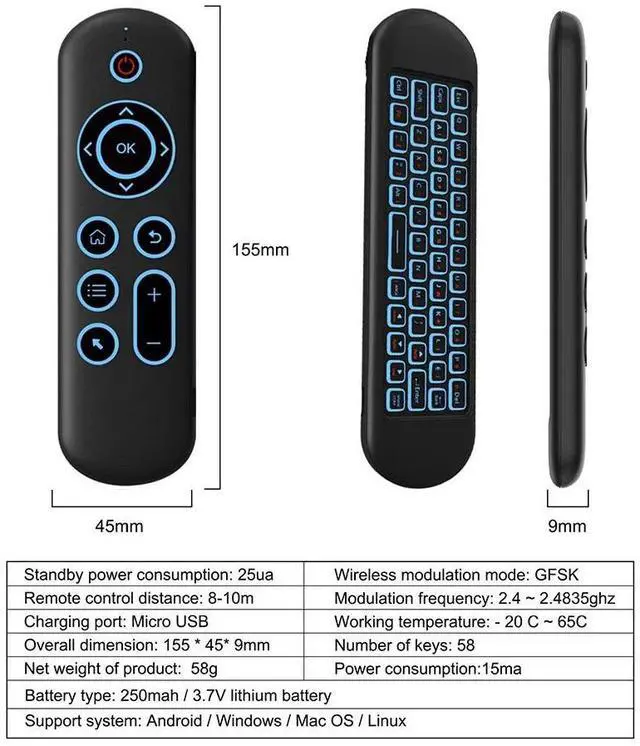
Remote control distance: about 10 m
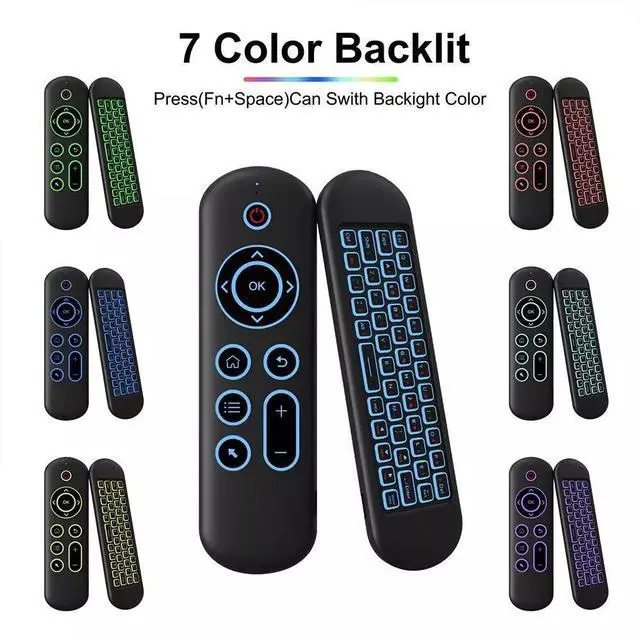
Backlit: 7 Color
Charging port: USB-C
Overall dimension: 155 x 45 x 9 mm
Net weight of product: 58 g
Wireless modulation mode: GFSK
Modulation frequency: 2.4 ~ 2.4835 ghz
Number of keys: 58
Battery type: 250mah, 3.7V lithium battery
Support system: for Android / Windows / Mac OS /Linux
2.4G MODE
1. For initial use, plug a USB receiver into the USB port of device and wait for 20-60 seconds. Move the mouse the mouse, if the cursor can move on the screen means that pairing is successful.
2. if it is unsuccessful, press and hold [ OK and [ BACK ] buttons, LED light begin to flash. Pairing is successful when LED light stop flashing.
Bluetooth 5.2 MODE
1. Before using this device, first you must turn on the bluetooth function on the device;
2. Then long press; OK + Return keys, when the LED turns to flash quickly, the product enters the pre pairing;
3, Click add search new devices on the main device to find this air remotes name (
Example: BT-REMOTE ). Click the name can to connecting;
4. After the product is successfully connected, the direction of the mouse pointer can be controlled by waving in the air;
5. If the connection is not successful, please perform the operation steps of item 2-4 again;
6.
Reconnect efficiency description: The normal reconnect time of this product is 3-5 seconds after it is normally paired with the main equipment;
7. This product can only remember the pairing information of one main device, when the product is connected to a new device, the connection of historical devices is not supported after.
Package Included:
1 x Air Mouse
1 x 2.4G USB Receiver
1 x Charging Cable