
Built for How Business Buys.



Why Do You Need to Buy a Vangoa Wireless USB Midi Controller Mixer Mute?
VANGOA MIDI Muxer
Merchant VideoWireless Midi Controller Knobs, Unleash Your Music Mojo with Wireless Whimsy!
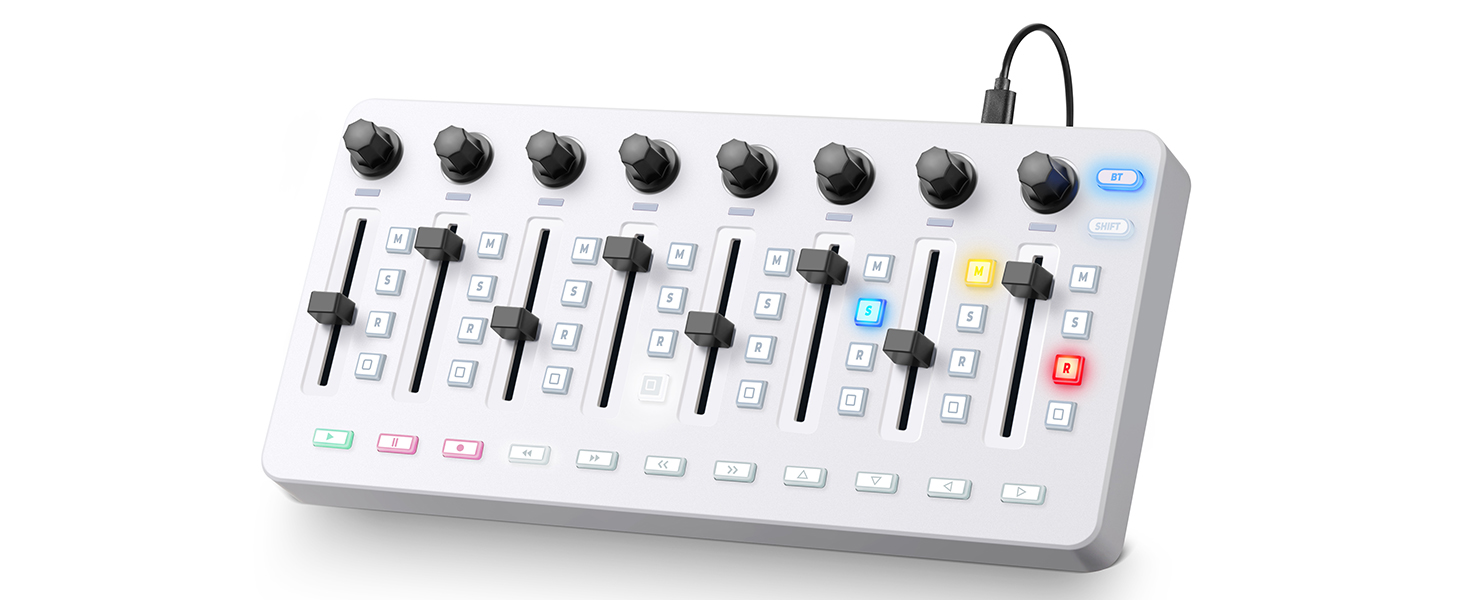
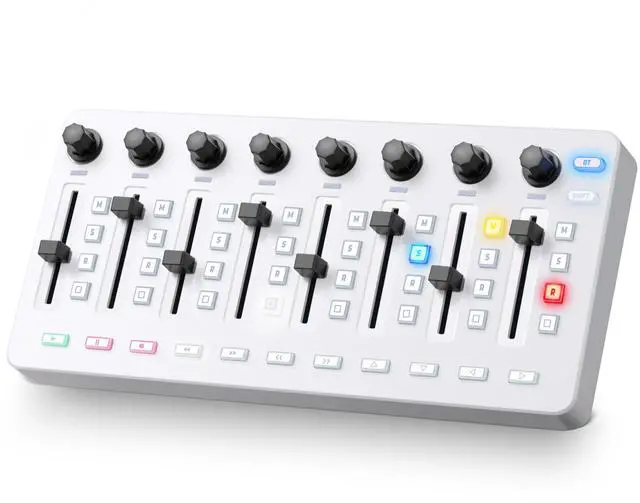
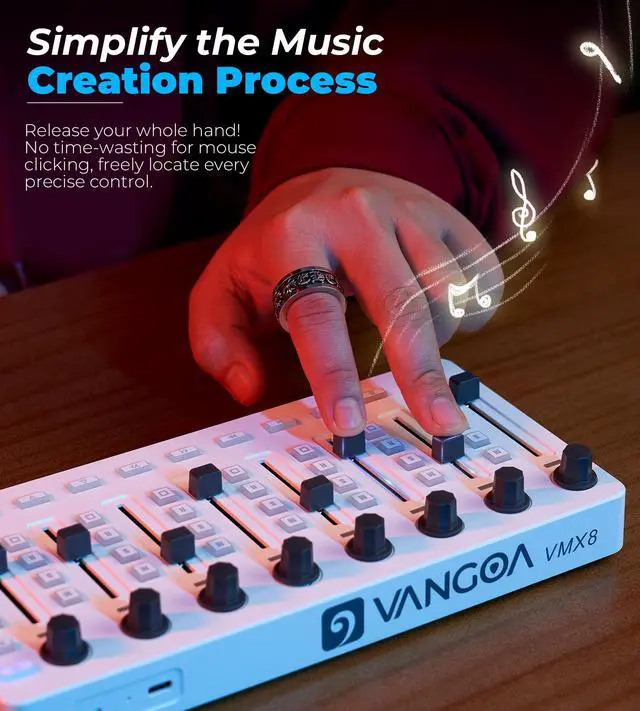
Unleash your beginner talent with the Vangoa Wireless MIDI Controller. Portable and versatile, it offers 43 backlit buttons, 8 faders, and 8 assignable knobs for complete audio control. Effortless navigation and customization enhance your workflow. Elevate your music production now!
Use Vangoa's MIDI Mixer, Unleash Your Inner Power, Wirelessly and Wildly!
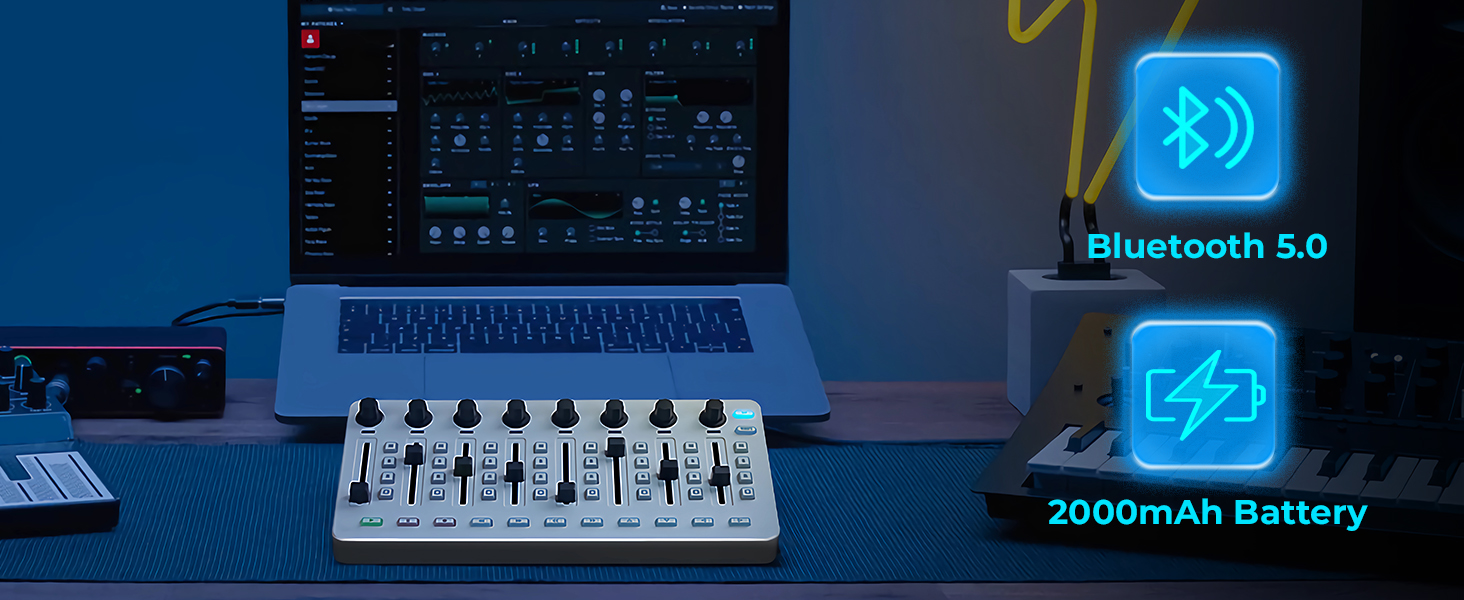
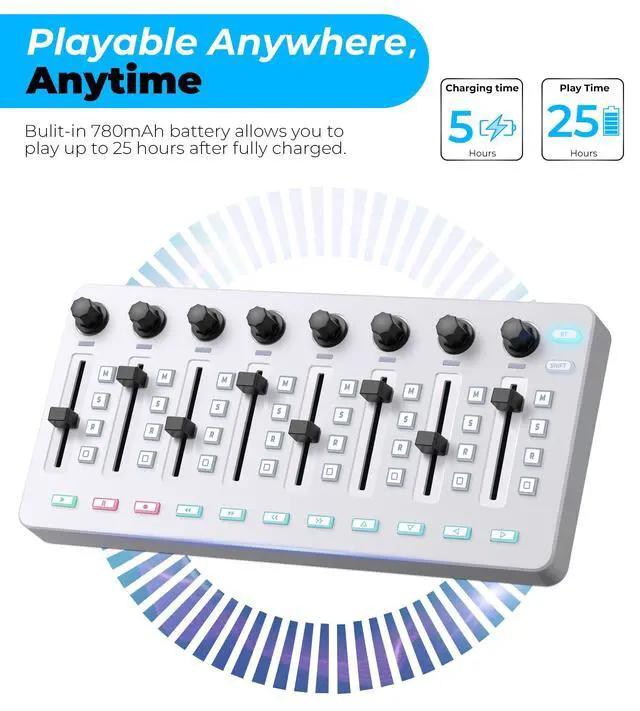
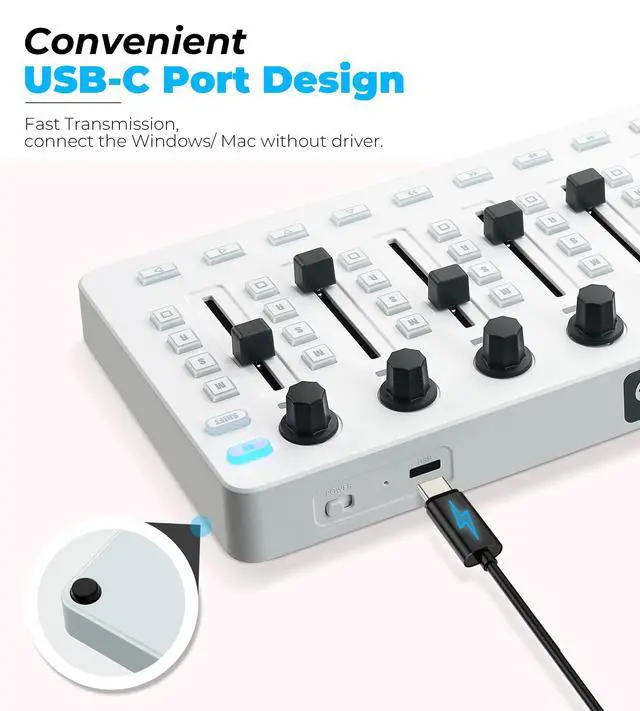
Wireless Connection
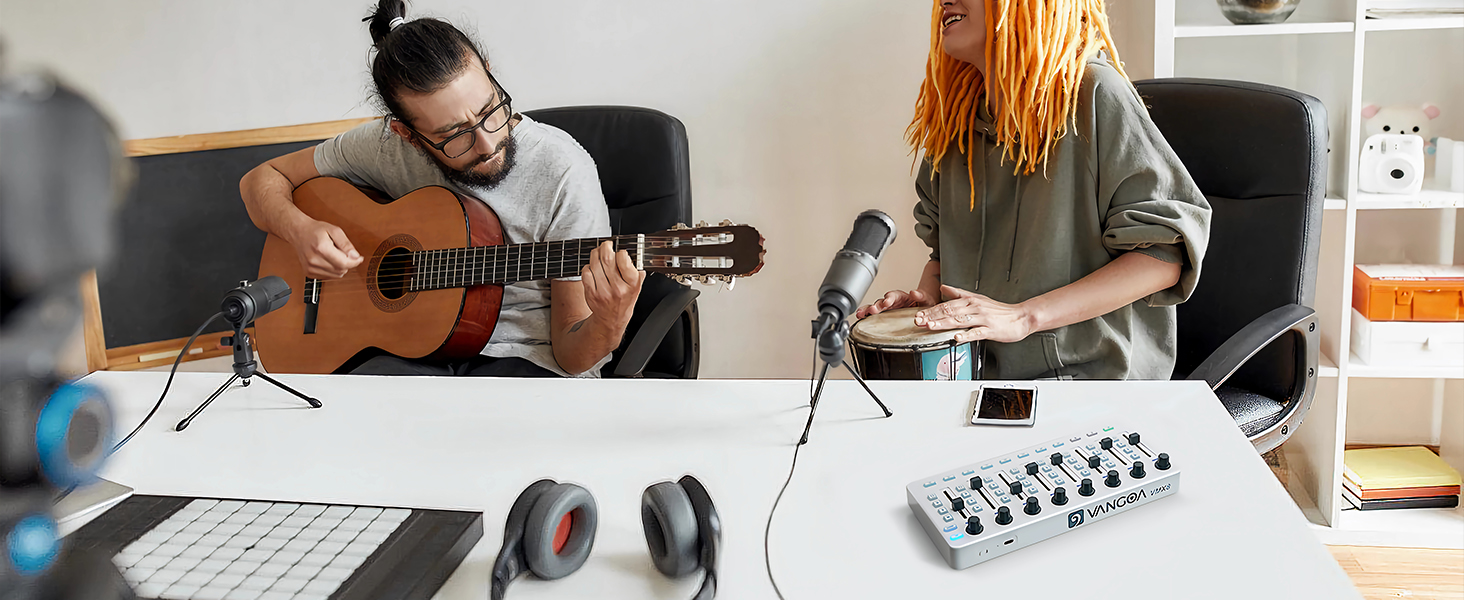
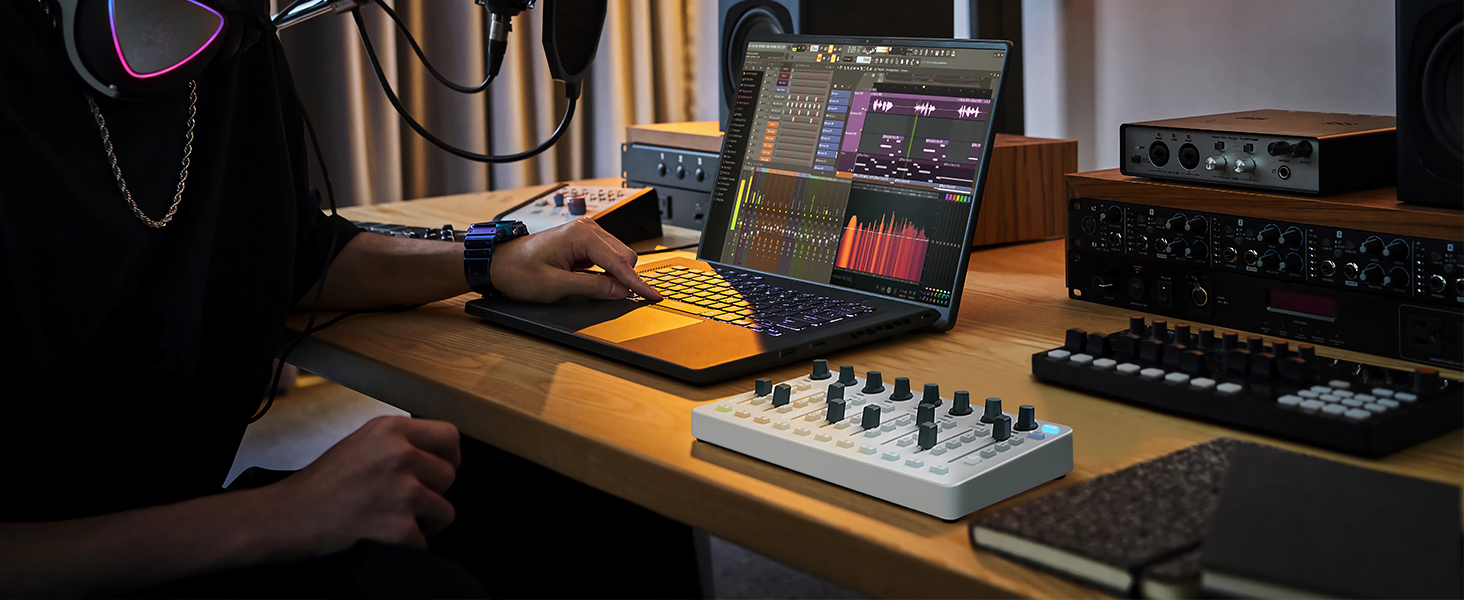
With unrestricted movement and flexibility, wireless midi controller keyboard midi mixing console allows musicians to control music software without being tethered to a physical cable connection.
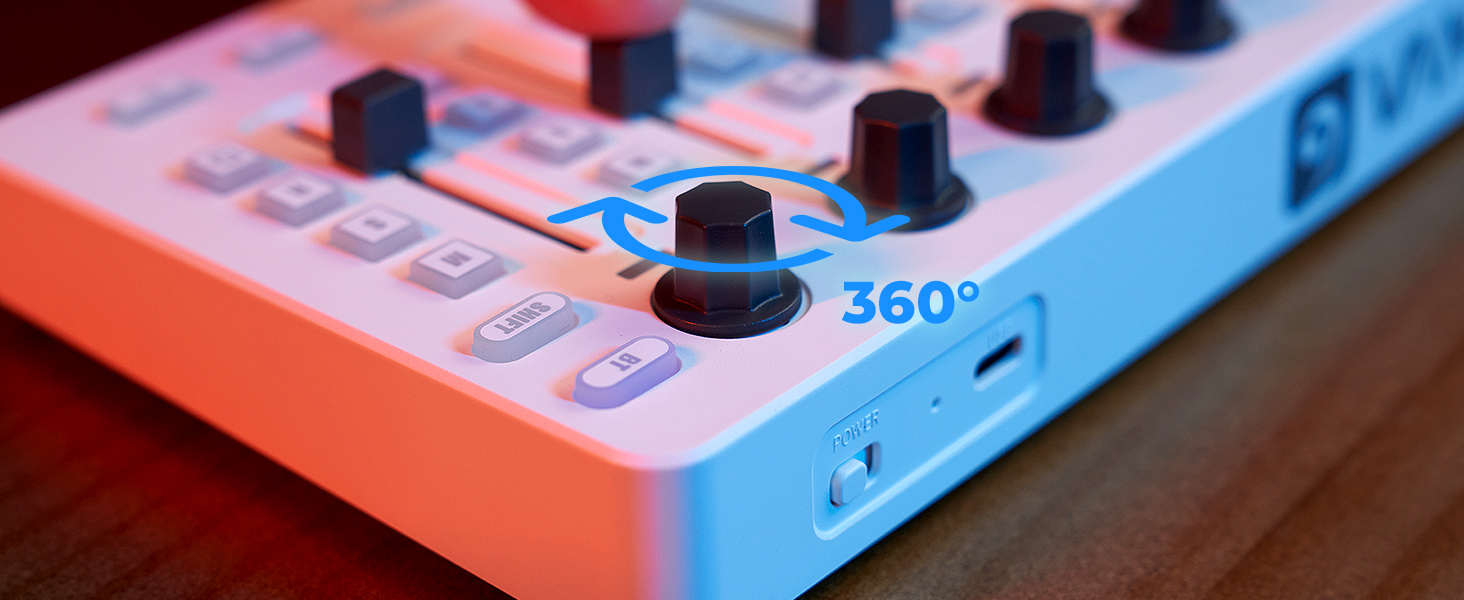
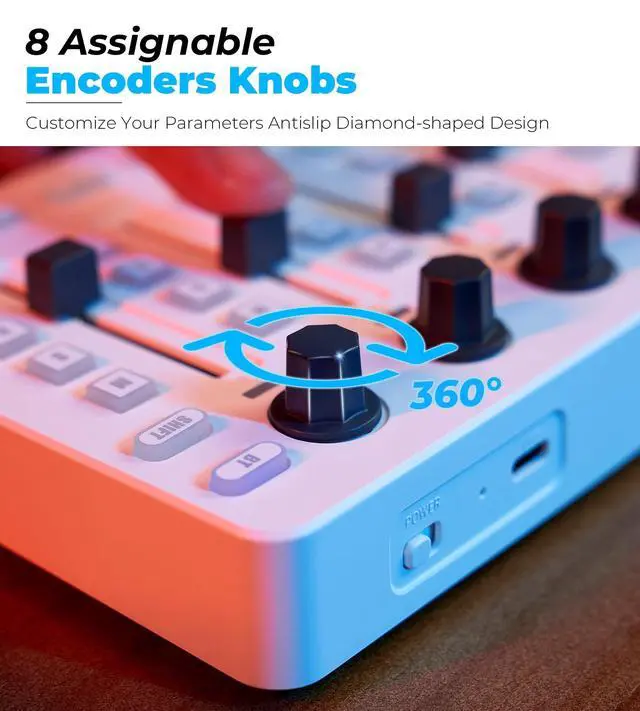
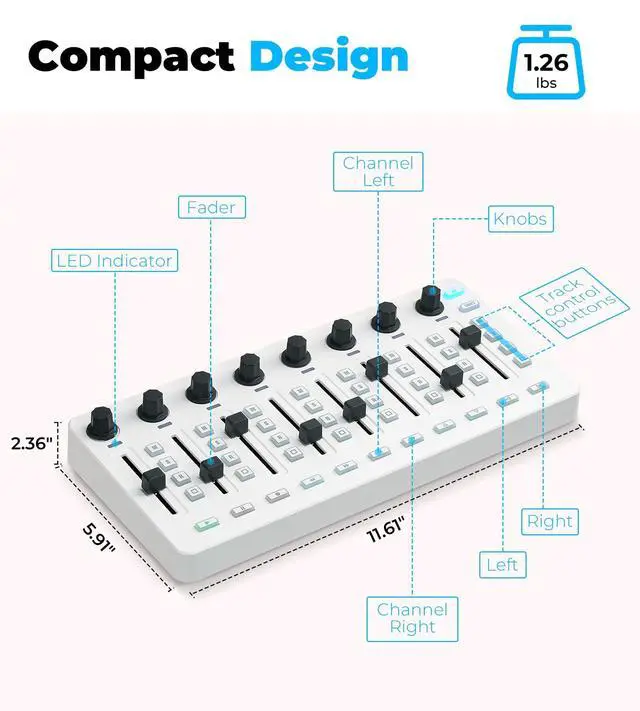
8 Endless Knobs
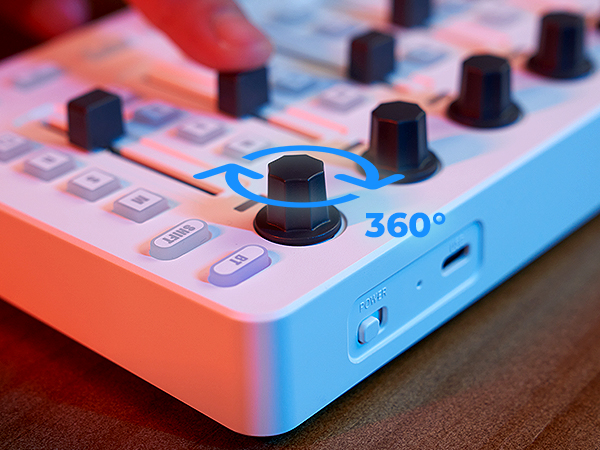
With diamond-shaped design, the 8 assignable knobs can rotate 360°, providing precise control over various parameters, allowing users to tailor their sound and mixing settings to specific preferences.
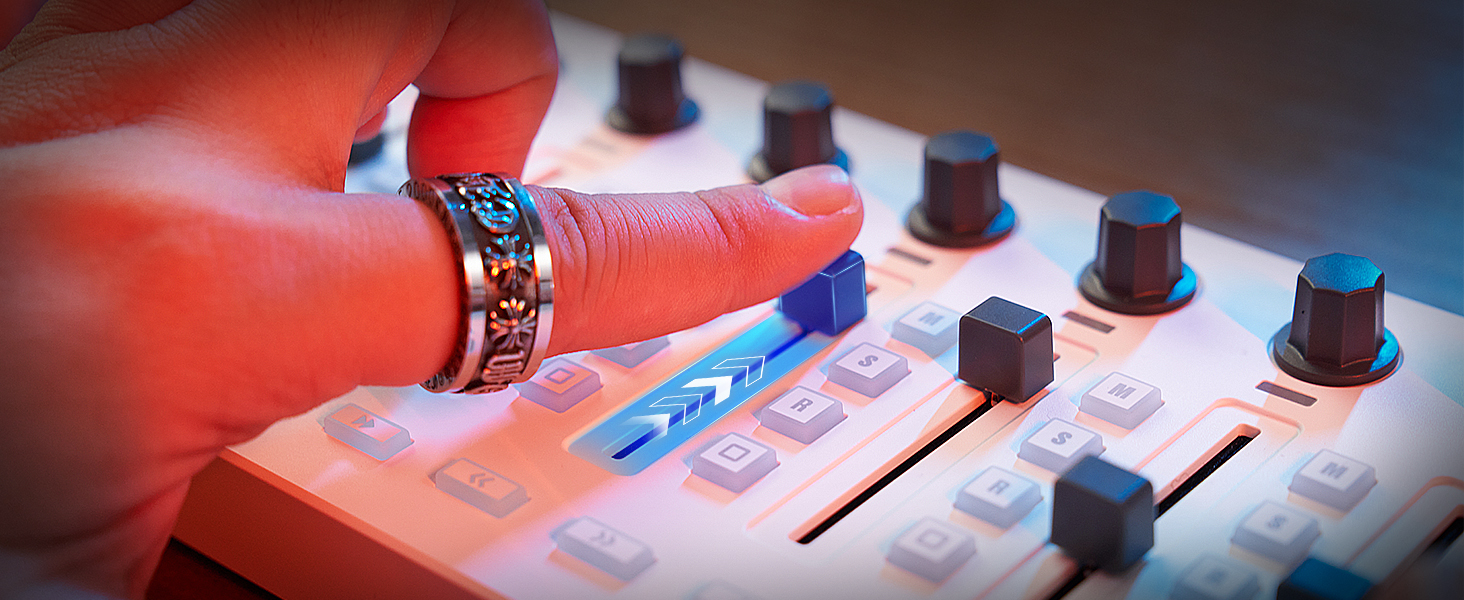
8 Smooth Faders
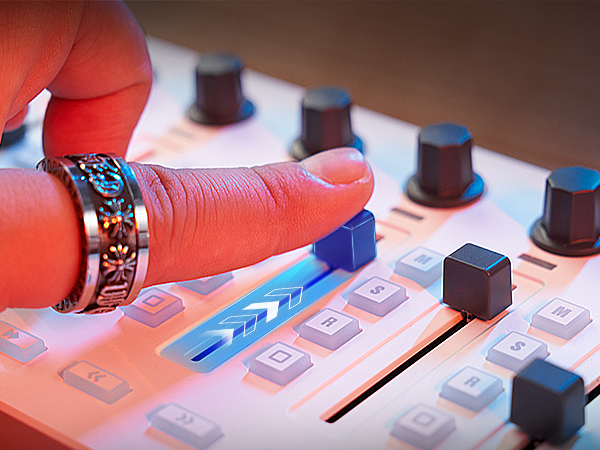
Provide precise control over various parameters such as volume, panning, and effects levels. Achieving professional-quality mixes, performances, and seamless transitions between tracks and sounds.
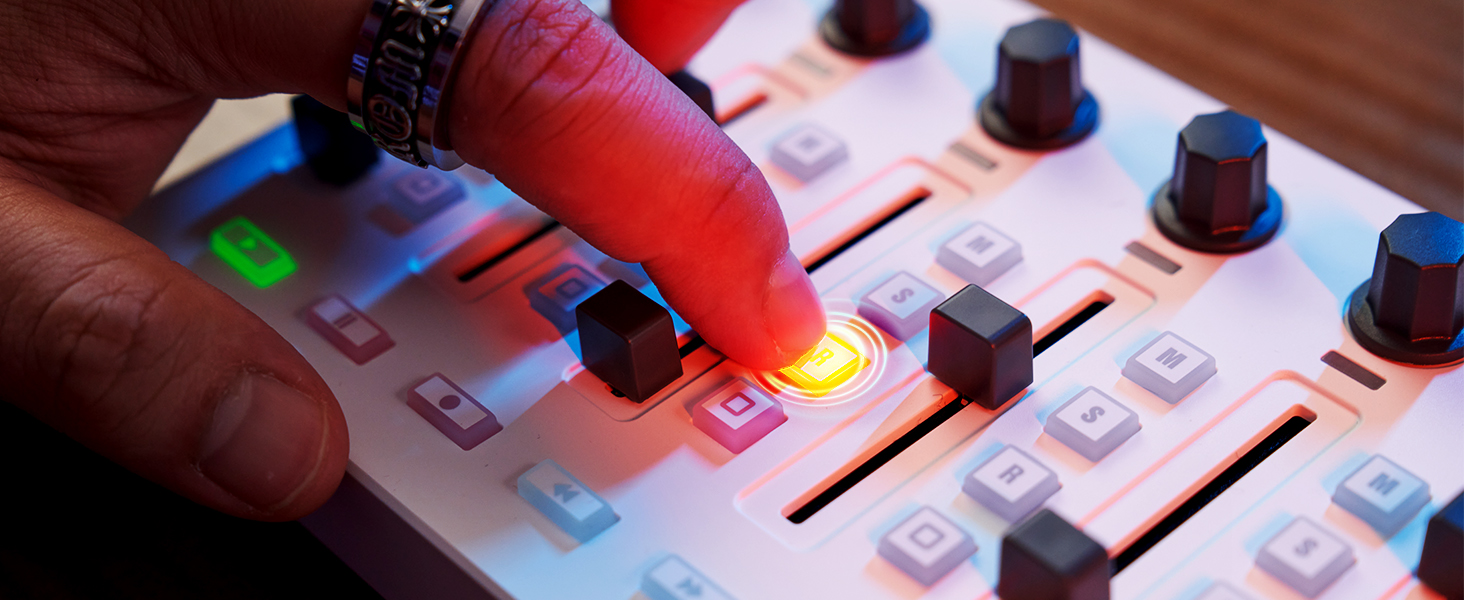
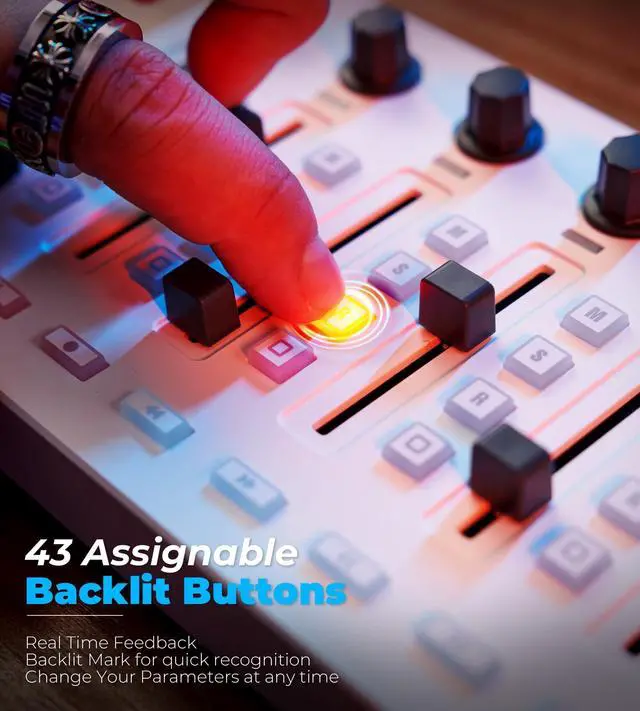
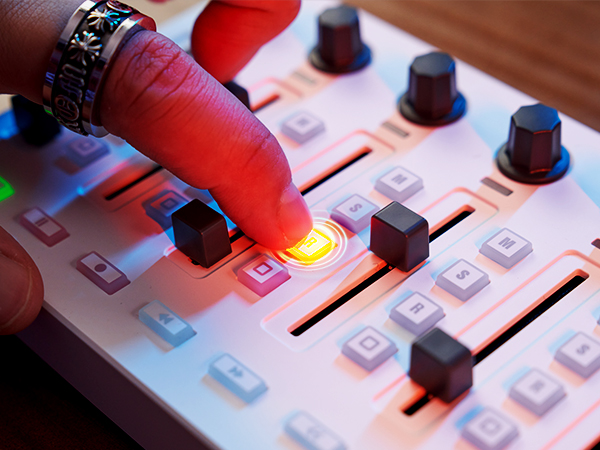
43 Backlit Buttons
Enhance visibility in low-light environments, making the midi fader controller suitable for use in dimly lit studios or during live performances. Just release the dance between fingers.
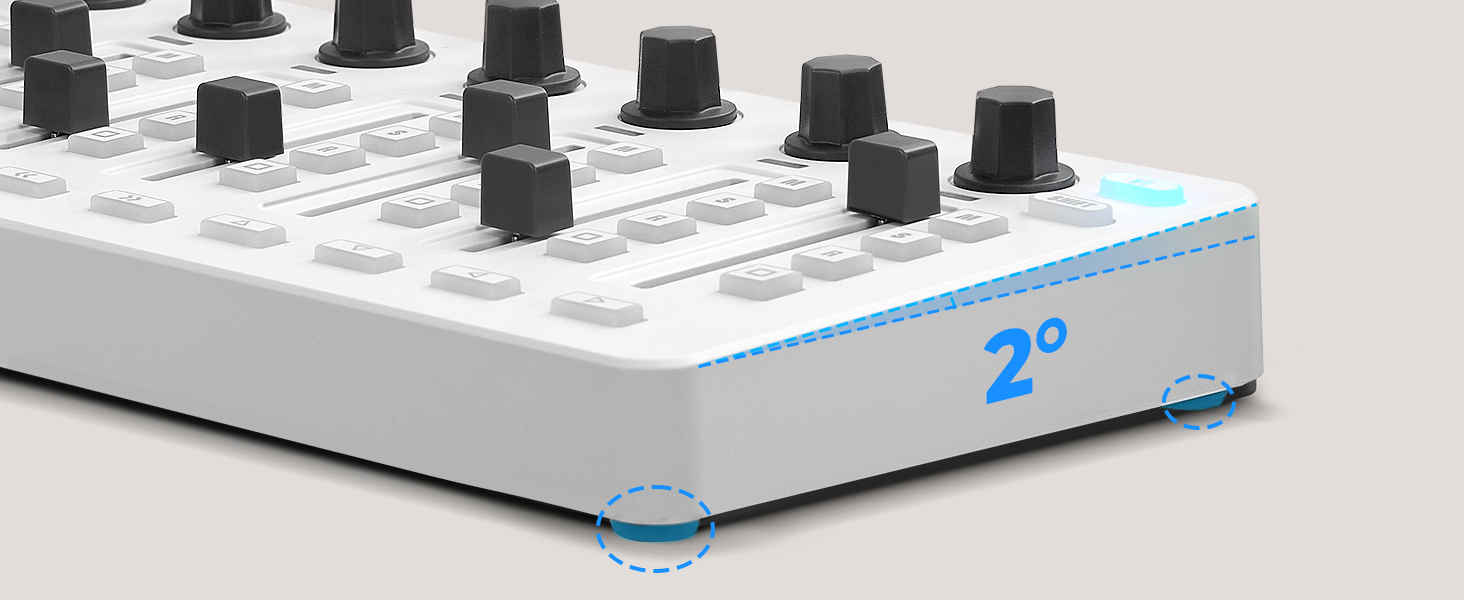
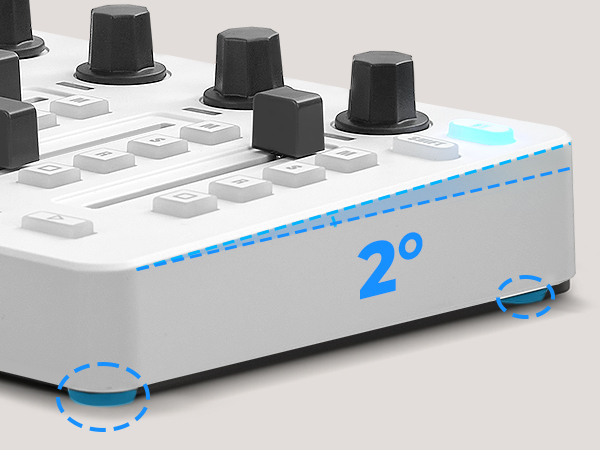
Ergonomic Angle
Provide comfortable control position in 2° during your music production activities. Simple & Sleek layout, big-hands friendly. And the anti-slip footpads never lose your beat.
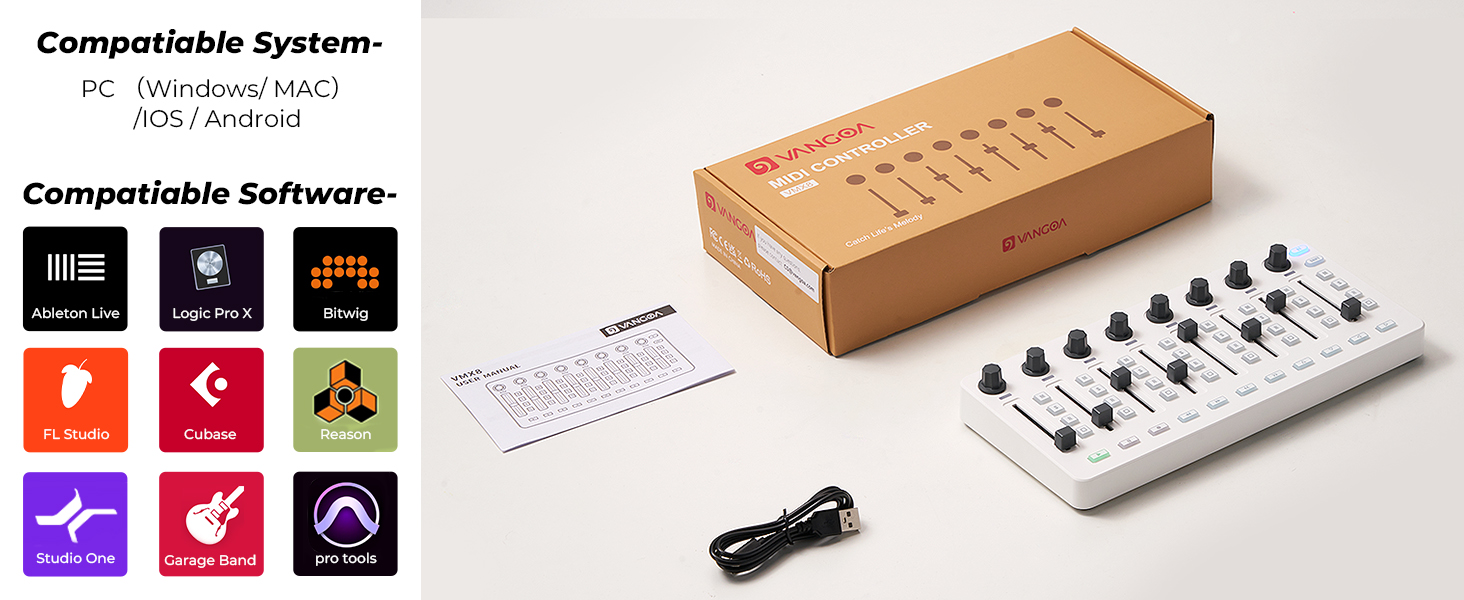
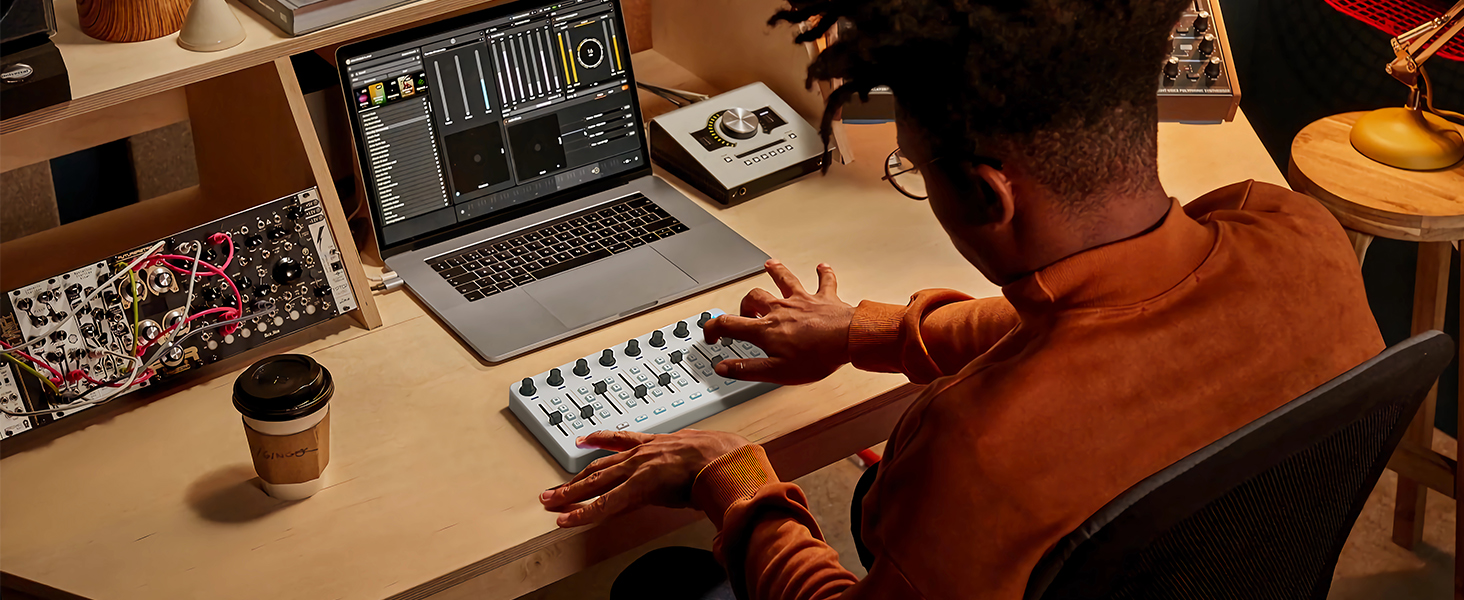
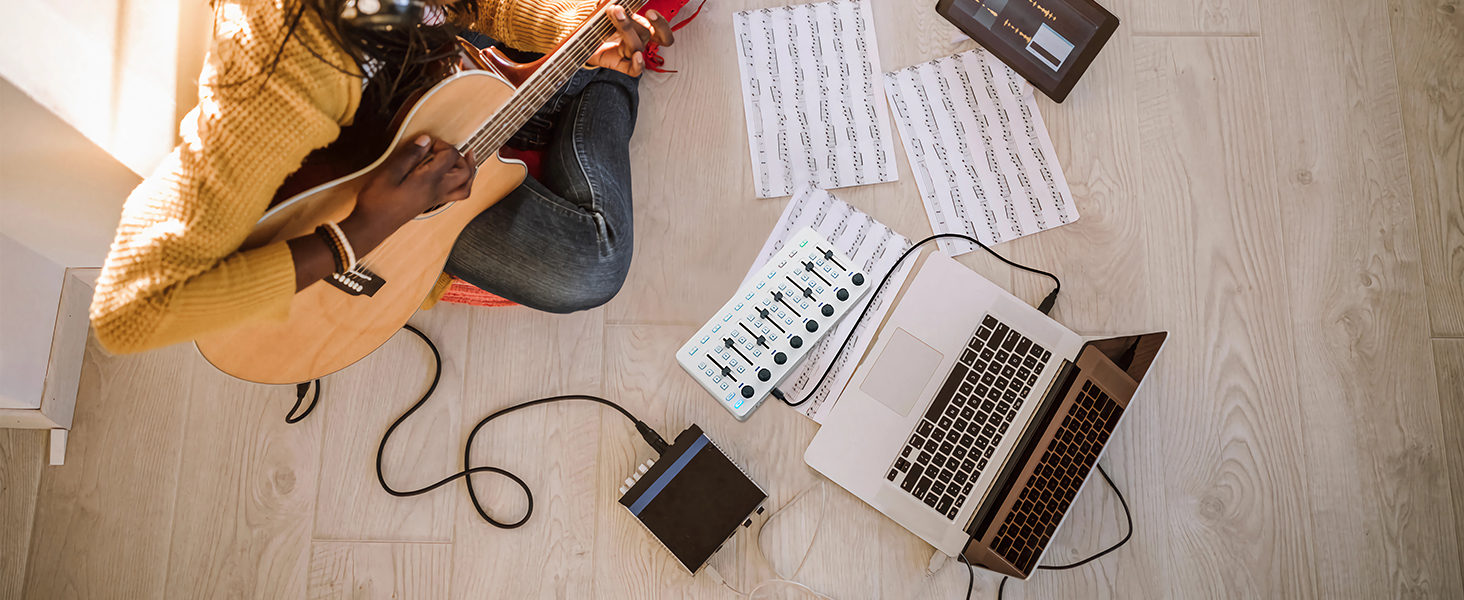
Does this midi controller keyboard console with cord make sound itself? And do you offer Daws, Adapter?
No, this midi mixer console wire doesn't produce sound, and it sends MIDI signals to DAWs to produce corresponding sounds. It must be linked with DAW software for use. What we offer is SETUP SOFTWARE instead of Daw! And there is no adapter, either.
How to use this mini pad for beginners by phones?
First of all, you need to scan and download the app (CubeSuite) behind this portable white mixer midi controller, then you need to open the bluetooth to connect, finally you can change the parameters inside. Please refer to the page video.
Why can't I make the buttons light up?
Because the original mode from factory is default Daw mode, you need to press the "Shift" and > to change, then you can see these buttons light up when you press them.
Why can't I set the parameters inside app (CubeSuite)?
Because the original mode from factory is default Daw mode, please change the mode in right corner top into "CC Mode".
Is it suitable for complete beginners?
If you are lacking in music theory knowledge, MIDI instrument experience, learning enthusiasm, and patience, then the Midi mixer is not suitable for you. It's essential to learn from other platform. and returning the item will waste your time.
Why Do You Need to Buy a Vangoa Wireless USB Midi Controller Mixer Mute?
VANGOA MIDI Muxer
Merchant VideoWireless Midi Controller Knobs, Unleash Your Music Mojo with Wireless Whimsy!
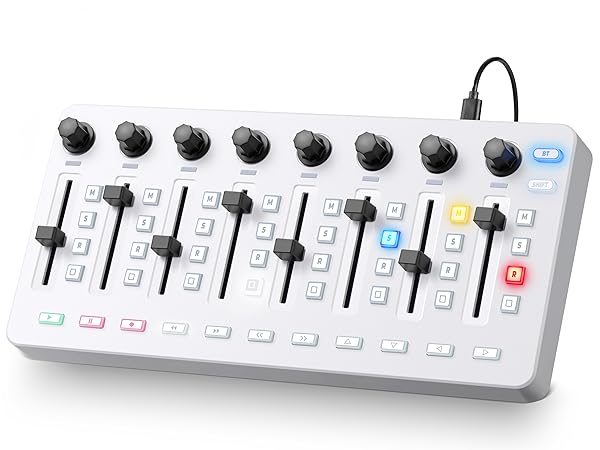
Unleash your beginner talent with the Vangoa Wireless MIDI Controller. Portable and versatile, it offers 43 backlit buttons, 8 faders, and 8 assignable knobs for complete audio control. Effortless navigation and customization enhance your workflow. Elevate your music production now!
Use Vangoa's MIDI Mixer, Unleash Your Inner Power, Wirelessly and Wildly!
Wireless Connection
8 Endless Knobs
8 Smooth Faders
43 Backlit Buttons
Ergonomic Angle
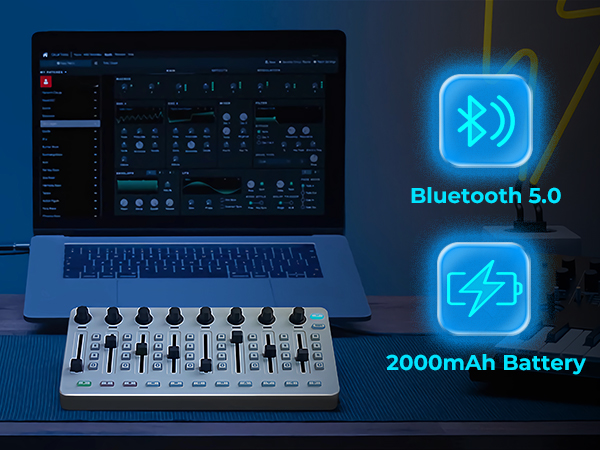
With unrestricted movement and flexibility, wireless midi controller keyboard midi mixing console allows musicians to control music software without being tethered to a physical cable connection.
With diamond-shaped design, the 8 assignable knobs can rotate 360°, providing precise control over various parameters, allowing users to tailor their sound and mixing settings to specific preferences.
Provide precise control over various parameters such as volume, panning, and effects levels. Achieving professional-quality mixes, performances, and seamless transitions between tracks and sounds.
Enhance visibility in low-light environments, making the midi fader controller suitable for use in dimly lit studios or during live performances. Just release the dance between fingers.
Provide comfortable control position in 2° during your music production activities. Simple & Sleek layout, big-hands friendly. And the anti-slip footpads never lose your beat.
Does this midi controller keyboard console with cord make sound itself? And do you offer Daws, Adapter?
No, this midi mixer console wire doesn't produce sound, and it sends MIDI signals to DAWs to produce corresponding sounds. It must be linked with DAW software for use. What we offer is SETUP SOFTWARE instead of Daw! And there is no adapter, either.
How to use this mini pad for beginners by phones?
First of all, you need to scan and download the app (CubeSuite) behind this portable white mixer midi controller, then you need to open the bluetooth to connect, finally you can change the parameters inside. Please refer to the page video.
Why can't I make the buttons light up?
Because the original mode from factory is default Daw mode, you need to press the "Shift" and > to change, then you can see these buttons light up when you press them.
Why can't I set the parameters inside app (CubeSuite)?
Because the original mode from factory is default Daw mode, please change the mode in right corner top into "CC Mode".
Is it suitable for complete beginners?
If you are lacking in music theory knowledge, MIDI instrument experience, learning enthusiasm, and patience, then the Midi mixer is not suitable for you. It's essential to learn from other platform. and returning the item will waste your time.
Music Creation Series
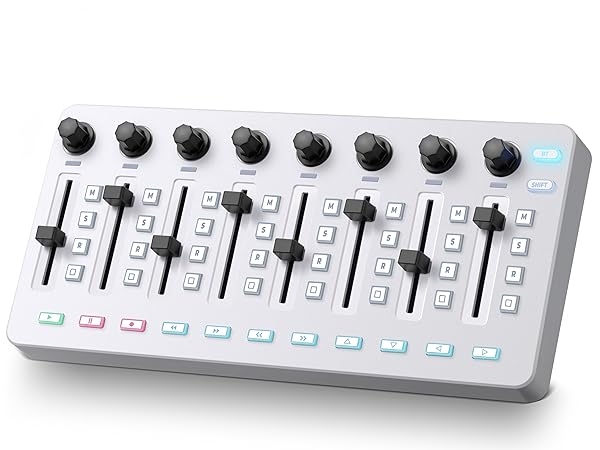
Vangoa Midi Mixer Fades
Transport Buttons
43
Knobs
8
Beat Pads
/
Color
White
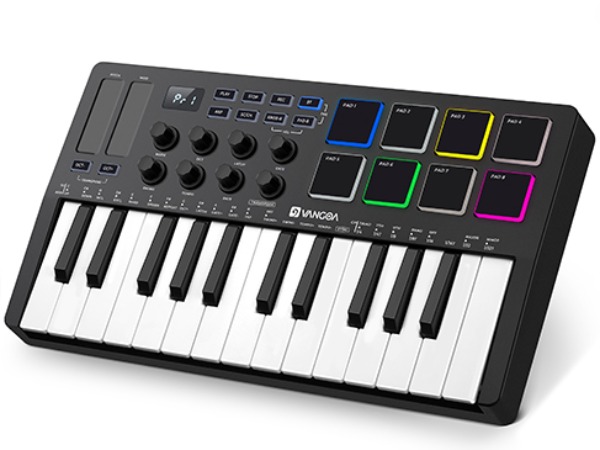
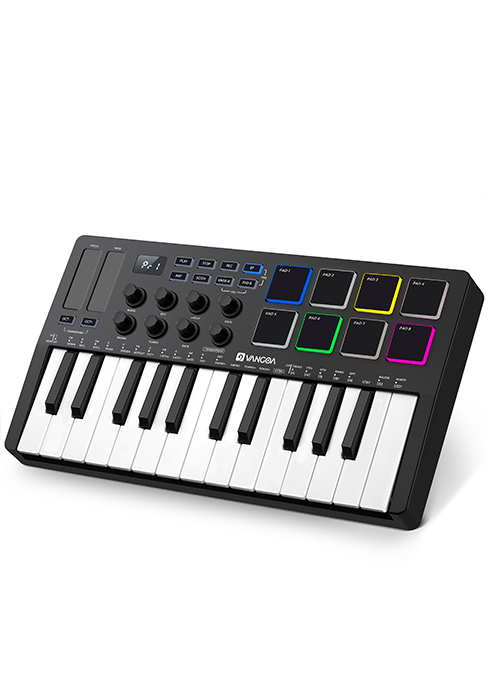
USB MIDI Keyboard 8 Pads
Transport Buttons
10
Knobs
8
Beat Pads
4*2
Color
Black
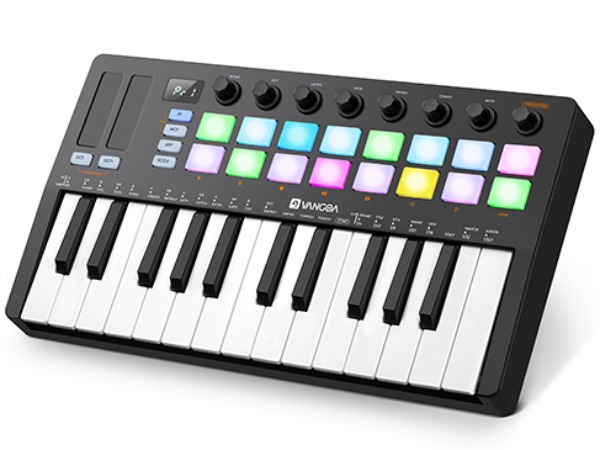
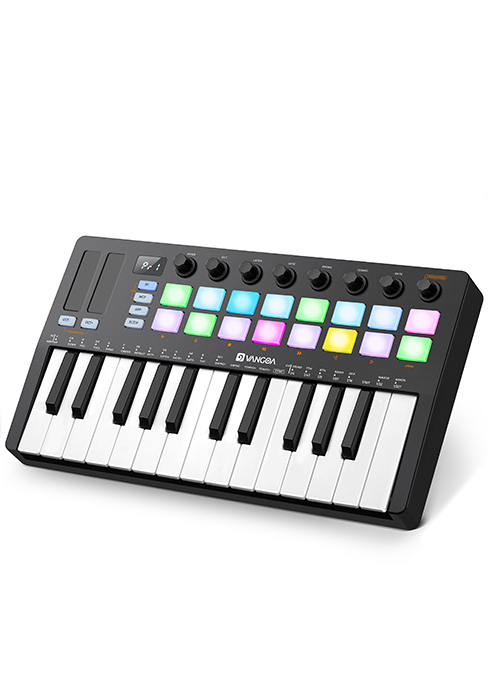
USB MIDI Keyboard 16 Pads
Transport Buttons
6
Knobs
8
Beat Pads
8*2
Color
Black
