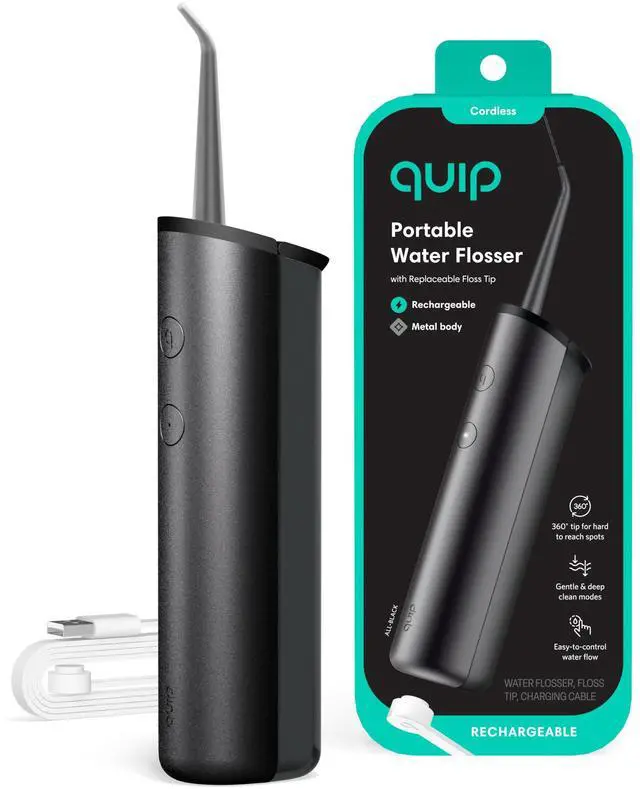
Water Flosser - Cordless Water Flosser with Adjustable Pressure - Teeth Cleaner Pick with 360 Degree Rotating Replaceable Tip, Rechargeable Water Dental Pick - All-Black
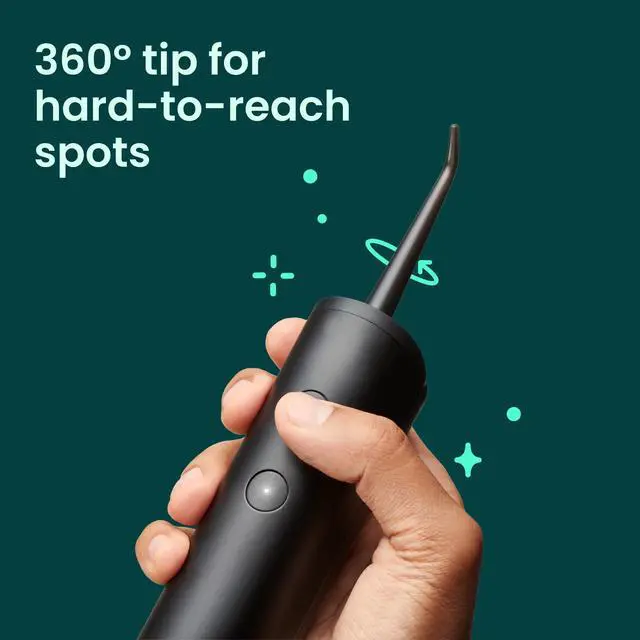
Flossing - But Better: Your healthier, easier water flossing routine is all in the rotating tip. Made to reach every nook and cranny, you get the control (and clean!) you need. Feel good flossing - no strings attached
Adjustable Pressure: Choose the cleaning pressure that feels right for your sensitivity level, and how you want water to flow. No stress, no mess. Gentle & deep clean pressure modes on our water flosser give you the perfect balance of power & comfort
Scientifically Proven: Up to 99% plaque removal from treated areas* (*in vitro study)
Rotating, Replaceable Tip: Our water pick flosser has a magnetic floss tip that snaps into place & effortlessly rotates 360º to get just the right angle
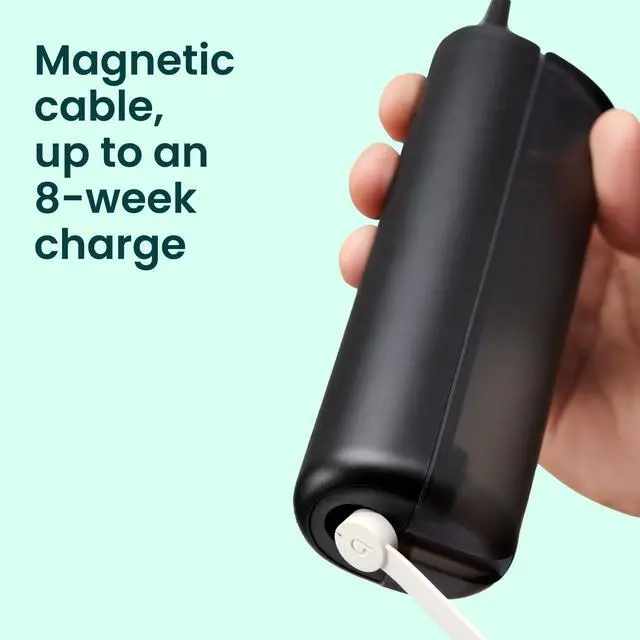
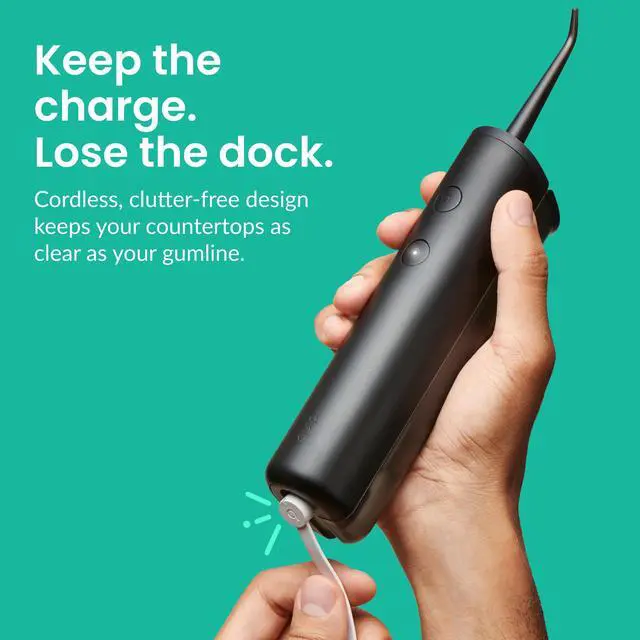
Cordless, Clutter Free Design: Our cordless water flosser's clutter-free design keeps your countertops as clear as your gumline. Just snap on the charging cable as needed. Charges in 4 hours & lasts up to 8 weeks (when used on gentle, daily)
+
+
Overview
Specs
Reviews
Water Flosser - Cordless Water Flosser with Adjustable Pressure - Teeth Cleaner Pick with 360 Degree Rotating Replaceable Tip, Rechargeable Water Dental Pick - All-Black
Learn more about the Generic Brand 920-00199
General
Brand
Quip
Model
920-00199
Part Number
920-00199
Color
Black
Specification
Bristle Texture
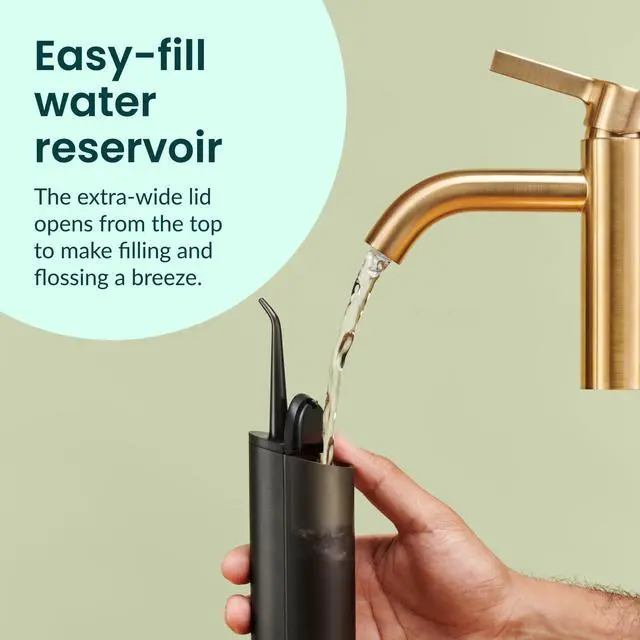
Water Flosser For Teeth & Gums, 1. Charge the quip Water Flosser using the magnetic USB charging. 2. Fill the top-fill reservoir with water. 3. Attach the 360° floss tip and ensure it is secure. 4. Press the power button to turn on the device. 5. Select the desired pressure mode (gentle or deep clean). 6. Use the easy-to-control water flow for on-demand or continuous stream. 7. Direct the floss tip to the areas you wish to clean, including hard-to-reach spots.
Speed
1. Charge the quip Water Flosser using the magnetic USB charging. 2. Fill the top-fill reservoir with water. 3. Attach the 360° floss tip and ensure it is secure. 4. Press the power button to turn on the device. 5. Select the desired pressure mode (gentle or deep clean). 6. Use the easy-to-control water flow for on-demand or continuous stream. 7. Direct the floss tip to the areas you wish to clean, including hard-to-reach spots.