Built for How Business Buys.
Your Browsing History


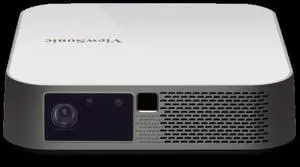
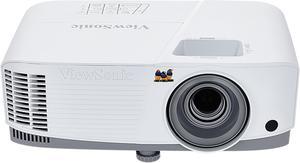
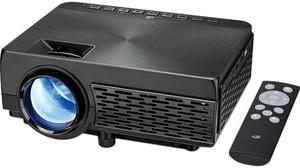
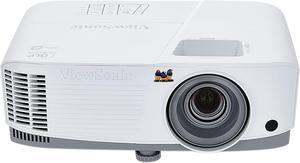
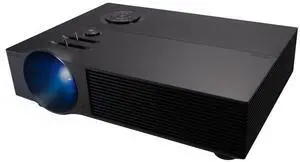

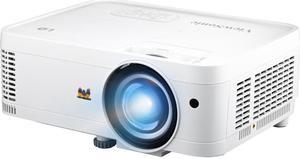
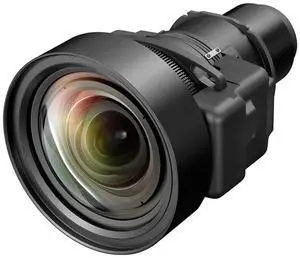

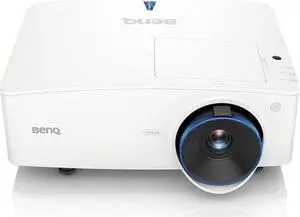

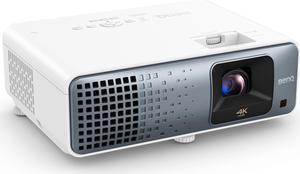
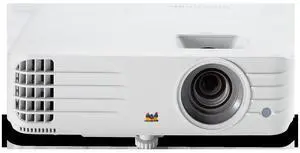

For displaying information during meetings and presentations, HD projectors can have many advantages over monitors and televisions. However, shopping for the right projector can be a challenge, as there are a variety of different technologies and features that can affect your purchasing decision. Below, NeweggBusiness has outlined several important criteria to help you purchase the ideal business projector for your organization.
There are three major types of projectors, each with their down advantages and disadvantages. Consider how your organization will be using the projector and select the type that best matches your needs.
LCD projectors tend to appear brighter and have better color accuracy than DLP projectors, but can have issues with pixilation when projecting onto large surface areas. Projecting onto such an area can result in an image having a “screen-door” effect, which means that the image will have noticeable gaps between the pixels.
DLP projectors have better contrast ratios than LCD projectors, which usually mean more vibrant pictures. Also, the inter-pixel gap issue that can affect LCD projectors is much less noticeable on DLP projectors. On the downside, DLP projectors tend to have less color accuracy than LCD and LCoS projectors.
LCoS projectors can be very bright with high resolutions and superb color accuracy. However, they usually have lower contrast ratios than DLP projectors and tend to be pricier than both LCD and DLP projectors.
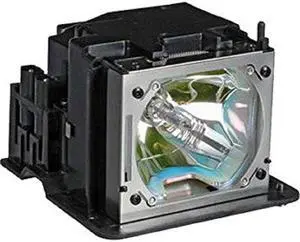
An important factor in determining a projector’s quality and cost is the way it is lit. There are two different types of lighting systems used in projectors, bulbs and LEDs. LED projectors have longer life spans and do not require replacement, though they are more expensive. Projectors that use bulbs tend to be brighter and cost less but will require bulb replacement eventually. If your organization plans to use the projector for a very long time and does not want to worry about replacing bulbs, an LED projector is a better choice.
Native resolution refers to the actual amount of physical pixels on a projector’s display. It can affect the amount of detail that the projected image has, with higher resolutions able to show more detail than lower resolutions. However, lower resolution projectors tend to be less expensive. Unless your organization needs to display high resolution images during meets and presentations, lower resolution projectors are more cost effective solutions.
Below are some common native resolutions for projectors.
A budget solution that is acceptable for PowerPoint presentations and other applications that do not require high levels of detail.
A higher resolution that offers more slightly detail than SVGA but cannot display high-definition (HD) images.
A common widescreen resolution that is suitable for displaying HD 720p content such as movies. A good balance between being able to display HD content and cost.
Like WXGA, it can display 720p content and very high quality images.
A very common resolution for HDTVs and some computer displays. Unless your organization plans to display 1080p content, it is unnecessary for displaying spreadsheets and text.
A 4:3 resolution that can also display 720p content but will need to downscale 1080p content in order to be correctly displayed.
A widescreen resolution that is close to 1080p, but has a 16:10 aspect ratio instead of 16:9. It is a common resolution for desktop computers equipped with widescreen LCD monitors.
Projector brightness is rated in lumens, which is a measure of the total amount of visible light emitted by a source. Brightness requirements can vary depending on the brightness of the environment and size of the projection. The brighter an environment is, the higher the lumen rating will need to be in order to compensate. For instance, a projector in a large conference room with a lot of ambient light will need to be brighter than a projector in a small conference room with no windows.
Contrast ratio is a measure of the difference between the brightest whites and darkest blacks. A greater contrast ratio will result in more vibrant colors, which is ideal for theatre projectors and displaying vibrant images accurately. If your organization will not be using the projector to display very detailed high quality graphics though, high contrast ratios will not be needed.


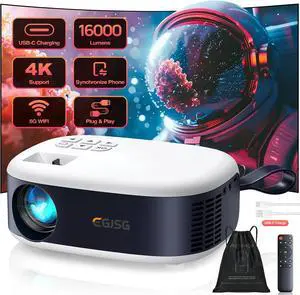
![[Built-in Apps] 5G WiFi Bluetooth Smart 360° Rotatable Projector,4K support HD Portable Projector, Mini Projector with Stereo Speaker. IndoorOutdoor,Compatible with TVStick Smartphone/ pc(With App)](https://c1.neweggimages.com/productimage/nb300/VT5BD2605270F6XA9D9.jpg "[Built-in Apps] 5G WiFi Bluetooth Smart 360° Rotatable Projector,4K support HD Portable Projector, Mini Projector with Stereo Speaker. IndoorOutdoor,Compatible with TVStick Smartphone/ pc(With App)")