Built for How Business Buys.
Your Browsing History








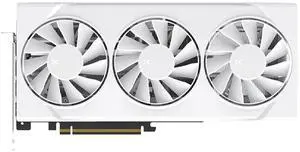
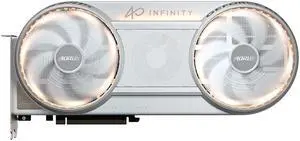
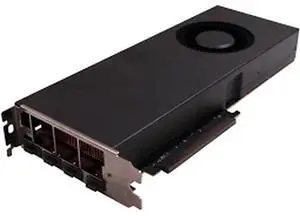
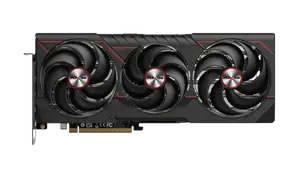
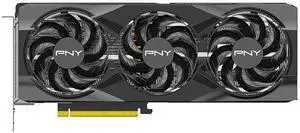
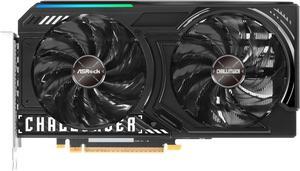
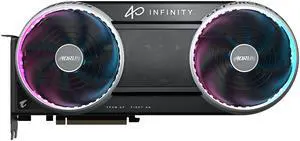
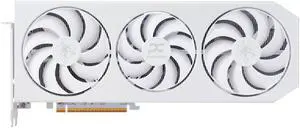
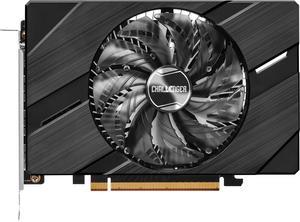
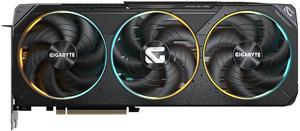
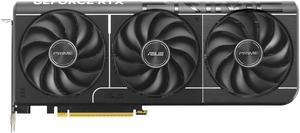
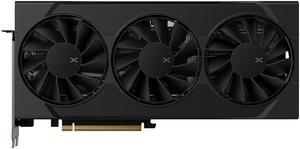
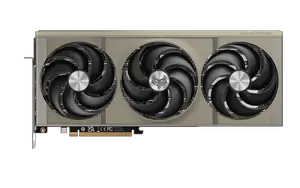
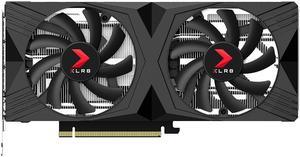
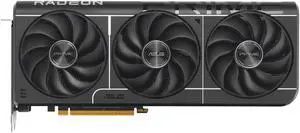
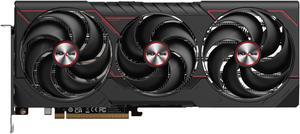
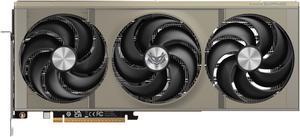
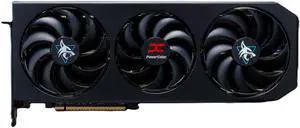
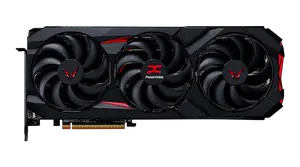
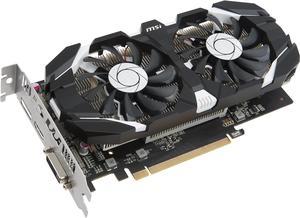
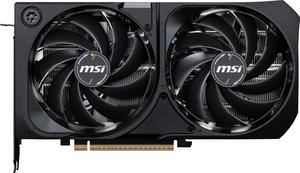
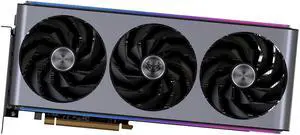
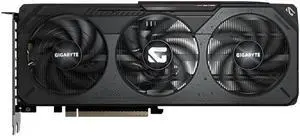
OUT OF STOCK
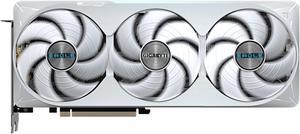
OUT OF STOCK
One of the most basic functions of a graphics card is to output content to a display. However, graphics cards can vary greatly in regards to performance and capabilities. Because there are so many different types of video cards with various specifications and technologies, finding the ideal one can be a challenge. To aid you in your search, NeweggBusiness defines several key terms and technologies.
A graphics card’s interface refers to the type of expansion slot that it is compatible with. There are several expansion slot standards that are commonly found on graphics cards, including PCI Express® (PCIe) 2.0, PCI Express 2.1, PCI Express 3.0, and AGP. Amongst those standards, the latest and fastest is PCI Express 3.0 while the oldest is AGP.
The ports available on the rear panel of a graphics card dictate what type of devices can be connected to it. Some of the most commonly supported ports include VGA, DVI, DisplayPort, and HDMI™. Many have multiple ports and are able to output to them simultaneously, which allows users to have multiple monitor setups.
Early desktop computers utilized the CPU to perform calculations required for rendering images. In modern computers however, that task can be performed by a GPU. In comparison to a CPU, a GPU is more efficient at and better suited for rendering images. Every graphics card features an onboard GPU, with some higher-end cards having two.
Similar to a CPU, a GPU also has a core clock that indicates how quickly it can perform calculations. It is usually measured in either megahertz or gigahertz. Generally, a faster GPU clock is better but it should not be the most important determining factor in your purchasing decision.
A graphics card’s onboard memory is the component that stores image data such as textures. A GPU utilizes video RAM (VRAM) to store frequently accessed data, similar to how a CPU utilizes system RAM. This means that a larger VRAM capacity will allow you store more texture data.
A video card’s memory clock speed will tell you how quickly the GPU can transfer and read data stored in the VRAM. For certain applications, the speed of VRAM is more important than the amount of VRAM.
Both SLI and CrossFire are technologies that allow you to use multiple video cards simultaneously for improved graphics performance, provided that your motherboard supports it. In a SLI or CrossFire setup, multiple GPUs share the workload to render graphics. To maximize performance, you should utilize multiple graphics cards in a SLI or CrossFire configuration.