• In Stock
  • Sold by NeweggBusiness
  • New
Brands
Show More
Price
Show More
Capacity
Form Factor
Interface
RPM
Thunderbolt 3
Sold by
All Top Brands
Availability
Condition
Useful Links
Customer Ratings
  • Featured Brands

    See Deals from Western DigitalSee Deals from Seagate
Sort By:
View:
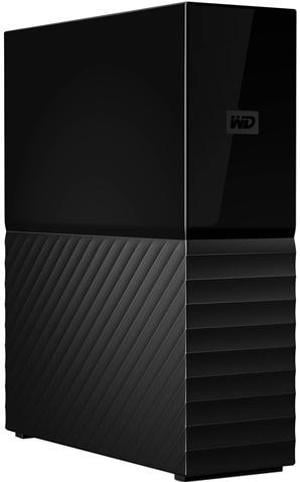
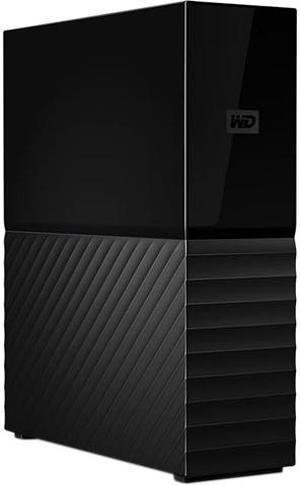
WD My Book 8TB USB 3.0, Micro-B Desktop Hard Drive WDBBGB0080HBK-NESN Black
Quick View
WD My Book 8TB USB 3.0, Micro-B Desktop Hard Drive WDBBGB0080HBK-NESN Black
  • Brand: WD
  • Series: My Book
  • Capacity: 8TB
  • Color: Black
  • Model #: WDBBGB0080HBK-NESN
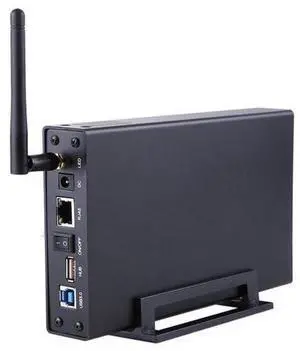
Blueendless BS-U35WF 300Mbps USB 3.0 Wi-Fi Streaming Server 3.5" External Hard Drive HDD Enclosure &File Server &AP & USB WiFi
Quick View
  •  
  • $68.65 
  • $66.25 - $68.65
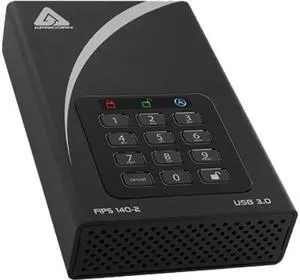
Apricorn 16TB Aegis Padlock DT FIPS 140-2 Level 2-Validated External Desktop Drive
Quick View
Apricorn 16TB Aegis Padlock DT FIPS 140-2 Level 2-Validated External Desktop Drive
  • Cache: 8MB
  • Dimensions: 1.50" x 4.50" x 7.20"
  • Weight: 3.10 lbs.
  • Model #: ADT-3PL256F-16TB
  •  
  • $999.00 
4TB AEGIS PADLOCK DT SECURE
Quick View
4TB AEGIS PADLOCK DT SECURE
  • Cache: 8MB
  • RPM: 7200 RPM
  • Average Seek Time: 12ms
  • Features: Military Grade FIPS PUB 197 Validated Encryption Hardware Encrypted Drive - Real-time 128-bit or 256-bit AES-XTS encryption seamlessly encrypts all data on the drive, protecting the drive even if it is removed from it's casing Super Speed USB 3.0 Connection Administrator Password feature - Ideal for IT departments looking to secure their mobile
  • Model #: ADT-3PL256F-4000
  •  
  • $355.99 
Western Digital WD400BD 3.5" 40GB Desktop Hard Drive WMAMA7916917
Quick View
  •  
  • $35.74 
Samsung HD161GJ Spinpoint F1 HD161GJ 160 GB Hard Drive - 3.5" External - SATA (SATA/300)
Quick View
  •  
  • $25.00 
Quick View

OUT OF STOCK

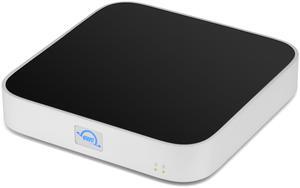
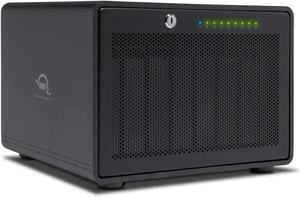
  • Model #: OWCTB38SRT048
  •  
  • $3,079.99 
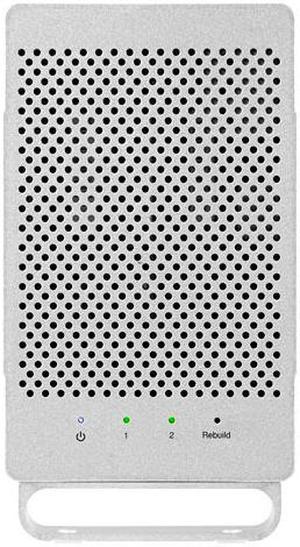
USB 3.2 (5Gb/s) + eSATA Dual-Drive RAID External Storage Solution OWCMED3ER7T02.0
Quick View
USB 3.2 (5Gb/s) + eSATA Dual-Drive RAID External Storage Solution OWCMED3ER7T02.0

OUT OF STOCK

  • Dimensions: 5.30" x 9.00" x 2.80"
  • Weight: 2.43 lbs.
  • Package Contents: (1) OWC Mercury Elite Pro Dual External Storage Solution (1) 0.6M (24") USB-A to USB-B Cable (1) 1.0M (39") eSATA 6G Cable (1) External Power Supply (1) US Power Cable (1) Quick Start Guide for OWC Mercury Elite Pro Dual with USB 3.2 (5Gb/s) + eSATA (1) Assembly Manual & User Guide for OWC Mercury Elite Pro Dual with USB 3.2 (5Gb/s) + eSATA
  • Model #: OWCMED3ER7T02.0
  •  
  • $236.99 
WD My Book 6TB USB 3.0, Micro-B Desktop Hard Drive WDBBGB0060HBK-NESN Black
Quick View
WD My Book 6TB USB 3.0, Micro-B Desktop Hard Drive WDBBGB0060HBK-NESN Black

OUT OF STOCK

  • Brand: WD
  • Series: My Book
  • Capacity: 6TB
  • Color: Black
  • Model #: WDBBGB0060HBK-NESN
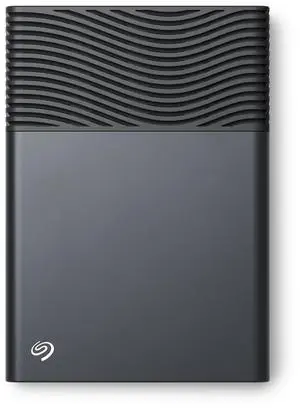
Seagate One Touch 8TB External Hard Drive Desktop HDD - USB-C compatible with most Windows and macOS, Rescue Recovery (STNB8000400)
Quick View
Seagate
Seagate One Touch 8TB External Hard Drive Desktop HDD - USB-C compatible with most Windows and macOS, Rescue Recovery (STNB8000400)

OUT OF STOCK

  • Brand: Seagate
  • Capacity: 8TB
  • Color: Space Gray
  • Interface: USB Type-C
  • Model #: STNB8000400

Common Questions about External Hard Drives

Introduction

An external hard drive is an excellent solution if you need to share a large amount of data, expand your computer’s storage capacity, or back up your hard drive’s contents to prevent data loss. Compared to more elaborate external data storage solutions such as tape drives or NAS devices, an external hard drive is relatively easy-to-use and requires minimal setup. Below, NeweggBusiness answers commonly asked questions about external hard drives.

How portable are external hard drives?

Portability for external hard drives can vary greatly, with some being small and handheld while others being rather large and unwieldy. Often, portable hard drives will have smaller capacities but are more compact and light weight.

The terms desktop and expansion are sometimes used to describe larger external hard drives that are primarily used to expand storage capacity or serve as backup drives. Compared to portable hard drives, desktop and expansion hard drives are available in larger capacities.

Should I get an external hard drive or network attached storage (NAS) drive?

They are both excellent options for expanding storage capacity, but utilize different methods for file sharing. To share files with an NAS drive, the recipient needs to be connected to the network or have VPN access. The advantage of a portable hard drive is that you can share files with people that are not on the same network or do not have internet access.

How durable are external hard drives?

They can vary greatly in terms of durability, but some are designed specifically to be very rugged. External hard drives marketed as MIL-STD complaint must meet stringent durability requirements set forth by the United States military. If you require a very durable external hard drive, look for a MIL-STD compliant drive.

Are there external solid state drives?

Yes, some external drives utilize solid state memory instead of hard disk drives as the storage medium. They offer great read/write performance and are not as susceptible to damage caused by sudden movements or drops.

Other than USB, what other connection options are there?

USB is one of the most common connection types for external hard drives, though other options include eSATA™, FireWire®, and Thunderbolt™. Below is a list of the maximum data transfer rates in megabits per second (Mbps) for various connection types.

Connection
Speed

USB 2.0

480 Mbps

FireWire 800

800 Mbps

eSATA

3,000 Mbps

USB 3.0

5,000 Mbps

Thunderbolt

10,000 Mbps

If I have a Mac®, do I need a special type of external hard drive?

Mac OS X® utilizes a file system called HFS+ while Windows® computers and external hard drives built for Windows-based systems use NTFS. When attempting to use a NTFS external hard drive with OS X, you will have the ability to read but not write files to the external drive.

To fix this issue, you will need to reformat the hard drive with a HFS+ file system or install an NTFS driver. These drivers may sometimes be provided by the external hard drive manufacturer. Alternatively, you can use third-party NTFS drivers.

Another common—though older—file system is FAT32. A FAT32 drive is fully compatible with both Windows and OS X operating systems, but unfortunately has a file size limit of 4 GB. If you are planning to utilize the external drive with only Mac computers, you can purchase one that comes pre-formatted with an HFS+ file system.