


Laptop Internal Hard Drives - Showing 25 - 48 of 458 Products
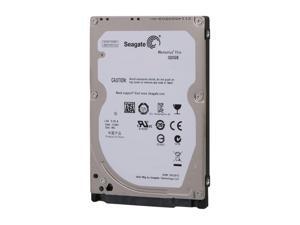

Seagate Momentus Thin ST320LT007 320GB 7200 RPM 16MB Cache SATA 3.0Gb/s 2.5" ...
- Brand: Seagate
- Series: Momentus Thin
- Capacity: 320GB
- RPM: 7200 RPM
- Form Factor: 2.5"
- Interface: SATA 3.0Gb/s
- Packaging: Bare Drive
- Cache: 16MB
- Model #: ST320LT007
- Item #: 9SIV0AHB2Z3784
- Return Policy: Best Hdd Inc Return Policy
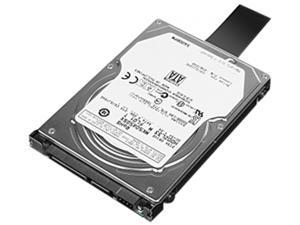

Lenovo ThinkPad 0A65632 500GB 7200 RPM SATA 3.0Gb/s 4K Notebook Hard Drive
- Brand: Lenovo
- Series: ThinkPad
- Capacity: 500GB
- RPM: 7200 RPM
- Interface: SATA 3.0Gb/s
- Features: Storage Capacity: 500 GBRotational Speed: 7200 rpmDrive Interface: SATADrive Type: InternalPackage Contents: ThinkPad 500GB 7200rpm SATA 3.0Gb/s 7mm 4k Hard Drive Setup Poster Green Compliant: YesGreen Compliance Certificate/Authority: RoHSLimited Warranty: 1 Year
- Height (maximum): 7mm
- Parts: 1 Year
- Model #: 0A65632
- Item #: 9SIV0E44N63694
- Return Policy: Deus PC Return Policy
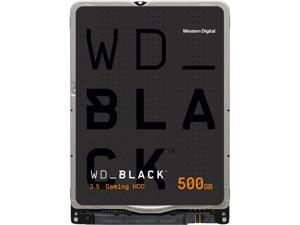

WD Black 500GB Performance Laptop Hard Disk Drive - 7200 RPM SATA 6Gb/s 32MB Cache ...
- Brand: WD
- Series: Black
- Capacity: 500GB
- RPM: 7200 RPM
- Form Factor: 2.5"
- Interface: SATA 6.0Gb/s
- Packaging: Bare Drive
- Cache: 32MB
- Model #: WD5000LPLX
- Item #: 9SIV0E4KK22523
- Return Policy: Deus PC Return Policy
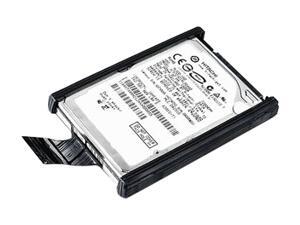
Lenovo ThinkPad 43N3423 500GB 7200 RPM 16MB Cache SATA 3.0Gb/s 2.5" Internal ...
- Average Seek Time: 12ms
- Average Latency: 4.2ms
- Model #: 43N3423
- Item #: 9SIV0E45A14977
- Return Policy: Deus PC Return Policy
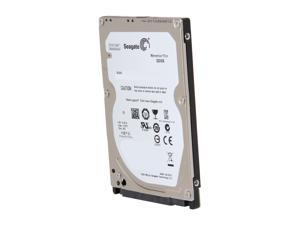
Seagate Momentus Thin ST320LT020 320GB 5400 RPM 16MB Cache SATA 3.0Gb/s 2.5" ...
- Brand: Seagate
- Series: Momentus Thin
- Capacity: 320GB
- RPM: 5400 RPM
- Form Factor: 2.5"
- Interface: SATA 3.0Gb/s
- Packaging: Bare Drive
- Cache: 16MB
- Model #: ST320LT020
- Item #: 9SIV0E4KK22526
- Return Policy: Deus PC Return Policy


Samsung PM851 Series MZ-MTE256D MZMTE256HMHP-000D1 mSATA 256GB 256 GB ...
- Model #: SAM-MZMTE256HMHP
- Item #: 9SIV0U8HR37291
- Return Policy: The Best Deals For You Return Policy
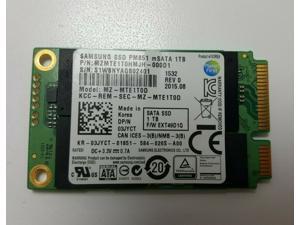
Samsung PM851 mSATA 1TB SSD MZ-MTE1T00 MZMTE1T0HMJH solid state drive SSD
- Model #: MZ-MLE1T00
- Item #: 9SIV0U8BAP0728
- Return Policy: The Best Deals For You Return Policy
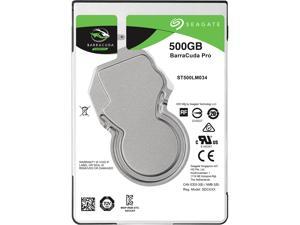
Seagate BarraCuda Pro ST500LM034 500GB 7200 RPM 128MB Cache SATA 6.0Gb/s 2.5" Hard ...
- Features: Thinnest and lightest 2.5-inch, 500GB hard drive At 7mm z-height, it is a perfect fit for a seamless upgrade to thin and light laptops and similar small form-factor systems These 7200-RPM hard drives are available in capacities up to 500GB and offer faster data rates up to 160MB/s, enabling a superior end-user
- Height (maximum): 7mm
- Width (maximum): 69.85mm
- Length (maximum): 100.35mm
- Model #: ST500LM034
- Item #: 9SIV0AHKN44947
- Return Policy: Best Hdd Inc Return Policy
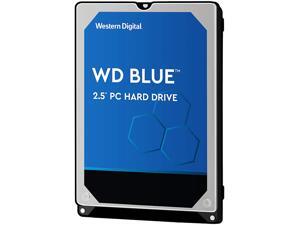
WD Blue 750GB Hard Disk Drive - 5400 RPM SATA 6Gb/s 2.5 Inch - WD7500BPVX
- Brand: WD
- Series: Blue
- Capacity: 750GB
- RPM: 5400 RPM
- Form Factor: 2.5"
- Interface: SATA 6.0Gb/s
- Packaging: Bare Drive
- Cache: 8MB
- Model #: WD7500BPVX
- Item #: 9SIV00CJX66701
- Return Policy: Beach Audio Return Policy
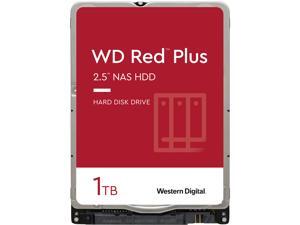
WD Red Plus 1TB NAS Hard Disk Drive - 5400 RPM Class SATA 6Gb/s 16MB Cache 2.5 Inch - ...
- NAND Flash Memory Type: Consumer Electronics
- Height (maximum): 9.5mm
- Width (maximum): 69.85mm
- Length (maximum): 100.20mm
- Model #: WD10JFCX
- Item #: 9SIV253KM24542
- Return Policy: TechnoDeals USA Return Policy

WD Black 1TB Mobile Hard Disk Drive - 7200 RPM SATA 6Gb/s 32MB Cache 2.5 Inch - WD10JPLX
- Brand: WD
- Series: Black
- Capacity: 1TB
- RPM: 7200 RPM
- Form Factor: 2.5"
- Interface: SATA 6.0Gb/s
- Cache: 32MB
- Features: Great Things Come in Small Packages - WD Black 1TB Mobile 2.5-inch performance storage is designed to enhance your PC experience, whether at home in your new all-in-one desktop, or on-the-go in your trusty notebook. With 1TB of storage running at 7200 RPM, you get fastest high-capacity mobile hard drive available in the world today, offering the perfect storage solution for a digital artist, video editor, photographer, or gamer. WD Black 1TB Mobile 2.5-inch combines performance and capacity with the reliability of a brand you can trust. For Creative Professionals - Give yourself the room to bring your entire digital portfolio wherever you're at with WD Black Mobile 2.5-inch hard dri...
- Model #: WD10JPLX
- Item #: 9SIV16GK247975
- Return Policy: ATP Warehouse Return Policy

WD Blue WD20SPZX 2TB 5400 RPM 128MB Cache SATA 6.0Gb/s 2.5" Internal Notebook Hard ...
- Brand: WD
- Series: Blue
- Capacity: 2TB
- RPM: 5400 RPM
- Form Factor: 2.5"
- Interface: SATA 6.0Gb/s
- Cache: 128MB
- Features: SATA 6Gb/s interface The SATA 6Gb/s interface provides greater flexibility for use with the latest chipsets as well as backwards compatibility to legacy systems with SATA 3Gb/s requirements. NoTouch Ramp Load Technology The recording head never touches the disk media ensuring significantly less wear to the recording head and media as well as better drive protection in transit. The Original WD Blue drives are designed and manufactured with the proven technology found in WD's original award-winning hard drives. WD Quality Built to the high standards of quality and reliability of the WD brand, these drives offer the features and capacity ideal for your everyday computing needs. Lo...
- Model #: WD20SPZX
- Item #: 9SIA4N9AZA7038
- Return Policy: Platinum Micro Inc. Hard Drives - Notebooks / Laptops Return Policy
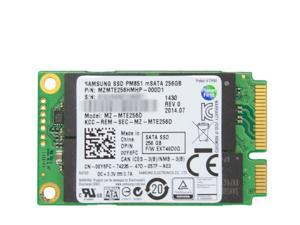
Refurbished: Samsung 256GB PM851 mSATA SSD Internal 1.8 inch SATA MZMTE256HMHP ...
- Model #: MZ-MTE256D
- Item #: 9SIV0U8KZA3352
- Return Policy: The Best Deals For You Return Policy
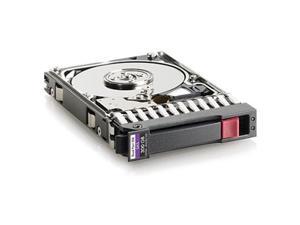

Open Box: HP 507127-B21 300GB 10000 RPM SAS 6Gb/s 2.5" SFF Enterprise Hard Drive
- Average Seek Time: 4ms
- Options: N/A
- Model #: 507127-B21
- Item #: 9B-22-332-061R
- Return Policy: Final Sale Return Policy
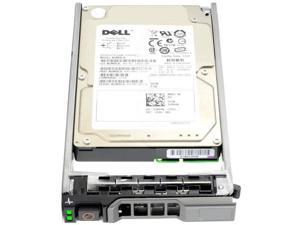

Dell C975M - 300GB 2.5" SAS 10K 6Gb/s HS Hard Drive
- Usage: Ideal for Servers
- Model #: C975M
- Item #: 9SIV16G8A23516
- Return Policy: ATP Warehouse Return Policy

HGST TravelStar Z7K500 HTS725032A7E630 320GB 2.5" SATA III Laptop Hard Drive
- Height (maximum): 7mm
- Width (maximum): 70mm
- Length (maximum): 100mm
- Model #: HTS725032A7E630
- Item #: 9SIV0AHAB11006
- Return Policy: Best Hdd Inc Return Policy
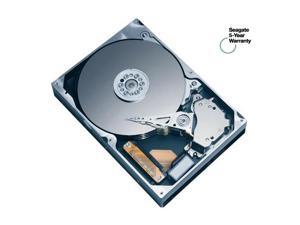
Seagate Momentus 5400.2 ST9100824AS 100GB 5400 RPM 8MB Cache SATA 1.5Gb/s 2.5" ...
- Brand: Seagate
- Series: Momentus 5400.2
- Capacity: 100GB
- RPM: 5400 RPM
- Form Factor: 2.5"
- Interface: SATA 1.5Gb/s
- Packaging: Bare Drive
- Cache: 8MB
- Model #: ST9100824AS
- Item #: 9SIV0AHBBD5717
- Return Policy: Best Hdd Inc Return Policy
Dell 745GC - 300GB 2.5" SAS 10K 6Gb/s HS Hard Drive
- Model #: 745GC
- Item #: 9SIV0AHJNC6101
- Return Policy: Best Hdd Inc Return Policy
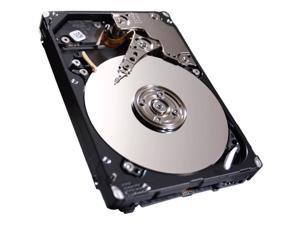
Seagate Savvio 10K.6 ST300MM0026 300 GB 2.5" Internal Hard Drive
- Parts: 5 Year
- Model #: ST300MM0026
- Item #: 9SIV0AHDUB3847
- Return Policy: Best Hdd Inc Return Policy
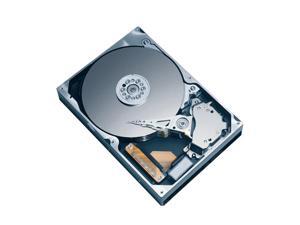
Hitachi GST Travelstar 5K320 HTS543232L9A300 (0A56417) 320GB 5400 RPM 8MB Cache ...
- Average Seek Time: 12ms
- Average Latency: 5.5ms
- Parts: 3 years limited
- Labor: 3 years limited
- Model #: HTS543232L9A300
- Item #: 9SIV0AH8P80796
- Return Policy: Best Hdd Inc Return Policy
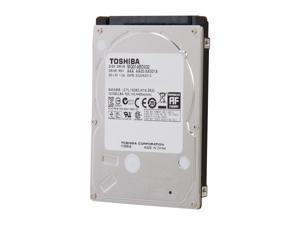
TOSHIBA MQ01ABD032 320GB 5400 RPM 8MB Cache SATA 3.0Gb/s 2.5" Internal Notebook ...
- Brand: TOSHIBA
- Capacity: 320GB
- RPM: 5400 RPM
- Form Factor: 2.5"
- Interface: SATA 3.0Gb/s
- Packaging: Bare Drive
- Cache: 8MB
- Average Seek Time: 12ms
- Model #: MQ01ABD032
- Item #: 9SIV0AHBRU4716
- Return Policy: Best Hdd Inc Return Policy
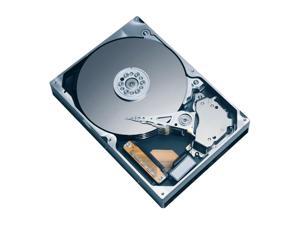
Hitachi GST Travelstar 5K250 HTS542516K9SA00 (0A52124) 160GB 5400 RPM 8MB Cache ...
- Average Seek Time: 11ms
- Average Latency: 5.5ms
- Parts: 3 years limited
- Labor: 3 years limited
- Model #: HTS542516K9SA00
- Item #: 9SIV0AHB254213
- Return Policy: Best Hdd Inc Return Policy
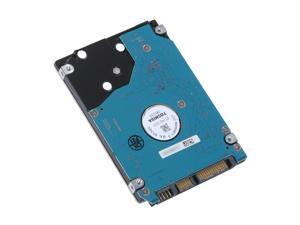
TOSHIBA MK5055GSX 500GB 5400 RPM 8MB Cache SATA 3.0Gb/s 2.5" Notebook Hard Drive ...
- Average Latency: 5.55ms
- Parts: 1 year limited
- Labor: 1 year limited
- Model #: MK5055GSX
- Item #: 9SIV0AHJPC3301
- Return Policy: Best Hdd Inc Return Policy
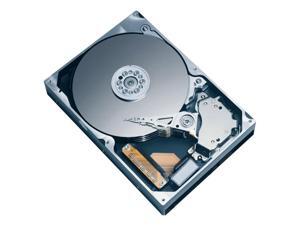
Fujitsu MHW2160BH 160GB 5400 RPM 8MB Cache SATA 1.5Gb/s 2.5" Notebook Hard Drive ...
- Average Seek Time: 12ms
- Average Write Time: 14ms
- Average Latency: 5.56ms
- Parts: 1 year limited
- Labor: 1 year limited
- Model #: MHW2160BH
- Item #: 9SIV0AHJNH7357
- Return Policy: Best Hdd Inc Return Policy
Common Laptop Hard Drive Questions
Introduction
The term laptop hard drive is often applied to 2.5 inch hard drives even though they are used in many types of devices and not just laptops. For instance, they can be found in entertainment devices, desktop computers, server workstations, and more. Below, NeweggBusiness answers several common questions about 2.5 inch and laptop hard drives.
Questions
What does 2.5 inch refer to?
The designation stems from the fact that the disk platters inside of the drive are traditionally 2.5 inches in diameter. The exterior of a 2.5 inch hard drive is actually 100 millimeters (length) by 69.85 millimeters (width).
Thickness can vary, though 9.5 millimeters is very common for most laptops. On the lower end of the scale, Ultrabooks™ can sometimes have hard drives as slim as 5 millimeters. Enterprise-grade hard drives can sometimes be as thick as 15 millimeters.
How do I use a 2.5 inch or laptop hard drive with a device doesn’t support that form factor?
In order to use a 2.5 inch hard drive with a device that is designed for 3.5 inch or desktop hard drives, you will need an adapter bracket. Even with the bracket however, you will still need to ensure that the connectors are compatible.
Can I use an enterprise-grade 2.5 inch hard drive with a laptop?
While some enterprise-grade hard drives and laptop hard drives have similar form factors, they typically utilize different connectors. A laptop for instance, will usually have a SATA connector—or PATA/IDE in the case of older laptops. A server-grade hard drive on the other hand, will typically have a SAS or SCSI connector.
So while a SAS hard drive may physically fit inside a laptop, it cannot be used due to connection differences.
How do I replace a laptop hard drive?
Not all laptops feature removable hard drives, so you will first need to consult the laptop’s user guide or manufacturer’s website for confirmation. If the manufacturer states that your laptop’s hard drive can be replaced, the information below can serve as a general outline.
The first step is to ensure that you have the appropriate tools. Recommended tools include a Phillips screwdriver with a relatively small head, a flat-head screwdriver, and possibly Torx® screwdrivers.
While each laptop model may have a unique design, there are some commonalities with how the hard drives can be accessed. Three of the more common laptop hard drive configurations are as follows.
- Tray-mounted
- Access panel on the underside
- Underneath the keyboard
Once you have determined how to access the laptop hard drive, you should remove the battery and unplug the laptop to avoid electrical damage or injury.

