


Server System - Showing 49 - 72 of 6222 Products
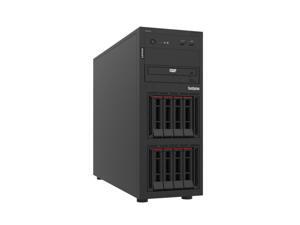

Lenovo 7DCEA04VNA ThinkSystem ST250 V3 6333P 16GB. The ThinkSystem ST250 V3 is a ...
- Model #: 7DCEA04VNA
- Item #: 9B-59-100-385
- Return Policy: Manufacturer Only Return Policy
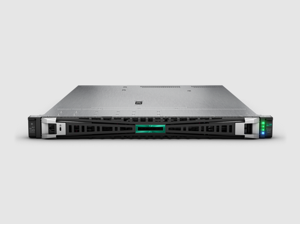
HPE ProLiant DL325 G11 Rack Server AMD EPYC 9005 Series 64 GB (2x32 GB, 6400 MT/s) HPE ...
- Brand: HPE
- Series: ProLiant DL325 G11
- Workload: General Purpose Server
- Type: Rack
- Rack Height: 1U
- Hot-swap Fans: 7 x Standard Fans
- CPU Type: AMD EPYC 9005 Series
- CPU Speed: 9015 (3.6 GHz)
- Model #: P94956-005
- Item #: 9B-59-319-356
- Return Policy: Manufacturer Only Return Policy
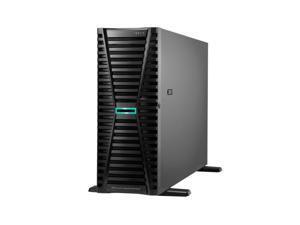
HPE ProLiant ML350 Gen12 6515P 2.3GHz 16-Core 1P 1x64GB-R 8SFF MR408i-o BCM5719 ...
- Brand: HPE
- Series: ProLiant ML350 G12
- Workload: General Purpose Server
- Type: Tower
- CPU Type: Intel Xeon 6
- CPU Speed: 6515P (2.30 GHz)
- Number of CPU Cores: 16-Core Processor
- Cache Memory: 72 MB L3
- Model #: P87788-005
- Item #: 9B-59-319-320
- Return Policy: Manufacturer Only Return Policy
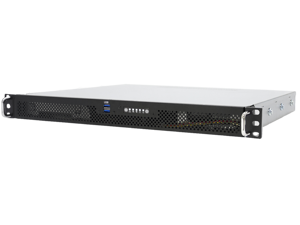

Advanced 1U Edge server, 15" depth, Liquid cool, AMD EPYC 4545P, 32GBx2, 2TBx2 M.2, ...
- Model #: R1015E-4545PL
- Item #: 9B-59-991-079
- Return Policy: Manufacturer Only Return Policy
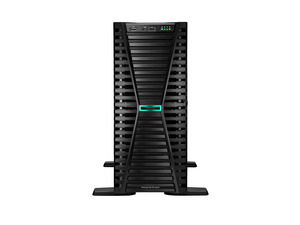
HPE ProLiant ML110 Gen11 server with one Intel® Xeon® Silver 4514Y Processor, 64 GB (2x32 ...
- Brand: HPE
- Series: ProLiant ML110 G11
- Workload: General Purpose Server
- Type: Tower
- Rack Height: 4.5U
- Hot-swap Fans: 2 x Standard Fans
- CPU Type: Intel Xeon Silver
- CPU Speed: 4514Y (2.00 GHz)
- Model #: P71687-005
- Item #: 9B-2NS-00AX-030F4
- Return Policy: Manufacturer Only Return Policy
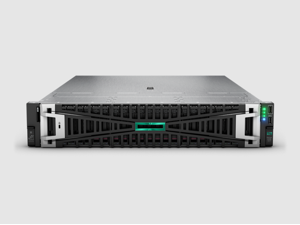
HPE ProLiant DL385 G11 Rack Server AMD EPYC 9005 Series 64 GB (2x32 GB, 6400 MT/s) HPE ...
- Brand: HPE
- Series: ProLiant DL385 G11
- Workload: General Purpose Server
- Type: Rack
- Rack Height: 2U
- Hot-swap Fans: 6 x Standard Fans
- CPU Type: AMD EPYC 9005 Series
- CPU Speed: 9115 (2.60 GHz)
- Model #: P94883-005
- Item #: 9B-59-319-352
- Return Policy: Manufacturer Only Return Policy
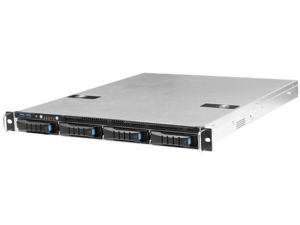
Optimized 1U AMD EPYC 4004/4005 Edge Server, 4545P 16GBx2 UDIMM ECC, 1TB M.2 NVMe,
- Model #: NE-1EA4S
- Item #: 9B-59-991-049
- Return Policy: Manufacturer Only Return Policy
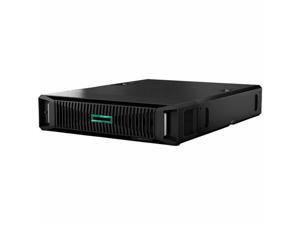

HPE ProLiant DL145 Gen11 server with one AMD EPYC™ 8124P Processor, 64 GB (2x32 GB) Dual ...
- Brand: HPE
- Series: ProLiant DL145 G11
- Workload: General Purpose Server
- Type: Rack
- Rack Height: 2U
- Hot-swap Fans: 4 x Standard Fans
- CPU Type: AMD EPYC 8004 Series
- CPU Speed: 8124P (2.45 GHz)
- Model #: P79810-005
- Item #: 9SIV009KF85529
- Return Policy: Antonline.com Return Policy

HPE ProLiant DL145 Gen11 server with one AMD EPYC™ 8024P Processor, 32 GB (1x32 GB) Dual ...
- Brand: HPE
- Series: ProLiant DL145 G11
- Workload: General Purpose Server
- Type: Rack
- Rack Height: 2U
- Hot-swap Fans: 4 x Standard Fans
- CPU Type: AMD EPYC 8004 Series
- CPU Speed: 8024P (2.40 GHz)
- Model #: P79788-005
- Item #: 9SIV009KF85528
- Return Policy: Antonline.com Return Policy
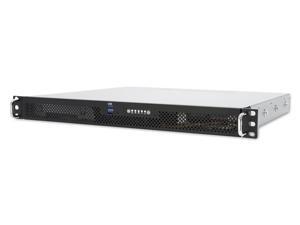
Intel® Xeon® edge server for industrial and remote deployments with redundant power, ...
- Model #: R1010E
- Item #: 9B-59-991-087
- Return Policy: Manufacturer Only Return Policy
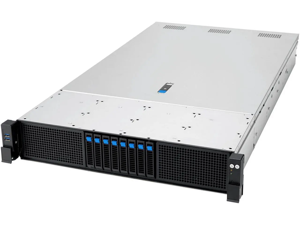
Optimized 2U HPC, 2xEPYC 9575F 64c, 400W TDP, 256GB RAM, 960GB SSD, T4
- Model #: RS720A-E13-RS8G-9565T4
- Item #: 9B-59-991-071
- Return Policy: Manufacturer Only Return Policy
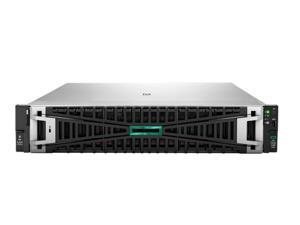
HPE ProLiant DL380 Gen12 6517P 3.2GHz 16-Core 1P 2x32GB 8SFF MR408i-o NS204i-u v2 ...
- Brand: HPE
- Series: ProLiant DL380 G12
- Workload: General Purpose Server
- Type: Rack
- Rack Height: 2U
- Hot-swap Fans: 6 x High Performance Fan
- Security: HPE TPM 2.0 standard on motherboard
- CPU Type: Intel Xeon 6
- Model #: P89239-005
- Item #: 9B-59-319-324
- Return Policy: Manufacturer Only Return Policy
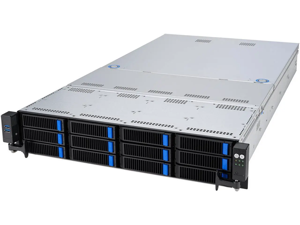
Advanced 2U Server, 9355P 32C 280W, 128GB, 1TB, RAID6, HBA, RTX PRO 2000, RPSU
- Model #: R2215G-9355P
- Item #: 9B-59-991-076
- Return Policy: Manufacturer Only Return Policy
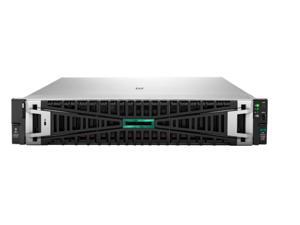
HPE ProLiant DL380 G12 Rack Server Intel Xeon 6 64GB DDR5 2x HPE 8TB SAS 12G Business ...
- Brand: HPE
- Series: ProLiant DL380 G12
- Workload: General Purpose Server
- Type: Rack
- Rack Height: 2U
- Hot-swap Fans: 6 x Standard Fans
- Security: HPE TPM 2.0 standard on motherboard.
- CPU Type: Intel Xeon 6
- Model #: P89993-005
- Item #: 9B-59-319-328
- Return Policy: Manufacturer Only Return Policy
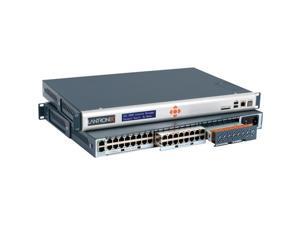
Lantronix SLC 8000 Device Server
- Model #: SLC80482211S
- Item #: 9B-2NS-000B-000B1
- Return Policy: Manufacturer Only Return Policy
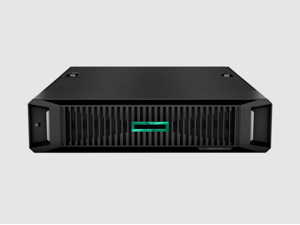
HPE ProLiant DL145 G11 Rack Server AMD EPYC 8004 Series 32 GB (2x16 GB, 4800 MT/s) HPE ...
- Brand: HPE
- Series: ProLiant DL145 G11
- Workload: General Purpose Server
- Type: Rack
- Rack Height: 2U
- Hot-swap Fans: 4 x Standard Fans
- CPU Type: AMD EPYC 8004 Series
- CPU Speed: 8024P (2.40 GHz)
- Model #: P92107-005
- Item #: 9B-59-319-346
- Return Policy: Manufacturer Only Return Policy
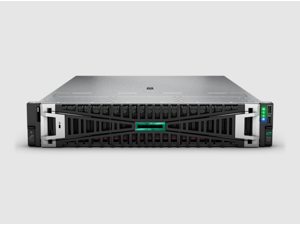
HPE ProLiant DL345 G11 Rack Server AMD EPYC 9005 Series 64 GB (2x32 GB, 6400 MT/s) HPE ...
- Brand: HPE
- Series: ProLiant DL345 G11
- Workload: General Purpose Server
- Type: Rack
- Rack Height: 2U
- Hot-swap Fans: 6 x Standard Fans
- CPU Type: AMD EPYC 9005 Series
- CPU Speed: 9115 (2.60 GHz)
- Model #: P93186-005
- Item #: 9B-59-319-347
- Return Policy: Manufacturer Only Return Policy
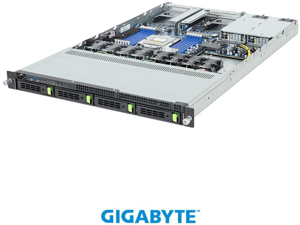
Gigabyte R163, 2 x 32GB, 2 x 1.92TB SSD
- Model #: R2115-R163-Z34-AAH1
- Item #: 9B-59-991-077
- Return Policy: Manufacturer Only Return Policy

HPE ProLiant ML30 Gen11 6325P 3.5GHz 4-Core 1P 1x32GB 4LFF MR216i-p 1GbE 2x2TB SATA ...
- Brand: HPE
- Series: ProLiant ML30 G11
- Workload: General Purpose Server
- Type: Tower
- Rack Height: 4U
- Hot-swap Fans: 1 x Non-hot plug non-redundant system fan
- CPU Type: Intel Xeon 6
- CPU Speed: 6325P (3.50 GHz)
- Model #: P86770-005
- Item #: 9SIVJ3RM4H2208
- Return Policy: Best IT Hub Return Policy
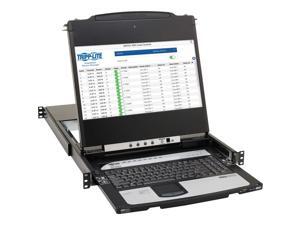
Tripp Lite by Eaton 8-Port NetDirector DisplayPort KVM Switch Console with 17 in. LCD Dual Rail ...
- Brand: Tripp Lite
- Type: Desktop
- Model #: B030DP0817D
- Item #: 9SIV009K525533
- Return Policy: Antonline.com Return Policy
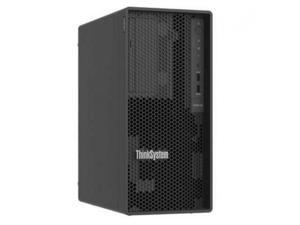
Lenovo ThinkSystem ST50 V3 32GB RAM 6353P Tower Server - Intel Xeon 6353P Octa-Core ...
- Brand: Lenovo
- Model #: 7DF31007NA
- Item #: 9SIV009KYK2319
- Return Policy: Antonline.com Return Policy
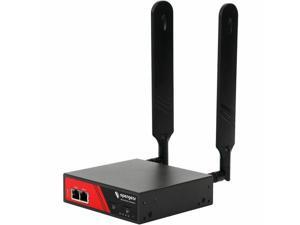
Opengear ACM7000 Resilience Gateway - Remote Management, Remote Monitoring
- Model #: ACM7004-2-GLB
- Item #: 9SIV009KS68510
- Return Policy: Antonline.com Return Policy
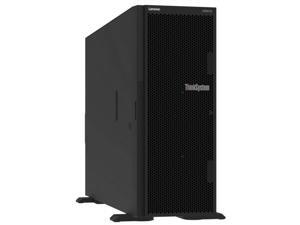
Lenovo ThinkSystem ST650 V3 4514Y 32GB Tower Server - Intel Xeon Silver 4514Y Processor ...
- Brand: Lenovo
- Model #: 7D7A100MNA
- Item #: 9SIV009KYK2318
- Return Policy: Antonline.com Return Policy
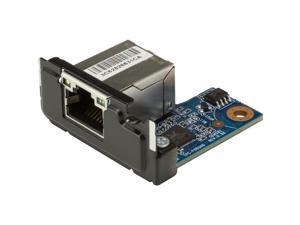
HP 2.5GbE LAN Flex Port Z2 Mini
- Brand: HP
- Model #: 169K0AA
- Item #: 9SIV009KS68511
- Return Policy: Antonline.com Return Policy
Choosing the Right Server System
Introduction
If your organization has several computers and will continue to increase that number, you should consider purchasing server and workstation systems. They are computer systems that function as centralized resources for a network. Before shopping for a server though, there are a few basics that you need to know.
What is a Server?
A server is a computer that provides services or data to other computers, known as clients. In most network configurations, the server is the main gateway between an organization’s internal network and the internet. It can be used for a variety of purposes, from storing files to hosting Web sites. The hardware inside server and workstation systems is similar to what you would find in a desktop computer. They have the usual components such as processors, memory, and hard drives. The difference is that the components inside a server are designed for long and continuous use with little to no downtime.
Do I Need a Server?
If your organization has data that needs to be accessed by multiple users, then it will benefit from utilizing server and workstation systems. Even if a network is comprised of only two computers, a server is excellent for storing and sharing files for those two computers. And if you have mobile staff that frequently travel, they will be able to remotely access information and programs on your organization’s network through the server.
Larger organizations will probably have several servers, each performing different tasks. For example, one server could be for file sharing, one for hosting the Web site, and another for handling the e-mail needs of the staff. For larger organizations with multiple offices, having a server means that the staff will be able to easily share files across different geographic locations.
What Server Should I Get?
There are three types of server and workstation systems, tower, rack-mount, and blade. Which one you should use depends on the size of your organization’s network and the amount of traffic you expect.
Tower
The most basic of the three, a tower server looks very similar to a desktop tower computer. One advantage of a tower server is that it does not require a great deal of space and is ideal for organizations with a small network.
The downsides of a tower system are that it has limited expandability and utilizes a fair amount of cabling. In an office with several tower server systems, this can mean a jumble of cables and a lot of space used up by peripherals and input devices.
Rack-mounted
A rack-mounted server bears little resemblance to a desktop tower. It has standardized dimensions and is designed to be inserted into a rack-mount server chassis. A rack-mount chassis can hold several servers in slots, one on top of another. A rack-mount setup is much more space-efficient than a tower and it is possible to put many more servers into one space than with tower server systems. Aside from the space savings, rack-mount servers also makes cabling more manageable.
Blade
A blade server is similar to a rack-mounted workstation computer in that it also needs to be installed into an enclosure. However, a blade computer server is much more compact and space-efficient than a rack-mount, because the internal components are designed to have a low profile or be integrated onto the motherboard.

