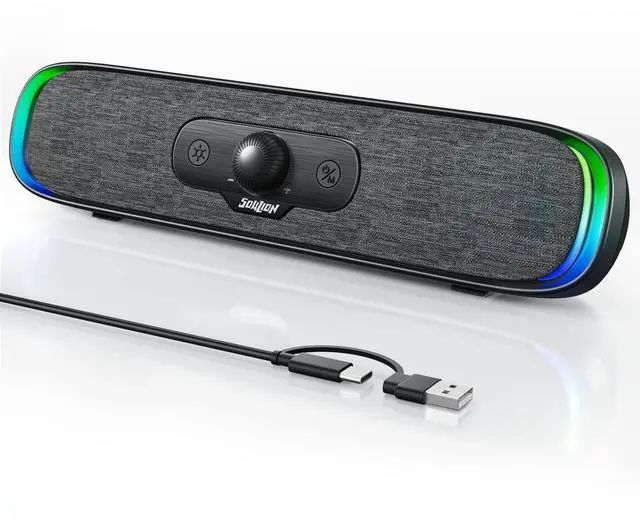
Computer Speakers, USB C/USB Powered PC Speaker with Colorful LED Lights, Plug-N-Play Wired Bluetooth Sound bar with Rotary Control for Desktop Laptop Monitor Office Work Music Black
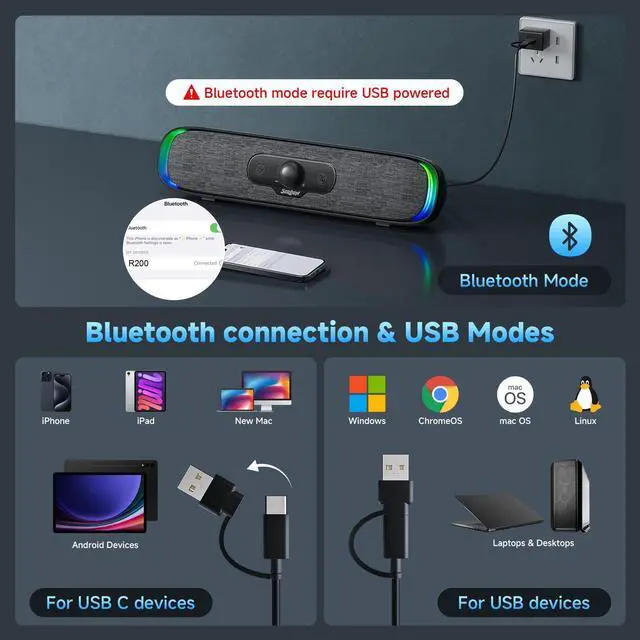
USB PLUG & PLAY: Just plug the USB cable into your PC, desktop or laptop, no need drivers or software. Power and audio are delivered through one simple connection, keeping your desk clean and setup fast. Perfect for Windows, macOS, ChromeOS, and Linux
USB-C DEVICE COMPATIBLE: Our wired pc speakers includes a built-in USB-C to USB adapter for full compatibility with devices that only support USB-C, such as new Mac mini, MacBook Air, MacBook Pro, new iPad and ultra-thin laptops
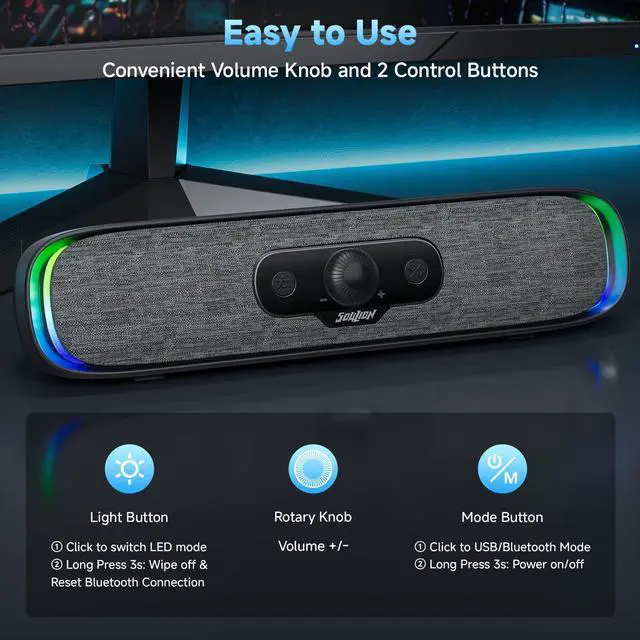
BLUETOOTH MODE: Clicking the "M" button on our monitor speakers to switch to Bluetooth mode. Search "R200" on your phone, tablet, or laptop and connect. (Note: USB power still required for Bluetooth mode. USB-C fast charging adapters aren't compatible with this speaker. )
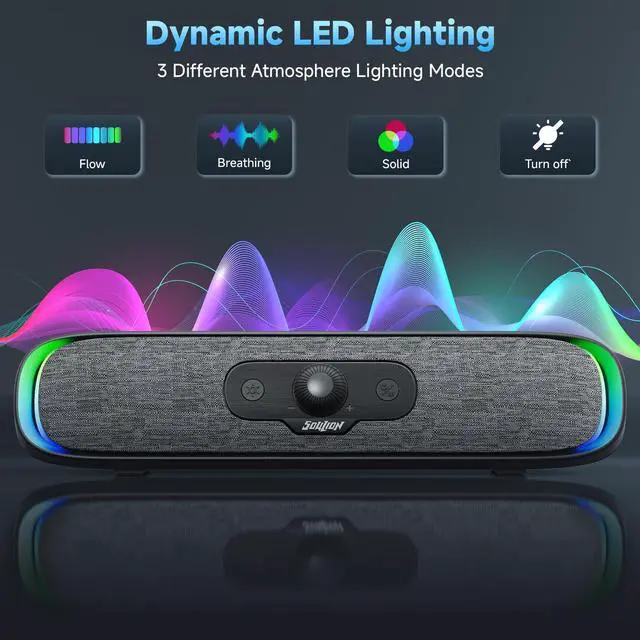
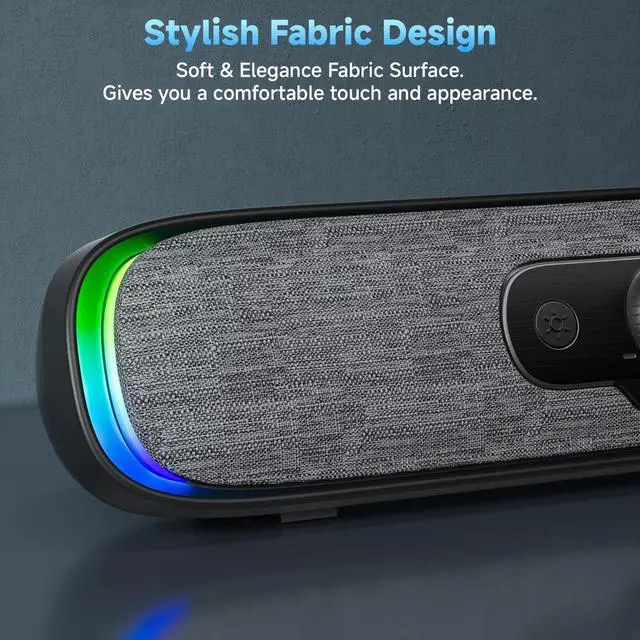
4 DYNAMIC LIGHT MODES: Choose from Flowing Light, Breathing Light, Monochrome Mode, or simply turn the lights off to match your mood and enhance your space. Click the "" button on desktop speakers to change the LED light mode
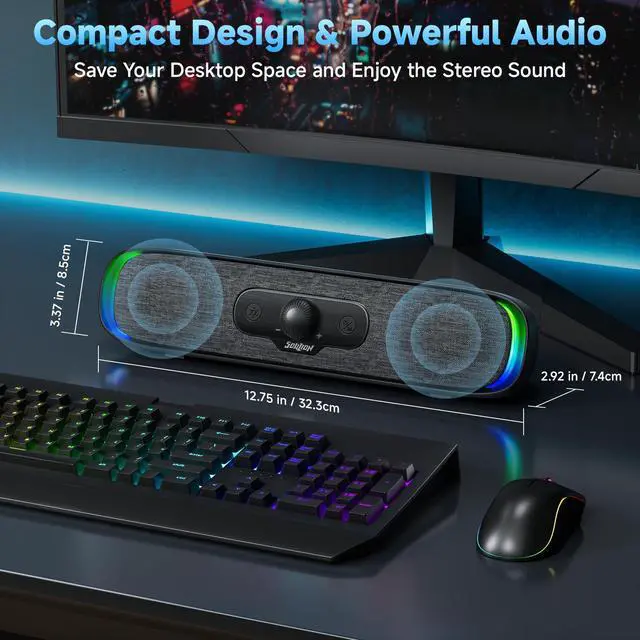
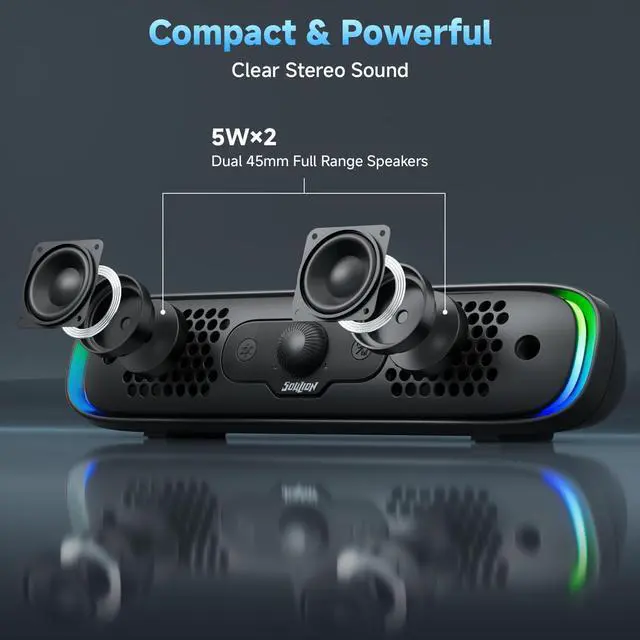
COMPACT DESIGN: Slim
+
+
Overview
Specs
Reviews
Computer Speakers, USB C/USB Powered PC Speaker with Colorful LED Lights, Plug-N-Play Wired Bluetooth Sound bar with Rotary Control for Desktop Laptop Monitor Office Work Music Black
Learn more about the Generic Brand R200
Model
Brand
SOULION
Model
R200
Details
Type
Soundbar
Color
Black
Configuration
2.0
Total Power
6 watts
Satellite RMS Power /ea
6 watts
Driver
dynamic_driver
Frequency Response
18 hertz
Impedance
4 ohm
Signal to Noise Ratio(SNR)
40 decibels
Remote
push_button
Dimensions & Weight
Dimension
7.5 in x 32.0 in x 8.5 in
Weight
0.581 kilograms
Package Contents
Package Contents
USB Cable, Speaker, User Manual
Manufacturer Warranty
Parts
1 Year Warranty
Labor
1 Year Warranty
Additional Information
First Listed on Newegg
July 25, 2026
Customer Reviews of the Generic Brand R200
There are no reviews yet.
Do you own this product?
Warranty & Returns
Warranty, Returns, And Additional Information
Warranty
Please contact the Seller directly for warranty information. Warranty information may also be found on the Manufacturer's website.