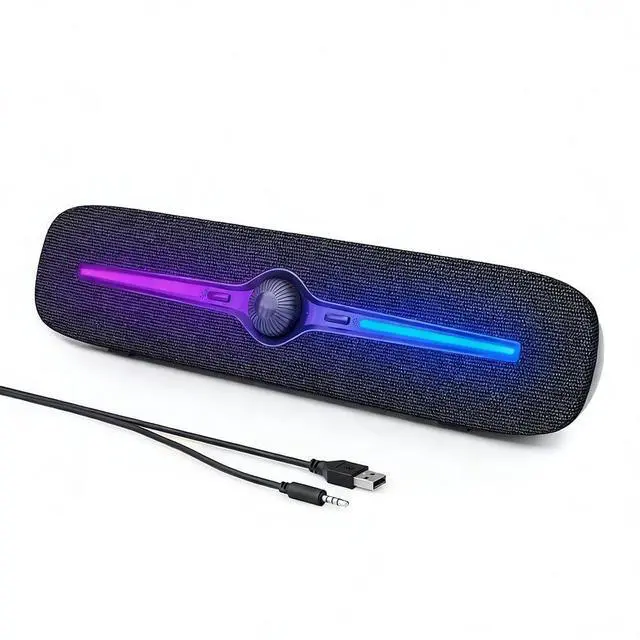
Computer Speakers for Desktop, USB Powered Bluetooth PC Speaker with LED Light, 3.5mm Aux Soundbar with Rotary Volume Control Button for Laptop Monitor Office Music Game Gray
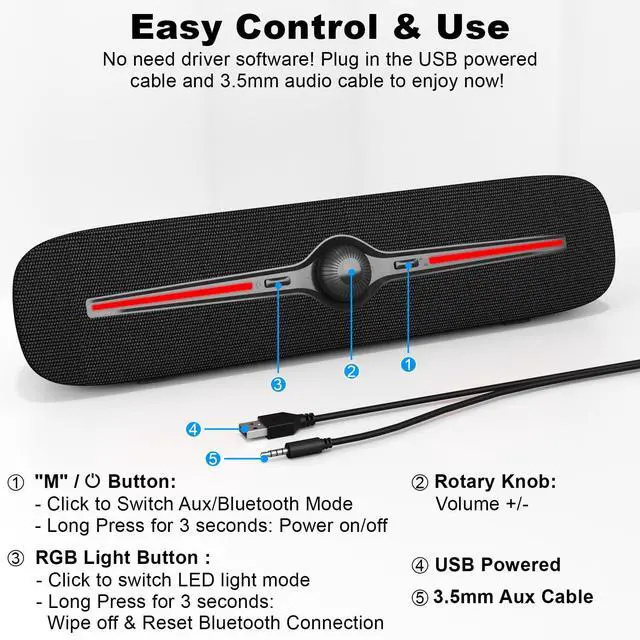
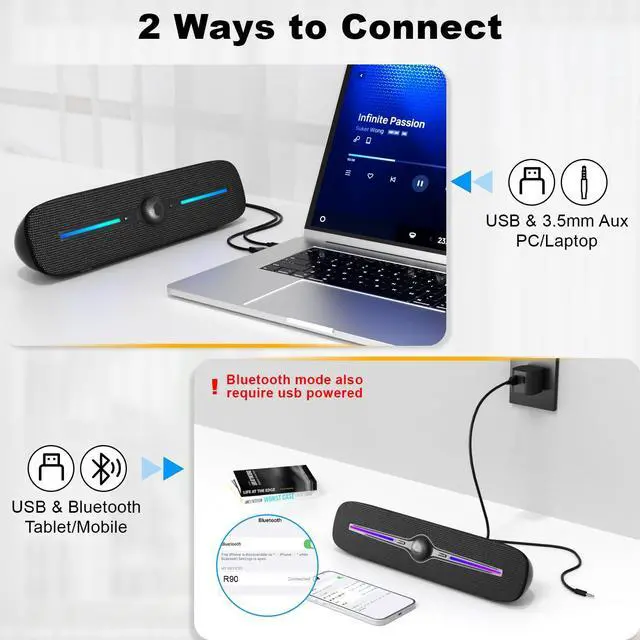
Aux Connection: Just plug into the USB port for power, the 3.5mm jack for audio. Press the "M" button to switch to "Aux Mode" and adjust the volume +/- with rotate button on the computer speakers
Bluetooth Connection: Built-in bluetooth technology, allows the speaker connect cellphone, tablet, PC via bluetooth, more convenient playback. Press the "M" button switch to "Bluetooth Mode and then search R90 on smartphone/tablet to connect
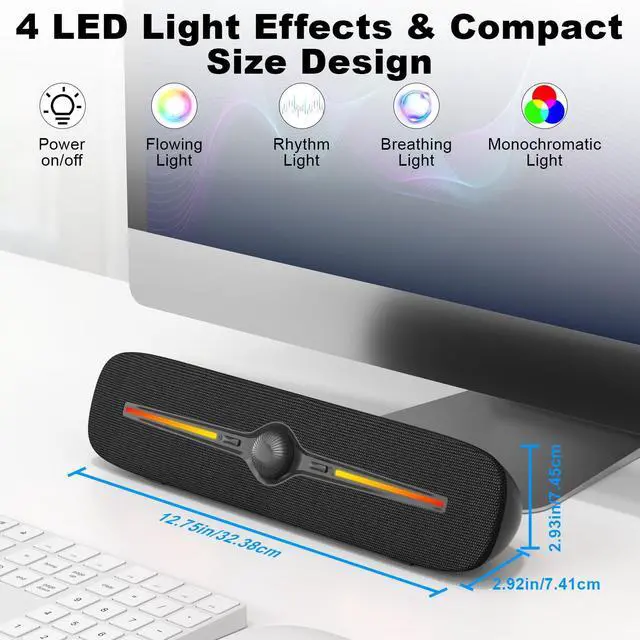
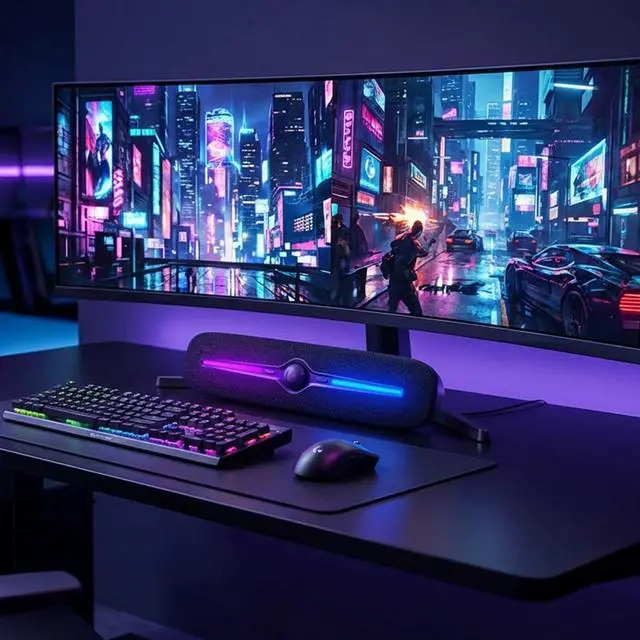
4 Dynamic Lighting Modes: Featuring 4 vibrant LED light effects that can be switched with a single click. The integrated light button on the soundbar also allows you to easily turn the lights on or off. Elevate your experiencewhether you're listening to music, watching movies, or gamingwith immersive atmospheric lighting
Intuitive Controls: Adjust the volume with the rotary knob. Switch between AUX and Bluetooth modes by pressing the M button. Power the device on or off with a 3-second press of the same button. For the LED lights, a single click turns them
+
+
Overview
Specs
Reviews
Computer Speakers for Desktop, USB Powered Bluetooth PC Speaker with LED Light, 3.5 mm Aux Soundbar with Rotary Volume Control Button for Laptop Monitor Office Music Game Gray
Learn more about the Generic Brand R90
Model
Brand
SOULION
Model
R90
Details
Type
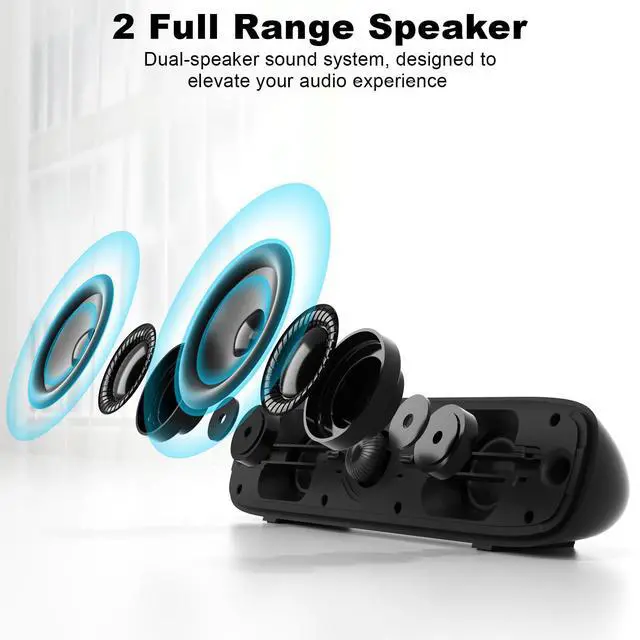
Dual Speaker
Color
Gray
Configuration
2.0
Connector Type
Auxiliary
Total Power
6 watts
Satellite RMS Power /ea
6 watts
Driver
dynamic_driver
Frequency Response
22000 hertz
Impedance
4 ohm
Signal to Noise Ratio(SNR)
50 decibels
Power Supply
5 volts
Remote
touch
Dimensions & Weight
Dimension
2.9 in x 12.7 in x 2.9 in
Weight
0.558 kilograms
Additional Information
First Listed on Newegg
July 25, 2026
Customer Reviews of the Generic Brand R90
There are no reviews yet.
Do you own this product?
Warranty & Returns
Warranty, Returns, And Additional Information
Warranty
Please contact the Seller directly for warranty information. Warranty information may also be found on the Manufacturer's website.