All Categories
Built for How Business Buys.
All Categories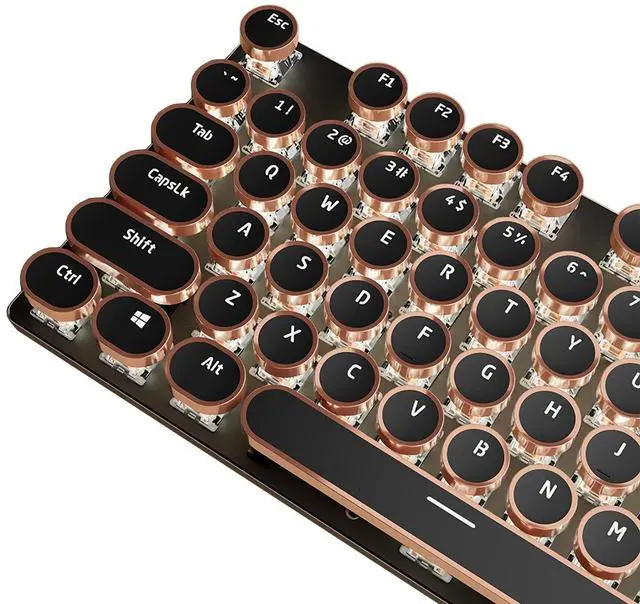
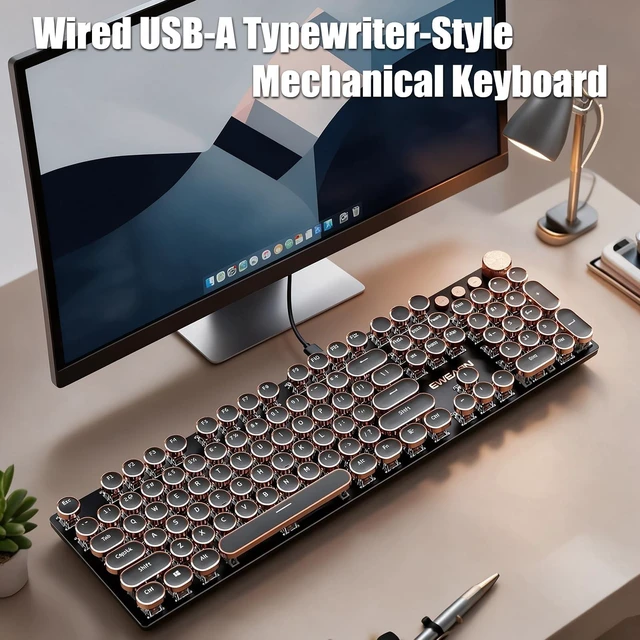
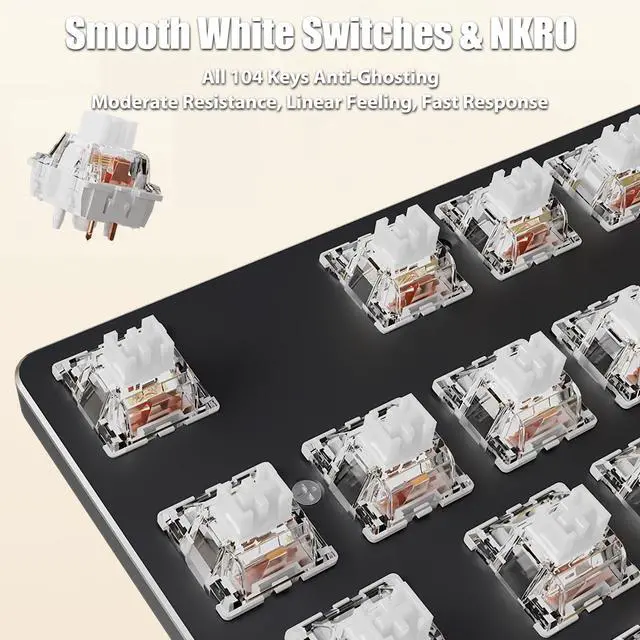
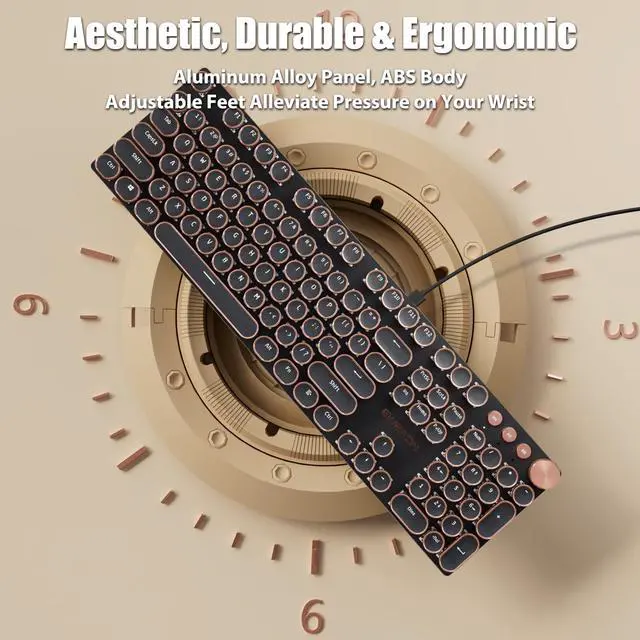


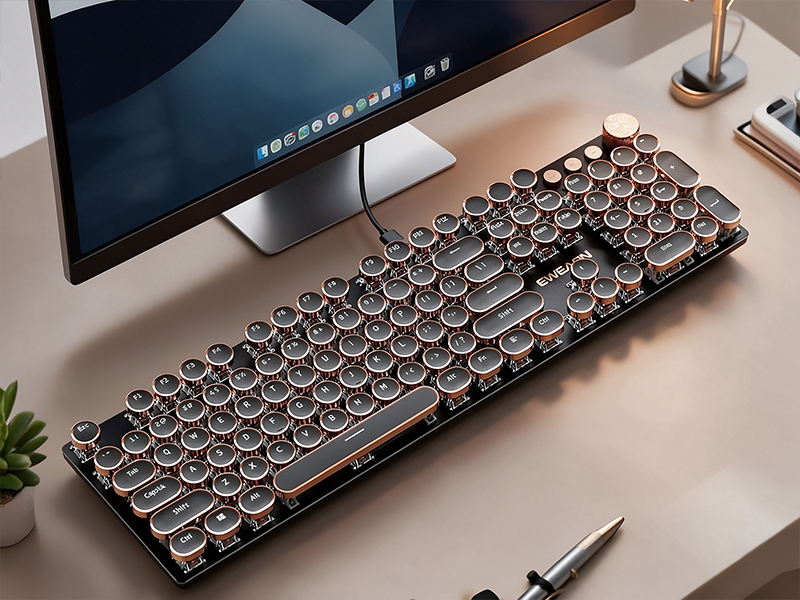
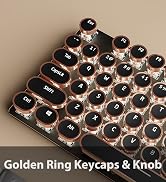
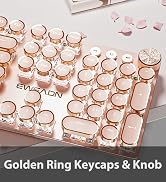
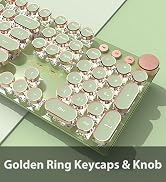
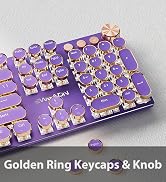
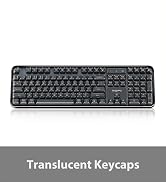
Vintage steampunk round keycaps with rose gold rings give the keyboard a classic typewriter aesthetic. Custom white switches deliver a smooth linear feel, snappy actuation and moderate resistance with no tactile bump. Blending retro aesthetic styling with modern tech, this mechanical keyboard brings you a one-of-a-kind typing experience.
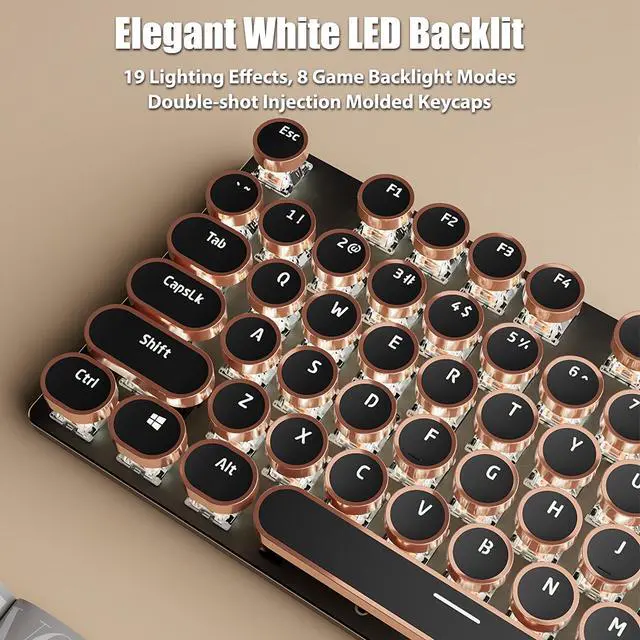
This illuminated keyboard features 19 lighting effects, with both static presets and dynamic light modes available. Toggle lighting effects via “Fn+Ins”, and select game backlight presets with “Fn+1~8”. It supports 5 adjustable brightness levels (Fn+Up/Down) and lighting speed (Fn+Left/Right). The backlight shuts off at the lowest brightness setting. Crafted with double-shot injection molded keycaps, it delivers bright, even backlighting and legends resistant to scratching & wear.


This full-size 104-key keyboard supports full-key NKRO. Every keystroke registers reliably during intense gaming and rapid typing, even when multiple keys are pressed simultaneously. Enjoy responsive performance for high-intensity gameplay.
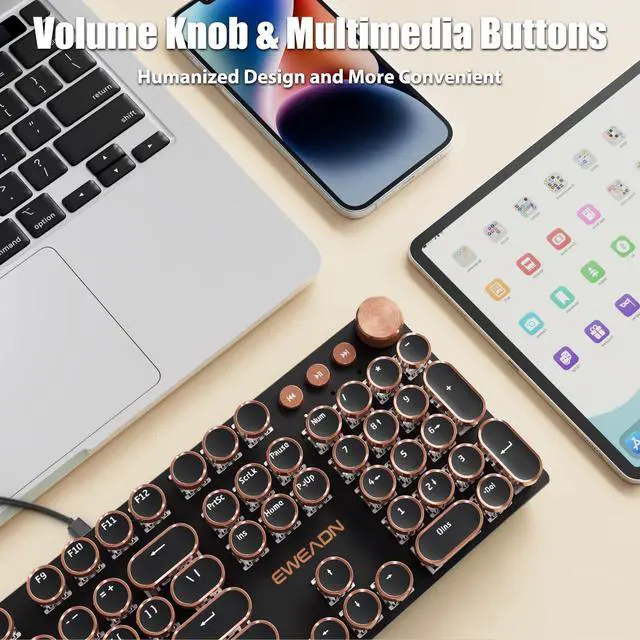
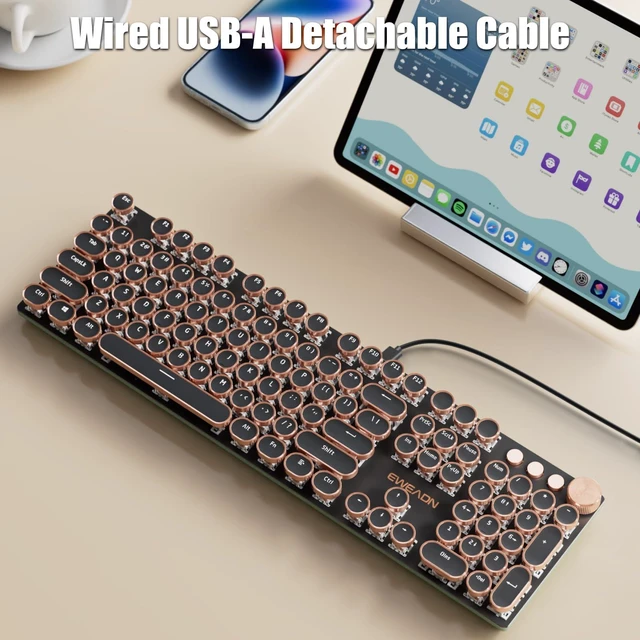
Equipped with a detachable USB-A wired cable, this gaming keyboard ensures ultra-stable signal transmission and plug-and-play convenience. Paired with a tactile volume control knob and 3 dedicated multimedia keys, the humanized integrated design simplifies daily operation and delivers a more convenient, efficient using experience.

Vintage steampunk round keycaps with rose gold rings give the keyboard a classic typewriter aesthetic. Custom white switches deliver a smooth linear feel, snappy actuation and moderate resistance with no tactile bump. Blending retro aesthetic styling with modern tech, this mechanical keyboard brings you a one-of-a-kind typing experience.
This illuminated keyboard features 19 lighting effects, with both static presets and dynamic light modes available. Toggle lighting effects via “Fn+Ins”, and select game backlight presets with “Fn+1~8”. It supports 5 adjustable brightness levels (Fn+Up/Down) and lighting speed (Fn+Left/Right). The backlight shuts off at the lowest brightness setting. Crafted with double-shot injection molded keycaps, it delivers bright, even backlighting and legends resistant to scratching & wear.
This full-size 104-key keyboard supports full-key NKRO. Every keystroke registers reliably during intense gaming and rapid typing, even when multiple keys are pressed simultaneously. Enjoy responsive performance for high-intensity gameplay.
Equipped with a detachable USB-A wired cable, this gaming keyboard ensures ultra-stable signal transmission and plug-and-play convenience. Paired with a tactile volume control knob and 3 dedicated multimedia keys, the humanized integrated design simplifies daily operation and delivers a more convenient, efficient using experience.
| Model | V20 |
|---|---|
| Connection | Wired USB-A |
| Cable | Detachable USB Cable Included |
| Number of Keys | 104 |
| Switches | Linear White Switches |
| Ring of Keycaps | Rose Gold Ring |
| Backlight | White LED |
| Anti-Ghosting | All 104 Keys Anti-Ghosting |
| Multifunctional Knob | Lighting Mode + Multimedia Mode |
| Compatibility | Windows (Fn+W), MacOS (Fn+A) |
| Dimension | 17.1*5.0*1.3in, 43.3*12.8*3.4cm |
| Net Weight | 1.43lb, 0.65kg |
| Fn+Ins | Switch Lighting Effects |
|---|---|
| Fn+1~8 | Switch Game Lighting Mode 1~8 |
| Fn+Up | Lighting Brightness + |
| Fn+Down | Lighting Brightness -, turn off the lighting at the minimum brightness level |
| Fn+Right | Lighting Speed + |
| Fn+Left | Lighting Speed - |
| Fn+Esc | Press and hold FN+Esc for 3 seconds to restore factory settings |
| Custom Lighting Recording | Press Fn+9/0 to enter the custom mode, then press Fn+Del to start recording. The indicator light will flash. Press any key to turn it on or off, and then press Fn+Del to save the recording. Then press Fn+9/0 to select the light you set. |
| Connection Problem | (1) Check if both ends of the USB cable are properly inserted. Hold down Fn+Esc for three seconds to restore the factory Settings, then unplug the cable and reinsert it. (2) Test with another USB cable and repeat step 1. (3) Test with other equipment and repeat step 1. |
|---|---|
| Keys Problem | (1) Press and hold Fn + Esc for three seconds to restore factory settings. (2) Select the correct operating system. Press Fn + W to switch to Windows, and Fn + A to switch to MacOS. (3) Check if there are any foreign objects entering the keys. |
| Lighting Problem | (1) Press and hold Fn+Esc for three seconds to restore the factory Settings (2) Check if the light is turned on and off. Press Fn+Up to increase the brightness. (3) Press Fn+Ins to switch the light off. (4) Please note that the game mode light levels and custom light levels are not dynamic. |
| Cable Problem | If the cable end breaks, please request for a replacement. |