Warm Tips: To use Alexa and Google Home for voice control, please connect the plug with the Smart Life app first. Then go to Me > Third-Party Services to link with Alexa/Google. Note: Direct connection to Alexa is not supported.
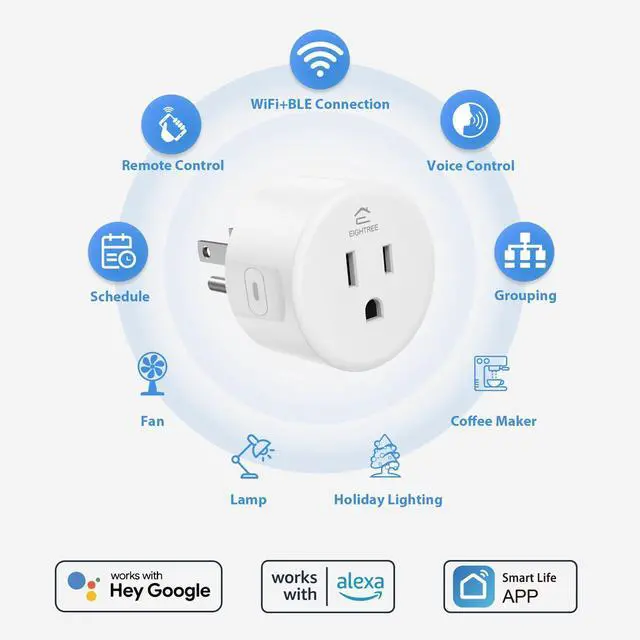
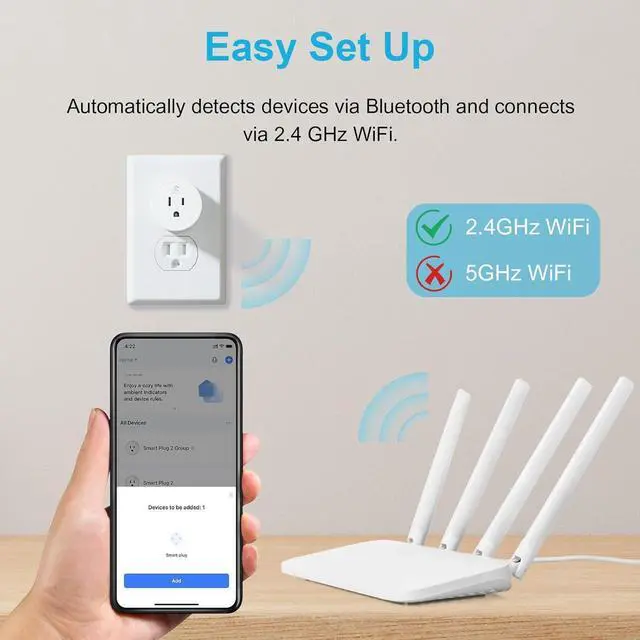
Simplified Setup: Our upgraded smart plug makes connecting a breeze. Just open the Smart Life App, and your phone's Bluetooth will automatically find the plug. No more worrying about complicated setups.
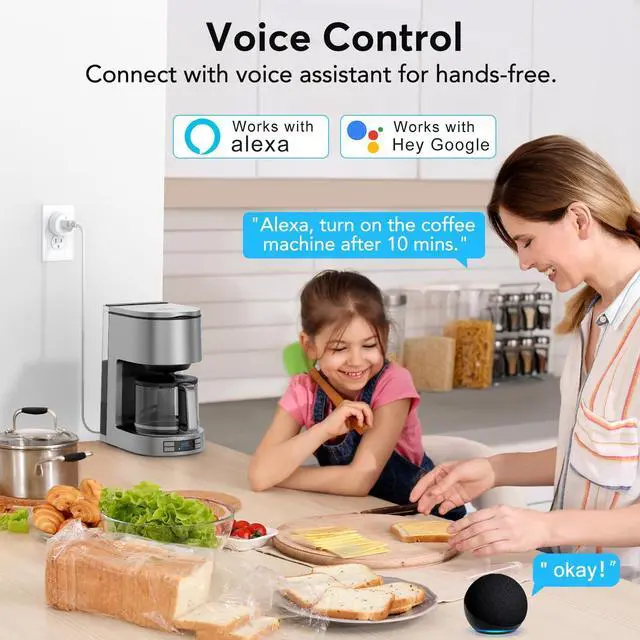
Voice Control: Works with Alexa and Google Assistant, but requires setup through the Smart Life App. Once connected, just say Alexa, turn on the fan to control your device hands-free.
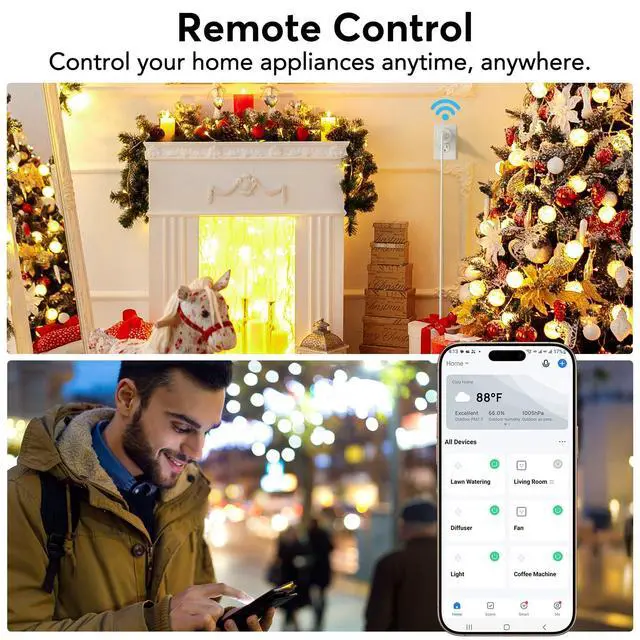
Remote Control: Use your smartphone to turn home devices on and off from anywhere, anytime. Grab an Alexa smart plug for those electronics you sometimes forget, saving energy and ensuring safe power usage.
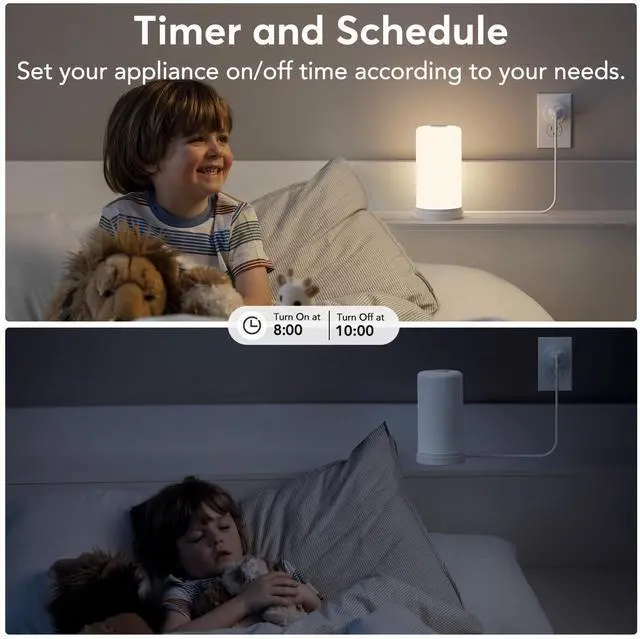
Schedule & Timer Function: You can easily set timers, countdowns, cycles, or random schedules. For example, schedule the coffee maker to turn on automatically at 8 a.m. and the lights to turn off at 10 p.m.
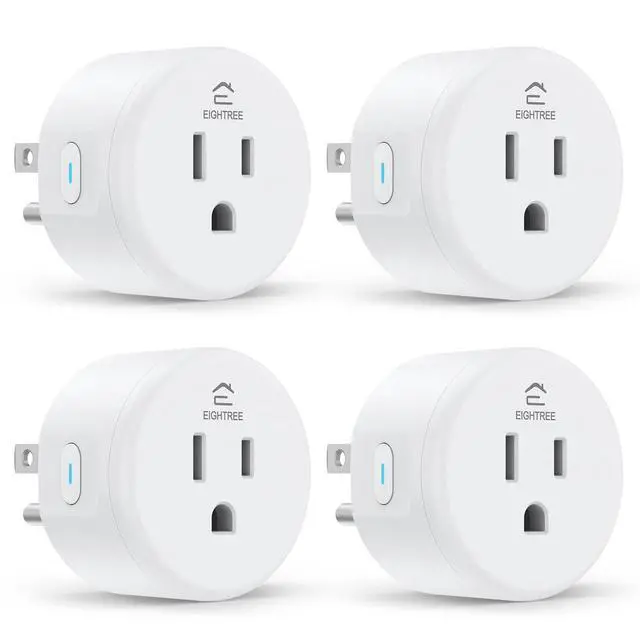
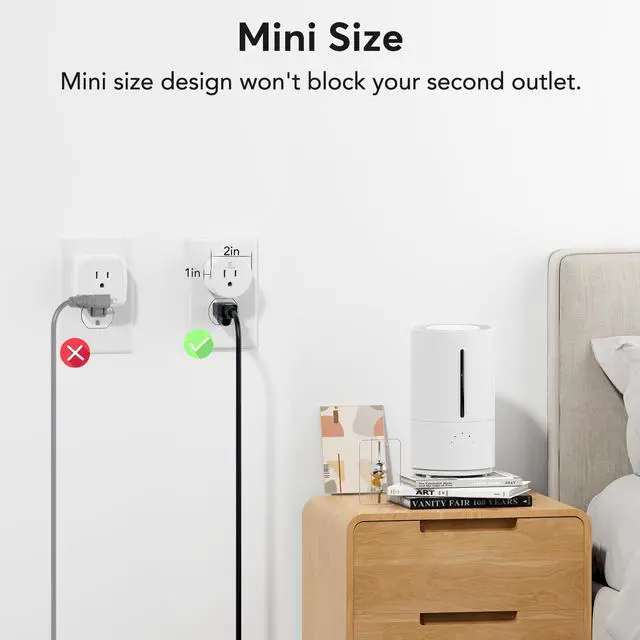
Reliable & Compact: The mini round design fits neatly in tight spaces without blocking the second outlet. ETL and FCC certifications help ensure safe use and consistent performance in everyday scenarios.
Warm Tips: This smart outlet supports SmartThings for flexible smart-home integration. For a smoother setup, follow the connection instruction video provided in the app and product guide.
+
+
Overview
Specs
Reviews
Smart Plug, WiFi Outlet Works with Alexa & Google Home, Smart Home Socket with Remote Control & Timer Function, 2.4GH z WiFi Only, 4 Packs
Learn more about the Generic Brand ET01
General
Brand
TP-LINK
Model
ET01
Model
Part Number
ET01B
Features
Features
Alexa-enabled devices, Google Home-enabled devices
Dimension & Weight
Dimensions
72"
Weight
0.12 pounds
Manufacturer Warranty
Parts
1 Year
Labor
1 Year
Details
Sports Team
4 Packs
General
Type
Handheld & Tabletop Remotes
Additional Information
First Listed on Newegg
May 19, 2026
Customer Reviews of the Generic Brand ET01
There are no reviews yet.
Do you own this product?
Warranty & Returns
Warranty, Returns, And Additional Information
Warranty
Please contact the Seller directly for warranty information. Warranty information may also be found on the Manufacturer's website.