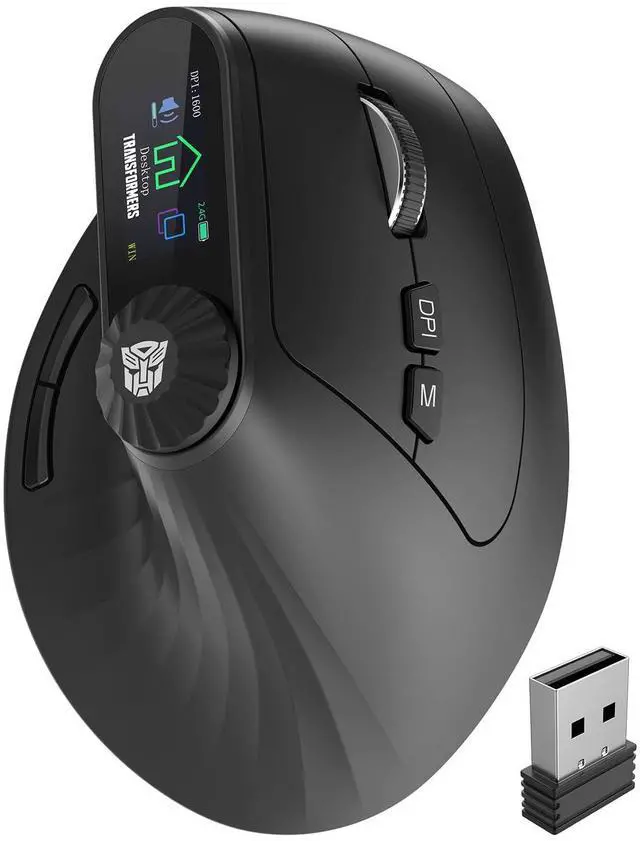
Vertical Ergonomic MouseFeaturing an ergonomic 57° tilt angle, this mouse naturally conforms to the contours of the right hand, maintaining a relaxed hand position that effectively prevents wrist fatigue for extended work sessions. Note: A 3-7 day adaptation period is needed when switching from a traditional mouse. Adjust your grip to fit the mouses curve for optimal comfort.
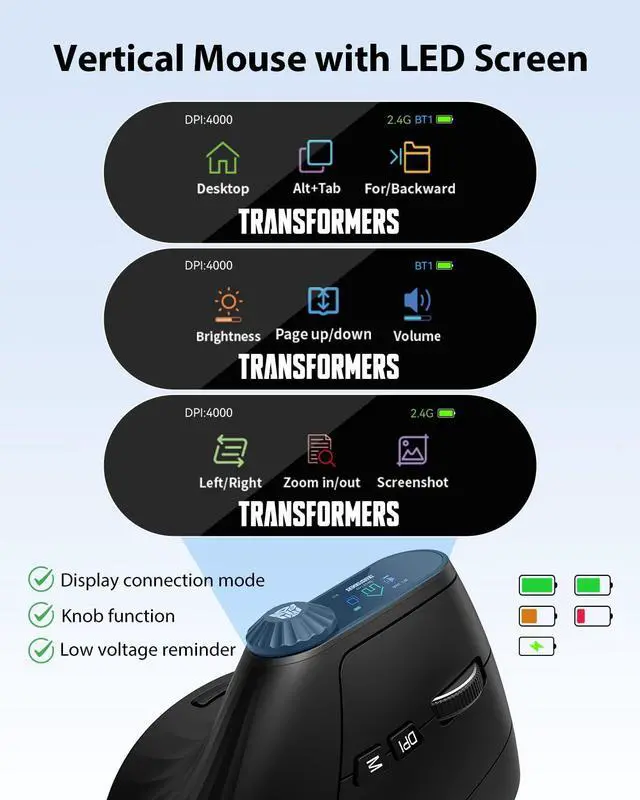
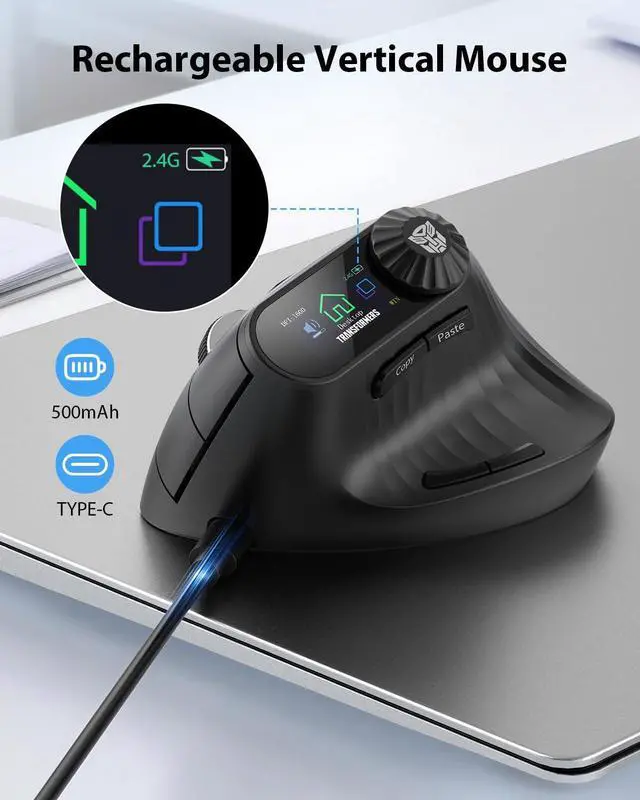
LED Screen DisplayThe Wireless Vertical Mouse Real-time updates of DPI, battery level, and connection mode are displayed on the screen without requiring additional drivers. The innovative knob offers exceptional efficiency for tasks such as zooming, horizontal scrolling, and volume adjustmentmaking it ideal for accelerating design work in CAD or Photoshop and managing complex spreadsheets.
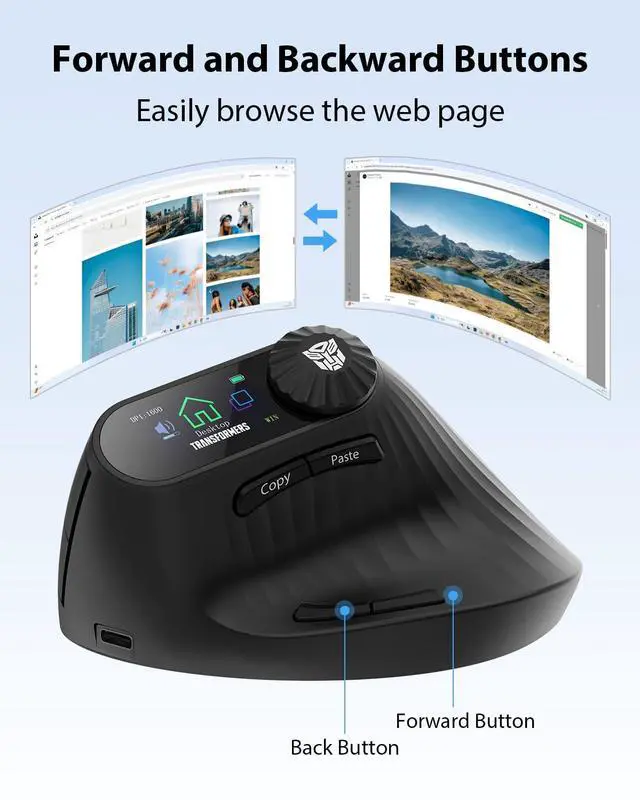
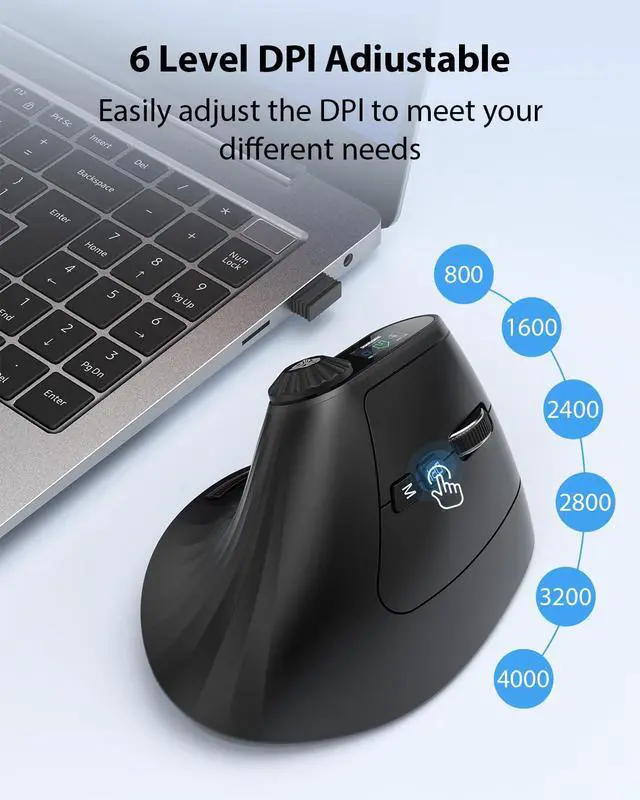
6-Level DPI AdjustmentThis vertical mouse wireless features six DPI settings (800/1600/2400/2800/3200/4000) for effortless switching to accommodate design work, office tasks, web browsing, and light gaming. Note: The buttons are non-programmable, and the forward/back navigation keys are not compatible with Mac OS.
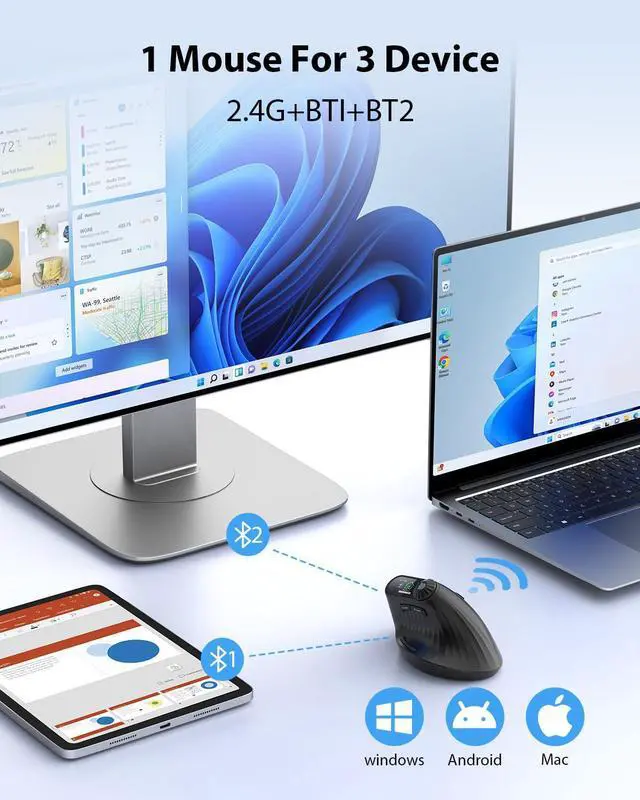
Three-Device ConnectivityThis wireless ergonomic mouse features a dual-mode design with 2.4G + Dual Bluetooth 5.0 connectivity, enabling seamless connection to up to three devices. Compatible with Windows and Mac OS systems, it works with desktop computers, laptops, tablets, and more.
+
+
Overview
Specs
Reviews
Vertical Ergonomic Mouse with LED Screen & Knob Control, Rechargeable Vertical Mouse Wireless, 3-Device Connectivity ( 2.4G + Dual Bluetooth), Quiet Clicks, Computer Mice for PC/Mac/Laptop
Learn more about the TF-VM01-B
Model
Brand
Transformers
Name
TF-VM01-B
Model
TF-VM01-B
Details
Color
Black
Hand Orientation
Right
Tracking Method
Optical
Buttons
10
Resolution (DPI)
4000 dots_per_inch
Wireless
Power Supply
nonstandard_battery
Details
Version
Modern
Features
Features
TF-VM01-B
Manufacturer Warranty
Parts
1 Year
Labor
1 Year
Additional Information
First Listed on Newegg
May 20, 2026
Customer Reviews of TF-VM01-B
There are no reviews yet.
Do you own this product?
Warranty & Returns
Warranty, Returns, And Additional Information
Warranty
Please contact the Seller directly for warranty information. Warranty information may also be found on the Manufacturer's website.



 All Categories