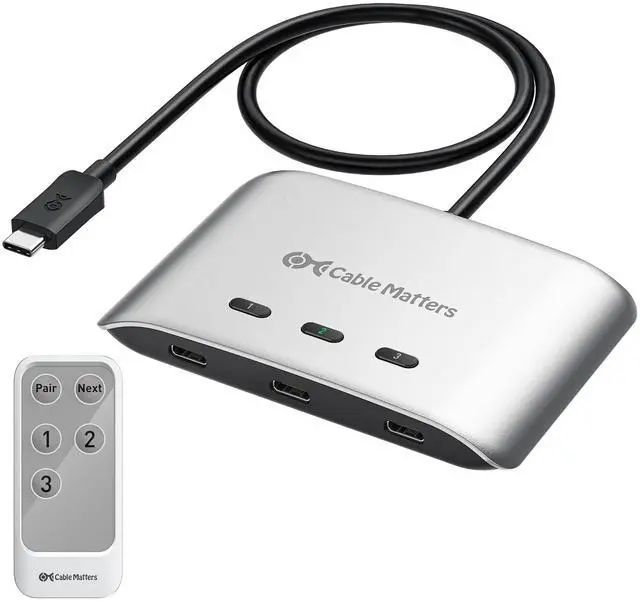
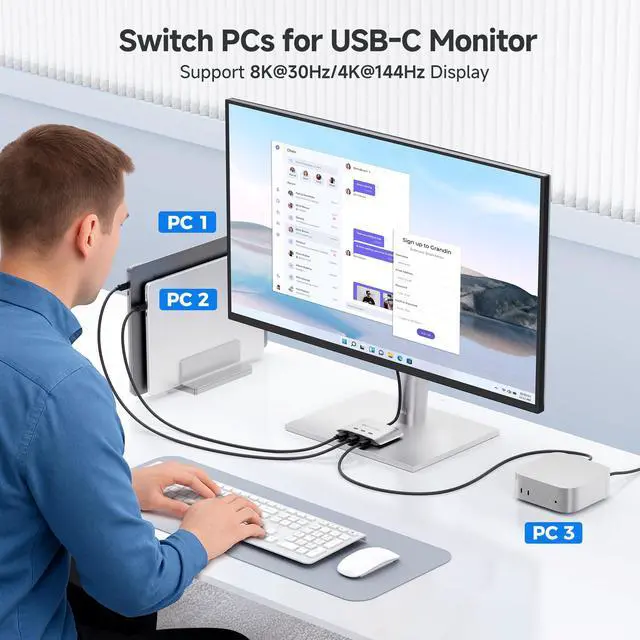
20Gbps USB C KVM Switch, 3-in-1-Out, Supports Up to 8K@30Hz on Windows, 4K@60Hz on macOS, 140W PD, for Sharing a USB-C/Thunderbolt 4 Monitor or Dock (Not Work with Captive Cable Docks)
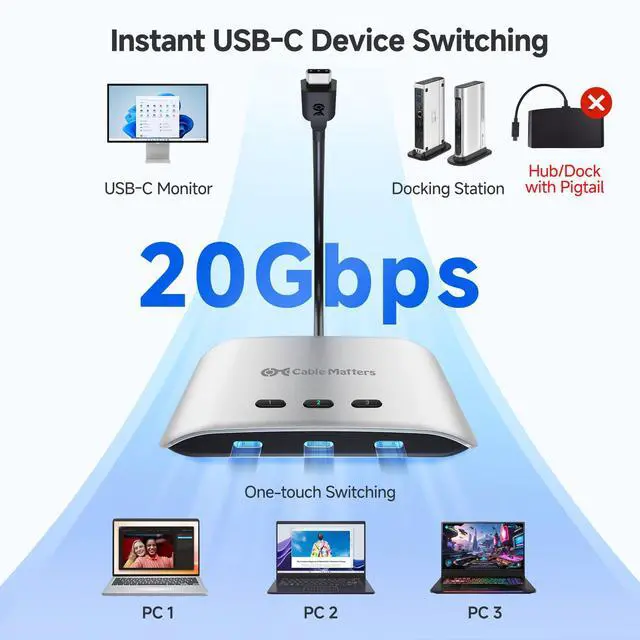
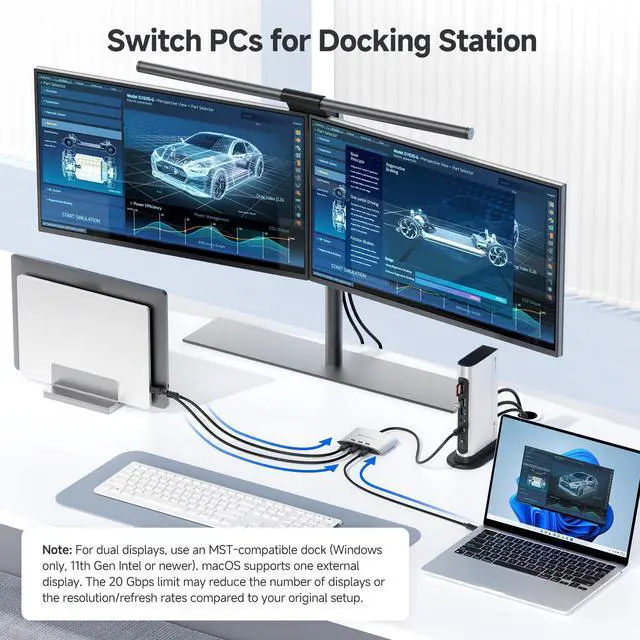
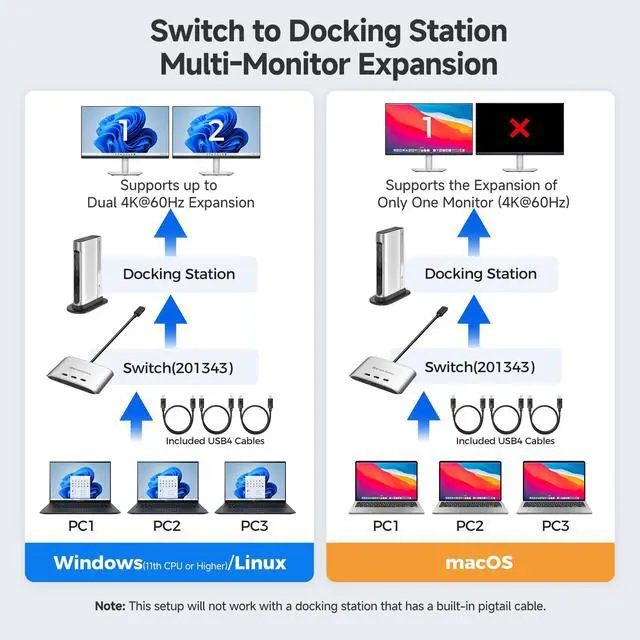
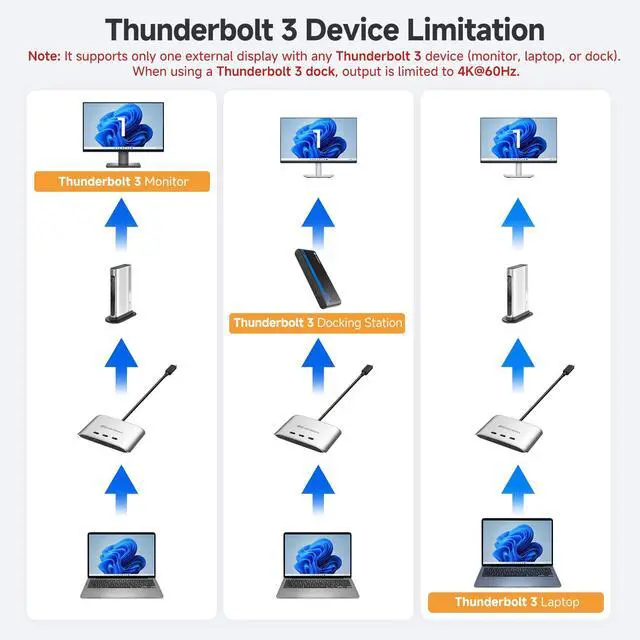
Compatibility Warning: Use only the included USB4 20 Gbps cables. Do not use Thunderbolt 3/4/5 cables. The switch works with USB4 and Thunderbolt 4 docks, but its 20 Gbps bandwidth (vs. 40 Gbps for most docks) may reduce display stability or limit resolution/refresh rate compared to a direct connection. Power Delivery depends on the connected dock/monitor design. macOS only supports one external display. Avoid USB-C docks with built-in pigtail / captive cables to prevent compatibility issues.
Ultra-Fast 20 Gbps USB4 / USB C Switcher for 3 Computers: Share a USB-C or Thunderbolt 4 monitor or docking station between three computers with this USB C KVM switch. Connect the pigtail cable to your monitor or docking station and the included USB-C/USB4 cables to each computer for seamless sharing. Achieve data transfer speeds up to 20 Gbps, perfect for large file transfers, video streaming, and demanding applications.
+
+
Overview
Specs
Reviews
20Gbps USB C KVM Switch, 3-in-1-Out, Supports Up to 8K@30Hz on Windows, 4K@60Hz on macOS, 140W PD, for Sharing a USB-C/Thunderbolt 4 Monitor or Dock (Not Work with Captive Cable Docks)
Learn more about the Generic Brand 201343
Model
Brand
TRENDnet
Model
201343
Part Number
201343
Details
Type
USB
PC Connectors
Usb-c
Console Connectors
Usb-c
Computer Connections
USB 2.0
Monitor Connections
4 Ports
PC Selection
Push Buttons
Monitors Supported
VGA DDC, DDC2, DDC2B
Features
Audio Features
Offers audio and microphone switching
Power Features
Requires no additional power supply
USB Features
with USB support
Application
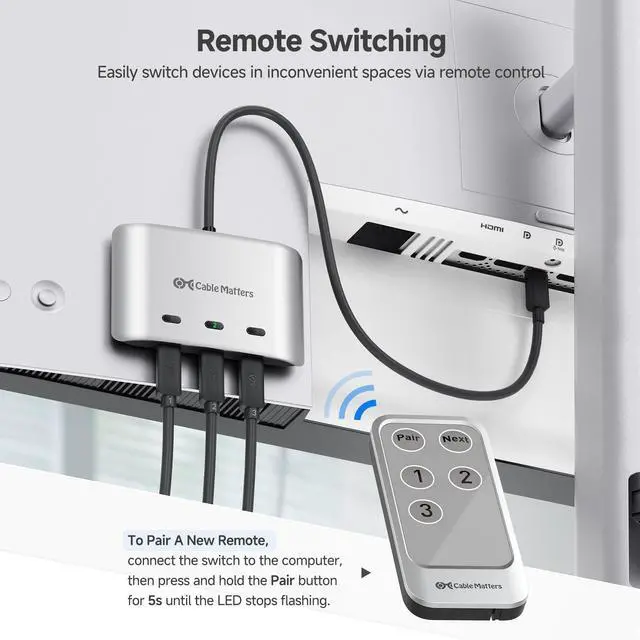
Usb-c, USB4, USB-C, Thunderbolt 4, remote
Features
Usb-c, USB4, USB-C, Thunderbolt 4, remote, 3
Dimensions & Weight
Dimensions
14.33in W x 12.83in H x 9.06in D
Additional Information
First Listed on Newegg
July 25, 2026
Customer Reviews of the Generic Brand 201343
There are no reviews yet.
Do you own this product?
Warranty & Returns
Warranty, Returns, And Additional Information
Warranty
Please contact the Seller directly for warranty information. Warranty information may also be found on the Manufacturer's website.