


Ships from United States.
Sold by Official Direct Supply Store
Shipped by Official Direct Supply Store
Meet Your Seller

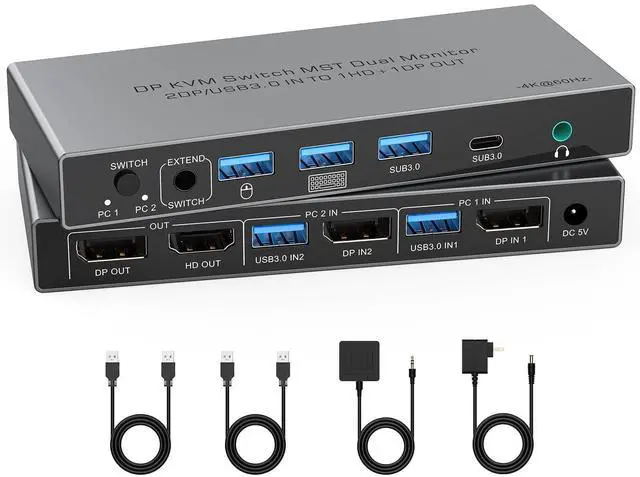
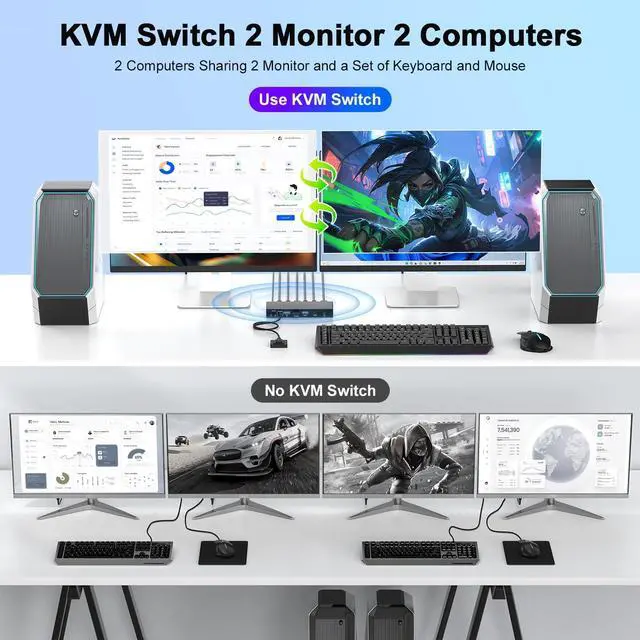
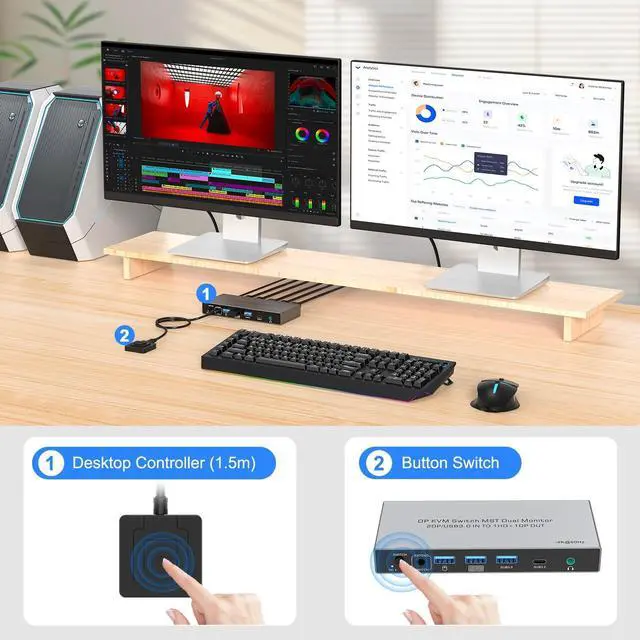



Displayport Kvm Switch 2 Monitors 2 Computers 4K@60Hz,HDMI Displayport Dual Monitor KVM Switches 2 Ports for 2 PC Share Mouse Keyboard and 2 Screens with USB 3.0 Cables and Controller,Plug and Play
- Item #: 9SIVTD2M2H9111
- Mfr. Part #: 844060879966
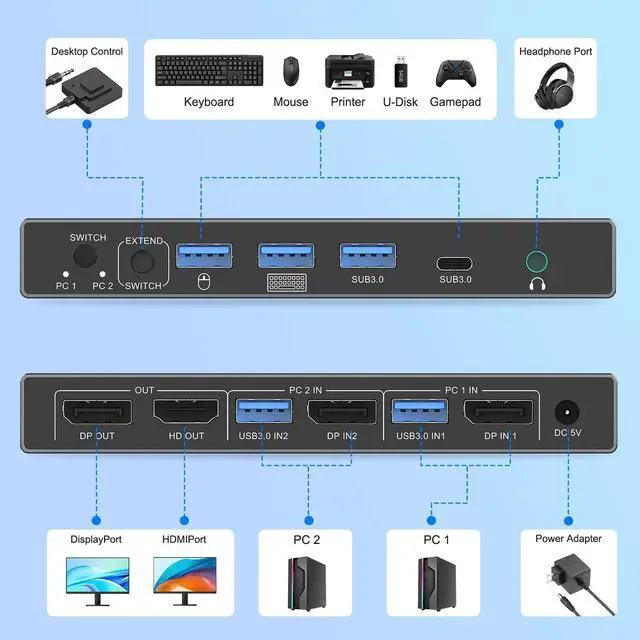
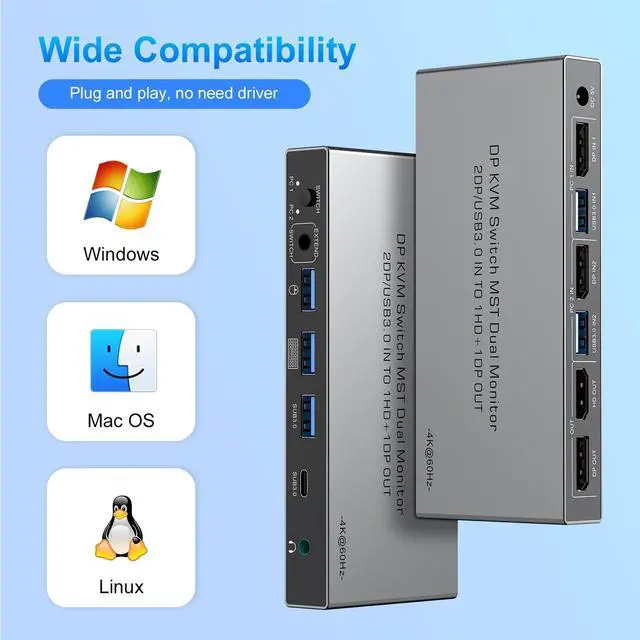
- DisplayPort KVM Switch 2 Monitors 2 Computers: This KVM switch allows you to easily manage and switch between two computers with just one set of keyboard and mouse while simultaneously controlling two monitors. Support extend mode and mirror mode. Plug & play without any software installation or driver. This device is ideal for both professional and home office setups. (NOTE: This is DisplayPort KVM switch,with 2 DisplayPort input and 1 HDMI + 1 DP output)
- With 4 USB 3.0 Ports: This DP KVM switch has 4 USB 3.0 ports (3 USB-A + 1 USB-C) for sharing mouse, keyboard, USB flash drives, printer, mobile hard drives, and other USB devices. USB 3.0 offers data transfer speeds of up to 5Gbps, which allows faster data transfer to make work more efficient. (NOTE: To ensure USB devices normal usage, please make sure to connect the power supply via the power adapter)
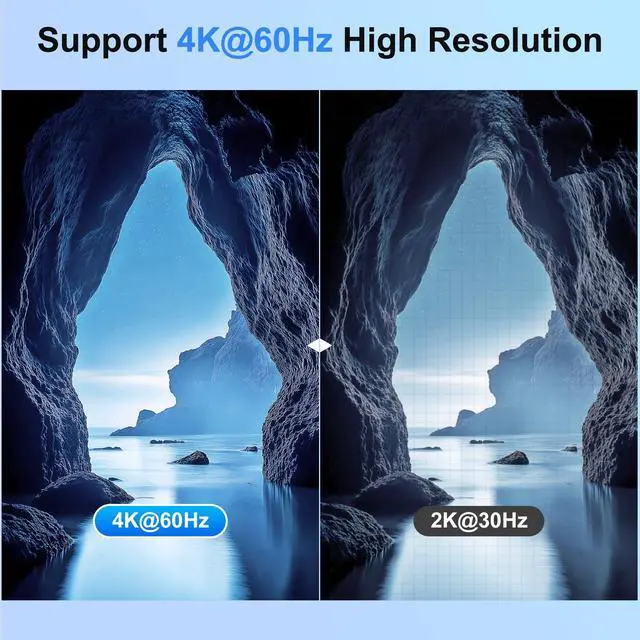
- HD Resolution 4K@60Hz: This KVM switches supports resolution up to 4K@60Hz, it also supports 4K@30Hz, 1080p or lower resolution. This
+
+
Overview
Specs
Reviews
Displayport Kvm Switch 2 Monitors 2 Computers 4K@60Hz, HDMI Displayport Dual Monitor KVM Switches 2 Ports for 2 PC Share Mouse Keyboard and 2 Screens with USB 3.0 Cables and Controller, Plug and Play
Warranty & Returns
Warranty, Returns, And Additional Information
Warranty
- Please contact the Seller directly for warranty information. Warranty information may also be found on the Manufacturer's website.
- CONTACT
Return Policies
- Return for refund within: 30 days
- Return for replacement within: 60 days
- This item is covered by Official Direct Supply Store Return Policy
Manufacturer Contact Info
- For a directory of all our manufacturers, please click below.
- Manufacturers Directory
LOADING...