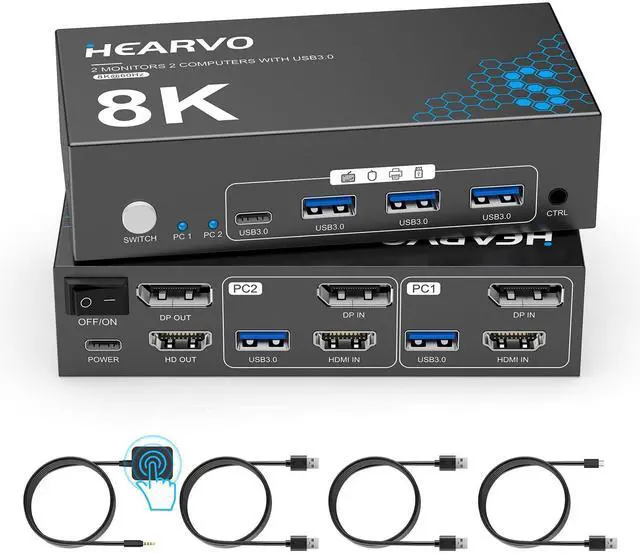
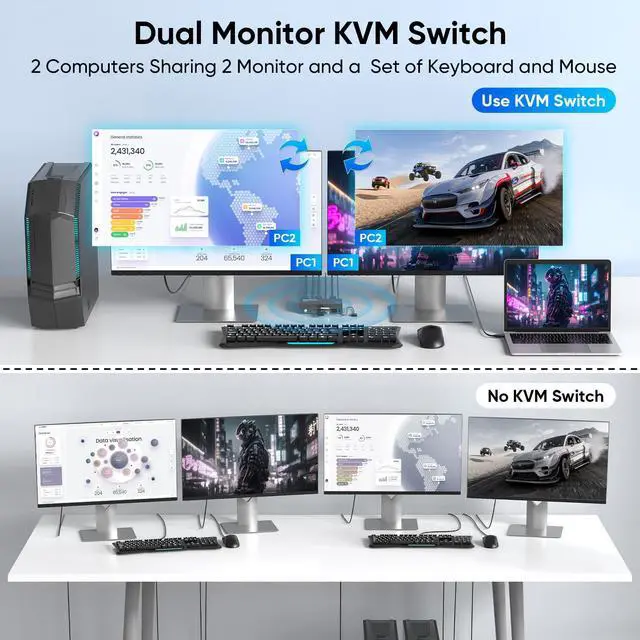
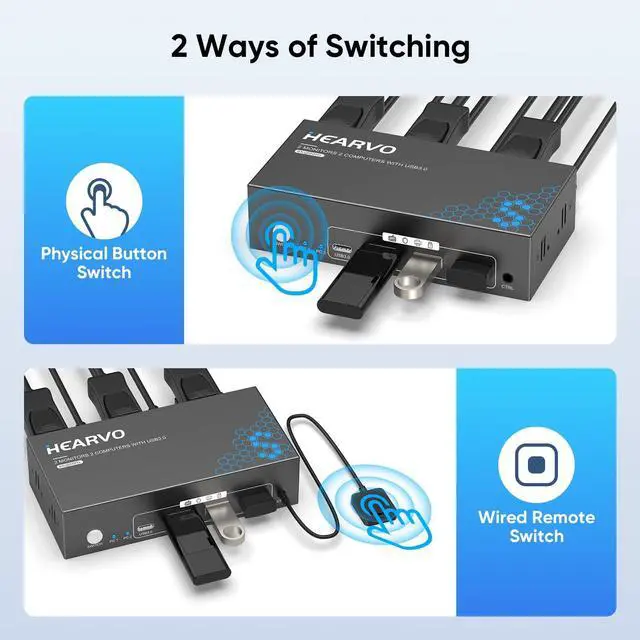
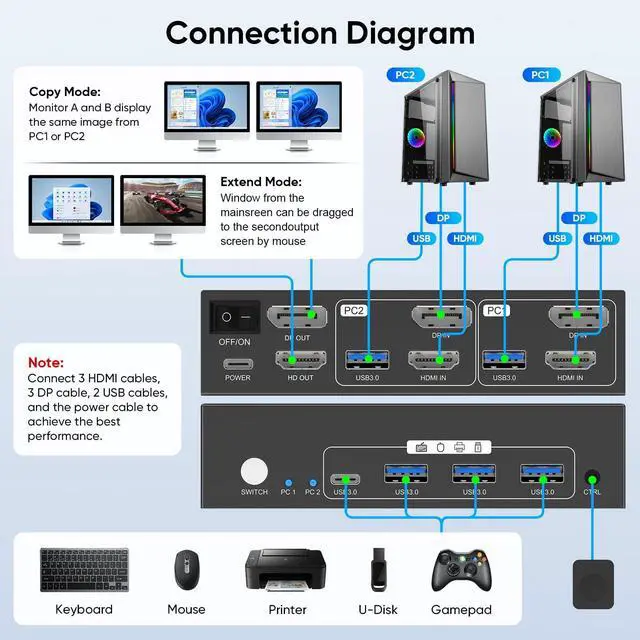
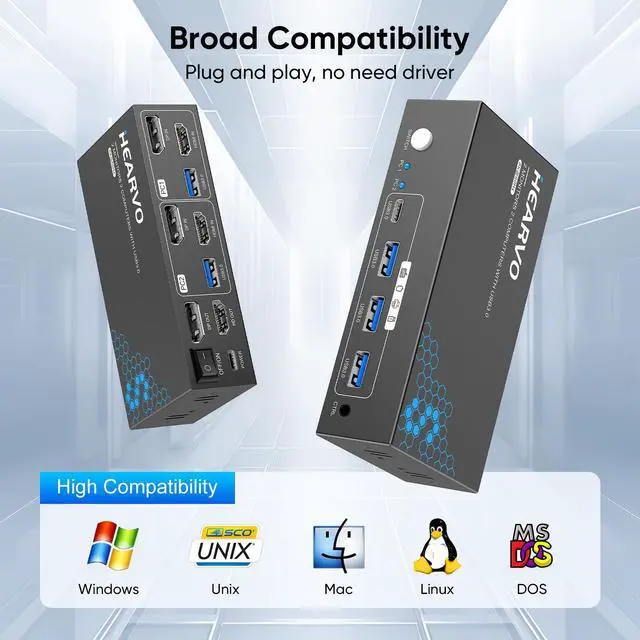
HDMI DisplayPort KVM Switch for 2 Monitors and 2 ComputersThis HDMI DisplayPort switch allows two computers and two monitors to share a single mouse and keyboard, eliminating the hassle of frequently plugging and unplugging devices. It features both HDMI and DisplayPort interfaces, enabling a single device to support both types of equipment without the need for additional adapters. It is compatible with Windows 7/8/10/11/Vista/XP systems, as well as Linux and Mac devices, ensuring stable performance and significantly boosting work efficienc
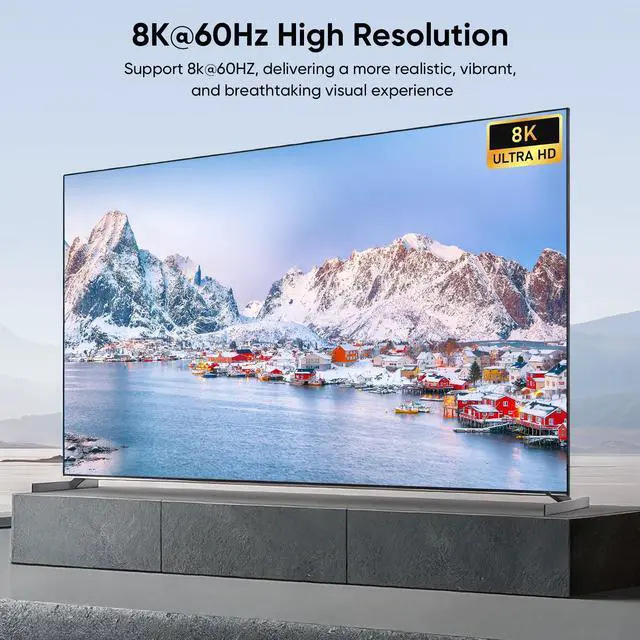
Up to 8K@60HzThis HDMI DisplayPort KVM Switch supports up to 8K@60Hz resolution, backward compatible with 4K@144Hz, 4K@120Hz, and 1080P@240Hz. Whether it's high-speed gaming visuals or detailed work processing, every pixel is accurately reproduced. Built-in adaptive EDID functionality automatically matches the optimal parameters for your devices, ensuring stable, smooth, and lag-free image transmission. Note: To achieve 8K@60Hz, please use HDMI 2.1D
+
+
Overview
Specs
Reviews
HDMI DisplayPort KVM Switch 2 Monitors 2 Computers, 8K@60Hz Dual Monitor KVM Switcher with HDMI 2.1 & DisplayPort 1.4, USB 3.0 Hub, with Controller & 2 USB Cables & EDID Adaptive -S7240PH2
Learn more about the Generic Brand S7240PH2
Model
Brand
TRENDnet
Model
S7240PH2
Part Number
S7240PH2
Details
Type
USB
PC Connectors
Plug In
Console Connectors
Plug In
Computer Connections
USB 2.0
Monitor Connections
4 Ports
PC Selection
Push Buttons
Monitors Supported
VGA DDC, DDC2, DDC2B
Features
Audio Features
Offers audio and microphone switching
Power Features
Requires no additional power supply
USB Features
with USB support
SplitterOnly
VGA Monitor Splitter only
Application
Plug In, HDMI 2.1, DisplayPort 1.4
Features
Plug In, HDMI 2.1, DisplayPort 1.4, 1, IP25
Dimensions & Weight
Dimensions
14.33in W x 12.83in H x 9.06in D
Package Contents
Package Contents
with Built-in Cables
Additional Information
First Listed on Newegg
July 25, 2026
Customer Reviews of the Generic Brand S7240PH2
There are no reviews yet.
Do you own this product?
Warranty & Returns
Warranty, Returns, And Additional Information
Warranty
Please contact the Seller directly for warranty information. Warranty information may also be found on the Manufacturer's website.



 All Categories