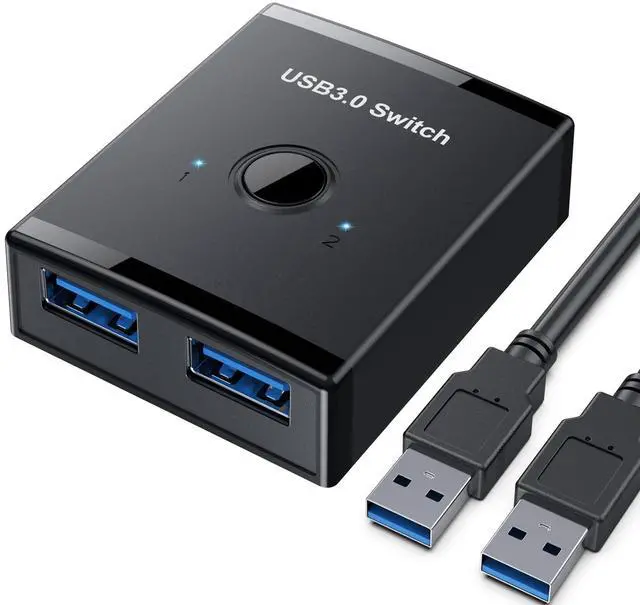
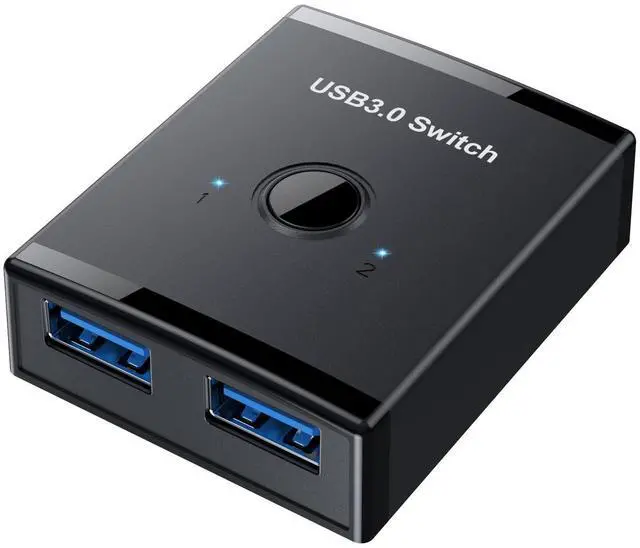
USB 3.0 Switch, Bi-Directional USB Switch 2 in 1 Out / 1 in 2 Out, YINNCEEN USB Switcher 2 Computers Share Keyboard Mouse Scanner Printer, USB KVM Switch Compatible with Mac/Windows/Linux
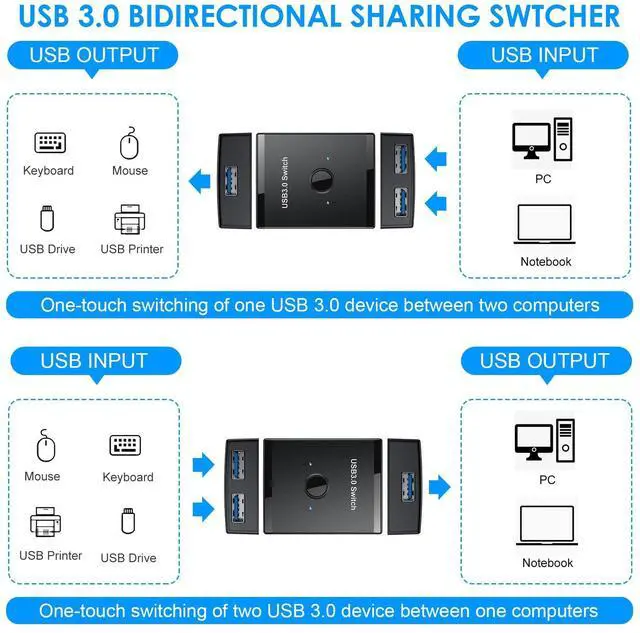
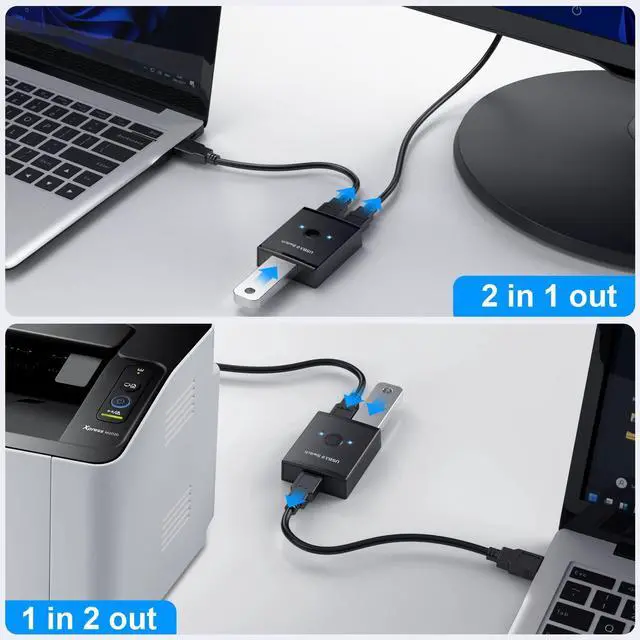
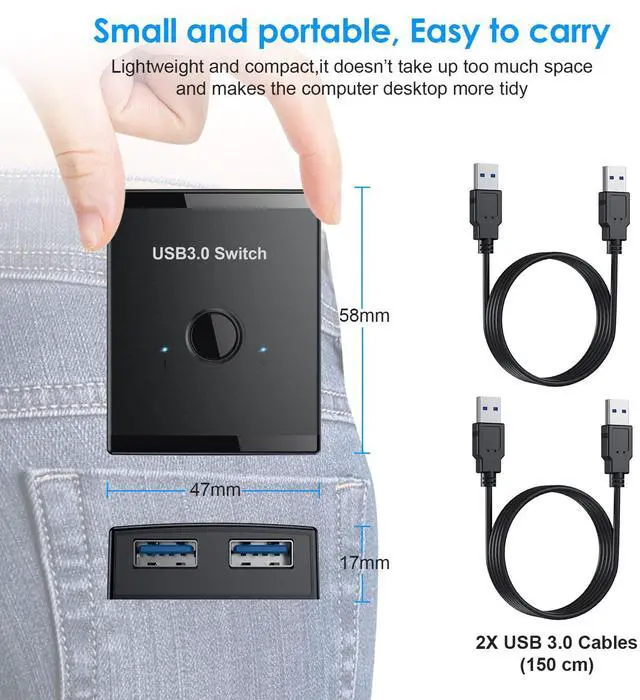
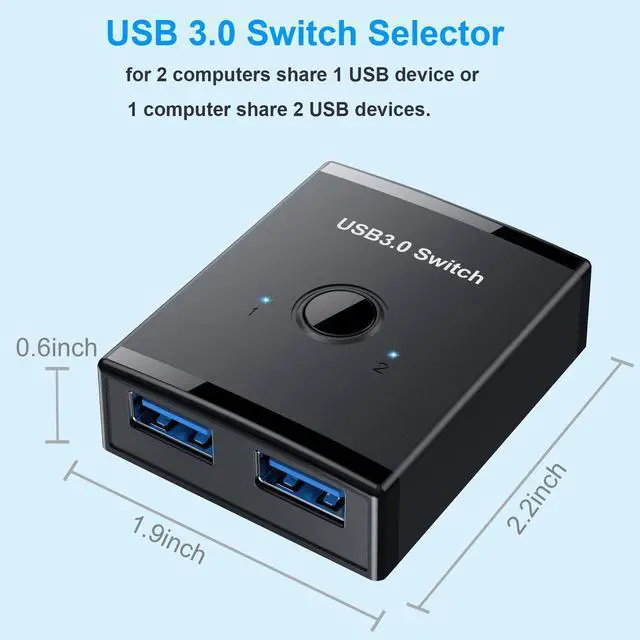
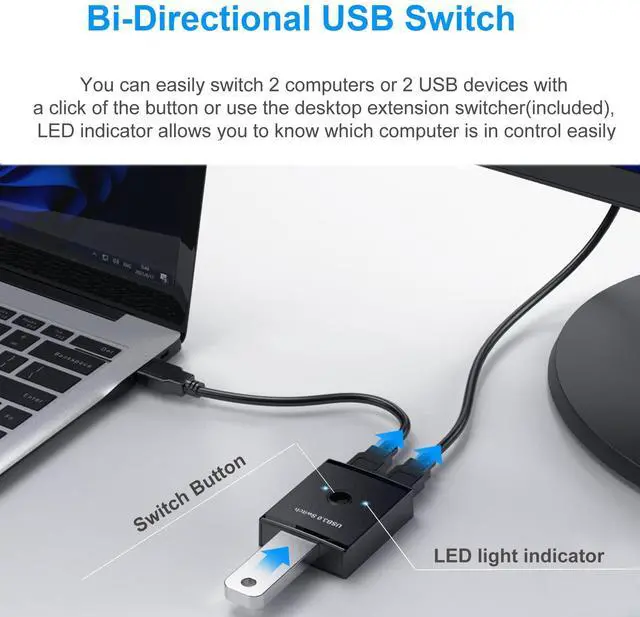
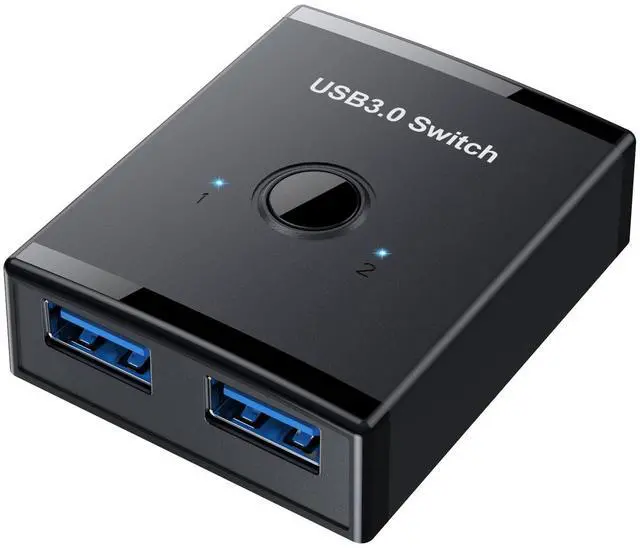
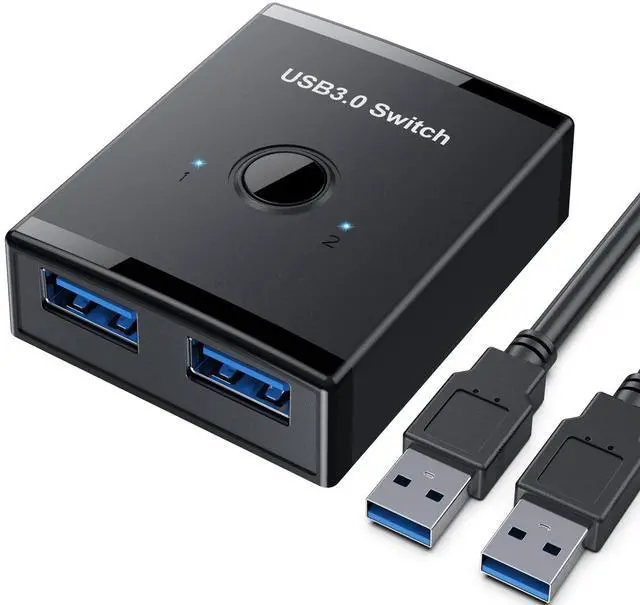
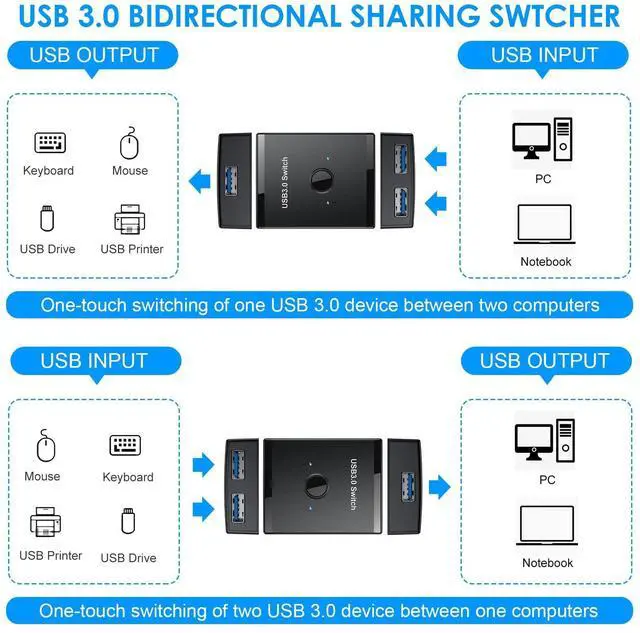
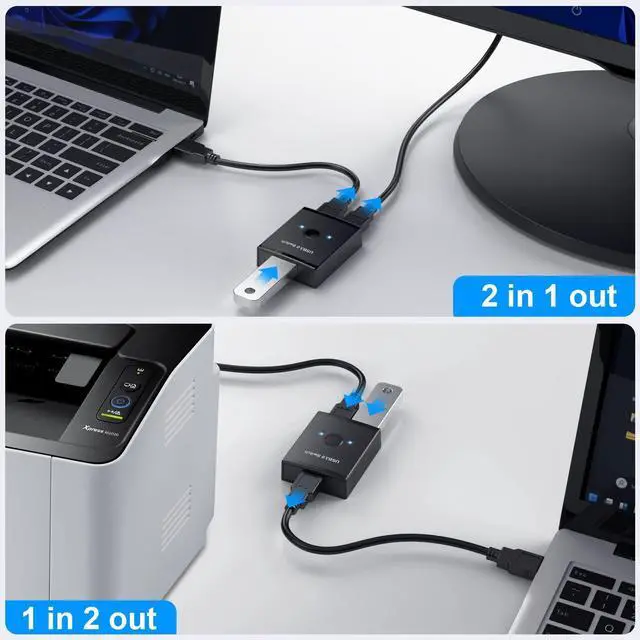
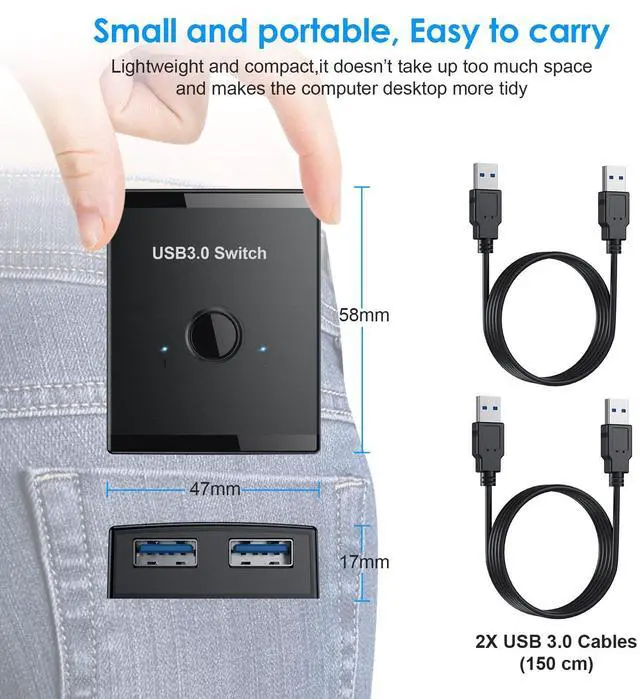
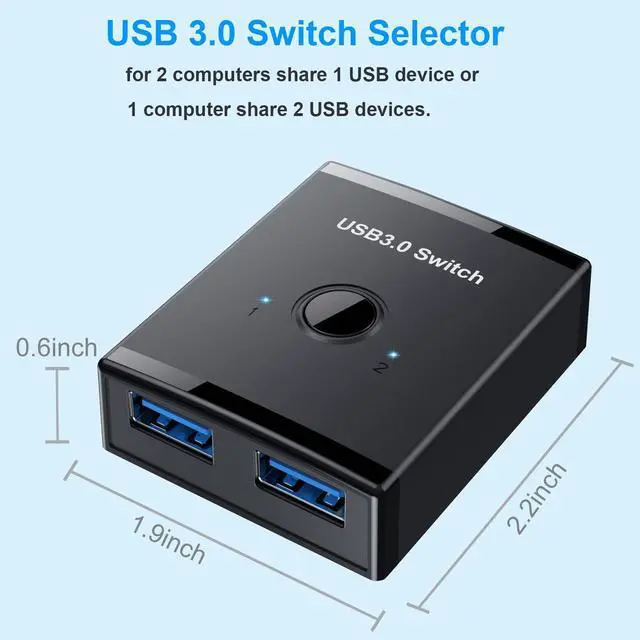
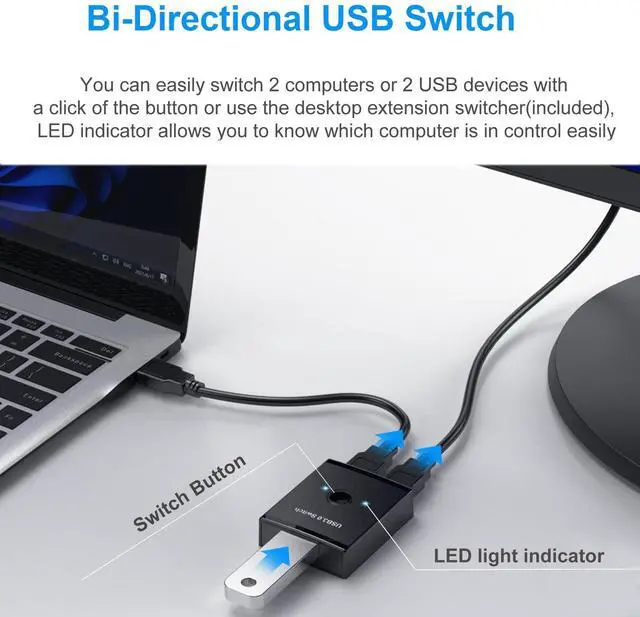
USB 3.0 Bidirectional Switch: The USB 3.0 switch allows sharing 1 USB device between two computers or sharing 1 computer between 2 USB devices, such as a printer, scanner, mouse, keyboard, card reader, flash drive, and other USB devices. Package comes with 2 Pack USB 3.0 cable
Fast Data Transfer Speed: The keyboard mouse splitter supports ultra-fast USB 3.0 data transfer rates of up to 5Gb/s (10 times faster than USB 2.0), provides high-bandwidth support, and is backward compatible with USB 2.0 and USB 1.1 devices
One-Button Switch: USB 3.0 switch with Button and LED indicator lights, you can easily switch between 2 computers by a single click on the button, and the LED indicators make it easy to know which computer is in control
Easy Installation: The USB kvm switch with great Compatibility, driver for Windows 10/8/8.1/7/Vista/XP and Mac OS, Linux, and Chrome OS, simply plug and play, connect the USB cable to computers and the USB port of the product
Wide Application: The USB keyboard
+
+
Overview
Specs
Reviews
USB 3.0 Switch, Bi-Directional USB Switch 2 in 1 Out / 1 in 2 Out, YINNCEEN USB Switcher 2 Computers Share Keyboard Mouse Scanner Printer, USB KVM Switch Compatible with Mac/Windows/Linux
Learn more about the Generic Brand T26
Model
Brand
TRENDnet
Model
T26
Part Number
T26
Details
Type
USB
PC Connectors
Plug In
Console Connectors
Plug In
Computer Connections
USB 2.0
Monitor Connections
4 Ports
PC Selection
Push Buttons
Features
Audio Features
Offers audio and microphone switching
USB Features
with USB support
SplitterOnly
VGA Monitor Splitter only
Application
Plug In, Usb, touch
Features
Plug In, Usb, touch, 2, IP54, Push Button
Dimensions & Weight
Dimensions
14.33in W x 12.83in H x 9.06in D
Additional Information
First Listed on Newegg
May 25, 2026
Customer Reviews of the Generic Brand T26
There are no reviews yet.
Do you own this product?
Warranty & Returns
Warranty, Returns, And Additional Information
Warranty
Please contact the Seller directly for warranty information. Warranty information may also be found on the Manufacturer's website.