


 All Categories
Built for How Business Buys.
All CategoriesShipped by NeweggBusiness
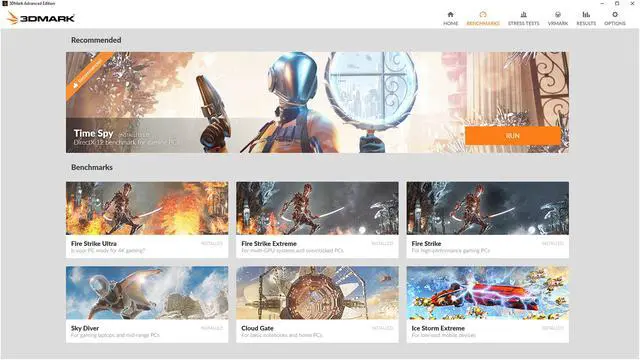



Benchmark and compare the gaming performance of your PC with stunning real-time graphics tests that will push your hardware to the limit.
Join the millions of gamers, overclockers and PC builders who choose 3DMark for benchmarking PC performance.

With its pure DirectX 12 engine, Time Spy Extreme is the perfect benchmark for 4K gaming PCs.

Night Raid is a DirectX 12 benchmark designed for PCs with integrated graphics and Always Connected PCs powered by Windows 10 on ARM.

Port Royal is world’s first real-time ray tracing benchmark for graphics cards that support Microsoft DirectX Raytracing.
Fire Strike is a showcase Direct 11 benchmark designed for today's high-performance gaming PCs.
Sky Diver is a DirectX 11 benchmark for gaming laptops and midrange PCs.
An independent test for comparing Vulkan, DirectX 12 and DirectX 11 performance.
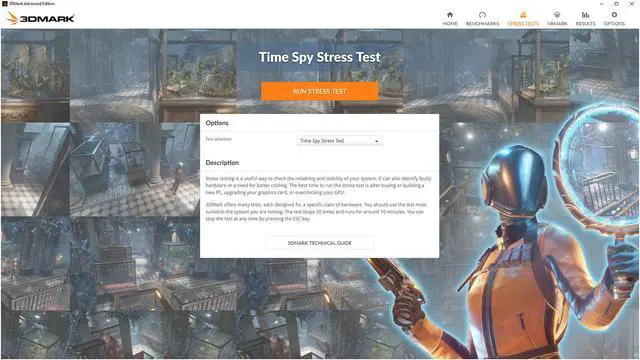
Check the stability of your system after buying or building a new PC, upgrading your graphics card, or overclocking your GPU.
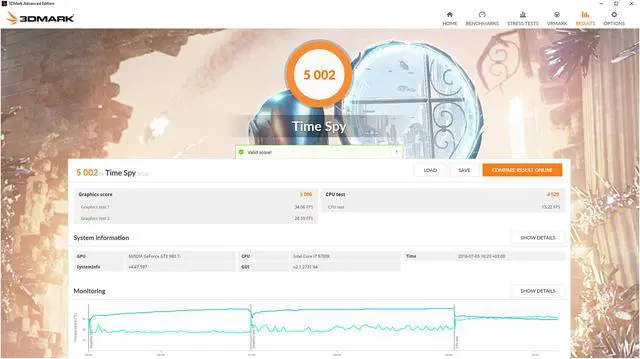
See how temperature, clock speed, and frame rate changed during your benchmark run.
Find your PC's performance limits by changing the resolution and other benchmark quality settings.

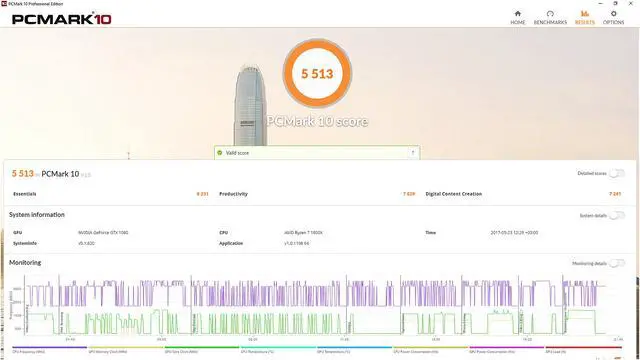
Benchmark and compare your PC's performance with tests based on real-world apps and everyday activities.
Explore your PC's performance with a range of practical benchmark tests.

Test your PC's performance for everyday essentials, productivity and digital content creation.

Test your system‘s performance with a shorter test that focuses on everyday tasks and productivity.

A complete assessment of your system for the widest range of activities including GPU and CPU performance.
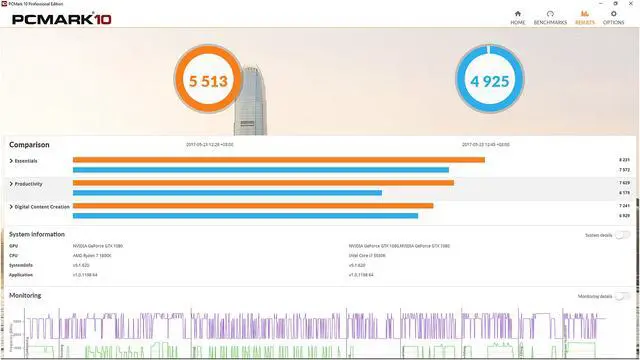
Compare results side by side and see if your PC's performance has changed over time.
Indentify your PC's performance bottlenecks with in-depth hardware monitoring charts.
Explore your PC's performance limits by combining tests to create custom benchmark runs.

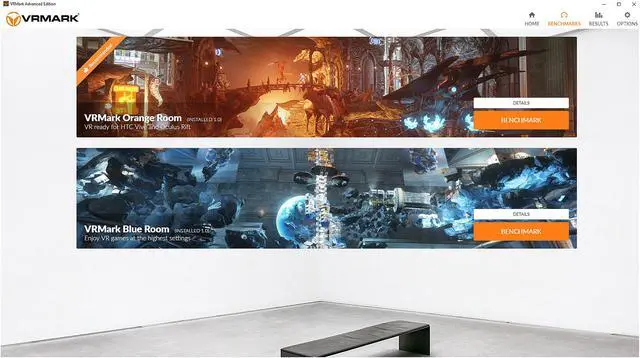
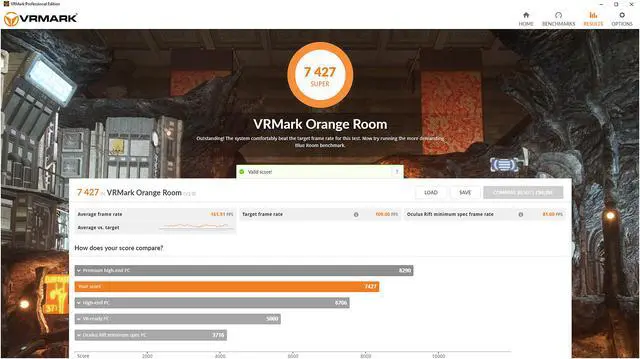
Find out if your PC has what it takes to deliver a great VR experience with VRMark, the virtual reality benchmark. VR headset not required.
See if your PC is ready for today's most popular VR systems. Or prepare for the next generation of VR with the world's most demanding VR benchmark.

See if your PC meets the recommended hardware requirements for the HTC Vive and Oculus Rift.

A new DirectX 12 benchmark test for VR with a large, complex environment and many eye-catching effects.

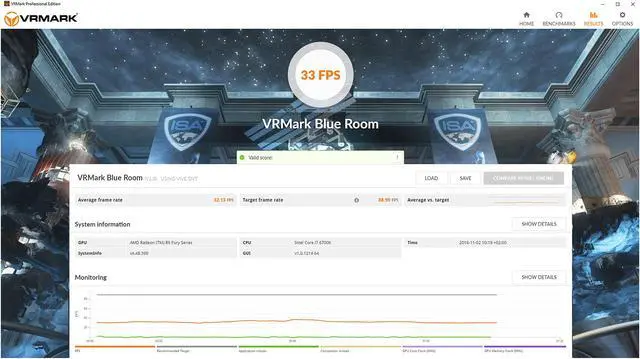
Test your PC with the world's most demanding VR benchmark, ideal for systems with the latest hardware.
Change the settings to make each test more or less demanding to see how your PC's performance affects your VR experience.
Judge the quality of the VR experience with your own eyes. Explore each scene in your own time in VR or on your monitor.
Run VRMark benchmark tests and use Experience mode on your monitor, no headset required, or on a connected HMD.


