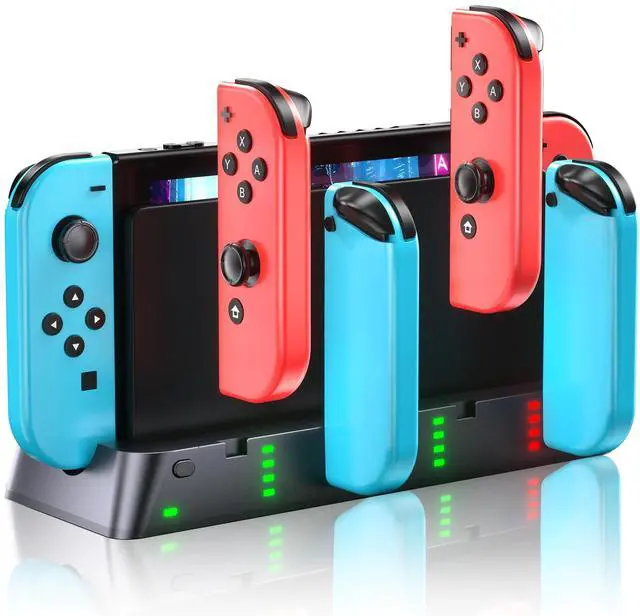
Switch Controller Charging Dock Compatible with Switch &OLED, LED Indicator | Charge up to 6 Joycons, keep your gaming setup organized, and stay ready for every multiplayer session
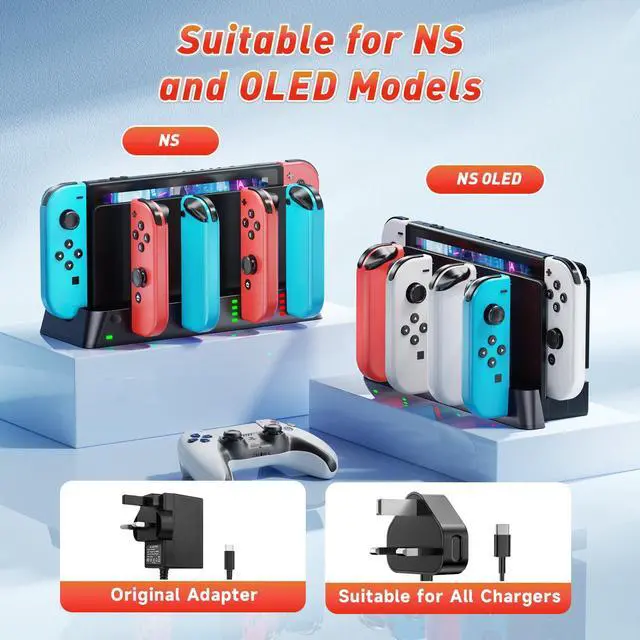
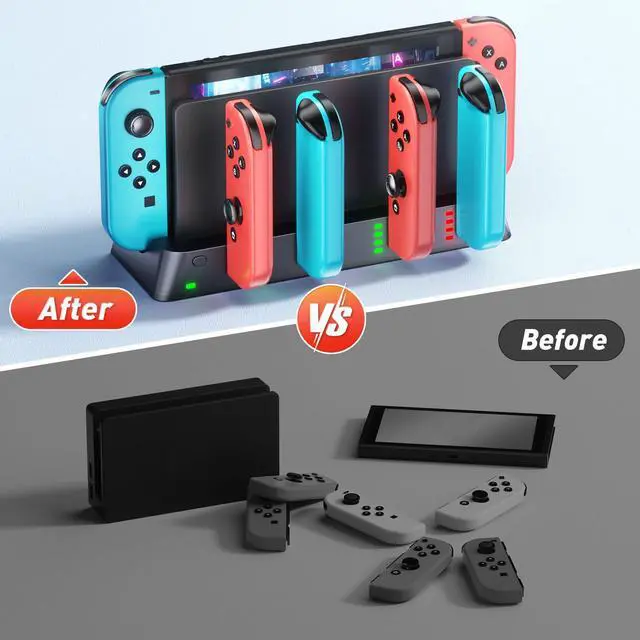
Better Replacement for Nintendo Switch Original & OLED Model Joycons Charging Dock The Wenocally Switch Controller Charger Dock Station matches the Switch TV Dock Station for OLED model & Original version perfectly, charging 6 joycon controllers at the same time. It's must have switch controller charging dock for Nintendo Switch gamers.
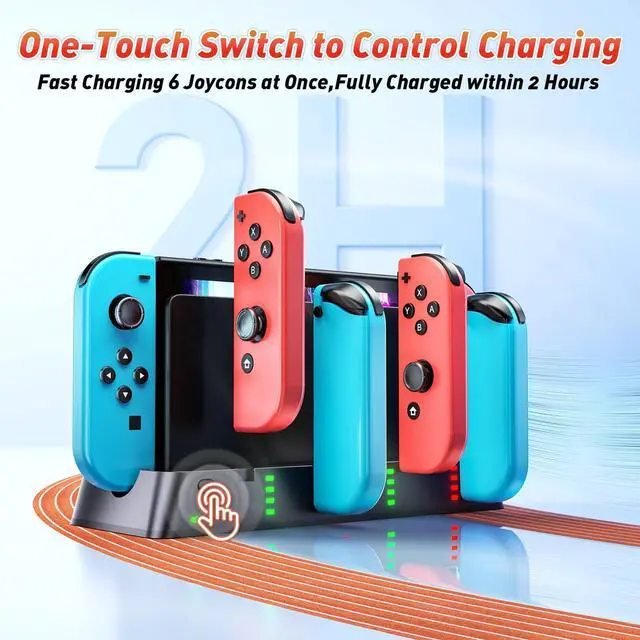
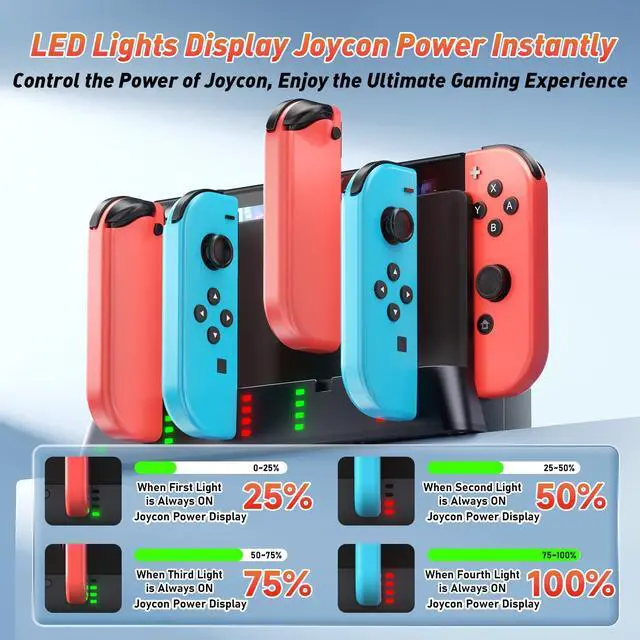
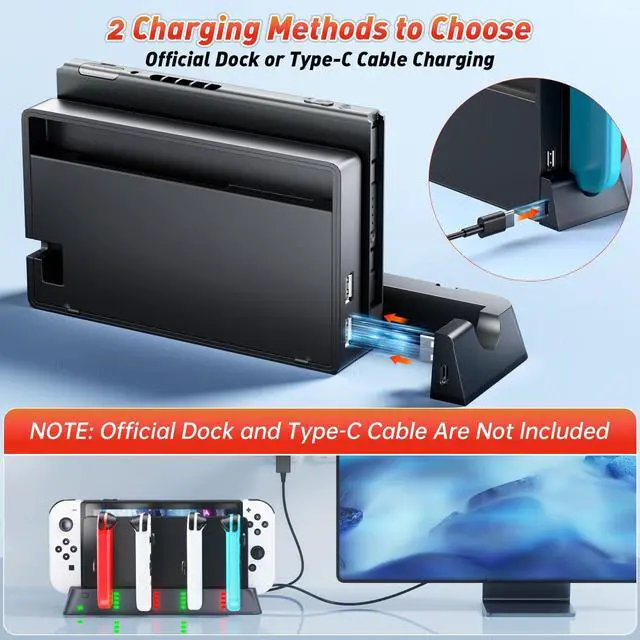
High-speed Charging with Clear LED LightWhen the Switch Docking Station is connected to a power source, a clear LED light will light up, indicating that the Joycon is charging. The Switch Controller Charger station is also designed with a convenient Controller switch master button, allowing you to easily operate the entire Switch Controller charging process. No need to worry about your Switch controller being damaged by charging overnight.
Easy to UseJust connect the charger to the original console dock to get the power input, then plug your Switch joycon into the slot on the side to charge. Note: No extra wires are needed. It has a USB plug built into the side, just plug into the dock of your Switch and use the power there. Integrated design, simple and does not take up space.
+
+
Overview
Specs
Reviews
Switch Controller Charging Dock Compatible with Switch &OLED, LED Indicator | Charge up to 6 Joycons, keep your gaming setup organized, and stay ready for every multiplayer session
Learn more about the Generic Brand HW-S0011
General
Brand
Wenocally
Model
HW-S0011
Model
Part Number
HW-S0011
General
Color
Black
Specs
Type
Charger
Edition
BLACK
Specifications
5 watts, 5 volts, 5, 1 amps, USB Type C, 1, type_a_2pin_na, Charging Indicator, Fast Charging, 0.1 kilograms
Features
Features
Charging Indicator, Fast Charging
Dimensions & Weight
Weight
0.1 kilograms
Additional Information
First Listed on Newegg
September 24, 2026
Customer Reviews of the Generic Brand HW-S0011
There are no reviews yet.
Do you own this product?
Warranty & Returns
Warranty, Returns, And Additional Information
Warranty
Please contact the Seller directly for warranty information. Warranty information may also be found on the Manufacturer's website.