


 All Categories
Built for How Business Buys.
All Categories
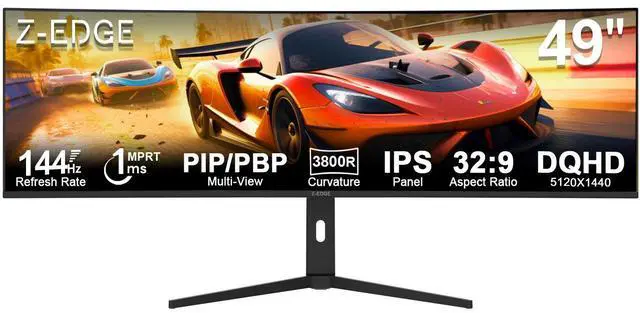
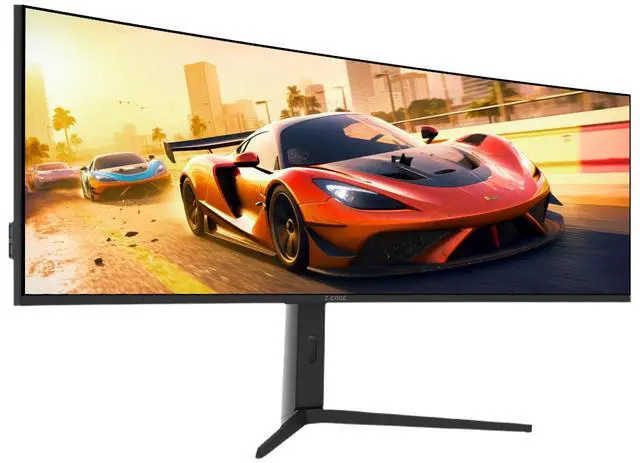
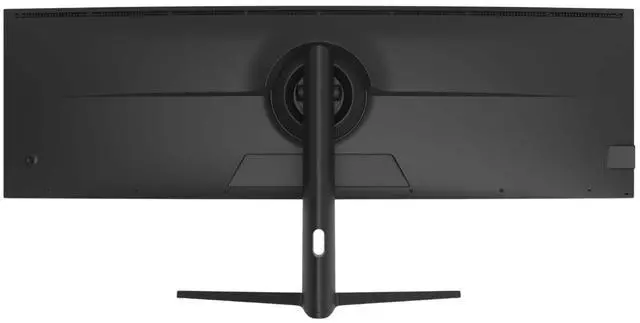
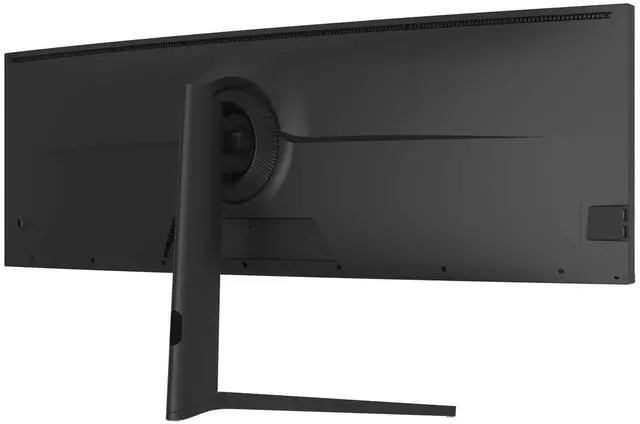
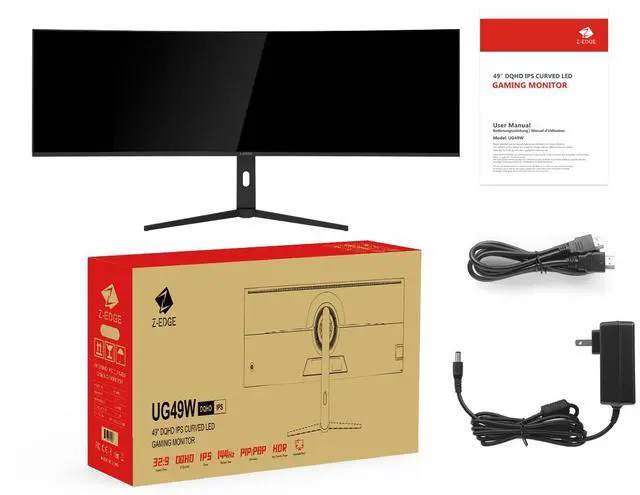


UG49W DQHD 165Hz Monitor |

UG34 165Hz Curved Monitor |

UG32P 240Hz CurvedMonitor |

UG32 200Hz IPS Monitor |

UG30 200Hz Gaming Monitor |
|
|---|---|---|---|---|---|
|
Customer Reviews
|
— | — | — | — | — |
|
Price
|
— | — | — | — | — |
|
Screen Size
|
49 inches | 34 inches | 32 inches | 32 inches | 30 inches |
|
Curved
|
1500R | 1500R | 1500R | / | 1500R |
|
Refresh Rate
|
165Hz(HDMI/DP/USB-C) | 165Hz(DP)/100Hz(HDMI) | 240Hz(DP)/240Hz(HDMI) | 200Hz(DP)/ 144Hz(HDMI) | 200Hz(DP)/165Hz(HDMI) |
|
Aspect Ratio
|
32:9 | 21:9 | 16:9 | 16:9 | 21:9 |
|
Connectivity
|
HDMIx1, DPx1,USB-Cx1,USB-Bx1 | HDMI x 2, DP x 2 | HDMI x 2, DP x 1 | HDMI x 2, DP x 2 | HDMI x 2, DP x 2 |
|
Resolution
|
5120x1440 DQHD | 3440x1440 WQHD | 1920x1080 FHD | 2560x1440 QHD | 2560x1080 WFHD |
|
Speakers
|
Yes | No | No | No | No |
What type of HDMI and DP port does it have? What refresh rate can this monitor run on HDMI and DP?
The HDMI ports are 2.1 and it can support up to 165Hz refresh rate, the DP port is 1.4 por and it can support 165Hz refresh rate. Type-C port can support up to 165Hz.
How to use the KVM?
To use the KVM function, please connect the monitor to the main device via the USB-B port. Please connect the other device via USB-C. This allows the keyboard and mouse to switch between multiple devices.
What are the dimensions of the monitor?
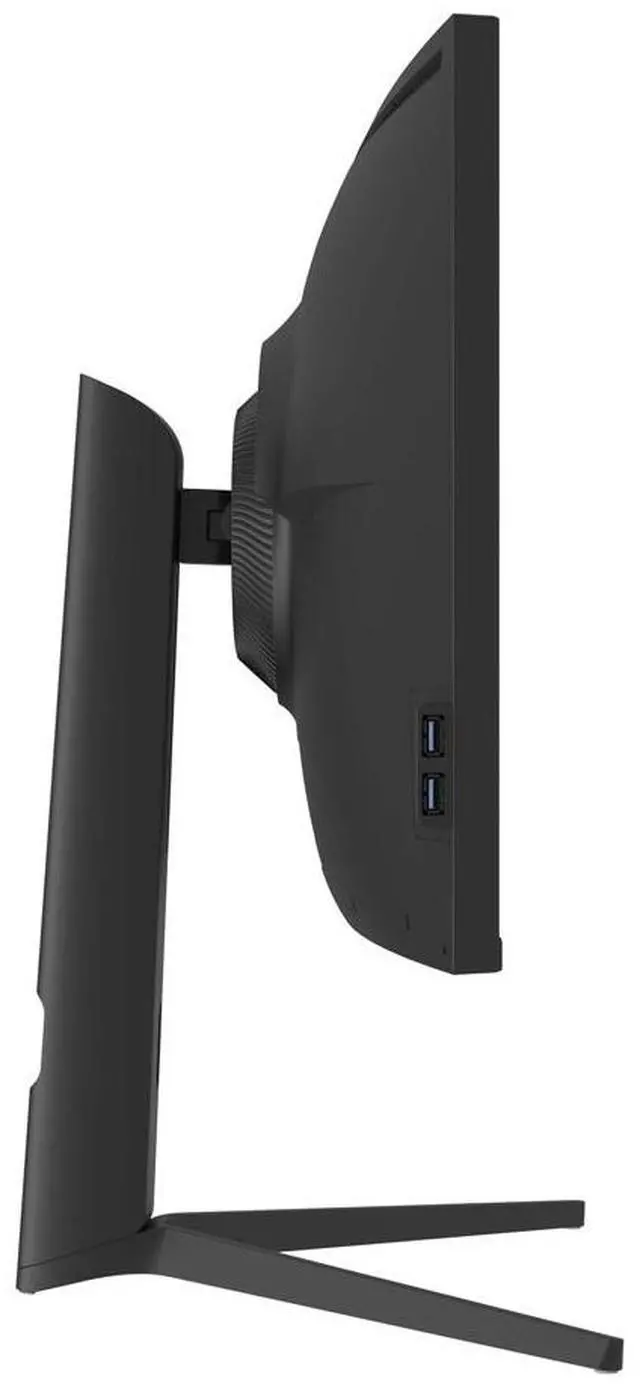
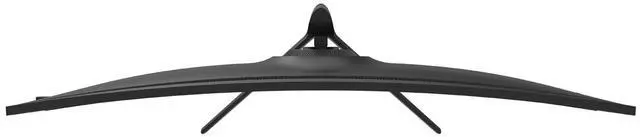
The screen width is 46.8in, screen height with stand is 17.1n without the stand is 14.4in, screen depth with stand is 10.9in without the stand is 7in.
Does this monitor have PIP and PBP?
Yes, this model supports PIP and PBP features.
Is the stand adjustable?
-Forward tilt 5°, backward tilt 20°
- Height adjustment range 110mm
- Swivel left or right 30°


|
UG49W DQHD 165Hz Monitor |
UG34 165Hz Curved Monitor |
UG32P 240Hz CurvedMonitor |
UG32 200Hz IPS Monitor |
UG30 200Hz Gaming Monitor |
|---|---|---|---|---|
| Customer Reviews | ||||
| — | — | — | — | — |
| Price | ||||
| — | — | — | — | — |
| Screen Size | ||||
| 49 inches | 34 inches | 32 inches | 32 inches | 30 inches |
| Curved | ||||
| 1500R | 1500R | 1500R | / | 1500R |
| Refresh Rate | ||||
| 165Hz(HDMI/DP/USB-C) | 165Hz(DP)/100Hz(HDMI) | 240Hz(DP)/240Hz(HDMI) | 200Hz(DP)/ 144Hz(HDMI) | 200Hz(DP)/165Hz(HDMI) |
| Aspect Ratio | ||||
| 32:9 | 21:9 | 16:9 | 16:9 | 21:9 |
| Connectivity | ||||
| HDMIx1, DPx1,USB-Cx1,USB-Bx1 | HDMI x 2, DP x 2 | HDMI x 2, DP x 1 | HDMI x 2, DP x 2 | HDMI x 2, DP x 2 |
| Resolution | ||||
| 5120x1440 DQHD | 3440x1440 WQHD | 1920x1080 FHD | 2560x1440 QHD | 2560x1080 WFHD |
| Speakers | ||||
| Yes | No | No | No | No |
What type of HDMI and DP port does it have? What refresh rate can this monitor run on HDMI and DP?
The HDMI ports are 2.1 and it can support up to 165Hz refresh rate, the DP port is 1.4 por and it can support 165Hz refresh rate. Type-C port can support up to 165Hz.
How to use the KVM?
To use the KVM function, please connect the monitor to the main device via the USB-B port. Please connect the other device via USB-C. This allows the keyboard and mouse to switch between multiple devices.
What are the dimensions of the monitor?
The screen width is 46.8in, screen height with stand is 17.1n without the stand is 14.4in, screen depth with stand is 10.9in without the stand is 7in.
Does this monitor have PIP and PBP?
Yes, this model supports PIP and PBP features.
Is the stand adjustable?
-Forward tilt 5°, backward tilt 20°
- Height adjustment range 110mm
- Swivel left or right 30°


