All Categories
Built for How Business Buys.
All Categories


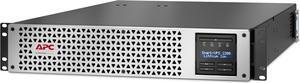
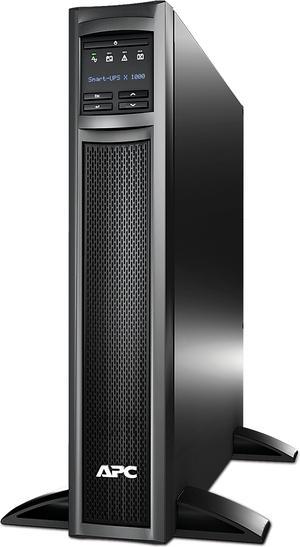
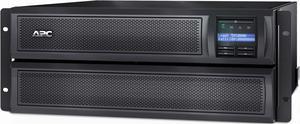
![APC SMT1500RM2UCUS Smart-UPS, Line Interactive, 1500VA, Rackmount 2U, 120V, 6x NEMA 5-15R outlets, SmartConnect Port+SmartSlot, AVR, LCD [TAA] - 2U Rack-mountable - AVR - 3 Hour Recharge -120 V Input](https://c1.neweggimages.com/productimage/nb300/A0ZXD2204040VPCEHAD.jpg "APC SMT1500RM2UCUS Smart-UPS, Line Interactive, 1500VA, Rackmount 2U, 120V, 6x NEMA 5-15R outlets, SmartConnect Port+SmartSlot, AVR, LCD [TAA] - 2U Rack-mountable - AVR - 3 Hour Recharge -120 V Input")
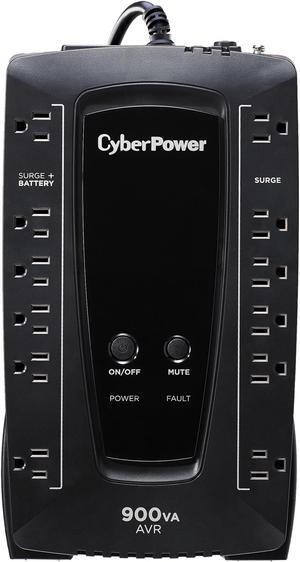
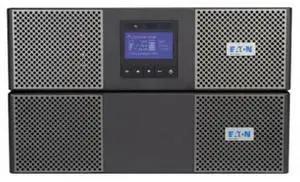
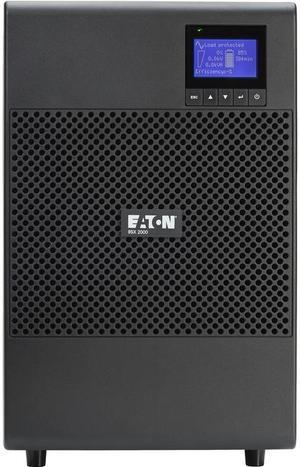
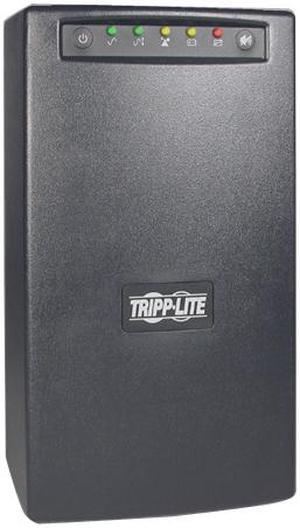
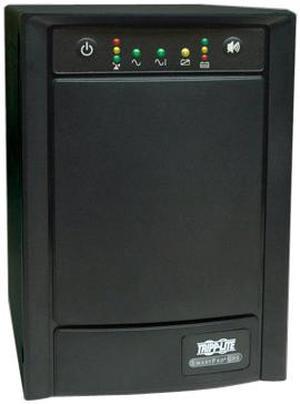
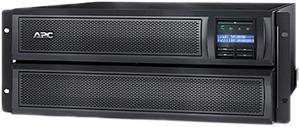
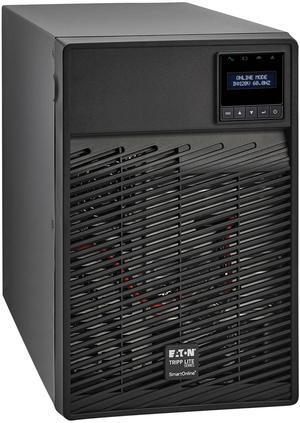

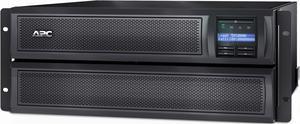
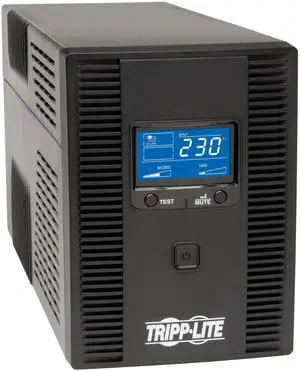
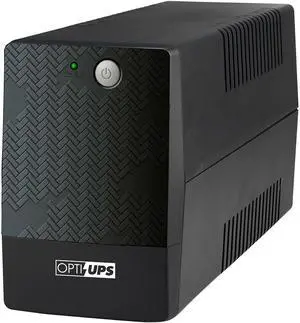
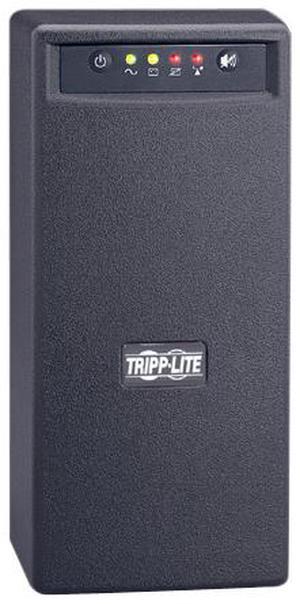
Your organization can function without utilizing uninterruptible power supplies (UPS), but it is far from ideal. A UPS can protect your organization’s computer workstations and other electronic equipment from spikes in power, supply power during brief outages, and allow for time to safely power down computers in long outages. A UPS can be considered to be a type of insurance policy for computers and electronic equipment.
Consider the following situation if you do not have UPSs deployed in your organization. During a heavy storm, lightning strikes and causes a black out. You don’t know how long it will last, your staff just lost all of their unsaved work, and electronic equipment may have been damaged. If your organization utilized uninterruptible power supplies throughout critical areas, your staff would have been able to save their work, safely power down their workstations, and your equipment would have been surge protected.
In addition to allowing your staff save their work and safely power down their desktops, a UPS can also defend against surges and under-voltage. However, they are not power generators that can power your organization’s workstations through extended periods of downtime. Rather, they keep your equipment powered and running while backup power generators – if you have them – start up and begin supplying power.
If the above information about the benefits UPSs is something that your organization finds intriguing and would like to utilize them throughout its locations, then here are some considerations for selecting the ideal UPS.
There are three main types of power supplies, differentiated by what they do and how much they cost.
Ensure that the UPS provides sufficient power for the equipment that will be connected to it. Add up the total wattage of all the equipment that will be connected to the UPS, and try to find one that provides several minutes of power for that amount of wattage. For example, if you calculate that your equipment uses a total of 500 watts, find a UPS that can supply 500 watts for several minutes and not a UPS that can supply 500 watts but only for a few seconds.
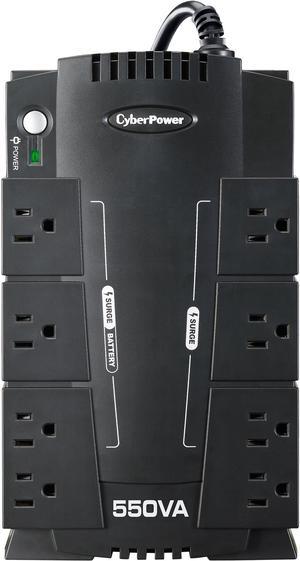
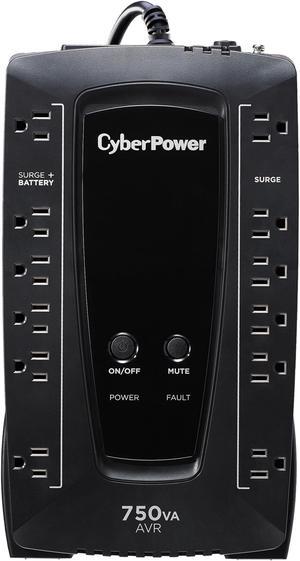
Try to find a UPS with sufficient amount of outlets for your equipment. Be careful when looking at the numbers however, as not all outlets on an UPS may be powered by the backup battery. For example, a UPS with six outlets may only supply power from the backup battery to three outlets while the other three are just surge protected.
Some UPSs have the capability to alert your staff through their workstations when there is a power outage that they should save all work and safely shut down their computers.