All Categories
Built for How Business Buys.
All Categories






+ $3 off w/ promo code BGTWF39, limited offer
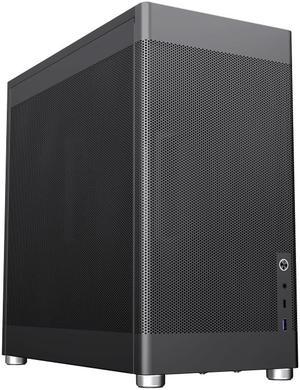
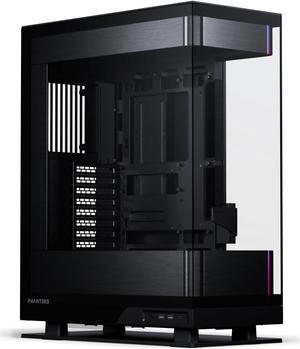
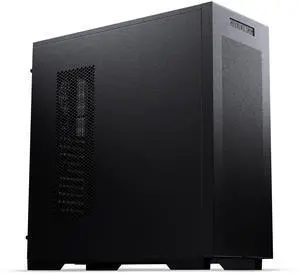
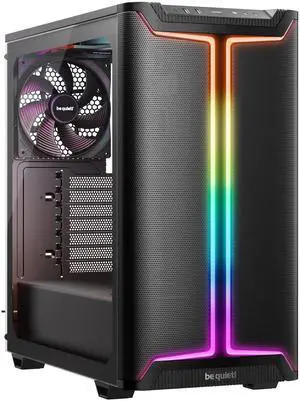
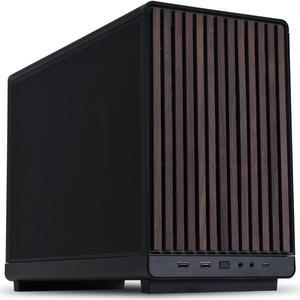
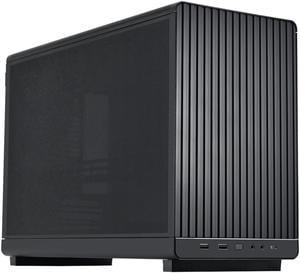
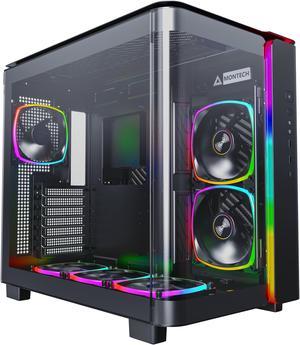
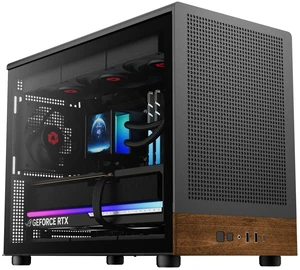
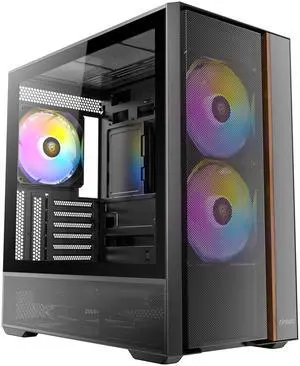
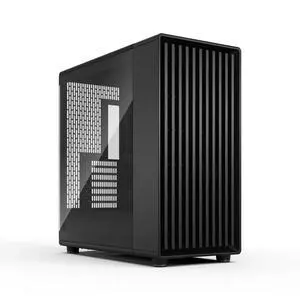
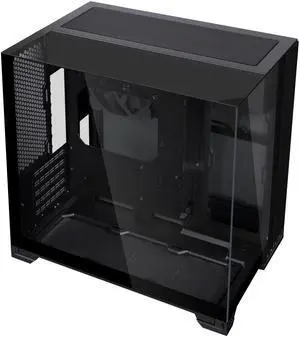
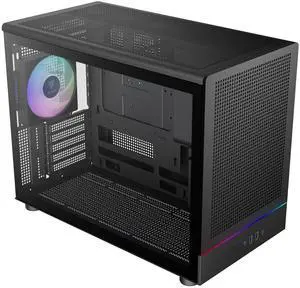
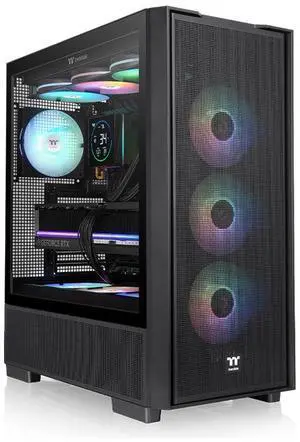
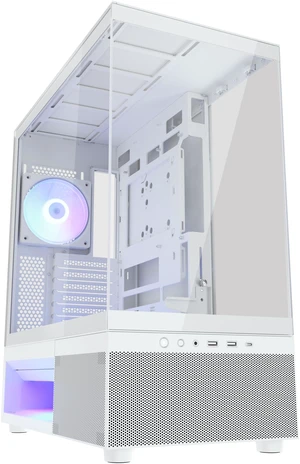
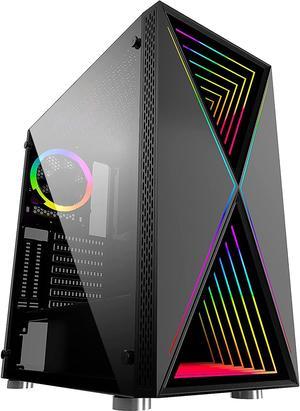
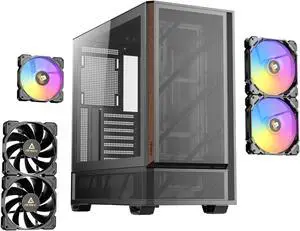
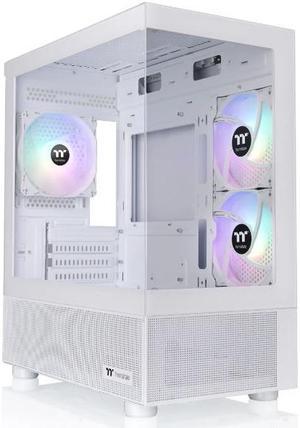
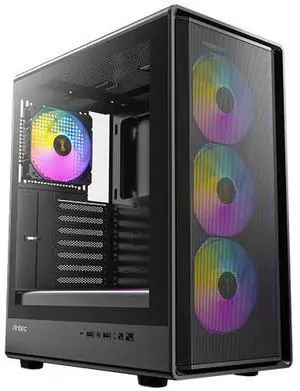
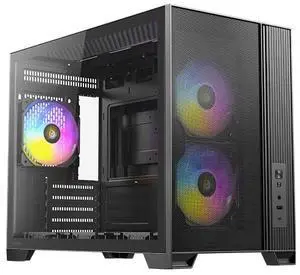
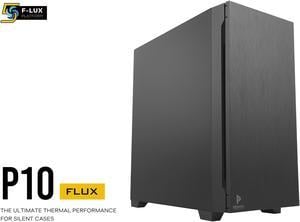
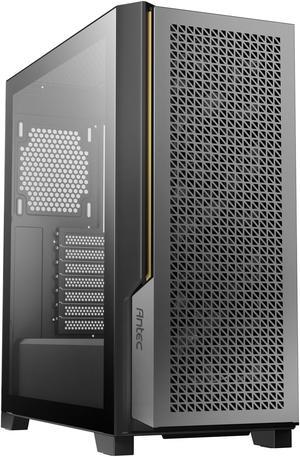
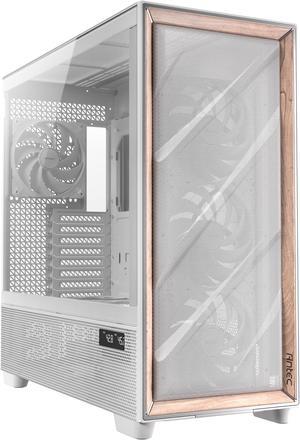
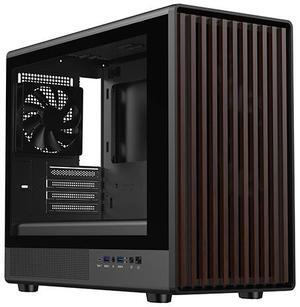
When assembling a new computer system, you will at some point need to decide what computer case to use. To find the ideal case for your build, you should consider details such as size, weight, compatibility, number of drive bays, and more.
The size of a computer case is an important factor that can determine what type of motherboard you can use, how many internal drives you can install, and more. As the size of the case increases, the number and size of components that you can install increase as well.
Computer cases fall into several categories in terms of size and form factor. For standard ATX form factor motherboards, tower cases are one of the most popular types of cases. They can be categorized as being either full size tower, mid-size tower, or mini tower. Computer cases for smaller form factors such as Mini-ITX and Micro ATX tend to be more varied in design.
The weight of a computer case is a factor of both its size and materials. There are several types of materials commonly used in computer cases, each with their own pros and cons.
There are three types of drive bays, 5.25 inch external bays, 3.5 inch external bays, and 3.5 inch internal bays. External bays are typically used by devices such as optical drives, card readers, and floppy disk drives. Internal drive bays are mostly used for solid state drives and hard disk drives. When choosing a computer case, ensure that it has the adequate amount of internal and external bays for your needs.
An expansion slot is used to add and enhance a system’s functionality, such as adding wireless networking or improving graphics performance. Most mid and full tower computer cases can support up to seven expansion cards, which is the ATX standard.
However, larger motherboards such as extended ATX motherboards can sometimes have more than seven expansion card slots. In order to take advantage of the additional slots, you will need to find a computer case that supports E-ATX motherboards with additional slots.
Connecting audio and USB cables to a computer using rear ports can be a hassle and sometimes may require the use of a longer cable. Front panel ports add convenience by providing more easily accessible ports for many different types of devices. When shopping for a computer case, try to find one with a front panel port that is adequate for your needs.