• In Stock
  • Sold by NeweggBusiness
  • AI Ready
  • New
Brands
Show More
Price
Show More
CPU Type
Show More
Operating System
Show More
Form Factor
Show More
Type
Show More
GPU/VGA Type
Show More
Virtual Reality Ready
Memory Capacity
SSD
Show More
Sold by
HDD
External I/O Ports
CPU Name
Optical Drive Type
WLAN
Thunderbolt
Windows 11
Screen Size
Cosmetic Condition
Usage
All Top Brands
Availability
Condition
Discount
Useful Links
Customer Ratings
  • Featured Brands

    See Deals from DELLSee Deals from HPSee Deals from LenovoSee Deals from Acer AmericaSee Deals from ASUS
Sort By:
View:
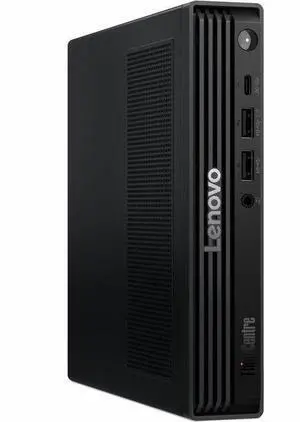
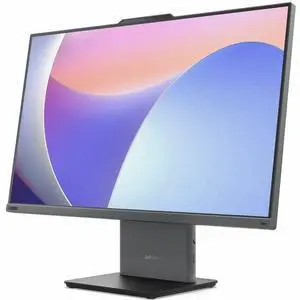
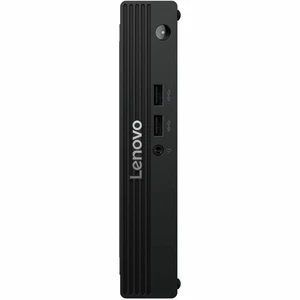
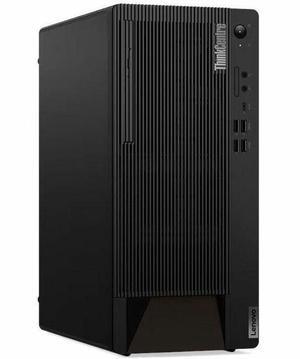
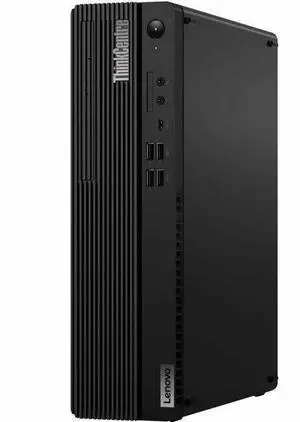
Lenovo ThinkCentre neo 50s Gen 6 13DQ001RUS Desktop Computer - Intel Core Ultra 5 225 - 16 GB - 512 GB PCI Express NVMe 4.0 x4 SSD - Windows 11 Pro - Wi-Fi 6E - 260 W
Quick View
Lenovo
Lenovo ThinkCentre neo 50s Gen 6 13DQ001RUS Desktop Computer - Intel Core Ultra 5 225 - 16 GB - 512 GB PCI Express NVMe 4.0 x4 SSD - Windows 11 Pro - Wi-Fi 6E - 260 W
  • Type: Student / Home Office
  • Form Factor: Slim/Small Form Factor
  • CPU Name: Intel Core Ultra 5 225
  • GPU/VGA Type: Intel Graphics
  • Model #: 13DQ001RUS
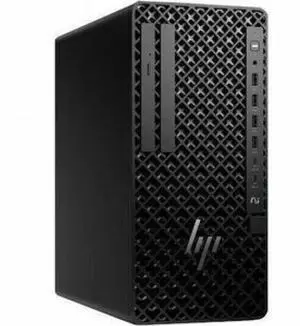
HP Z2 G1i Workstation - Intel Core Ultra 5 245K - 32GB - 1TB SSD - Mini PC - Intel W880 Chip - Windows 11 Pro - NVIDIA RTX 2000 Ada Generation 16 GB Graphics - Wireless LAN  BM6M8UT#ABA
Quick View
HP
HP Z2 G1i Workstation - Intel Core Ultra 5 245K - 32GB - 1TB SSD - Mini PC - Intel W880 Chip - Windows 11 Pro - NVIDIA RTX 2000 Ada Generation 16 GB Graphics - Wireless LAN BM6M8UT#ABA
  • Type: Student / Home Office
  • Brand: HP
  • Usage: Business / Mainstream / Work / Business / Workstation
  • Monitor: Monitor not included
  • Model #: BM6M8UT#ABA
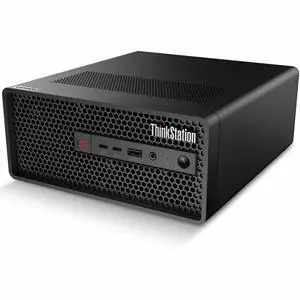
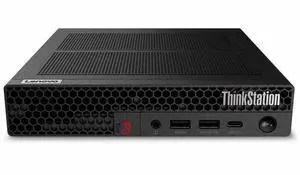
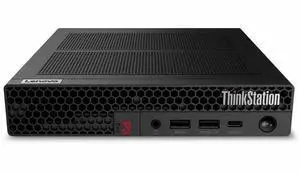
Lenovo ThinkStation P3 Gen 2 30K5001WUS Tiny Workstation - Intel Core Ultra 5 235 -16 GB - 512 GB SSD - Windows 11 Pro - NVIDIA 4 GB Graphics - Gigabit Ethernet - Wireless LAN
Quick View
Lenovo
Lenovo ThinkStation P3 Gen 2 30K5001WUS Tiny Workstation - Intel Core Ultra 5 235 -16 GB - 512 GB SSD - Windows 11 Pro - NVIDIA 4 GB Graphics - Gigabit Ethernet - Wireless LAN
  • Type: Student / Home Office
  • Form Factor: Tiny
  • CPU Name: Intel Core Ultra 5 235
  • GPU/VGA Type: NVIDIA Graphics
  • Model #: 30K5001WUS
Lenovo ThinkCentre M90q Gen 6 13AC001UUS Desktop Computer - Intel Core Ultra 5 235 - 32 GB - 1 TB PCI Express NVMe 4.0 x4 SSD - Windows 11 Pro - Wi-Fi 6E - 135W
Quick View
Lenovo
Lenovo ThinkCentre M90q Gen 6 13AC001UUS Desktop Computer - Intel Core Ultra 5 235 - 32 GB - 1 TB PCI Express NVMe 4.0 x4 SSD - Windows 11 Pro - Wi-Fi 6E - 135W
  • Type: Student / Home Office
  • Form Factor: Tiny
  • CPU Name: Intel Core Ultra 5 235
  • GPU/VGA Type: Intel Graphics
  • Model #: 13AC001UUS
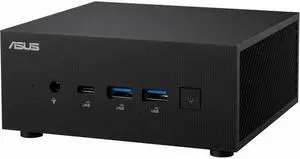
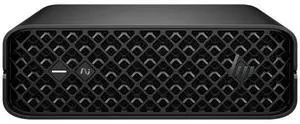
Asus ExpertCenter PN65-SYS715PETL0 Mini PC - Intel Core Ultra 7 155H - 16 GB - 512 GB SSD - Windows 11 Pro - Intel ARC Graphics - 2.5 Gigabit Ethernet - Wireless LAN - 120W
Quick View
ASUS
Asus ExpertCenter PN65-SYS715PETL0 Mini PC - Intel Core Ultra 7 155H - 16 GB - 512 GB SSD - Windows 11 Pro - Intel ARC Graphics - 2.5 Gigabit Ethernet - Wireless LAN - 120W
  • Type: Desktop PC
  • CPU Type: Intel Core Ultra 7 (Series 1)
  • Form Factor: Mini PC
  • CPU Name: Intel Core Ultra 7 155H
  • Model #: PN65-SYS715PETL0
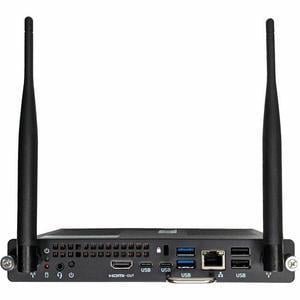
P3 Tiny Gen 2 4.60 GHz W11P64 64.0GB 1TB G4Perf - ThinkStation P3 Tiny Gen 2, Intel® Core Ultra 7 265 vPro® (E-cores up to 4.60GHz, 30MB), W11P64 ENG, 64.0GB, 1x1TB SSD M.2
Quick View
  •  
  • $4,625.36 –
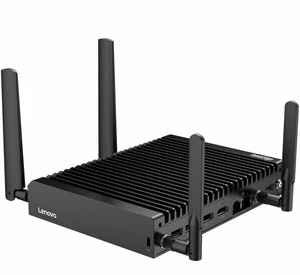
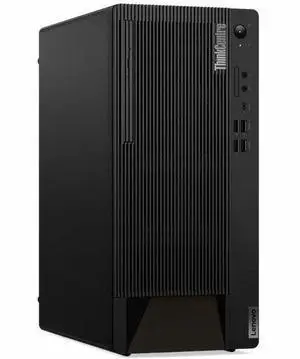
Lenovo V100q 13GG000FUS Desktop Intel N-Series N100 8GB 128GB SSD W11
Quick View
Lenovo
Lenovo V100q 13GG000FUS Desktop Intel N-Series N100 8GB 128GB SSD W11
  • Type: Student / Home Office
  • Form Factor: Tiny
  • CPU Name: N100
  • Memory Capacity: 8 GB
  • Model #: 13GG000FUS
DESKTOP TE SE10N G2 3N355 512G W11IOT
Quick View
Lenovo
DESKTOP TE SE10N G2 3N355 512G W11IOT
  • Type: Student / Home Office
  • CPU Name: Intel Core 3 N355
  • Memory Capacity: 16GB
  • SSD: 512GB
  • Model #: 13LJ000AUT
Lenovo ThinkCentre M90q Gen 5 12TH000DUS Tiny Desktop - Intel Core i5-14500 - 8 GB - 256 GB SSD - Windows 11 Pro - Intel UHD Graphics 770 - Wi-Fi 6E - 135W
Quick View
Lenovo
Lenovo ThinkCentre M90q Gen 5 12TH000DUS Tiny Desktop - Intel Core i5-14500 - 8 GB - 256 GB SSD - Windows 11 Pro - Intel UHD Graphics 770 - Wi-Fi 6E - 135W
  • Type: Desktop PC
  • CPU Type: Intel Core i5 14th Gen
  • CPU Name: Intel Core i5-14500
  • GPU/VGA Type: Intel UHD Graphics 770
  • Model #: 12TH000DUS
Lenovo ThinkCentre M70s Gen 6 12YK000QUS Desktop Computer - Intel Core Ultra 7 2nd Gen 265 - 16 GB - 512 GB SSD - Windows 11 Pro - DVD-Writer - IEEE 802.11ax - 260W   12YK000QUS
Quick View
Lenovo
Lenovo ThinkCentre M70s Gen 6 12YK000QUS Desktop Computer - Intel Core Ultra 7 2nd Gen 265 - 16 GB - 512 GB SSD - Windows 11 Pro - DVD-Writer - IEEE 802.11ax - 260W 12YK000QUS
  • Type: Student / Home Office
  • Form Factor: Slim/Small Form Factor
  • CPU Name: Intel Core Ultra 7 265
  • GPU/VGA Type: Intel Graphics
  • Model #: 12YK000QUS
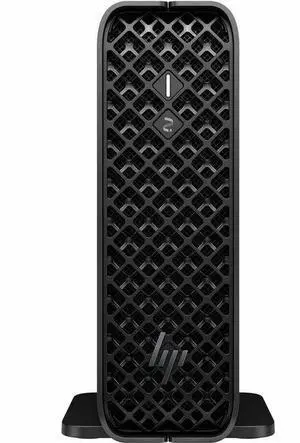
HP Z2 Mini G1i SFF Desktop Computer U5 235 16GB 512GB SSD W11P BM6M2UTABA
Quick View
HP
HP Z2 Mini G1i SFF Desktop Computer U5 235 16GB 512GB SSD W11P BM6M2UTABA
  • Type: Desktop PC
  • Brand: HP
  • Monitor: Monitor not included
  • Model #:
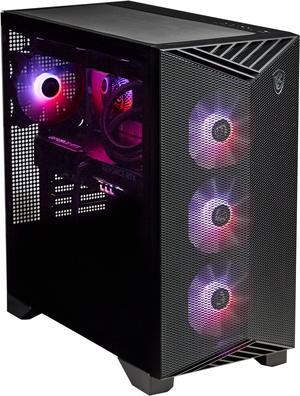
MSI Aegis R2(Tower) Gaming Desktop, AMD R9-9900X, GeForce RTX 5070 Ti, 32GB DDR5, 2TB M.2 NVMe, Liquid Cooling, USB Type-C, VR-Ready, Windows 11 Home Advance
Quick View
MSI Aegis R2(Tower) Gaming Desktop, AMD R9-9900X, GeForce RTX 5070 Ti, 32GB DDR5, 2TB M.2 NVMe, Liquid Cooling, USB Type-C, VR-Ready, Windows 11 Home Advance
  • GPU/VGA Type: GeForce RTX 5070 Ti
  • CPU Name: AMD Ryzen 9 9900X
  • Memory Capacity: 32GB DDR5
  • SSD: 2TB
  • Model #: Aegis ZS2 C9NVR-1462US

Desktop Workstation Buying Tips

Introduction

Buying the perfect workstation computer for your organization can be an expensive prospect, so you should approach it with a realist’s eye. You can buy a capable system without overspending on faster-than-necessary components or unneeded features. Those extra features and top-of-the-line components can cause your costs to steadily rise.

To help you navigate through the dense amount of options, NeweggBusiness has outlined some important factors for purchasing a desktop workstation.

Form Factor

Your first decision will be selecting the form factor for the desktop workstation. Some of the more common tower form factors include: full-size tower, mid tower, slim tower, and mini tower.

Another option is an all-in-one desktop, which integrates the tower and monitor into one unit. Choose a workstation with a form factor that is right for its role.

CPU

For tasks like word processing, e-mail, and data entry, a high performance processor will not be needed. If the workstation will be used for graphics rendering or video editing, then a faster processor may be beneficial. Get a workstation equipped with a processor sufficient for the tasks that it will be used for.

Graphics

An integrated graphics card is adequate for many tasks, but there may be cases where a dedicated graphics card is needed. For example, if multiple monitors will be used, add a video card capable of outputting to the number of displays you intend to use.

Or, if the workstation will be used for digital content creation or manipulation, you will probably need a high-performance workstation graphics card designed to accelerate computer-aided design and digital content tasks.

Storage

Two important factors regarding internal storage are speed and capacity. Most office administration, word processing, and data entry tasks will not require very fast storage speeds, with the exception of some specialized jobs. Consider solid state drives as an option if fast speeds are required, otherwise hard drives will work just fine.

Your storage capacity needs may vary depending on the role of the PC and your organization’s industry. If your organization often works with big file sizes then a large capacity may be beneficial. For most office administration functions though, an excessively large capacity storage drive will not be necessary. Get a drive that is sufficient for the tasks that the workstation will be performing.

Optical Drives

Most desktop workstations come with DVD writers as the standard optical drives, which should be sufficient for most jobs. Only get a Blu-ray drive if it is required for the tasks the PC will be performing.

By following the buying tips outlined above, you will be able to find a desktop workstation that will be adequate for the tasks that it will be performing without overspending your budget. Getting features such as a hexa-core processor, graphics accelerator, or Blu-ray writer for a computer that will be used for word processing is a waste of your budget. Approaching your desktop workstation computer purchasing decision from a realist’s perspective will net you a system that can perform its functions well and keep costs low.