• In Stock
  • Sold by NeweggBusiness
  • New
Brands
Show More
Price
Show More
Type
Show More
Element Type
Optical Resolution
Max. Document Size
Show More
USB Ports
Sold by
All Top Brands
Availability
Condition
Useful Links
Customer Ratings
  • Featured Brands

    See Deals from HP
Sort By:
View:
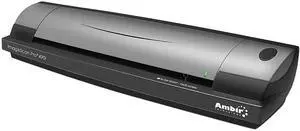
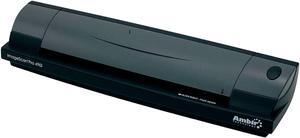
Ambir ImageScan Pro 490i Sheetfed Scanner
Quick View
Ambir ImageScan Pro 490i Sheetfed Scanner
  • USB Ports: Yes
  • Model #: DS490-BCS
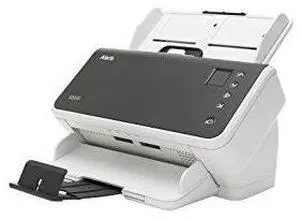
Kodak Alaris S2070 Sheetfed Scanner - 600 Dpi Optical
Quick View
Kodak Alaris S2070 Sheetfed Scanner - 600 Dpi Optical
  • Brand: Kodak Alaris
  • Type: Sheet Fed
  • Element Type: Dual CIS
  • Light Source: Dual RGB LEDs
  • Model #: 1015049
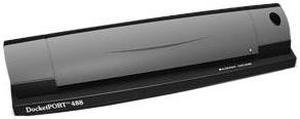
DocketPORT 488 Sheetfed Scanner
Quick View
DocketPORT 488 Sheetfed Scanner
  • Brand: DocketPORT
  • Type: Sheet Fed
  • Element Type: Dual linear color contact image sensor (CMOS CIS)
  • Scanning Speed: 7 seconds per single-sided page in B&W mode at 200 dpi, 10 seconds per page duplex mode
  • Model #: DP488
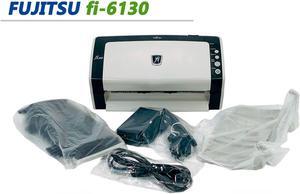
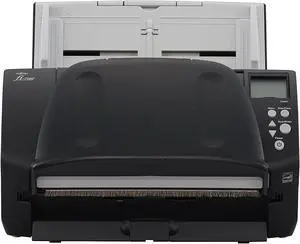
Fujitsu FI-6130 Duplex Document Color Scanner w/ Rollers / Trays / Adapter
Quick View
Refurbished Fujitsu FI-6130 Duplex Document Color Scanner w/ Rollers / Trays / Adapter
  • Brand: Fujitsu
  • Series: fi Series
  • Type: Sheet Fed
  • Element Type: CCD
  • Model #: 303283505473
  •  
  • $155.00 
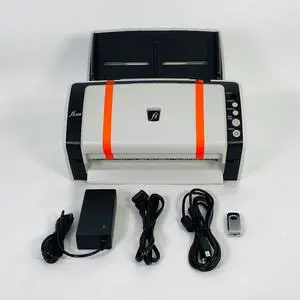
Fujitsu Fi-6130 Color Duplex Sheet-Fed Scanner with Adapter USB Setup Drivers
Quick View
Refurbished Fujitsu Fi-6130 Color Duplex Sheet-Fed Scanner with Adapter USB Setup Drivers
  • Brand: Fujitsu
  • Series: fi Series
  • Type: Sheet Fed
  • Element Type: CCD
  • Model #: 303283505474
  •  
  • $155.00 
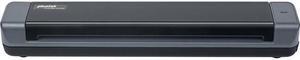
Plustek MobileOffice S410 Plus S410PLUS CIS 600 dpi Portable Scanner
Quick View
Plustek MobileOffice S410 Plus S410PLUS CIS 600 dpi Portable Scanner
  • Brand: Plustek
  • Series: MobileOffice S410 Plus
  • Type: Portable
  • Element Type: CIS
  • Model #: S410PLUS
  •  
  • $106.91 
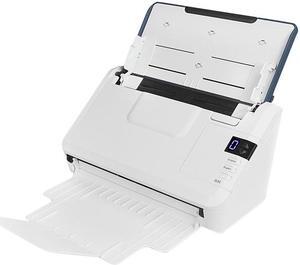
Xerox XD35-G/A Duplex Document Scanner
Quick View
Xerox XD35-G/A Duplex Document Scanner
  • Scanning Speed: 45 ppm
  • Model #: XD35-G/A
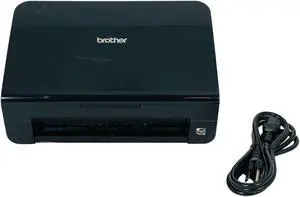
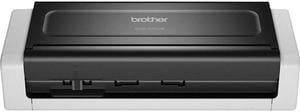
Brother ADS-1700W Wireless Compact Desktop Scanner - 48-bit Color - 25 ppm (Mono) - 25 ppm (Color) - Duplex Scanning - USB
Quick View
Brother ADS-1700W Wireless Compact Desktop Scanner - 48-bit Color - 25 ppm (Mono) - 25 ppm (Color) - Duplex Scanning - USB
  • Brand: Brother
  • Type: Sheet Fed
  • Element Type: Dual CIS
  • Scanning Speed: Simplex Scan Speeds (black & color) (max ppm): 25 ppm Duplex Scan Speeds (black & color) (max ipm): 50 ppm
  • Model #: ADS-1700W
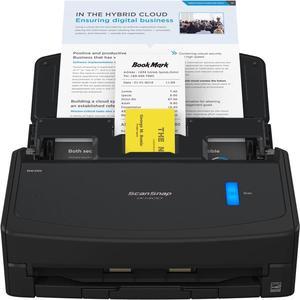
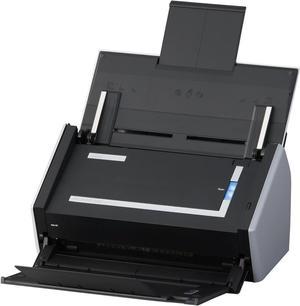
Fujitsu ScanSnap S1500 Instant PDF Sheet-Fed Scanner for PC
Quick View
  •  
  • $1,199.99 
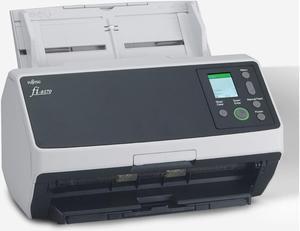
Fujitsu fi-8170 Color Duplex Document Scanner
Quick View
  • $1,098.87
  •  
  • $979.99 
  • Save: 10%
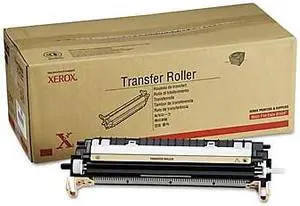
Xerox Printer Transfer Roller 108R01053 Printer Transfer Roller
Quick View
  •  
  • $159.81 
Xerox PC/Mac Color Network Enabled USB Scanner
Quick View
  •  
  • $459.99 
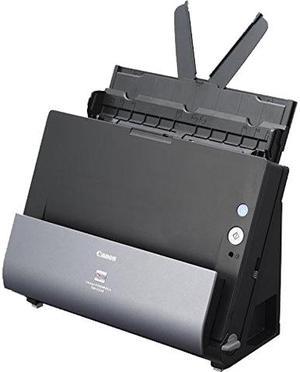
Canon imageFORMULA DR-C225 II Office Document Scanner
Quick View
Canon imageFORMULA DR-C225 II Office Document Scanner
  • Brand: Canon
  • Series: imageFORMULA
  • Type: Sheet Fed
  • Element Type: One-Line Contact Image Sensor (CMOS)
  • Model #: 3258C002
  •  
  • $289.00 
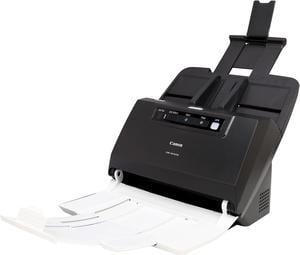
Canon imageFORMULA DR-M160II Sheetfed Document Scanner
Quick View
Canon imageFORMULA DR-M160II Sheetfed Document Scanner
  • Brand: Canon
  • Series: imageFORMULA
  • Type: Sheet Fed
  • Element Type: One-Line Contact Image Sensor (CMOS)
  • Model #: DR-M160II
  •  
  • $988.74 
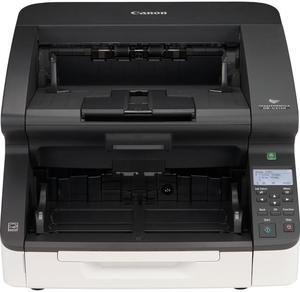
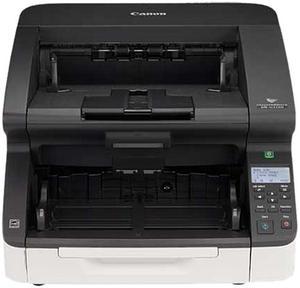
Canon Imageformula Dr-G2110 Sheetfed Scanner - 600 Dpi Optical
Quick View
Canon Imageformula Dr-G2110 Sheetfed Scanner - 600 Dpi Optical
  • Light Source: RGB LED
  • Weight: 66
  • Model #: 3150C002
  •  
  • $5,203.00 
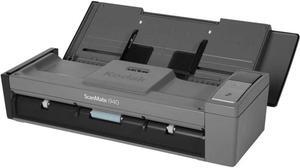
Kodak ScanMate i940 Scanner - 1960988
Quick View
  •  
  • $579.99 
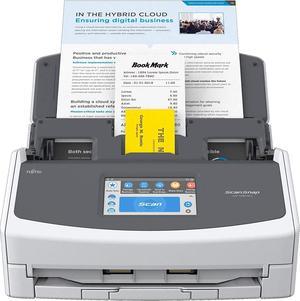
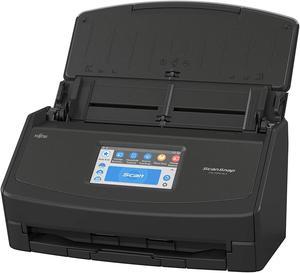
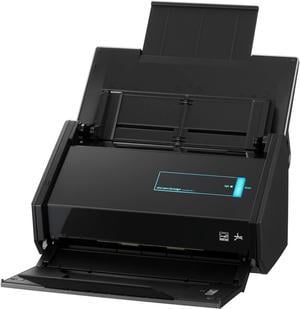
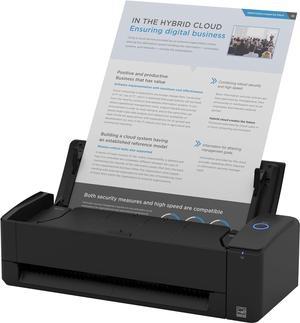
Fujitsu ix500 ScanSnap Color Image Document Scanner
Quick View
  •  
  • $999.99 
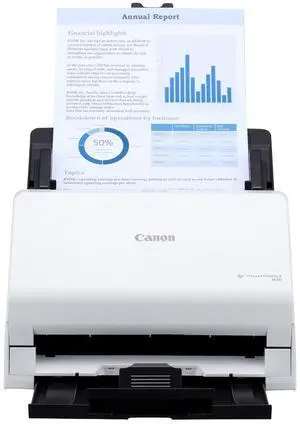
Canon imageFORMULA R30 Office Document Scanner
Quick View
  •  
  • $259.00 

Is a Document Scanner Right for Your Organization?

Introduction

If your organization needs a digital scanner but you are not sure if a document scanner is the right type of digital scanner to get, the information below will help you decide. A document scanner is an excellent choice if your organization’s professionals need to scan large amounts of papers such as records, forms, letters, receipts, and similar items. Below, NeweggBusiness will detail the strengths and features of document scanners that make them so well suited for paper media.

Scanning one side of a page

Scanning one side of a page is possible with both a sheet fed document scanner and a flatbed scanner, but using a sheetfed scanner can be more time-efficient. With a traditional flatbed scanner, a user will need to lift the cover, carefully position the paper on the scanning surface, and then close the cover to begin scanning. With a sheetfed scanner, a user will just need to make sure that the page is properly placed on the feeder tray.

Scanning both sides of a page

Duplex scanners can make scanning both sides of a document easier for your staff by automating much of the process. A duplex scanner can work in one of two ways. The first method is that the scanner scans one side of a paper, and instead of ejecting the paper, the scanner flips the paper to scan the other side. The second method is that the scanner has two cameras to scan both sides in one pass.

Multiple pages

A document scanner with an automatic document feeder (ADF) can take several pages and automatically feed them one at a time into the scanner, thereby allowing the user to scan all pages without having to manually insert each page. A document scanner equipped with an ADF may also be called an ADF scanner.

Text recognition

Some document scanners include software called optical character recognition software (OCR) that can convert scanned text into a format that is editable in word processing software. An OCR scanner can be used to enter editable form data, import contact information from business cards, make lengthy documents searchable in word processing software, and more.

Network connectivity

A network document scanner can allow multiple computers on a network to have access to the scanner. Typically on a scanner without network connectivity, all scanned content would be saved onto one computer. With a network scanner, your staff can save scanned content to their own computers directly.
Conclusion

There is no single best type of scanner that is fit for all situations, because each type is fine-tuned for different purposes. So you should know what your organization’s professionals will be scanning, whether it will be documents, photos, business cards, or books. If they will be scanning only papers, then a document scanner is an excellent choice.


By NeweggBusiness Staff