• In Stock
  • Sold by NeweggBusiness
  • New
Brands
Show More
Price
Show More
Type
Show More
Element Type
Optical Resolution
Max. Document Size
Show More
USB Ports
Sold by
All Top Brands
Availability
Condition
Useful Links
Customer Ratings
  • Featured Brands

    See Deals from HP
Sort By:
View:
Ambir DS687 Sheetfed Scanner
Quick View
  •  
  • $351.78 
Ambir ImageScan Pro 830ix Sheetfed Scanner - 600 dpi Optical
Quick View
  •  
  • $492.55 
Ambir DS687 Duplex A6 ID Card Scanner
Quick View
  •  
  • $351.78 
Ambir Imagescan Pro 820Ix - Document Scanner - Desktop
Quick View
  •  
  • $409.29 
Ambir ImageScan Pro 490i Sheetfed Scanner
Quick View
  •  
  • $394.08 
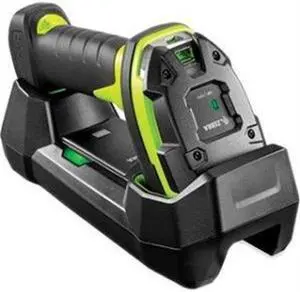
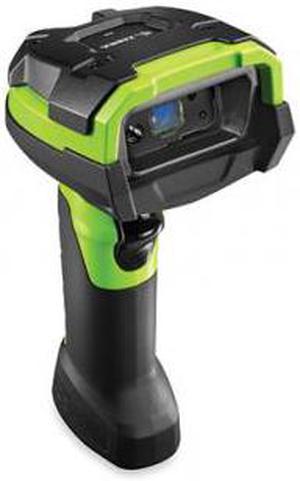
Zebra ZEB#DS3678SR3U4210SFW ZEBRA DS3678 BARCODE SCANNER W/ CRADLE USB KIT
Quick View
  •  
  • $698.00 
Zebra DS3678-ER3U4212SVW MOT DS3678-ER 2D PDF GRN CRDLS W/USBCBL+CRDL+PWR+PLUG
Quick View
  •  
  • $879.00 
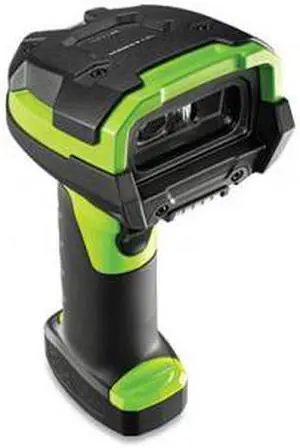
Zebra ZEB#DS3678SR3U42A0SFW MOT DS3678-SR 2D PDF GRN CRDLS W/USBCBL+CRDL+PWR
Quick View
  •  
  • $698.00 
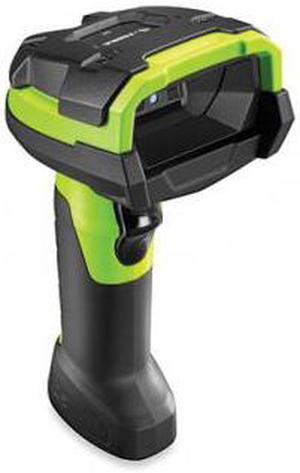
ZEBRA TECHNOLOGIES DS3608-HD3U4602VZW MOT DS3608-HD 2D PDF GRN W/USBCBL
Quick View
  •  
  • $579.00 
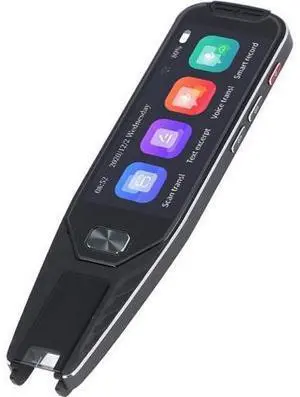
Scan Translator 4 Inch Screen 134 Languages Online 29 Languages Offline Translation Pen for Travel Business
Quick View
  •  
  • $151.69 
Ricoh / Fujitsu fi-7260 (PA03670-B555) Duplex Image Document Scanner
Quick View
  •  
  • $997.00 
Fujitsu FI-7160 (PA03670-B055) Duplex Up to 600 DPI USB Color Image Document Scanner
Quick View
Fujitsu FI-7160 (PA03670-B055) Duplex Up to 600 DPI USB Color Image Document Scanner
  • Series: fi Series
  • Type: Duplex
  • Element Type: Color CCDs (Color Charge Coupled Device)
  • Light Source: White LED Array
  • Model #: PA03670-B055,.,.,
  •  
  • $579.95 
FUJITSU fi-7030 Color Document Scanner PA03750-B001 ADF 600 x 600 DPI A4 27ppm / 54 ipm Full Speed - White
Quick View
FUJITSU fi-7030 Color Document Scanner PA03750-B001 ADF 600 x 600 DPI A4 27ppm / 54 ipm Full Speed - White
  • Series: fi Series
  • Type: Duplex
  • Optical Resolution: 600 x 600 dpi
  • Automatic Document Feeder (ADF): Yes
  • Model #: PA03750-B001,.
  •  
  • $845.99 
FUJITSU fi-7030 Color Document Scanner PA03750-B001 ADF 600 x 600 DPI A4 27ppm / 54 ipm Full Speed - White
Quick View
  •  
  • $865.00 
Fujitsu fi-7240 (PA03670-B605) Color Duplex Scanner
Quick View
Fujitsu fi-7240 (PA03670-B605) Color Duplex Scanner
  • Series: fi Series
  • Type: Duplex
  • Element Type: 3 x Color CCD (Charge-coupled device) (1 x front, 1 x back, 1 x flatbed)
  • Light Source: 3 x White LED Array (1 x front , 1 x back, 1 x flatbed)
  • Model #: PA03670-B605
  •  
  • $1,070.00 
Panasonic KV-S1057C Document Scanner (KVS1057C)
Quick View
  •  
  • $399.95 
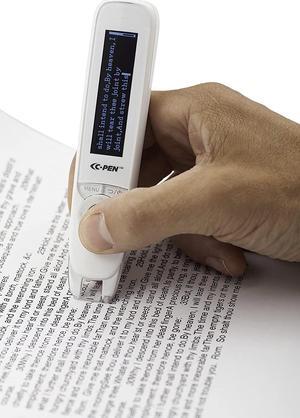
ReaderPen/C-Pen/Reading Support/Human Reader Alternative/Classroom aid
Quick View
  •  
  • $459.00 
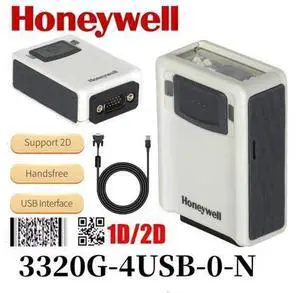
Honeyw,ell 3320G-4USB-0 VuQuest Fixed Mount 1/2D Barco,de Scann,er with USB Cable
Quick View
Honeyw,ell 3320G-4USB-0 VuQuest Fixed Mount 1/2D Barco,de Scann,er with USB Cable

Limited time offer, ends 08/08

  • Model #: G3F1C783-XM6151924
  •  
  • $104.69 
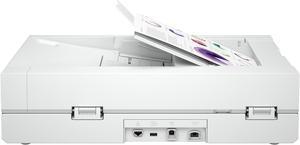
HP Digital Sender Flow 8500fn2 - Document scanner Scanner
Quick View
HP
HP Digital Sender Flow 8500fn2 - Document scanner Scanner
  • Brand: HP
  • Model: L2762A#BGJ
  • Part Number: L2762A#BGJ
  • Color: White
  • Model #: L2762A#BGJ
Ricoh / Fujitsu fi-7280 (PA03670-B505) 24 bit CCD 600 x 600 dpi Duplex Image Scanner (PA03670-B505)
Quick View
  •  
  • $1,490.99 
Imaging Unit
Quick View
Imaging Unit
  • Model #: 270923817669
  •  
  • $146.99 
HP 20G08A#BGJ ScanJet Enterprise Flow N6600 fnw1 Scanners
Quick View
HP
HP 20G08A#BGJ ScanJet Enterprise Flow N6600 fnw1 Scanners
  • Brand: HP
  • Series: ScanJet Enterprise
  • Model: Flow N6600 fnw1
  • Part Number: 20G08A#BGJ
  • Model #: 20G08A#BGJ
  •  
  • $1,709.00 
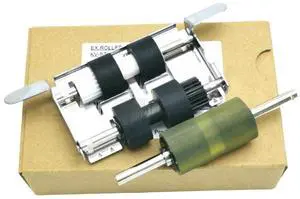
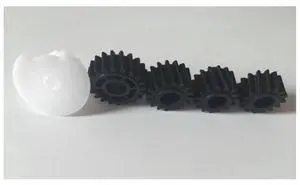
1 Set KV-SS015 Paper Pickup Roller Kit Suitable for Panasonic KV-S7075C KV-S7065C KV-S7077C KV-7097C Paper Pickup Roller Kit Scanner Rubbing Wheels
Quick View
1 Set KV-SS015 Paper Pickup Roller Kit Suitable for Panasonic KV-S7075C KV-S7065C KV-S7077C KV-7097C Paper Pickup Roller Kit Scanner Rubbing Wheels
  • Brand: ZHENFU-MEI
  • Series: KV-S7075C
  • Part Number: KV-SS015
  • Type: Computer printer transfer rollers
  • Model #: KV-S7075C
  •  
  • $119.98 
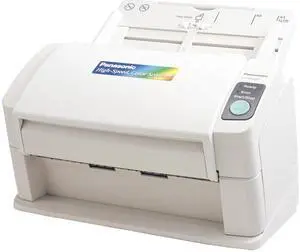
Panasonic KV-S1025C 200 dpi Scanner
Quick View
Panasonic KV-S1025C 200 dpi Scanner
  • Light Source: Red, Green, and Blue Multi Color Dropout - Up to 3 colors, any color
  • Max. Document Size: 8.5" x 100" length
  • Automatic Document Feeder (ADF): Yes
  • USB Ports: Yes
  • Model #: KV-S1025C
  •  
  • $298.95 
Fujitsu FI-7160 PA03670-B065 Trade Compliant (TC) Duplex Up to 600 DPI USB Color Image Document Scanner
Quick View
Fujitsu FI-7160 PA03670-B065 Trade Compliant (TC) Duplex Up to 600 DPI USB Color Image Document Scanner
  • Series: fi Series
  • Type: Duplex
  • Element Type: CCD
  • Light Source: LED
  • Model #: PA03670-B065,.,,
  •  
  • $599.99 
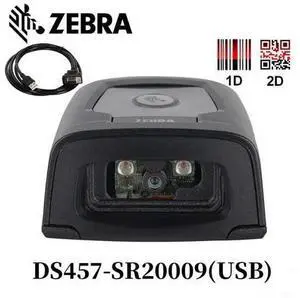
DS457 Barco de Reader Imager Desktop Fixed Mount DS457-SR20009 US
Quick View
DS457 Barco de Reader Imager Desktop Fixed Mount DS457-SR20009 US

Limited time offer, ends 08/08

  • Model #: G3F1C783-XM6150114
  •  
  • $153.69 
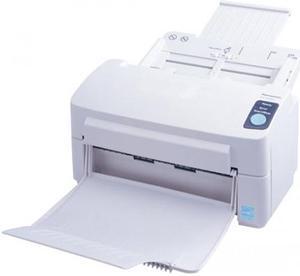
Panasonic KV-S1045C CCD 600 dpi Sheet Fed Document Scanner
Quick View
Panasonic KV-S1045C CCD 600 dpi Sheet Fed Document Scanner
  • Brand: Panasonic
  • Type: Sheet Fed
  • Element Type: CCD
  • Scanning Speed: 40ppm (Color) / 40ppm (Monochrome)
  • Model #: KV-S1045C
  •  
  • $348.95 
Panasonic KV-S1057C-BSTOCK Document Scanner
Quick View
  •  
  • $398.95 
Ricoh / Fujitsu fi-7280 (PA03670-B505) 24 bit CCD 600 x 600 dpi Duplex Image Scanner
Quick View
Ricoh / Fujitsu fi-7280 (PA03670-B505) 24 bit CCD 600 x 600 dpi Duplex Image Scanner
  • Series: fi Series
  • Type: Duplex
  • Element Type: CCD
  • Light Source: LED
  • Model #: PA03670-B505
  •  
  • $1,540.00 
Fujitsu FI-7460 (PA03710-B051) Document Scanner - PA03710-B051
Quick View
  •  
  • $2,199.99 

Is a Document Scanner Right for Your Organization?

Introduction

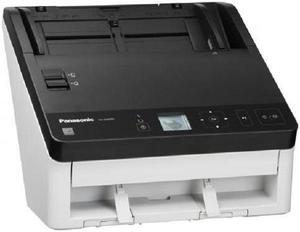
If your organization needs a digital scanner but you are not sure if a document scanner is the right type of digital scanner to get, the information below will help you decide. A document scanner is an excellent choice if your organization’s professionals need to scan large amounts of papers such as records, forms, letters, receipts, and similar items. Below, NeweggBusiness will detail the strengths and features of document scanners that make them so well suited for paper media.

Scanning one side of a page

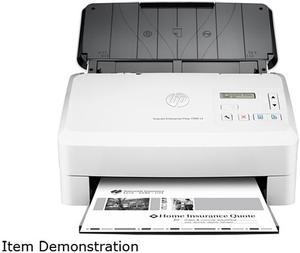
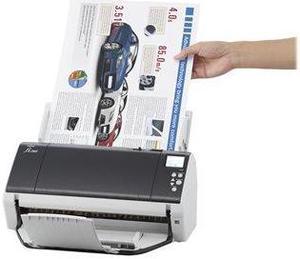
Scanning one side of a page is possible with both a sheet fed document scanner and a flatbed scanner, but using a sheetfed scanner can be more time-efficient. With a traditional flatbed scanner, a user will need to lift the cover, carefully position the paper on the scanning surface, and then close the cover to begin scanning. With a sheetfed scanner, a user will just need to make sure that the page is properly placed on the feeder tray.

Scanning both sides of a page

Duplex scanners can make scanning both sides of a document easier for your staff by automating much of the process. A duplex scanner can work in one of two ways. The first method is that the scanner scans one side of a paper, and instead of ejecting the paper, the scanner flips the paper to scan the other side. The second method is that the scanner has two cameras to scan both sides in one pass.

Multiple pages

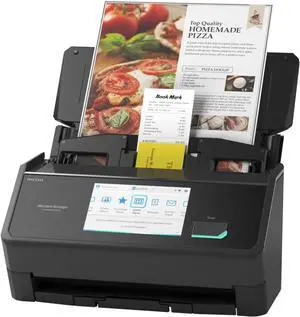
A document scanner with an automatic document feeder (ADF) can take several pages and automatically feed them one at a time into the scanner, thereby allowing the user to scan all pages without having to manually insert each page. A document scanner equipped with an ADF may also be called an ADF scanner.

Text recognition

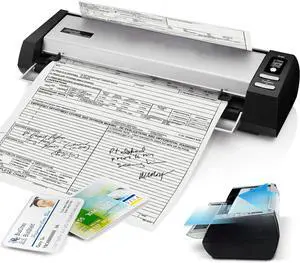
Some document scanners include software called optical character recognition software (OCR) that can convert scanned text into a format that is editable in word processing software. An OCR scanner can be used to enter editable form data, import contact information from business cards, make lengthy documents searchable in word processing software, and more.

Network connectivity

A network document scanner can allow multiple computers on a network to have access to the scanner. Typically on a scanner without network connectivity, all scanned content would be saved onto one computer. With a network scanner, your staff can save scanned content to their own computers directly.
Conclusion

There is no single best type of scanner that is fit for all situations, because each type is fine-tuned for different purposes. So you should know what your organization’s professionals will be scanning, whether it will be documents, photos, business cards, or books. If they will be scanning only papers, then a document scanner is an excellent choice.


By NeweggBusiness Staff