All Categories
Built for How Business Buys.
All Categories



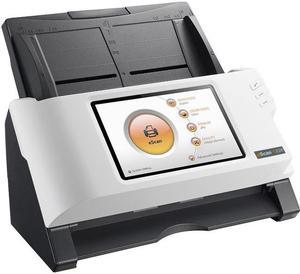
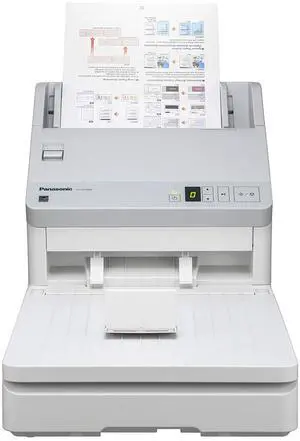
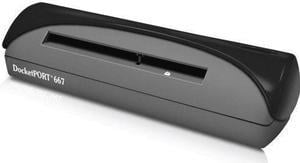
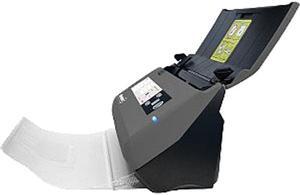
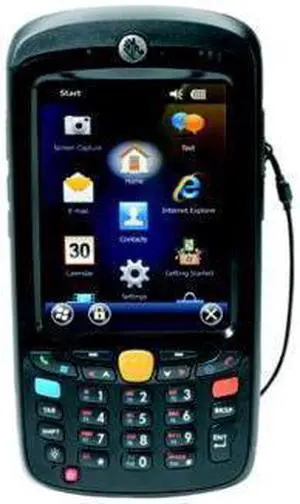

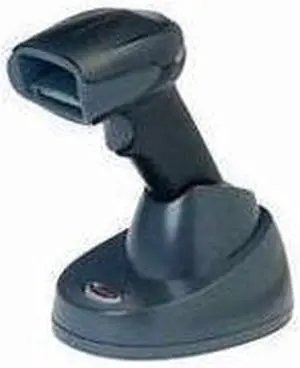
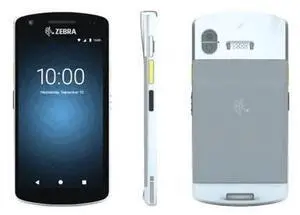
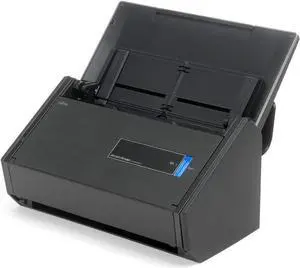
Professionals may not use one every day, but the flatbed scanner is common in many offices of organizations large and small. If you are shopping for a USB scanner for your organization, a flatbed scanner is an excellent choice. If you are unfamiliar with flatbed scanners but need to purchase one for your organization, the questions and answer below will help you with shopping for one.
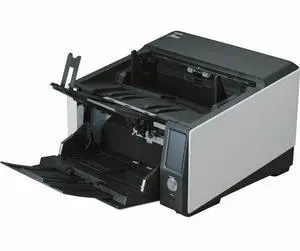
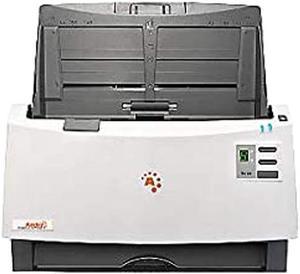
With a flatbed scanner, the document to be scanned is placed on a flat transparent surface and a cover goes covers the document and surface. It is a design similar to what you would find on an enterprise-grade copier. A document scanner operates by being fed a document instead of having it placed on top of a transparent surface. As its name implies, a document scanner can only be used to scan papers and other documents, and cannot be used to scan larger objects such as magazines and books.
There are also specialized scanners that such as a photo scanner, film scanner, business card scanner, and negative scanner. These scanners are designed to be used with specific types of items and a few may use flatbed scanning surfaces.
One of their main strengths is that unlike document scanners, flatbed scanners can be used to scan objects thicker than a piece of paper. A flatbed scanner can be used to scan a variety of paper media, including business cards, photos, books, magazines, and other objects. So they are great if your staff need to scan pages from a magazine or technical manual without tearing pages out. Another advantage is the ability to scan extremely fragile documents.
Normally with a flatbed scanner, the user must manually place the document onto the scanning surface and close the lid. Some flatbed scanners have automatic document feeders (ADF) that will feed documents from a tray onto the scanning surface, and then eject them onto another tray. Unfortunately automatic document feeders cannot be used with larger objects such as books, magazines, or notepads.
Duplex scanning is the ability to scan both sides of a paper without requiring the user to turn it over to scan the other side. Many document scanners support this feature, and some select flatbed scanners have it as well. However, it is relatively rare feature among flatbed scanners.
For USB scanners in general, there are two ratings that you should look at, dots per inch (DPI) and color depth. DPI is a measurement of a scanner’s resolution and the higher the DPI, the more detail a scanner will be able to pick up. Color depth is a measure the number of colors that a scanner can translate into a digital image. The higher the number, the more colors that will be picked up by the scanner.
Generally, 300 DPI is more than adequate for scanning decent quality images and documents, while 600 DPI is good for scanning high-resolution images. For scanning black and white text documents, 8-bit color depth is adequate. If your organization scans high quality images to be reprinted however, you should consider going with a 48-bit scanner or photo scanner.

![Spy RF Detector Hidden Camera Detector Bug GPS Wireless Signal Alarm Scanner Detection Device[Military-Top Version] (Silver)](https://c1.neweggimages.com/productimage/nb300/V4W4D210727G8SCS.jpg "Spy RF Detector Hidden Camera Detector Bug GPS Wireless Signal Alarm Scanner Detection Device[Military-Top Version] (Silver)")