


 All Categories
Built for How Business Buys.
All Categories









+ $20 off w/ promo code BFTTF697, limited offer
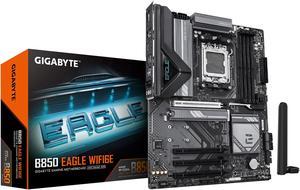
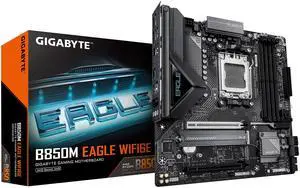
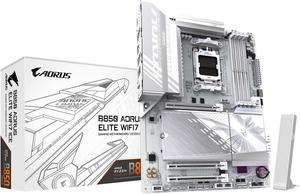
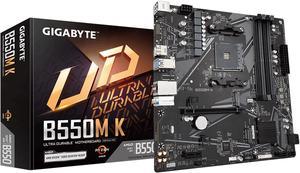
When assembling a desktop computer, two of the most important considerations are the processor and motherboard—also sometimes referred to as a mobo. Once you have decided on a processor, you can narrow down your choices to compatible motherboards. Below, NeweggBusiness lists out several considerations to help you narrow down your choices even more.
With a processor selected, you should decide how large you want the computer to be. The size of the case will determine how large your motherboard can be. Some of the more common form factors include the following.
The number of expansion slots on a motherboard is directly linked to its form factor, but the configuration of those expansion slots can vary. Though most standard ATX motherboards have seven expansion slots, the type of slots they are can vary from model to model. For instance, one motherboard can have five PCI and two PCIe® slots while another may have six PCI and only one PCIe slot.
Also of importance is the number and type of internal data connectors available on a motherboard. They are used to connect optical drives, hard drives, solid state drives, and other storage drives to the motherboard. Typically, larger motherboards have more internal data connectors because larger cases can support more drives.
As for the type of connectors, most desktop motherboards utilize SATA connectors, though some may also have IDE connectors for legacy support.
Many desktop motherboards—though not all—have built-in video chipsets, so they do not strictly require dedicated desktop video cards. However, few onboard video chipsets are capable of outputting to multiple monitors or run graphics-intensive programs. For general office tasks such as word processing, checking e-mail, or browsing the internet, onboard video is more than sufficient.
Some motherboards feature wireless networking, making dedicatedwireless network adapters unnecessary. However, motherboards that have built-in Wi-Fi are typically more expensive. If you do not utilize wireless networking, you can save costs by select a motherboard without built-in Wi-Fi.

