All Categories
Built for How Business Buys.
All Categories



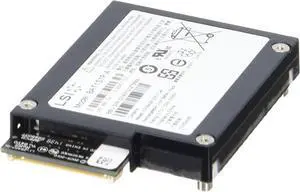
![CQCQ BAT 2S1P-2 Battery for Dell Raid Controller PowerVault MD3200i MD3220i MD3220i 0D668J Series [6.6V 7.26Wh]](https://c1.neweggimages.com/productimage/nb300/A7WMD2310090VOUYD4E.jpg "CQCQ BAT 2S1P-2 Battery for Dell Raid Controller PowerVault MD3200i MD3220i MD3220i 0D668J Series [6.6V 7.26Wh]")
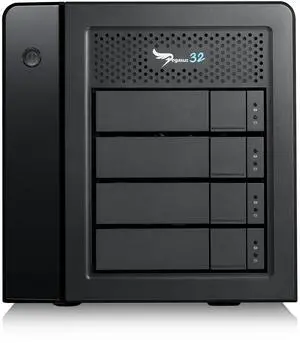
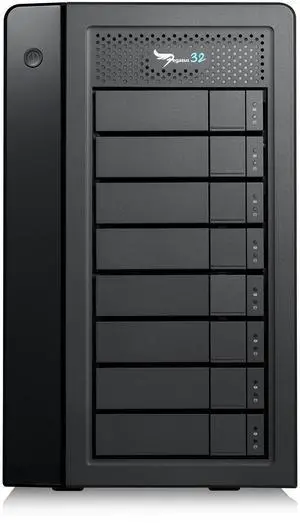
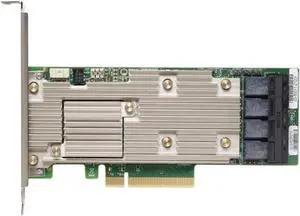
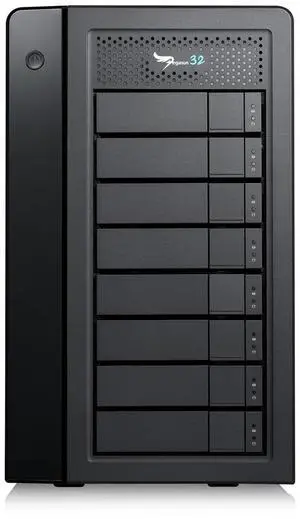
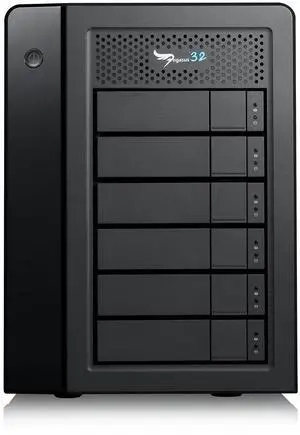
So what is an external RAID enclosure? It is a device that allows you to set up a RAID array using internal hard drives or solid state drives. Some home and small-office users may have internal RAID arrays for desktops, but larger organizations that require high levels of performance and scalability will find more utility from external RAID enclosures.
A RAID enclosure is similar to an external hard drive enclosure, except it is larger to accommodate multiple hard drives and designed for RAID configurations. Compared to software RAID solutions, which are typically managed by the operating system, external RAID enclosures have several advantages.
Many USB and eSATA RAID enclosures support a feature known as hot swapping, which allows users to remove and replace hard drives with no need to power down the device. External RAID enclosures also typically have easily accessible drive bays. This allows for quicker drive switching, which can save professionals time.
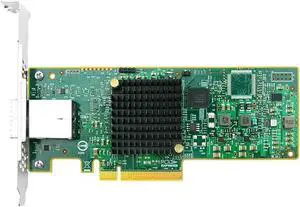
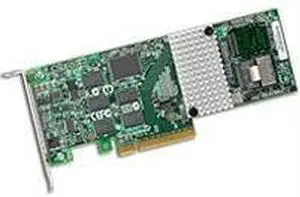
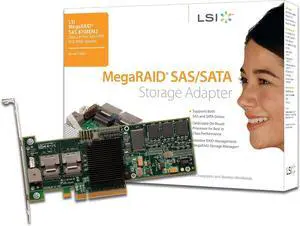
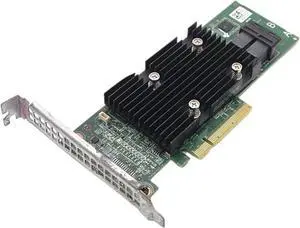
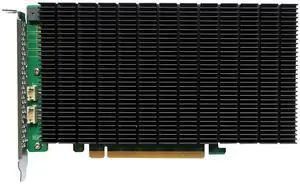
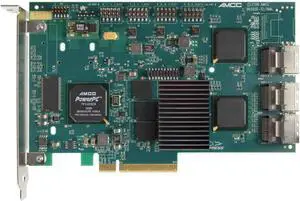
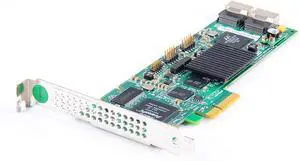
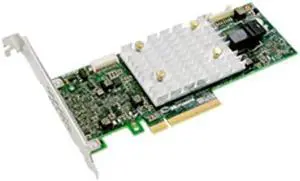
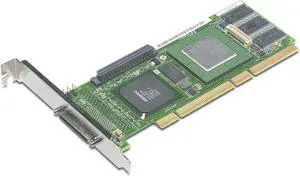
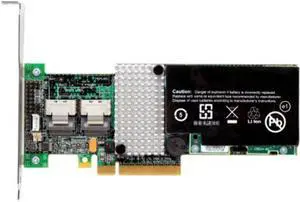
Software RAID arrays require CPU cycles in order to operate, which lower overall system performance. In contrast, hardware-based RAID configurations such as external enclosures and RAID controller cards have their own built-in processing units. As a result, they do not detract from overall system performance.
In addition to having RAID capabilities, many enclosures also support drive cloning. This allows users to duplicate all the contents of a drive, including hidden and in-use files. It is more in-depth than copying and pasting the contents, as the resulting drive is an exact clone.
One downside of a software-managed RAID array is that few desktop motherboards support enterprise-grade drives such as Serial Attached SCSI (SAS) hard drives. With a hardware RAID solution such as an external RAID enclosure, you can add support for SAS enterprise-grade hard drives and solid state drives.

![6.93Wh NEX-900926 Smart Battery Compatible with Dell EqualLogic Module Type 15 Type 18 Type 19 PS4210 PS6210 PS6610 Controller Series 010DXV 0FK6YW 0K4PPV 0KVY4F 0M1GDN NEX-900926-A [2-Cell]](https://c1.neweggimages.com/productimage/nb300/C0SMD2506220JVAJ2A8.jpg "6.93Wh NEX-900926 Smart Battery Compatible with Dell EqualLogic Module Type 15 Type 18 Type 19 PS4210 PS6210 PS6610 Controller Series 010DXV 0FK6YW 0K4PPV 0KVY4F 0M1GDN NEX-900926-A [2-Cell]")