• In Stock
  • Sold by NeweggBusiness
  • New
Brands
Show More
Price
Show More
Capacity
USB Specification
Show More
Ready Boost
USB Connectors
Security
Sold by
All Top Brands
Availability
Condition
Discount
Useful Links
Customer Ratings
  • Featured Brands

    See Deals from SanDiskSee Deals from Corsair
Sort By:
View:
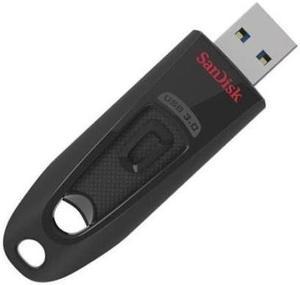
sandisk 128GB USB3.0 SDCZ73-128G-Z46 Flash Drive Read Speed 130MB/S
Quick View
SanDisk
sandisk 128GB USB3.0 SDCZ73-128G-Z46 Flash Drive Read Speed 130MB/S
  • Brand: SanDisk
  • Capacity: 128GB
  • USB Specification: USB 3.0
  • Read Speed: up to 130MB/s
  • Model #: Z73sz128G-1
  •  
  • $36.99 
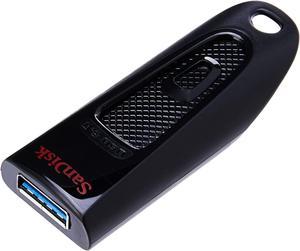
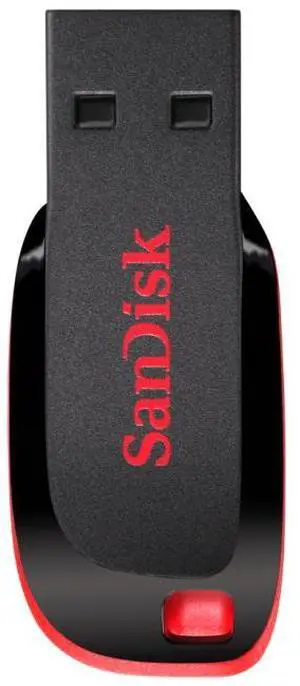
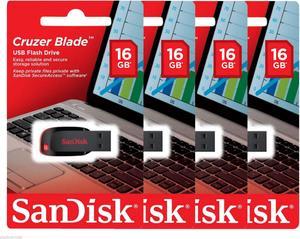
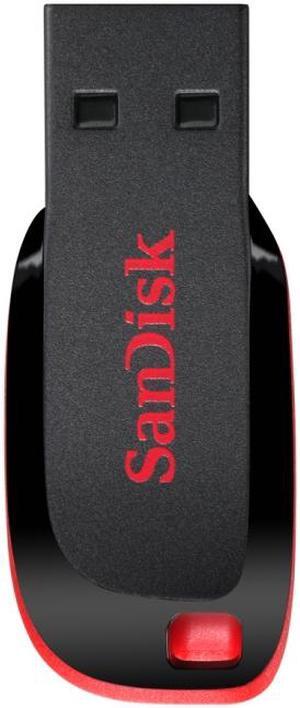
SanDisk SDCZ50016GB35M Cruzer Blade 16GB USB Flash Drive
Quick View
  •  
  • $16.95 
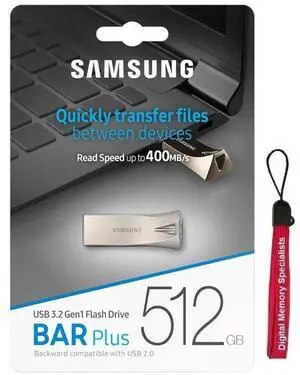
SAMSUNG BAR Plus 512GB 400MB/s USB 3.2 Type-A Flash Drive Champagne Silver Metal MUF-512BE3 with OEM USB Lanyard
Quick View
SAMSUNG
SAMSUNG BAR Plus 512GB 400MB/s USB 3.2 Type-A Flash Drive Champagne Silver Metal MUF-512BE3 with OEM USB Lanyard
  • Brand: SAMSUNG
  • Series: BAR Plus
  • Capacity: 256GB
  • Part Number: MUF-256BE3
  • Model #: MUF-512BE3
  •  
  • $145.75 
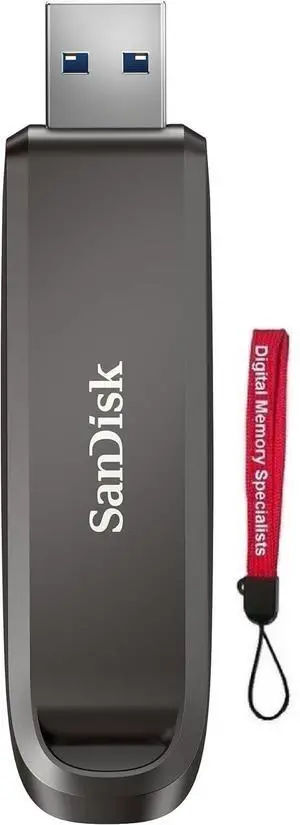
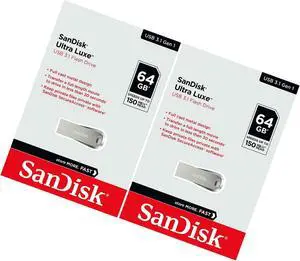
2X Sandisk Ultra Luxe 64Gb Usb 3.1 Sdcz74 150Mb/S Flash Pen Drive Sdcz74-064G
Quick View
  •  
  • $49.95 
SanDisk 256GB Ultra Fit USB 3.1 Flash Drive - SDCZ430-256G-G46
Quick View
  •  
  • $59.95 
SanDisk Ultra 32GB USB 3.0 Flash Drive Model SDCZ48-032G-A46
Quick View
  •  
  • $29.95 
SanDisk 32GB    Cruzer Ultra 32G SDCZ48 CZ48 USB 3.0 Flash Pen Thumb Drive - Pack of 2
Quick View
SanDisk
SanDisk 32GB Cruzer Ultra 32G SDCZ48 CZ48 USB 3.0 Flash Pen Thumb Drive - Pack of 2
  • Brand: SanDisk
  • Capacity: 64GB (32GB x 2)
  • USB Specification: USB 3.0
  • Dimensions: 5.7 x 1.1 x 2.1 cm
  • Model #: USB201500071
  •  
  • $48.99 
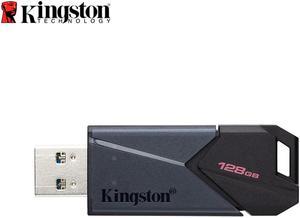
Kingston DataTraveler Exodia Onyx 128GB USB 3.2 Gen 1 Type A Flash Drive DTXON/128GB
Quick View
Kingston DataTraveler Exodia Onyx 128GB USB 3.2 Gen 1 Type A Flash Drive DTXON/128GB
  • Brand: Kingston
  • Capacity: 128GB
  • Security: Lightweight
  • Part Number: DTXON/128GB
  • Model #: DTXON/128GB
  •  
  • $39.75 
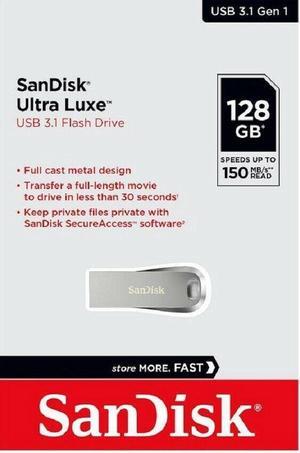
SanDisk Ultra Luxe 128GB SD CZ74 SDCZ74 USB 3.1 150MB/s Flash Drive SDCZ74-128G
Quick View
  •  
  • $39.75 
SanDisk Ultra 64 GB USB 3.0 Flash Drive Upto 80 Mbps (SDCZ48-064G-U46)
Quick View
SanDisk
SanDisk Ultra 64 GB USB 3.0 Flash Drive Upto 80 Mbps (SDCZ48-064G-U46)
  • Brand: SanDisk
  • Capacity: 64GB
  • Ready Boost: Yes
  • USB Specification: USB 3.0
  • Model #: SAN-SDCZ48-064G-U46
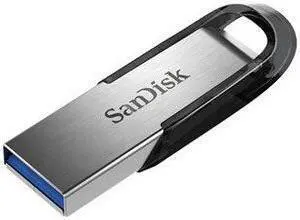
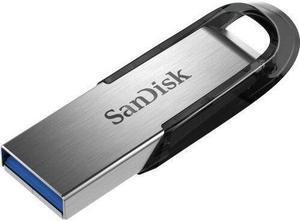
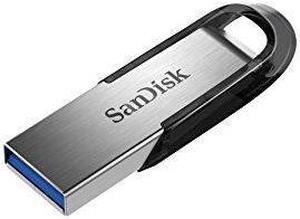
NEW SanDisk SDCZ73-032G-A46 Ultra Flair USB 3.0 Flash Drive 32 GB 32GB
Quick View
NEW SanDisk SDCZ73-032G-A46 Ultra Flair USB 3.0 Flash Drive 32 GB 32GB
  • Brand: SanDisk
  • Capacity: 64GB (32GB x 2)
  • USB Specification: USB 3.0
  • Color: Silver / Grey
  • Model #: 323-431659000153076
  •  
  • $45.50 
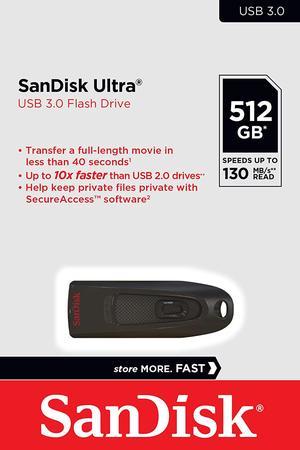
SanDisk 512GB Ultra CZ48 USB 3.0 Flash Drive, Speed Up to 130MB/s (SDCZ48-256G-G46)
Quick View
SanDisk
SanDisk 512GB Ultra CZ48 USB 3.0 Flash Drive, Speed Up to 130MB/s (SDCZ48-256G-G46)
  • Brand: SanDisk
  • Series: Ultra
  • Capacity: 512GB
  • Security: 128bit AES Encryption
  • Model #: SDCZ48-512G
  •  
  • $89.95 
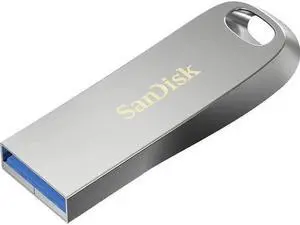
SanDisk Ultra Luxe USB 3.2 Gen 1 Flash Drive, 256GB
Quick View
SanDisk
SanDisk Ultra Luxe USB 3.2 Gen 1 Flash Drive, 256GB
  • Brand: SanDisk
  • Series: Ultra Luxe
  • Capacity: 256GB
  • USB Specification: USB 3.2 Gen 1
  • Model #: SDCZ74-256G-A46
  •  
  • $59.25 
SanDisk 16GB USB 2.0 Ultra Backup Password Protection Memory Storage Flash Drive
Quick View
  •  
  • $36.47 
Kingston DataTraveler Exodia 256GB USB 3.2 Gen 1 Type A Flash Drive DTXON256GB
Quick View
Kingston DataTraveler Exodia 256GB USB 3.2 Gen 1 Type A Flash Drive DTXON256GB
  • Brand: Kingston
  • Capacity: 256GB
  • Security: Lightweight
  • Part Number: DTXON/256GB
  • Model #: DTXON256GB
  •  
  • $59.95 
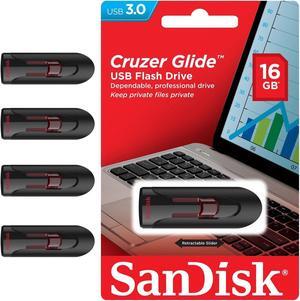
SanDisk 16GB Cruzer Glide CZ600 USB 3.0 16G USB Flash Drive Memory Stick
Quick View
SanDisk
SanDisk 16GB Cruzer Glide CZ600 USB 3.0 16G USB Flash Drive Memory Stick
  • Brand: SanDisk
  • Series: Cruzer Glide CZ600
  • Capacity: 16GB
  • USB Specification: USB 3.0
  • Model #: Z600sz16G-1
  •  
  • $17.25 
32GB Cruzer Blade USB 2.0 Flash Drive- SDCZ50-032G-B35 Black
Quick View
  •  
  • $11.61 
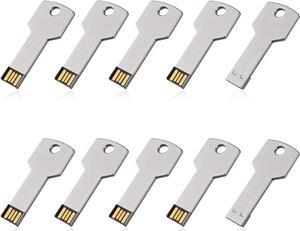
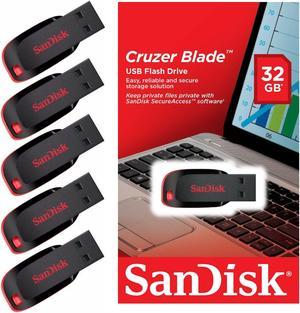
8GB Cruzer Blade USB 2.0 Flash Memory Drive SDCZ50-008G (10 Pack)
Quick View
  •  
  • $58.88 
5 Pack SanDisk 16GB USB 3.1 Ultra Fit 16G CZ430 130MB/s SDCZ430-016G Flash Drive
Quick View
  •  
  • $99.99 
SanDisk 1TB Ultra Fit USB 3.2 Gen 1 Flash Drive - Up to 400MB/s, Plug-and-Stay Design - SDCZ430-1T00-G46 with OEM USB Lanyard
Quick View
SanDisk
SanDisk 1TB Ultra Fit USB 3.2 Gen 1 Flash Drive - Up to 400MB/s, Plug-and-Stay Design - SDCZ430-1T00-G46 with OEM USB Lanyard
  • Brand: SanDisk
  • Series: SanDisk Ultra Fit
  • Capacity: 1TB
  • Part Number: SDCZ430-1T00-G46
  • Model #: SDCZ430-1T00-G46L
  •  
  • $199.99 
SanDisk CZ50  16GB 16G  Cruzer Blade USB 2.0 Flash Drive SDCZ50
Quick View
SanDisk
SanDisk CZ50 16GB 16G Cruzer Blade USB 2.0 Flash Drive SDCZ50
  • Brand: SanDisk
  • Capacity: 16GB
  • USB Specification: USB 2.0
  • Features: System campatibility: Windows 2000/XP/Vista/7, Mac OS X v10.1.2+, Mac OS X v10.5, etc
  • Model #: N82EA9820147689
  •  
  • $16.95 
512GB USB-C IRONKEY VAULT 50C
Quick View
512GB USB-C IRONKEY VAULT 50C
  • Type: Computer Accessories
  • Color: Black
  • Model #: IKVP50C/512GB
  •  
  • $364.75 
SanDisk 128GB Cruzer Ultra USB 3.0 100MB/s Flash Pen Drive SDCZ48-128G-U46
Quick View
  •  
  • $39.99 
10 x SanDisk 16GB Cruzer Glide USB 3.0 Flash Pen Drive SDCZ60 SDCZ600-016G-B35
Quick View
  •  
  • $169.95 

Other Uses for USB Flash Drives

Introduction

A USB flash drive is a versatile data storage solution that can be used for many purposes, some of which are not widely known. While flash drives are popular for backing up and transferring data, other uses include boosting computer performance or serving as an operating system boot disk. Below, NeweggBusiness presents several lesser-known benefits of flash drives that you may find useful.

Increase System Performance

Certain operating systems allow you to use a USB flash drive to increase system performance by complementing the main system memory. Known as ReadyBoost ®, it is supported by Windows® Vista®, Windows 7, and Windows 8. In order for a USB flash drive to be used, it must have at least 256 MB of unused space.

Portable Applications

What are portable applications? They are programs that can be installed onto a USB flash drive and run on a host computer without modifying the host computer’s settings or configurations. For instance, a portable .pdf reader on a USB flash drive will allow you to read .pdf files without requiring installation.

Boot Disk

A boot disk can be used for many purposes, including operating system installation, updating Basic Input / Output System (BIOS) settings, and troubleshooting operating system issues. Traditionally, boot disks were specially formatted 3.5 inch floppy disks and later optical discs, but USB flash drives can also be used. The process to make a USB flash drive a boot disk varies depending on the operating system.

Automated Backup

Some USB flash drives include automated backup software bundled or preinstalled onto the drive. With automatic backup, files, folders, and settings can be backed up to a flash drive whenever it is inserted into a USB slot.

Lock or Unlock a Computer

If you have concerns about computer security and do not feel that a password is sufficient protection, a USB flash drive can be used to add an extra layer of security. Some programs, when installed onto your computer and USB flash drive, require the flash drive to be inserted in order for the computer to be locked or unlocked.

Security Tools

By installing portable security tools onto a USB drive, you can scan for viruses and malware on any computer that the flash drive is connected to. A useful tool if you need to remove viruses, malware, or other malicious software from multiple computers or frequently use public computers.

Optical Drive Replacement

Installing an operating system typically requires you to have the installation disc, which can be an issue if the computer does not have an optical drive. One workaround is to use a USB flash drive as the installation medium, rather than an optical disc. This is accomplished by formatting the USB flash drive as a boot disk and copying the operating system installation files.