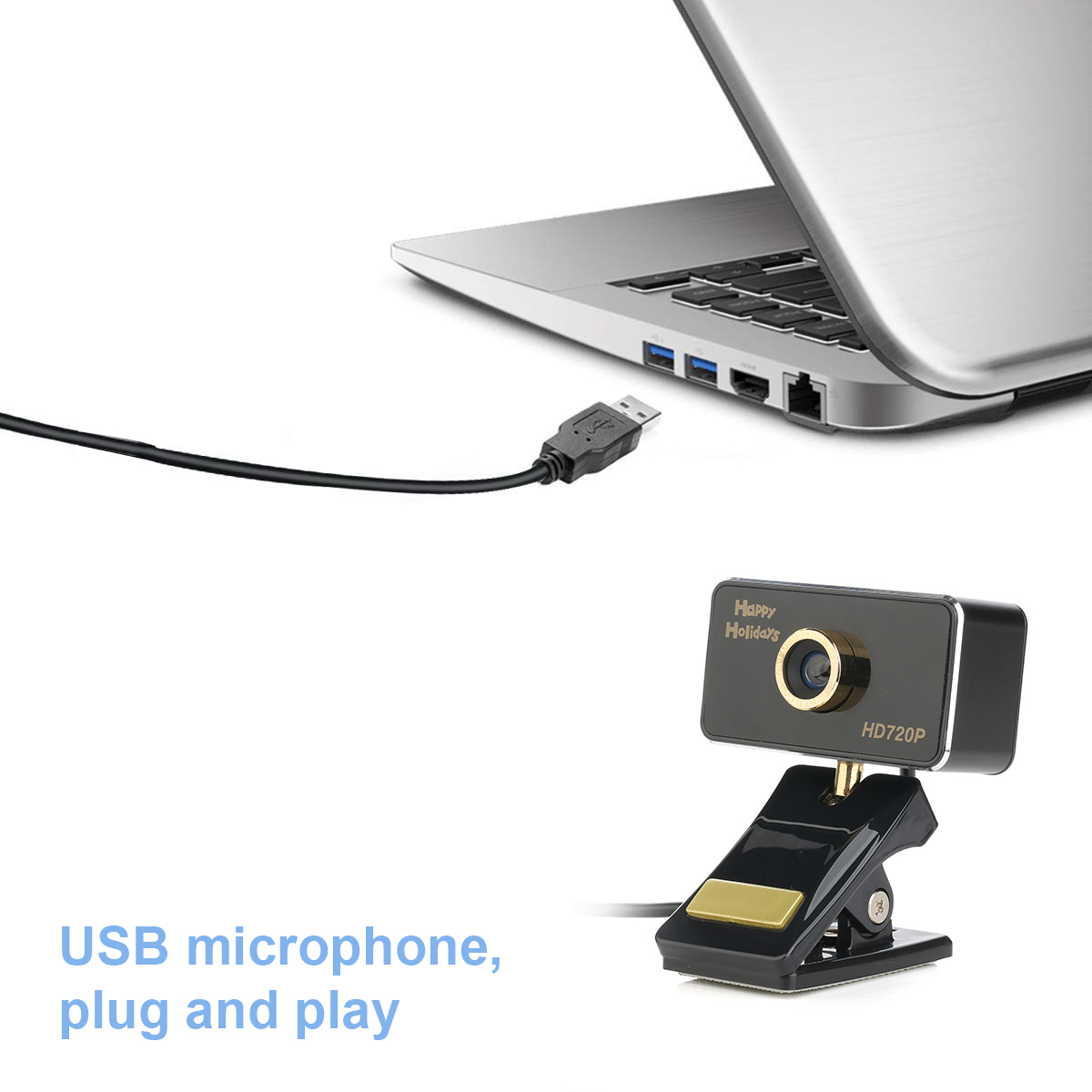
USB 2.0, plug and play
Compatible with Windows XP (SP2 or Over), Windows Vista, Windows 7 (32-bit or 64-bit) or Windows 8. Also supports Android TV.
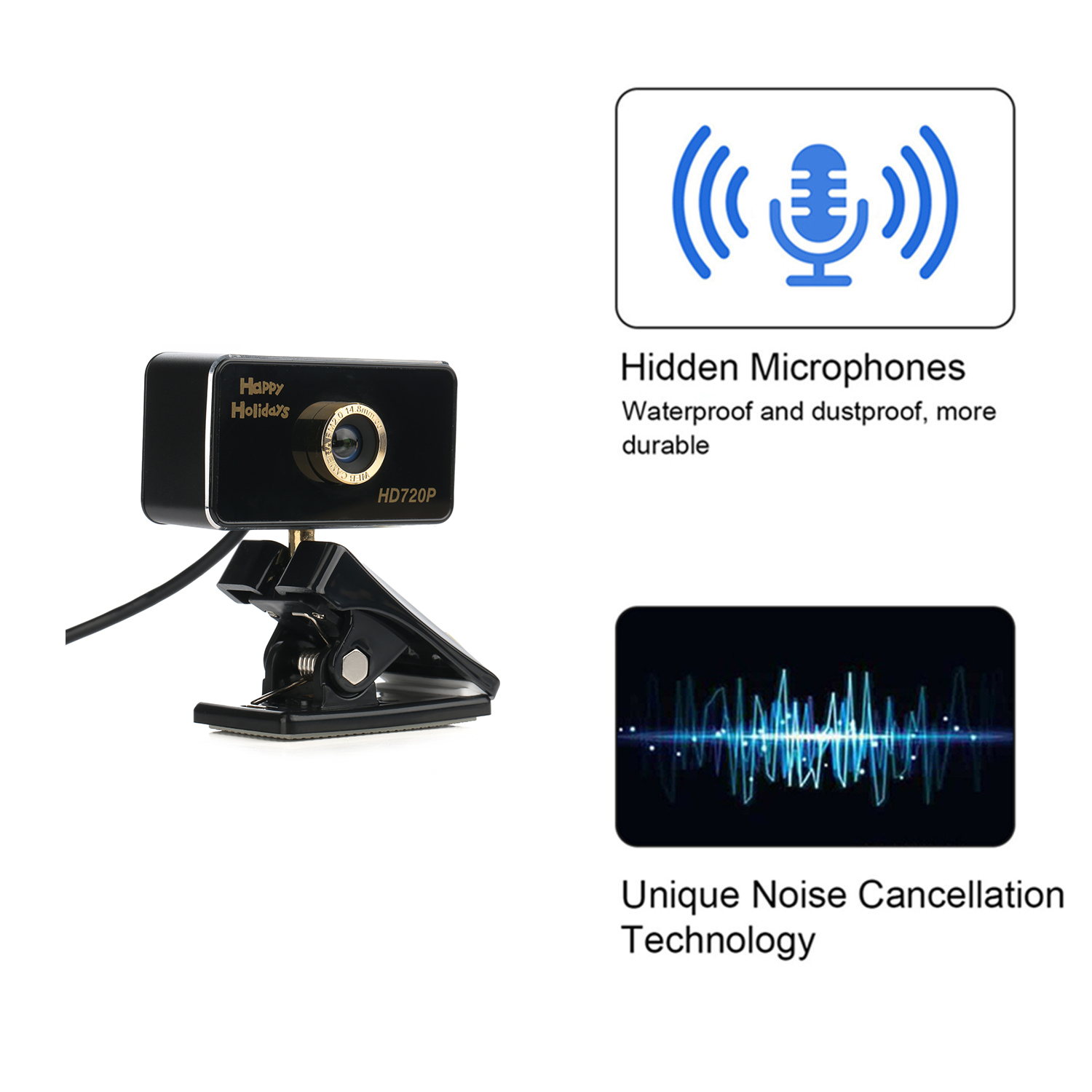
Built-in mic with noise reduction, your voice can be clearly caught within 8 meters, no need to get close to the camera.
Installation instructions:
1. Place your webcam:
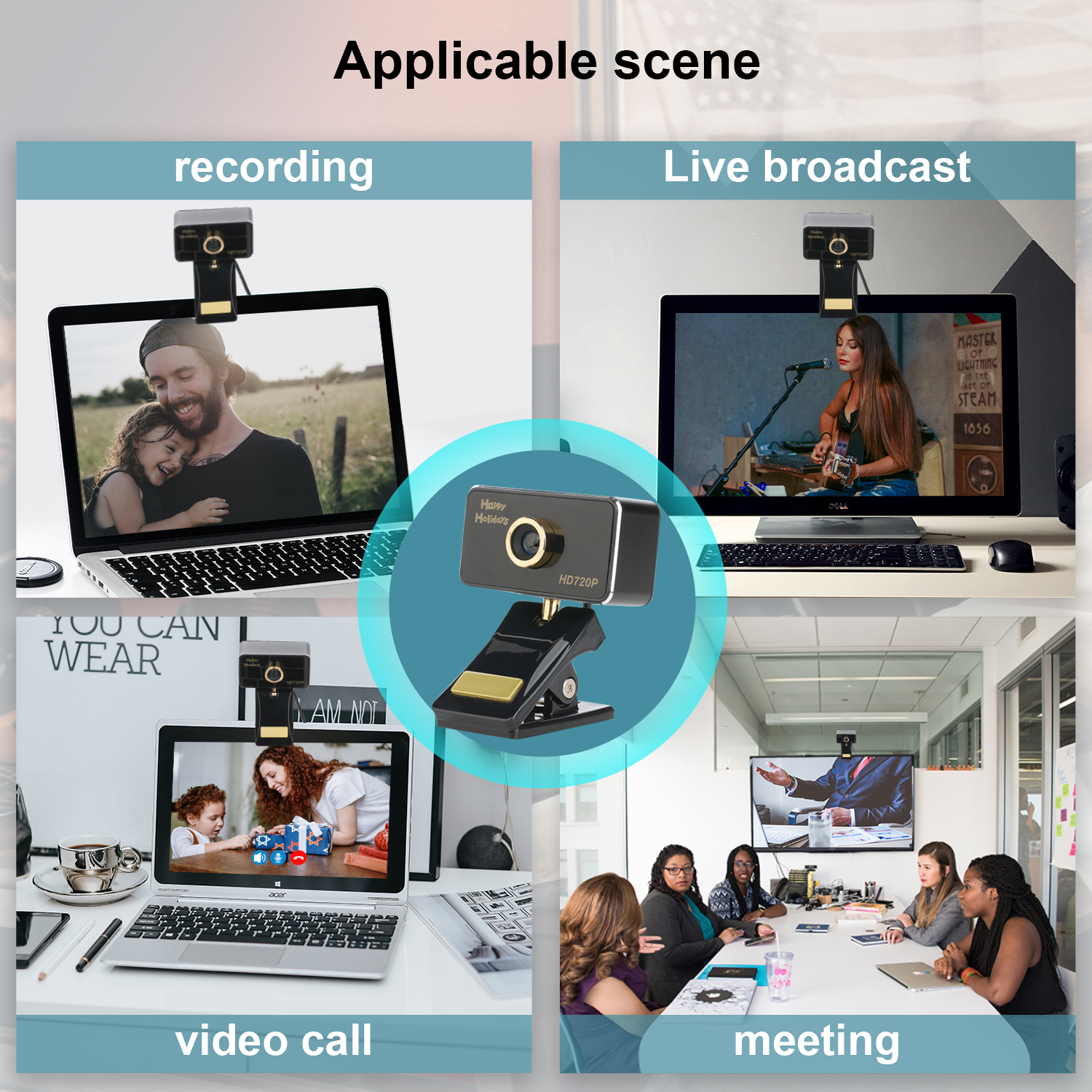
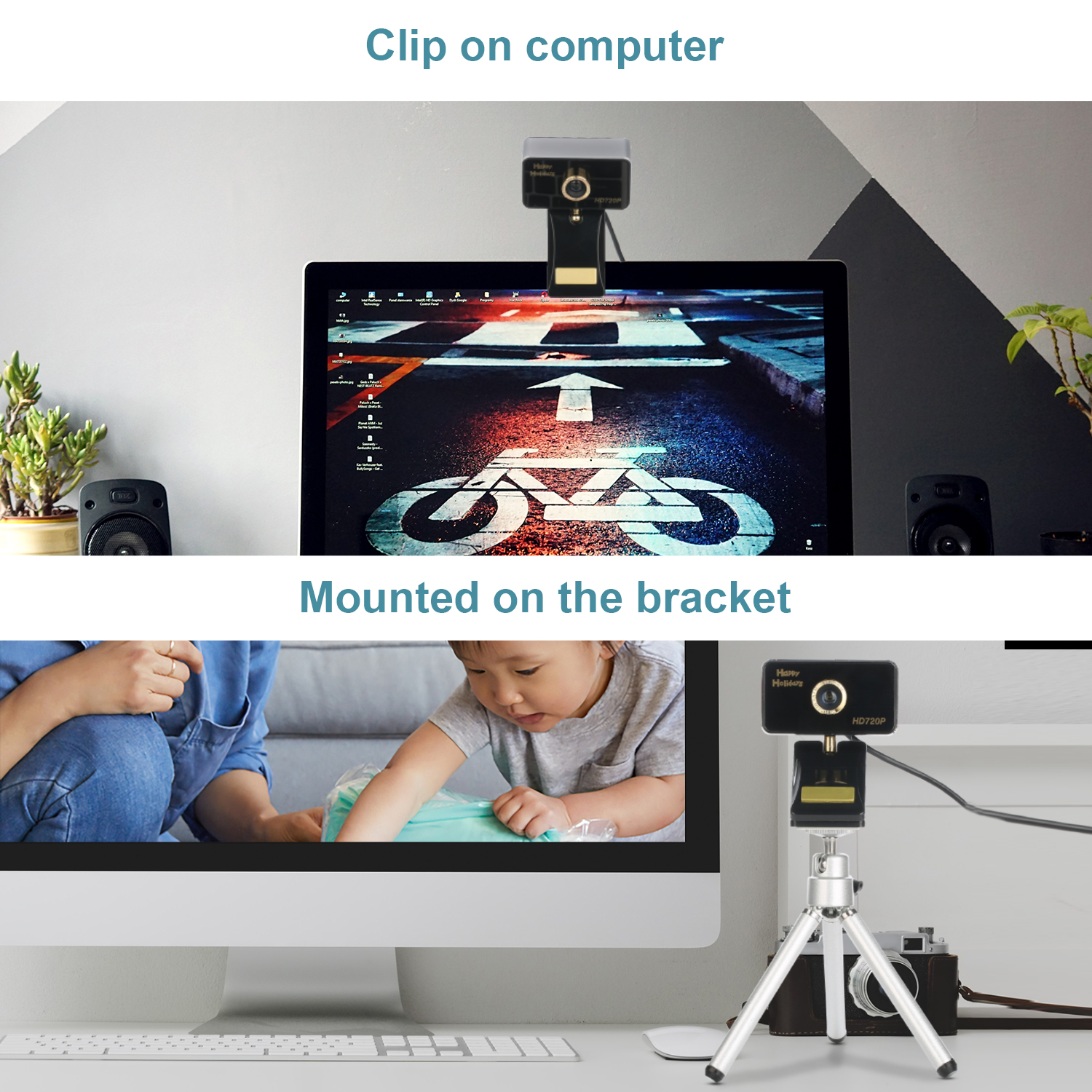
Designed for the kind you want to make a video call, Place your webcam on your computer,TV,desktop.
2. Connect Webcam
3. Software installation:
Driver-free installation,Plug and play. Wait a minute and the Webcam is automatically installed.
Important: Please make sure your device is connected to the network
Is microphone defective? Troubleshooting Methods:
1. Turn off the microphone of the computer
2. Mount the webcam on your computer
3. Find the local recording function of your computer and use the camera's microphone to record. Play after recording. If it can play normally, there is no problem with the microphone of the camera. Otherwise, the microphone of the camera is defective.
Package:
1 * USB 1080P Webcam (with 1.8M USB Cable)
1 * User Manual
USB port, Just Plug and Play
Work with PC, Notebook, laptop, desktop, Android TV.
Compatible with Skype, yahoo!@messenger, MSN, Windows live@messager, Gmail, Android IPTV, WHATSAPP, QQ etc instant messaging applications.
Works with Windows 7/8/10, Mac OSX 10.7 and Android 4.0 or higher version operation systems.
Feature:
USB 2.0, plug and play.
Compatible with Windows XP (SP2 or Over), Windows Vista, Windows 7 (32-bit or 64-bit) or Windows 8. Also supports Android TV
Built-in mic with noise reduction, your voice can be clearly caught within 8 meters, no need to get close to the camera
Installation instructions:
1. Place your webcam:
Designed for the kind you want to make a video call, Place your webcam on your computer,TV,desktop
2. Connect Webcam
3. Software installation:
Driver-free installation,Plug and play. Wait a minute and the Webcam is automatically installed.
Important: Please make sure your device is connected to the network
Is microphone defective? Troubleshooting Methods:
1. Turn off the microphone of the computer
2. Mount the webcam on your computer
3. Find the local recording function of your computer and use the camera's microphone to record. Play after recording. If it can play normally, there is no problem with the microphone of the camera. Otherwise, the microphone of the camera is defective.
Package:
1 * USB 1080P Webcam (with 1.8M USB Cable)
1 * User Manual


![Main image of [Manual Focus] Full HD Webcam 720P - Pro Web Camera with Stereo Microphone - USB Computer Camera for PC Laptop Desktop Mac Video Calling, Conferencing Skype YouTube](https://c1.neweggimages.com/productimage/nb640/ABRYS2005081iy8a.jpg)
![Alt view image 2 of 11 - [Manual Focus] Full HD Webcam 720P - Pro Web Camera with Stereo Microphone - USB Computer Camera for PC Laptop Desktop Mac Video Calling, Conferencing Skype YouTube](https://c1.neweggimages.com/productimage/nb640/ABRYS200508r8Nh4.jpg)
![Alt view image 3 of 11 - [Manual Focus] Full HD Webcam 720P - Pro Web Camera with Stereo Microphone - USB Computer Camera for PC Laptop Desktop Mac Video Calling, Conferencing Skype YouTube](https://c1.neweggimages.com/productimage/nb640/ABRYS200508uRN3L.jpg)
![Alt view image 4 of 11 - [Manual Focus] Full HD Webcam 720P - Pro Web Camera with Stereo Microphone - USB Computer Camera for PC Laptop Desktop Mac Video Calling, Conferencing Skype YouTube](https://c1.neweggimages.com/productimage/nb640/ABRYS200508oIE55.jpg)
![Alt view image 5 of 11 - [Manual Focus] Full HD Webcam 720P - Pro Web Camera with Stereo Microphone - USB Computer Camera for PC Laptop Desktop Mac Video Calling, Conferencing Skype YouTube](https://c1.neweggimages.com/productimage/nb640/ABRYS200508CYHxe.jpg)
![Alt view image 6 of 11 - [Manual Focus] Full HD Webcam 720P - Pro Web Camera with Stereo Microphone - USB Computer Camera for PC Laptop Desktop Mac Video Calling, Conferencing Skype YouTube](https://c1.neweggimages.com/productimage/nb640/ABRYS200508zaqwm.jpg)
![Alt view image 7 of 11 - [Manual Focus] Full HD Webcam 720P - Pro Web Camera with Stereo Microphone - USB Computer Camera for PC Laptop Desktop Mac Video Calling, Conferencing Skype YouTube](https://c1.neweggimages.com/productimage/nb640/1EF-00J5-00013-S01.jpg)
![Alt view image 8 of 11 - [Manual Focus] Full HD Webcam 720P - Pro Web Camera with Stereo Microphone - USB Computer Camera for PC Laptop Desktop Mac Video Calling, Conferencing Skype YouTube](https://c1.neweggimages.com/productimage/nb640/1EF-00J5-00013-S02.jpg)
![Alt view image 9 of 11 - [Manual Focus] Full HD Webcam 720P - Pro Web Camera with Stereo Microphone - USB Computer Camera for PC Laptop Desktop Mac Video Calling, Conferencing Skype YouTube](https://c1.neweggimages.com/productimage/nb640/1EF-00J5-00013-S03.jpg)
![Alt view image 10 of 11 - [Manual Focus] Full HD Webcam 720P - Pro Web Camera with Stereo Microphone - USB Computer Camera for PC Laptop Desktop Mac Video Calling, Conferencing Skype YouTube](https://c1.neweggimages.com/productimage/nb640/1EF-00J5-00013-S04.jpg)
![Alt view image 11 of 11 - [Manual Focus] Full HD Webcam 720P - Pro Web Camera with Stereo Microphone - USB Computer Camera for PC Laptop Desktop Mac Video Calling, Conferencing Skype YouTube](https://c1.neweggimages.com/productimage/nb640/1EF-00J5-00013-S05.jpg)