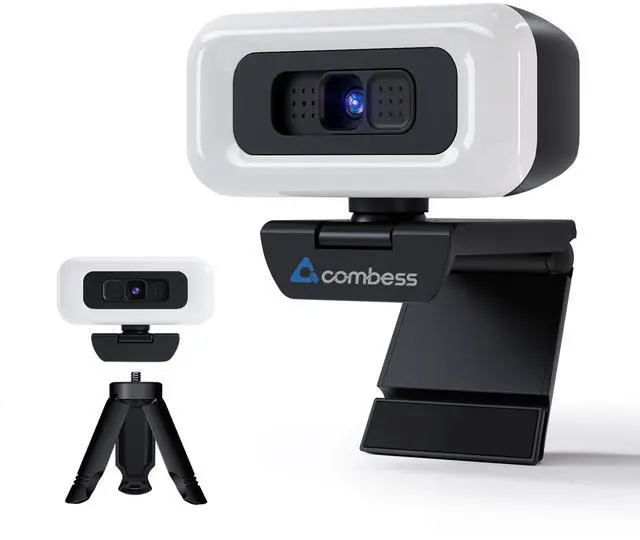
Webcam for PC - PC Camera Webcam 1080P, Desktop Computer Web cam with Privacy Shutter and Tripod Autofocus, Dual Noise-USB Plug&Play,Cancelling Mics,Auto Light Correction,
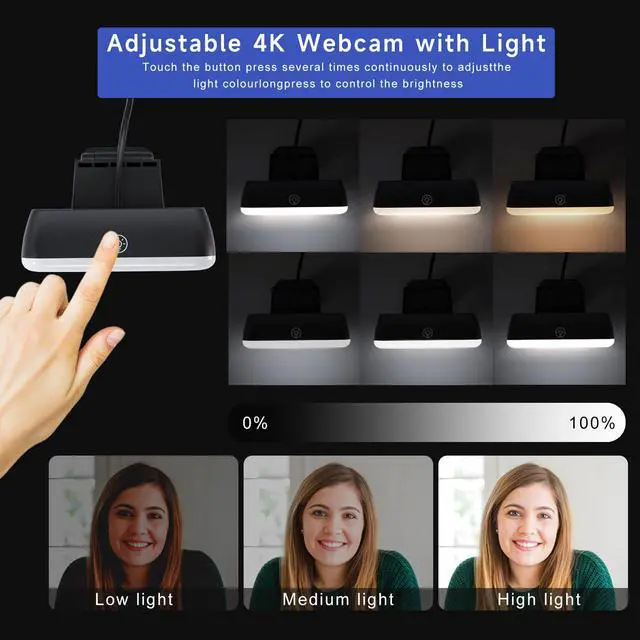
Adjustable Web cam The Web Camera for Desktop Computer has built-in 3 colours of light and brightness adjustable with touch control.Select your desired lighting, then press and hold for a few seconds to adjust the brightness slider.You can control the touch adjustment by yourself. Also we have adjustable Tripod for you to choose.
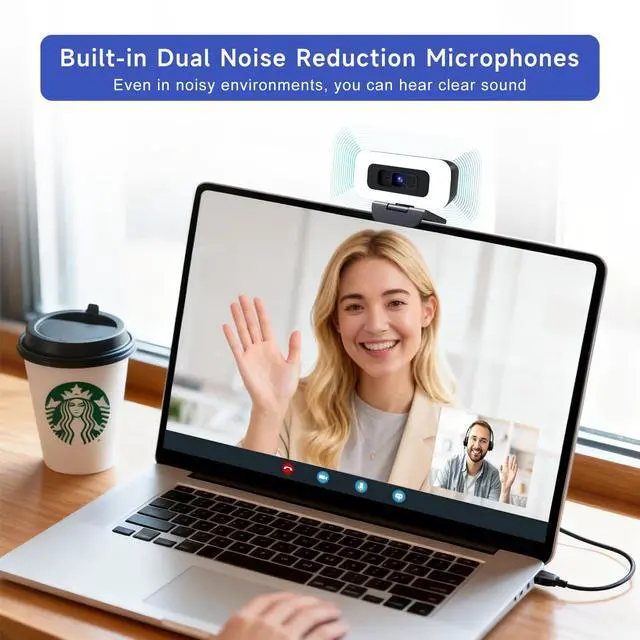
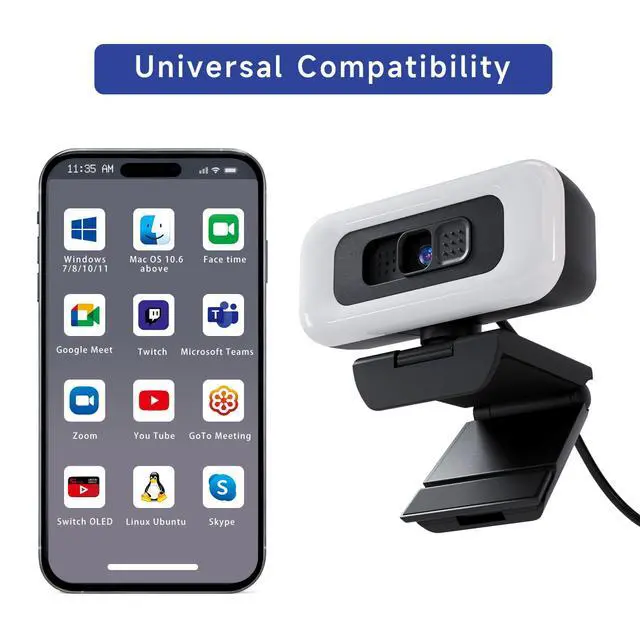
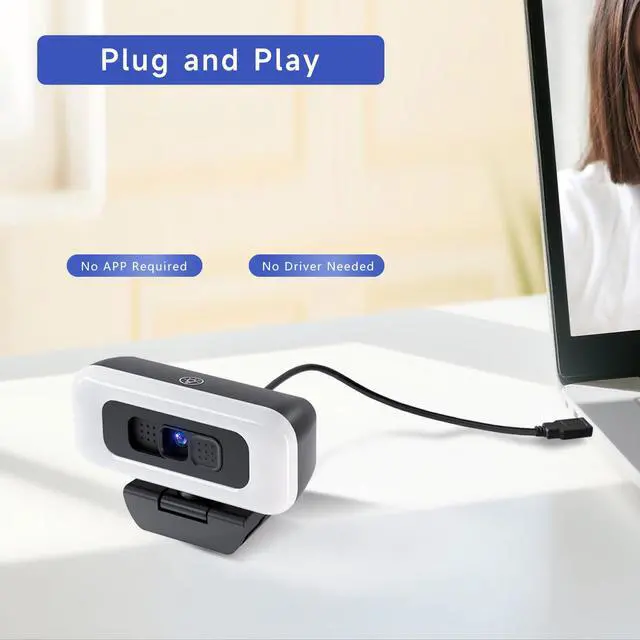
Dual noise-cancelling mic & Plug & Play: This webcam for pc also comes with a microphone with double noise cancellation to ensure clear audio even in cluttered environments.and you don't need to download any software. Simply plug the camera for computer with stand into your device's USB port and you're ready to go!
HD usb camera: The Combess computer camera for desktop comes fixed focus with HD 1920×1080 resolution, . and the USB webcam for laptopintelligently adjusts to produce the best possible image even when shooting in dim or poorly lit environments. Solve your problems in dim light!
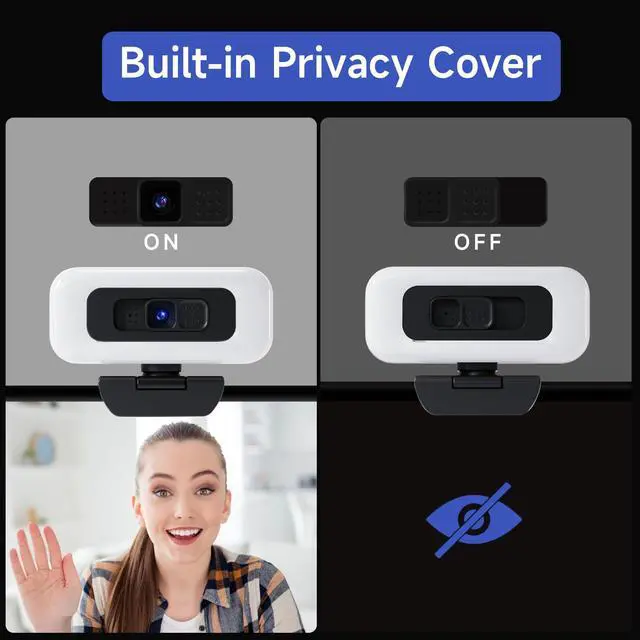
USB Webcam with Tripod and Privacy Cover: This laptop camera with tripod
+
+
Overview
Specs
Reviews
Webcam for PC - PC Camera Webcam 1080P, Desktop Computer Web cam with Privacy Shutter and Tripod Autofocus, Dual Noise-USB Plug&Play, Cancelling Mics, Auto Light Correction,
Learn more about the EYE 1080P
Disclaimer
Disclaimer
not_applicable
Model
Brand
ClearOne
Name
EYE 1080P
Model
EYE 1080P
Part Number
20250113G
Details
Color
Black
Interface
USB 3.0
Image Sensor
CCD
Max. Image Resolution
1920 x 1080
Focus Settings
Auto Focus
Lens
Wide Angle
Power Source
USB, false
Shutter Control
Automatic, Autofocus
Dimension
14.33in W x 12.83in H x 9.06in D
Features
Features
Auto-focus, Desktop Computing
Package Contents
Package Contents
USB Cable, Camera, Brackets, User Manual
Manufacturer Warranty
Parts
1 Year
Labor
1 Year
Additional Information
First Listed on Newegg
July 25, 2026
Customer Reviews of EYE 1080P
There are no reviews yet.
Do you own this product?
Warranty & Returns
Warranty, Returns, And Additional Information
Warranty
Please contact the Seller directly for warranty information. Warranty information may also be found on the Manufacturer's website.