Built in noise reducing microphone
Clear and Natural Sound,Computer camera featured with Noise Reduction and Echo canceling technology, high sensitivity mic enables you to enjoy a clear voice for hassle free communication.
Automatic Low Light Correction
1080P webcam with automatic low light correction and high dynamic range HDR technology, stream clear video even in dim light. so you always look your Clear state on camera and say byebye to the black face era.
Quick and easy set up
Get up and running immediately without having to bother about installing any drivers. Simply connect this W5 HD webcam to your computer and video chat instantly with Skype, Windows Messenger or your favorite instant messaging application.
HD USB Webcam for Computer, Works in USB Video Device Class UVC mode. Easy set up, no driver needed. With 1.8M/6ft USB power cable, Webcam clip on, flexible placement.
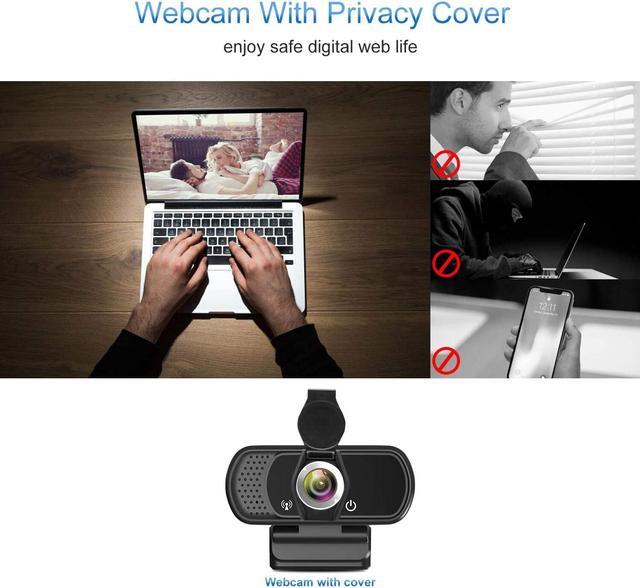
Privacy Protector
Webcam cover overs your webcam when not in use, and prevents web hackers from Spying on you. It is perfect to provide privacy, security and peace of mind to individuals, groups, organizations, companies and governments.
Easy to Set Up Webcam Privacy Shutter
1. Clean your device camera surface.
2. Remove the back 3M tape.
3. According to the position of the lens,stick the cover over the camera.
4. Open, Close the cover.
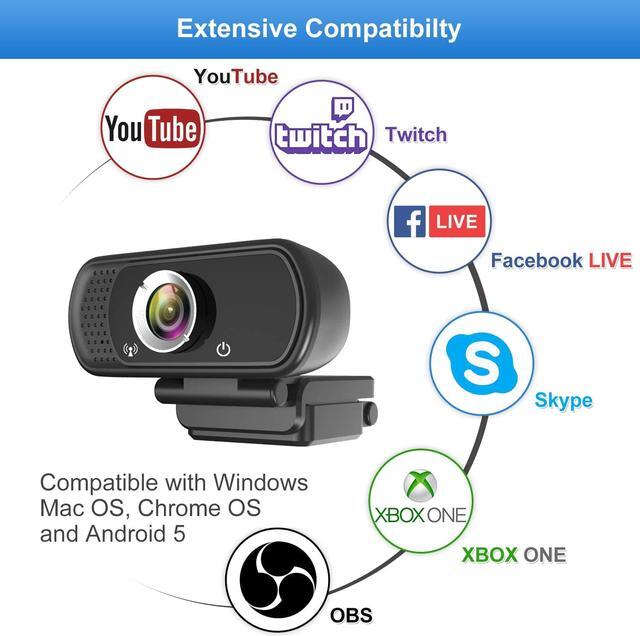
Compatible with
Windows 7, 8, 10 or later
MacOS 10.6 or above
Android V5.0 or above
Chrome OS 29.0.1547 or above
Package
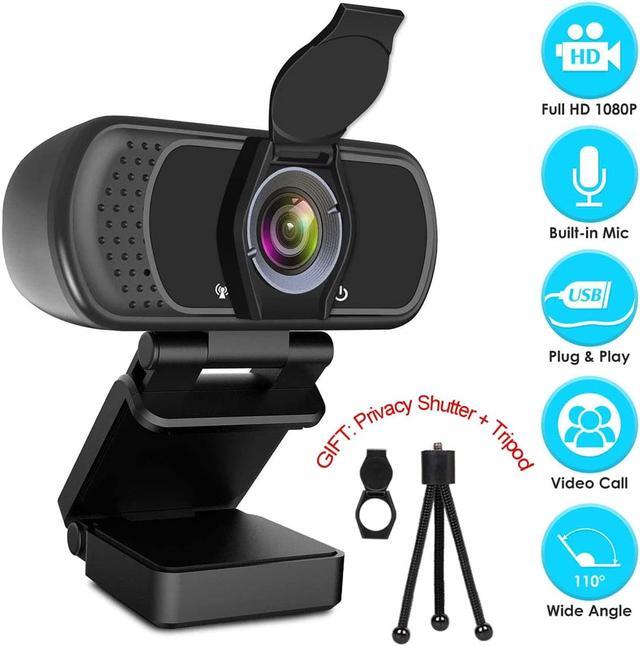
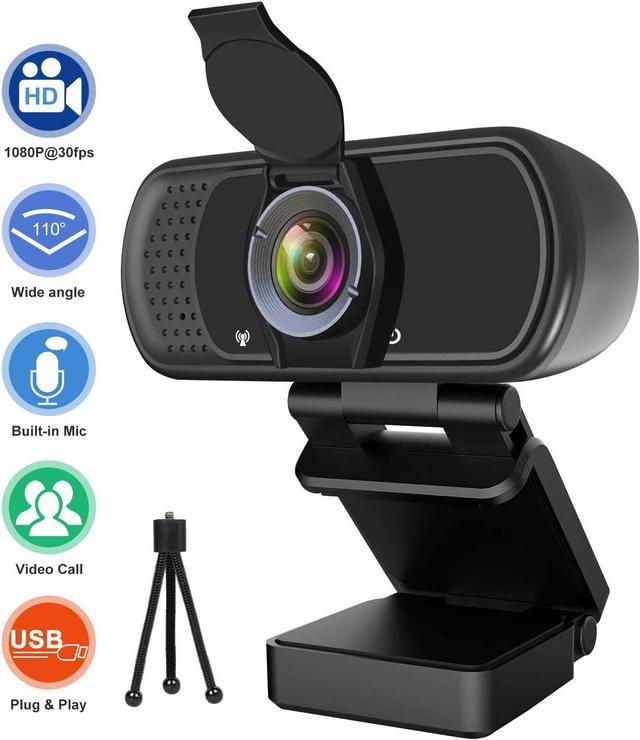
1 USB 1080P Webcam, with 1.8M USB Cable.
1 Privacy Shutter
1 Tripod
1 User Manual
This is an excellent 1080P USB webcam with audio. It has exquisite appearance, smooth video, clear quality image,. The webcam is easy installation and plug-and-play. Webcam cover and tripod will be provied for free.
Webcam Package:
1 x PC Webcam
1 x Manual
1 x Tripod
1 x Cover
1 x Box
Webcam
Technical specifications:
Suggest software: OBS Studio.
Lens: Glass lens
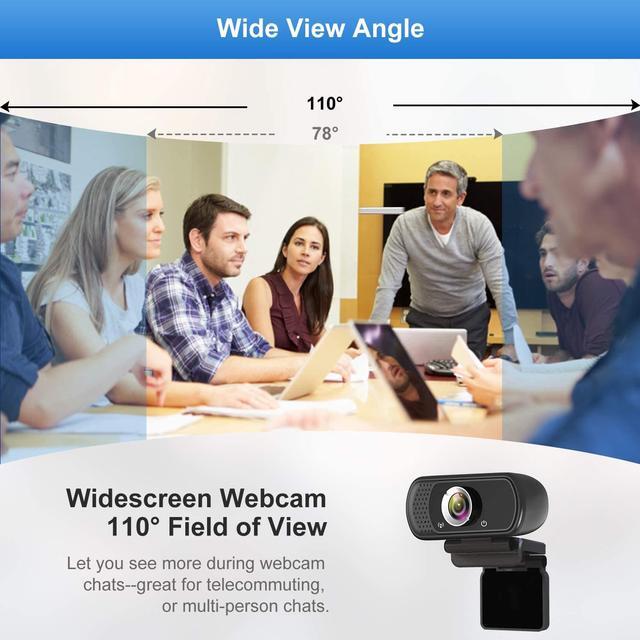
Angle: 110 Degree
Image sensor: CMOS
Focus Type: Fixed focus.
Focal length: 0.5 m to 2.5 m.
Video encoding: mjpg, Yuv.
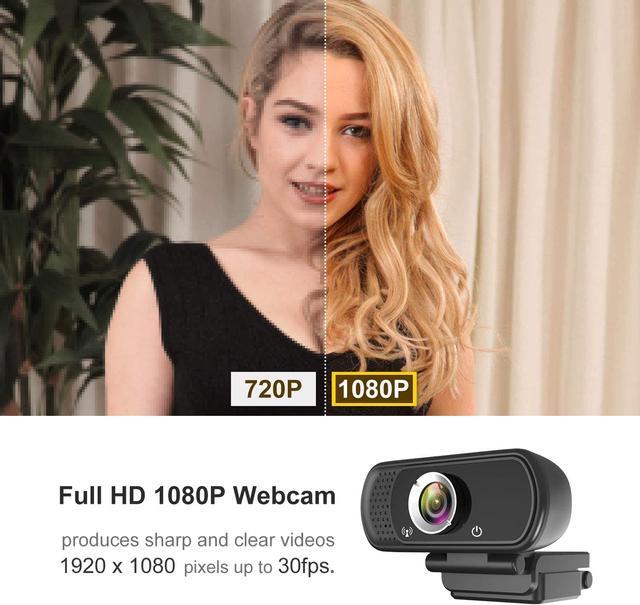
Video resolution: full HD 1080P/30FPS
(support: 1920x1080, 1280x720, 640x480 etc. )
Note:
If you are unable to access Windows 10'S preinstalled Skype with this 1080P webcam, please go to the Skype official website to download the latest desktop version.
Due to the large angle of view, the four corners of the picture will have some distortion, but the middle position will not have distortion. Large wide angle can see a larger area, so you can enjoy different video effects.
If you do not receive webcam cover or tripod due to Amazon logistics, please contact us.
If the mic didn't work, that is because the computer give the wrong channel for webcam microphone, if you had used other camera (or other devicea) for the computer, the right channel is occupied, so your computer distribute the wrong channel to new webcam please open your device manager of your computer, and find the audio
1. You should find the recording equipment in the system. 2. Find the device you are connected to and click enter properties. 3. Enter advanced options for properties. Select the channel type you want to select. Mono selection 1 channel, stereo selection 2 channels. Then plug webcam in again and it will work normally.



 All Categories