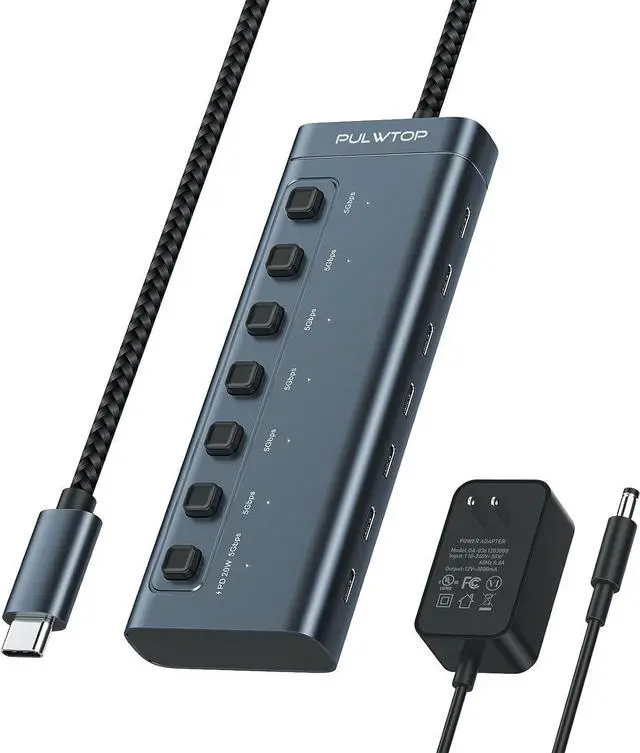
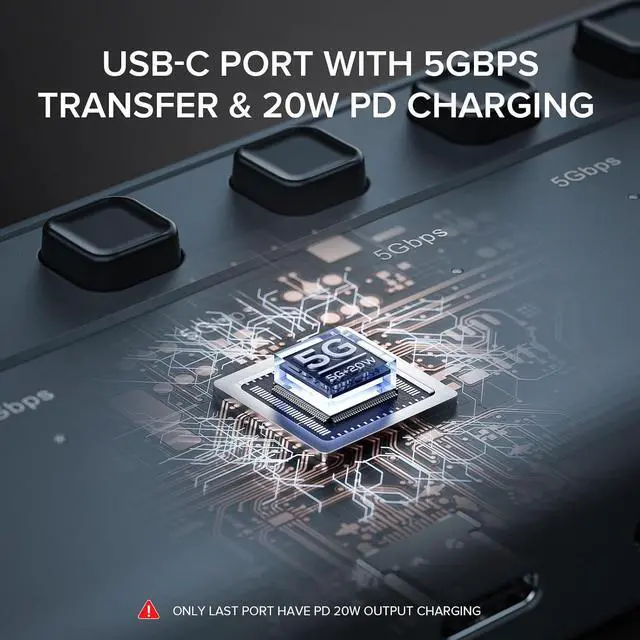
Efficient Data Transfer and Fast ChargingThe PULWTOP Powered USB C Hub is equipped with 7 USB C ports works with to 5Gbps. One of the ports supports simultaneous data transfer and charging supports up to 20W charging for your iPad iPhone and other devices. The charging port does not support charging laptops. Individual Switch and Portable DesignThis USB C hub multi-port adapter is designed with an independent switch and LED indicator for each port. This allows you to easily access and monitor the connection status of each USB C port individually. With its compact size of 5.5 x 2.0 x 0.7 inches you can easily take it anywhere with you.
Wide CompatibilityThe PULWTOP USB C Hub works with all devices that have a Type-C port Compatible devices include theMacBook Pro MacBook Air iMac iPad Pro Chromebook Matebook and more. PULWTOP USB C HUB aims to enjoy the convenience and versatility of this USB C hub on various devices. Plug and PlayThe PULWTOP USB C Hub is easy to use and requires no installation of drivers. Simply plug it in and start using it right away. This multiport adapter allows you to connect your hard disk mouse keyboard USB C flash drive and other Type-C devices to your laptop or device.
Note: The ports of the Powered USB C hub do not support video output. It is primarily designed for data transfer purposes. Make sure to connect the power adapter to the USB C Hub to ensure proper functionality.