


Meet Your Seller

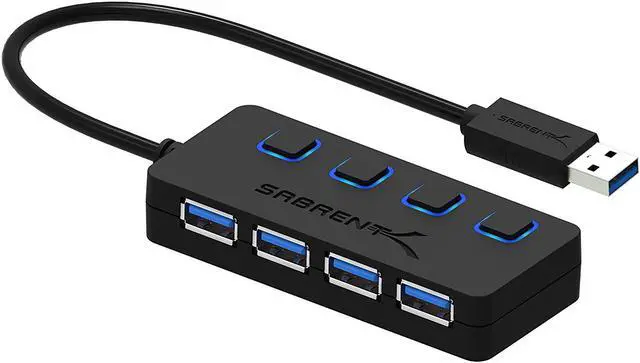
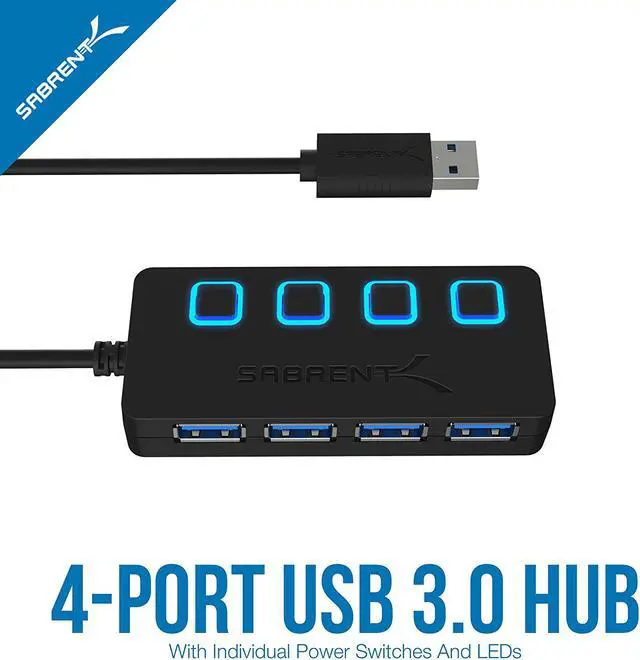


USB HUB, 4-Port USB 3.0 Hub with Individual Power Switches, LED Indicators Each Port , USB HUB Transfer Speeds up to 5Gbps, Compatible USB 2.0 / 1.1,Plug & Play and Hot Swappable
- Item #: 9SIV36AKE31322
- Mfr. Part #: BL-HU-S401-CA
- 4-Port USB 3.0 Hub
- Individual Power Switches
- LED Indicators Each Port
- Transfer Speeds up to 5Gbps
- Compatible USB 2.0/ 1.1
- Plug & Play and Hot Swappable
+
+
Overview
Specs
Reviews
4 Port USB 3.0 Hub with Individual Power Switches
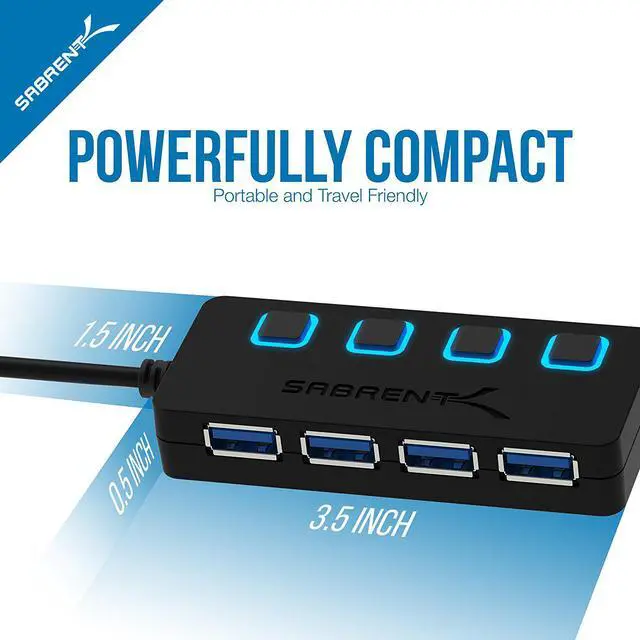
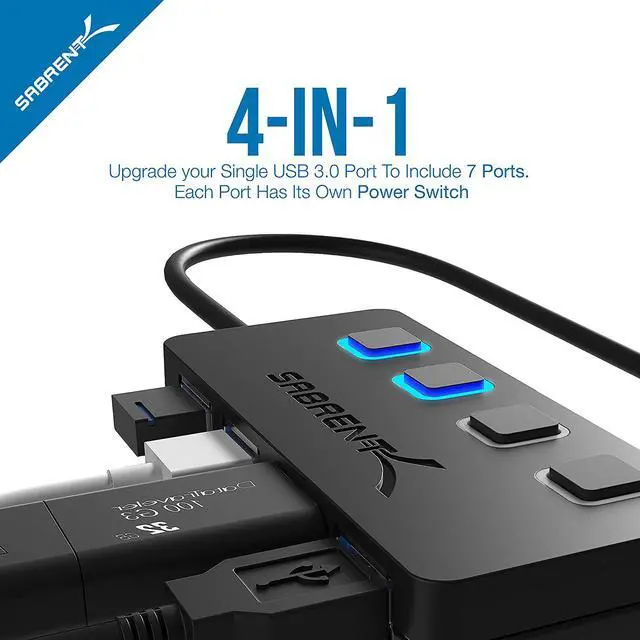
Add up to 4 devices with the Sabrent 4-Port USB 3.0 Hub. The thin, lightweight design makes the Sabrent 4-port USB 3.0 hub a great travel companion to expand your laptop’s USB 3.0 port into four. Fully backwards compatible with USB 2.0/1.1 products. Furthermore, each port has a power switch, allowing for individual port control.
We will provide the 2-4 days shipping to you for free.
With Super-Speed USB 3.0
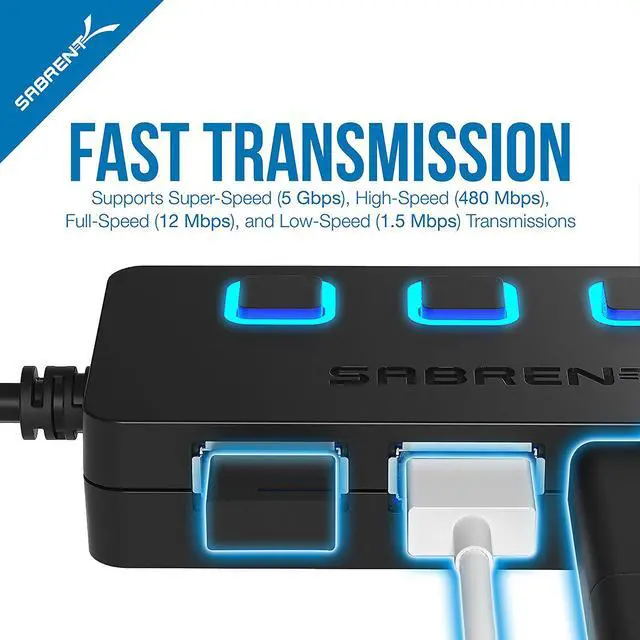
you can now transfer data 10 times faster than older USB 2.0 standards. Speeds of 5Gbps are a vast improvement over USB 2.0’s 480Mbps top speed. The Sabrent 4-Port USB Hub utilizes the most advanced technology but remains compatible with the older USB 2.0/1.1 standards.
Easy To Setup: Plug & Play and Hot Swappable
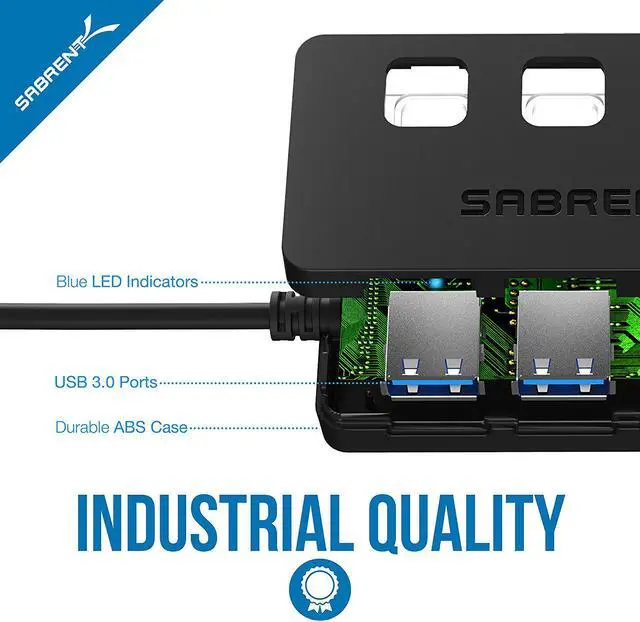
Blue LED indicates power status for each port.
Supports Transfer Speeds up to 5Gbps
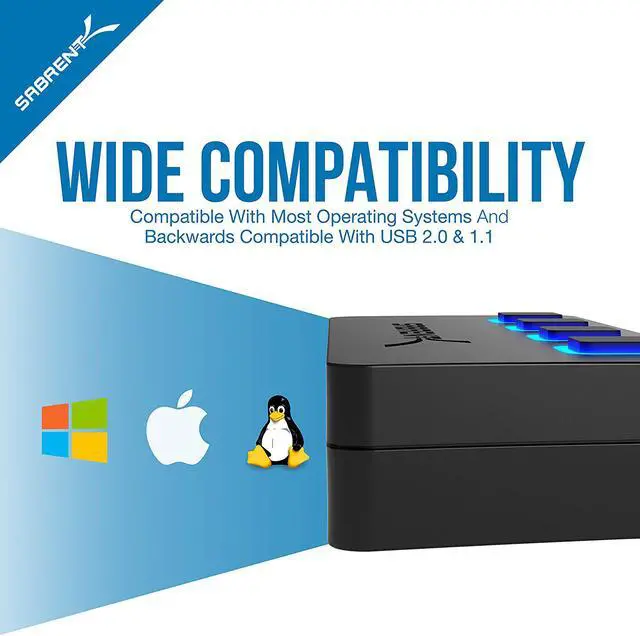
Reverse compatible USB 2.0 and USB 1.1.
Superior Industrial Quality
Enables users to seamlessly transfer data.
Compact Design
Perfect for traveling and taking on the road.
Package Contents
USB 3.0 Hub 8 inch (built in) cable
System Requirements
Windows 2000/XP/Vista/7/8/8.1/10
Mac OS 9.1 & Higher
Linux 2.4 or Above
Please Note:
2.4Ghz wireless devices, such as wireless keyboard and mouse adapters, may not work in close proximity to USB 3.0 devices or hubs. Connecting to a USB 2.0 port is recommended.
For a stable connection, any device connected to the 4-Port USB 3.0 Hub must not exceed a combined current of 5 volts 900 mAh. External hard-drives should be connected to an external power source. This 4-Port USB 3.0 Hub will not charge your devices, it will only sync.
Warranty & Returns
Warranty, Returns, And Additional Information
Warranty
- Please contact the Seller directly for warranty information. Warranty information may also be found on the Manufacturer's website.
- CONTACT
Return Policies
- Return for refund within: 30 days
- Return for replacement within: 30 days
- This item is covered by Electronics World Return Policy
Manufacturer Contact Info
- For a directory of all our manufacturers, please click below.
- Manufacturers Directory
LOADING...